
A Square restaurant rarely has a delivery problem. It has a printing problem.
The DoorDash order exists. The guest paid. A courier is on the way. Then the ticket the kitchen cooks from is one a barista retyped off a tablet while the pastry case line was deep, with the oat milk modifier dropped and the customer name shortened to something nobody can match to a bag.
That gap is what a Square reseller delivery integration closes, and it’s a straightforward thing to sell once you can describe it in the language an operator uses. The harder part sits behind the sale: who authorizes the merchant’s Square account, which delivery fields Square insists on, what happens when a merchant revokes access, and why a correctly written order can still fail to appear where staff expect it.
Get those right and you’ve sold a connection that prints. Get them wrong and you’ve sold a demo that ends at the first angry ticket.
What a Reseller Delivery Integration Does for Square Merchants
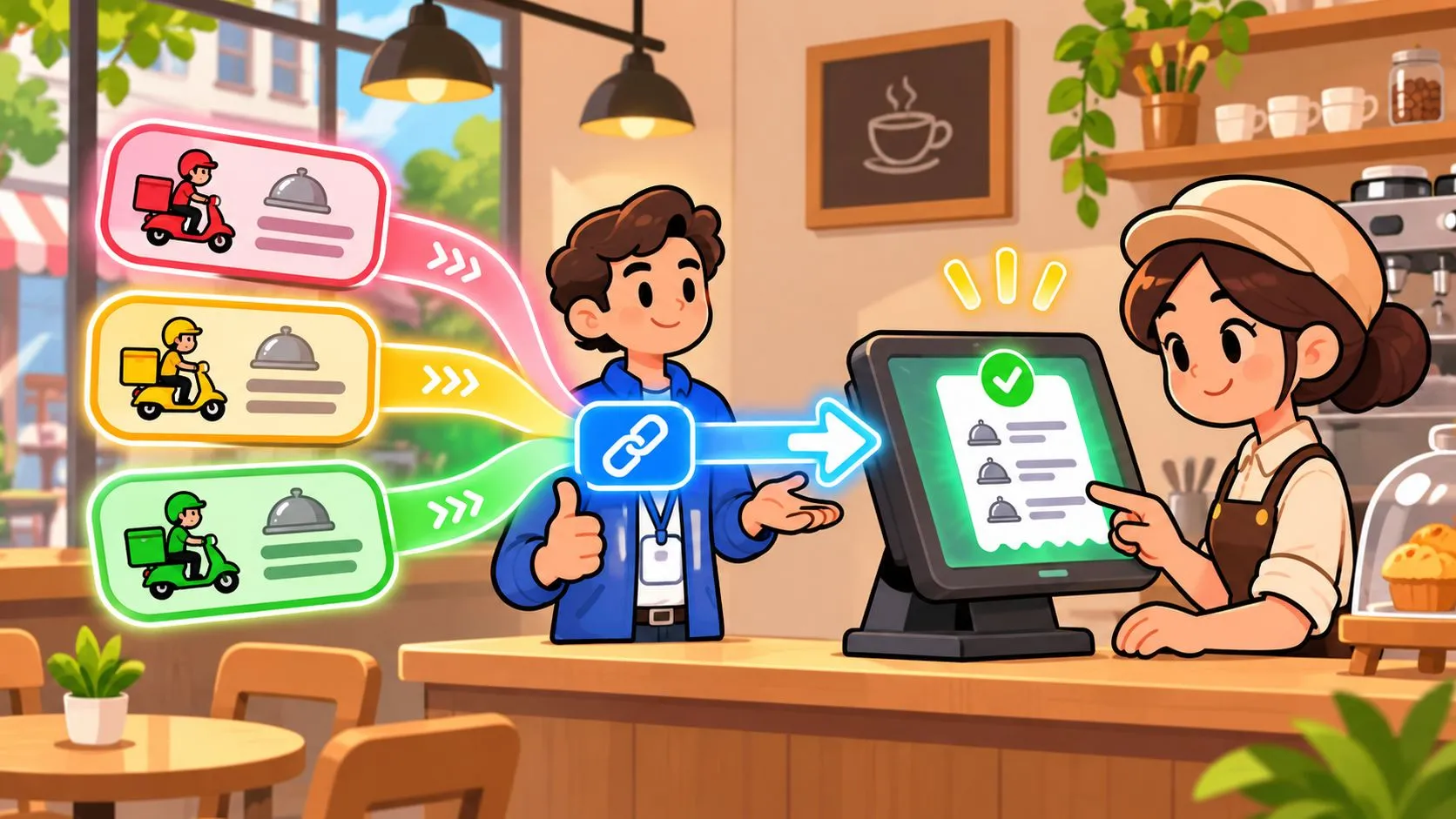
A reseller delivery integration routes Uber Eats, DoorDash and Grubhub orders straight into the Square POS the restaurant already runs, so the kitchen works one ticket stream instead of a tablet per marketplace. Sell the outcome first: marketplace orders land in the same workflow as in-store sales, with no extra tablet and no re-keying at the counter.
Juniper Street Cafe is the kind of account that makes this obvious. It is a single-location cafe with a tablet for each marketplace stacked at the counter during Friday dinner. A barista reads a DoorDash ticket off one screen and types it into Square, then repeats the exercise for Uber Eats when the line reaches the door. The printed ticket stops matching what the guest paid on the app.
You sell the fix to restaurants already on Square. OrderOut runs the delivery connection behind the partner’s brand, and the Square reseller program lets resellers resell Square, Clover and Online Ordering. Resellers do not buy a plan. They earn residuals on the merchants they bring to OrderOut. The how the reseller program works page is the commercial follow-up, not the opening pitch.
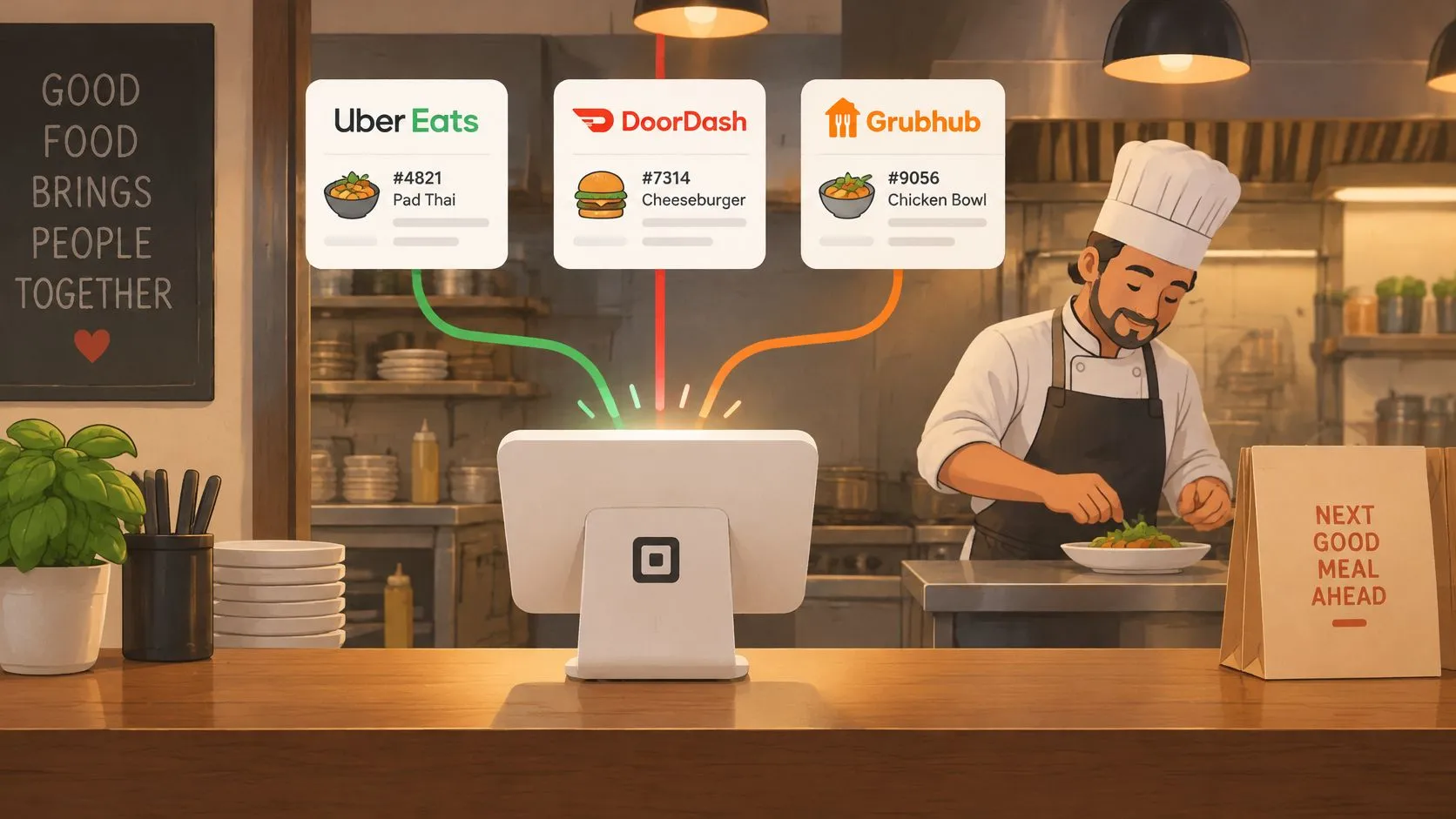
Square’s documentation on what the Orders API does describes an interface that records line items, calculates totals, confirms payments, tracks fulfillment progress and updates catalog inventory, then sends fulfillment orders into Square Point of Sale across pickup, shipment, delivery and in-store types. The same page states that delivery fulfillment orders created through the API are not shown in Square Point of Sale unless the integrator has a formal partnership agreement with Square. Writing a valid order and getting it in front of a cook are two different achievements, and only one of them is about code.
The one-liner to repeat to a client: your delivery orders are already in Square, they just aren’t on a screen the kitchen looks at until somebody types them there.
When a merchant asks what happens across several marketplaces at once, point them to connecting multiple delivery apps to one POS. Keep the sales conversation on the request path, authorization and clean Square item data, because those determine whether marketplace orders print.
Tablet Clutter and Re-Keying Problems Clients Already Feel
The complaint that opens these conversations is almost never about the API. It’s the tablet count.
Put the problems in a table and the sale gets easier, because every row is something the operator already says out loud in their own words.
| Merchant Problem | What It Looks Like at the Counter | What the Integration Changes |
|---|---|---|
| Separate tablet per marketplace | Each delivery app needs its own device beside the POS | Orders arrive in the POS workflow staff already watch |
| Manual re-keying | Staff retype marketplace tickets into the POS | Orders inject into the POS with no re-keying |
| Menu mismatch | Marketplace item names and modifiers do not match Square items | Menu is mapped to a normalized POS schema, so clean Square items and modifiers matter |
| Stale item availability | Sold-out items stay live on the marketplace | Availability and out-of-stock changes stay in step with the POS |
| Missed orders at peak | Tickets go unseen when tablets pile up | One ticket stream prints on existing kitchen hardware |
Manual re-keying is the row that costs the operator money, because every retyped ticket is a chance to get the size, the milk or the modifier wrong. Menu mismatch is the row that scares them after go-live: the integration isn’t broken, the Square item and the DoorDash item were never the same thing to begin with. Stale availability starts a refund argument the restaurant usually loses, and a missed ticket at peak is what made them take your call.
Ask this before you quote: which of these five does the client complain about without being prompted? Sell that row first. The rest is reinforcement, and reinforcement from a partner sounds different than a feature list.
Run three checks on a live menu export before you attach a number to anything. Confirm the merchant’s Square item names, modifiers and prices are clean enough to map. List which marketplaces they run today rather than which ones they mention in passing. Then note where tickets print now and who watches that printer, because the integration doesn’t change the kitchen’s habits, it changes what arrives there.
Pre-sale check, said plainly: if the Square menu can’t be mapped to a marketplace menu without a cleanup project, quote the cleanup. Selling the connection first and discovering the menu second is how a partner ends up owning a data-entry job.
Use the table as a conversation, not a slide. Lead with the row the merchant already complains about, then explain what changes for that row and stop talking. The rest of the table lands on the next call.
For a closer look at what retyped tickets cost an operation, read manual data entry errors in restaurant ordering.
How a Marketplace Order Reaches the Square POS
A Square order record alone doesn’t prove the kitchen received a usable ticket. Treat delivery integration as a partner service to scope on request: establish who handles the marketplace connection, who owns courier dispatch, and what must print before promising the merchant a working flow.
The Six Stages from Marketplace Order to Square Ticket
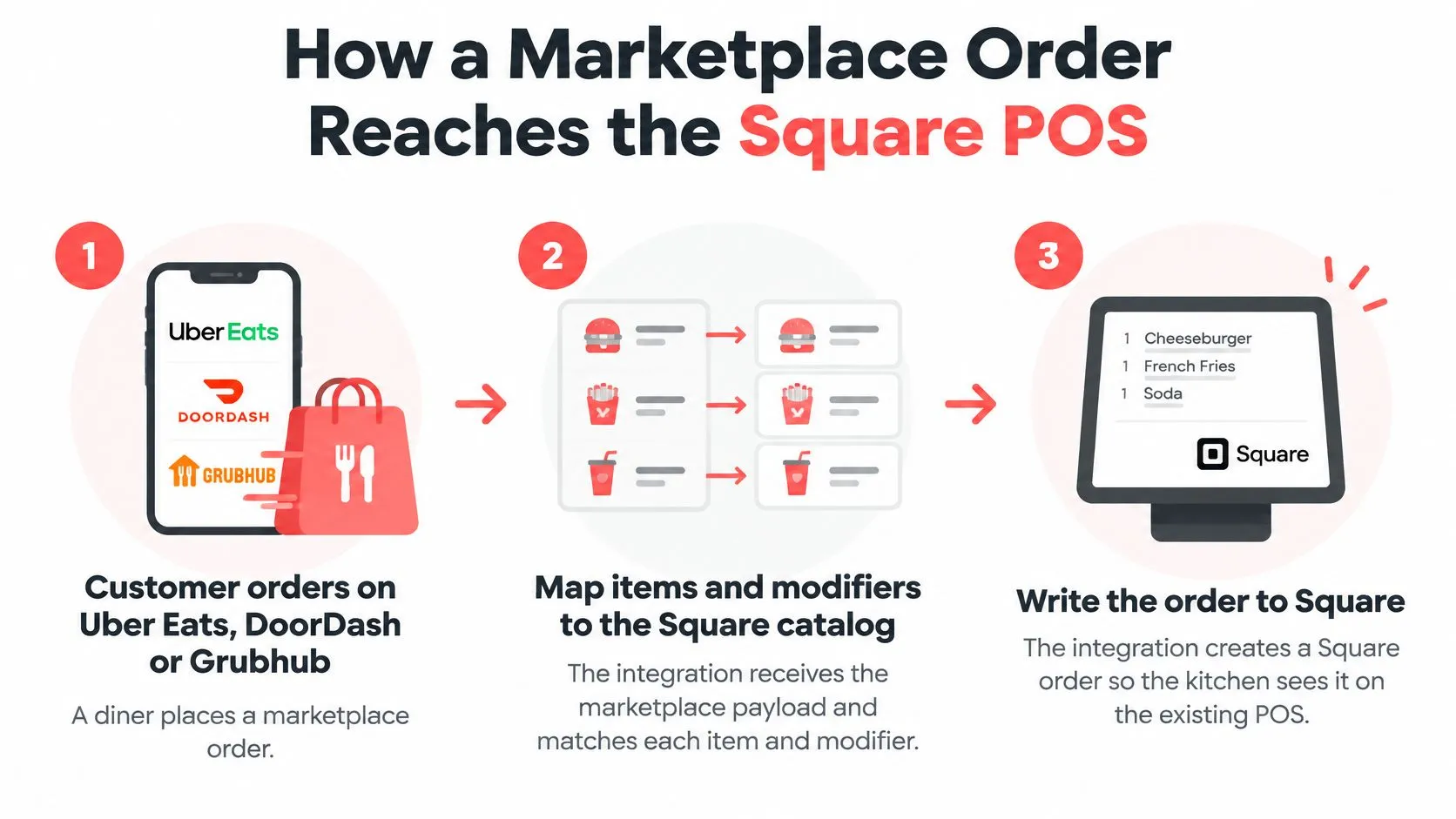
The flow has three broad steps: receive and map the order, write and route the ticket, then reconcile its progress. These six stages show where responsibility sits within those steps.
- The guest orders on a marketplace. Uber Eats, DoorDash or Grubhub receives the order. Square has not received a ticket yet. Establish who handles payment and courier fulfillment for that order.
- The integration normalizes the payload. Marketplace items and modifiers need mapping to the Square catalog. A missing oat milk modifier or a misread combo can become a kitchen remake even when the payload passes validation.
- It writes a Square order. Line items, totals and payment status must represent the marketplace order correctly. Catalog references connect mapped lines to Square items, preserving the distinction between a recognized item and a free-text description.
- It attaches the appropriate fulfillment and routes the ticket. Delivery details describe how the order reaches the guest. They do not, by themselves, book a courier or prove that a kitchen ticket printed. Confirm dispatch ownership and the merchant’s Square ticket workflow separately.
- It stores the marketplace order ID beside the Square order ID. Use that pairing to reconcile retries and repeated notifications. Otherwise, a repeated write can become another ticket and another meal prepared.
- It listens for fulfillment updates. Square’s Orders API webhooks reference documents order.created, order.updated and order.fulfillment.updated notifications. Use these events to reconcile progress, rather than assuming a notification means the kitchen has completed the corresponding action.
Treat each webhook as a prompt to retrieve the current order and reconcile its state. Notifications arriving out of order should not overwrite a newer status with an older one.
Where the Fulfillment Fields Split
Square’s Orders API fulfillments distinguishes managed delivery from seller-managed delivery through managed_delivery. That field determines which recipient and courier details the payload needs. Set it according to who controls fulfillment, not according to which marketplace supplied the order.
| Delivery Case | Recipient Fields | Courier Fields |
|---|---|---|
| Managed delivery (managed_delivery true) | display_name and address optional | courier_provider_name and courier_support_phone_number required |
| Seller-managed delivery (managed_delivery false) | display_name, address and phone_number required | Merchant’s own staff or chosen courier; identify the dispatch owner |
Optional recipient fields do not mean the delivery has been arranged. Required courier contact fields identify the provider; they are not a dispatch request. Ask who books the courier and who handles a delivery problem before assigning that responsibility to the integration.
Keep the merchant’s ownership answers attached to the setup: which marketplace supplies the order, which system writes it into Square, and who controls delivery. Those answers determine where support starts when a ticket or courier is missing.
Pre-go-live test: place one order on one marketplace, watch one ticket print in Square, then confirm the item, modifier, total and channel. Check that the fulfillment details match the agreed dispatch owner.
For handling tickets after they arrive, use marketplace order management for restaurants.
Authorizing Merchant Access with Square OAuth
A mistake I see repeatedly in partner builds is treating a merchant connection as a password handoff. Someone collects the restaurant owner’s Square login, stores it somewhere convenient, and calls that an integration.
Square’s OAuth API overview describes the correct model: delegated, scope-limited access to each restaurant’s Square account, with the authorization request specifying permissions such as ORDERS_READ. Each merchant authorizes separately. That isolation by seller is what makes multi-merchant onboarding workable without a drawer full of shared logins.
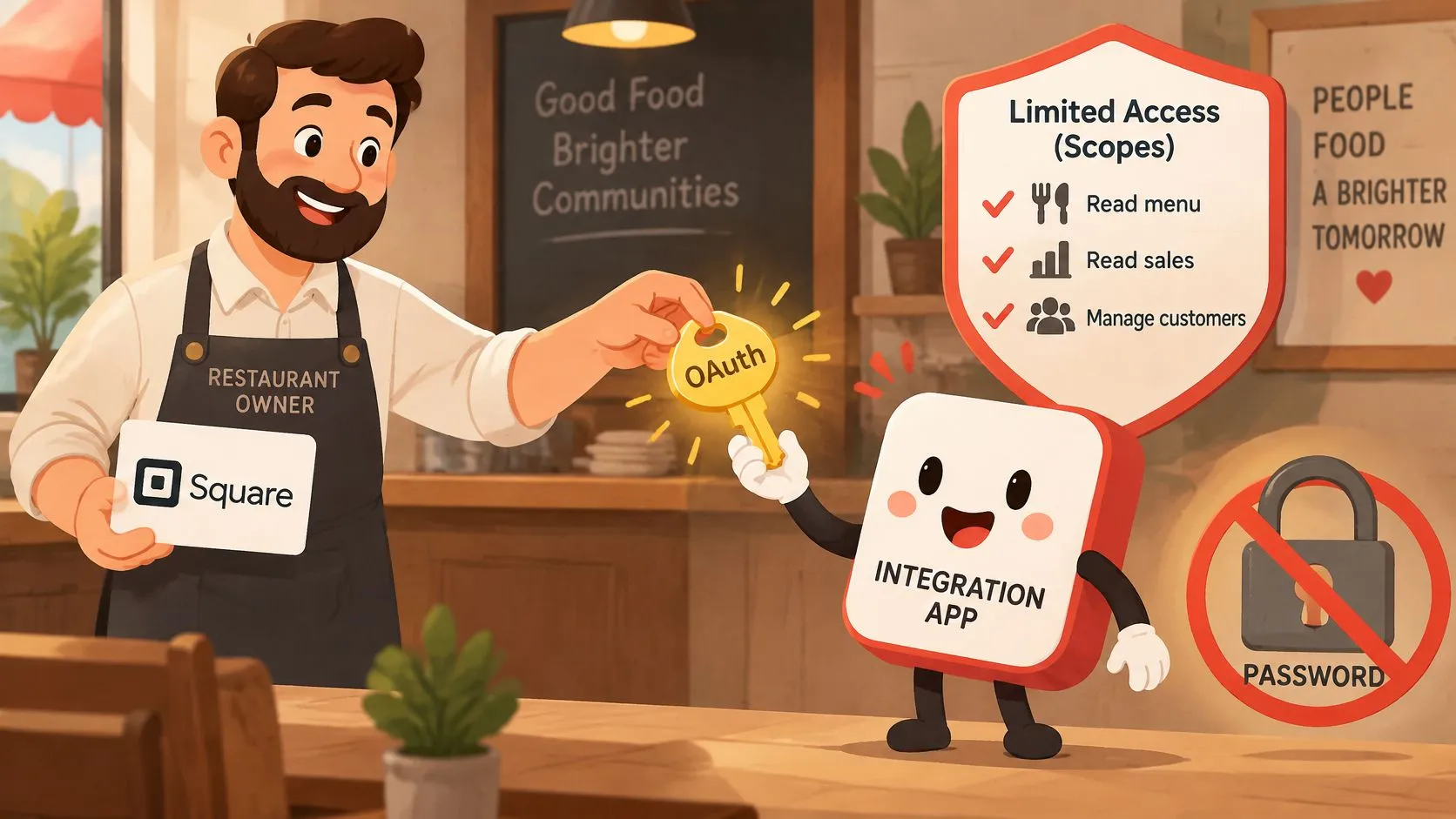
The duties behind that token are unglamorous, and they decide whether the connection holds or rots. Persist the seller’s token metadata securely. Request only the scopes the order flow needs rather than every permission on the list. Handle refresh and reauthorization as routine maintenance, not as an incident. Subscribe to the oauth.authorization.revoked event so a disconnected merchant stops generating failed order writes.
That last duty is the one partners skip, and it’s the one that produces the support call. When a merchant revokes access, marketplace orders stop landing in Square until they reconnect. Treat the revoke event as a support trigger with a named owner rather than a log line nobody reads, and tell the merchant plainly what they’ll see in the meantime.
Production and sandbox use separate OAuth domains and API base URLs. Test the full connect, order and revoke cycle in sandbox before a live merchant goes anywhere near it, because discovering a domain mismatch during dinner service is a partner problem, not a merchant problem.
Decide up front who owns the reconnect conversation. In most partnerships the partner holds the merchant relationship, so the partner makes that call and explains what happened. Build the sentence now: your Square connection needs to be re-authorized before delivery orders resume landing in the POS.
If your team handles the API side directly, the Square developer API guide for partners walks through the rest of the setup.
Scoping a Square Merchant Before You Ask
Delivery integration for Square is offered on request, not as a self-serve switch in the partner portal. That makes scoping your job, and requests are usually decided by how well you did it.
Six checks cover what matters at this stage.
| Check | What to Confirm | Why It Decides the Fit |
|---|---|---|
| Delivery apps in use | Uber Eats, DoorDash or Grubhub | Sets which marketplace menus must map to Square items |
| Square menu hygiene | Item names, modifiers and prices match the marketplace | The menu maps to a normalized POS schema, so mismatches surface at the counter |
| Courier control | Marketplace-managed or merchant-managed delivery | Decides which Square fulfillment fields the order needs |
| Ticket destination | Where staff watch for tickets today | Shows what actually changes at the counter |
| Locations in scope | One Square location or several | Several locations fit the aggregator model |
| Country | US or Canada | Canadian merchants are on Rack Rate only |
Gather three facts before you submit anything: the merchant’s delivery volume, the use case and the integration needs. Access to the Delivery API starts with a short intro call to review exactly those three, so a partner who arrives with them turns the call into a confirmation instead of an interview.
Clients running several locations with delivery on each one fit the aggregator model for resellers better than a single-store setup. For the technical picture of how marketplace orders reach a POS across channels, the 3rd-party order engine overview is the reference to read before that call.
Scope rule: if you can’t name the delivery apps, the Square locations and the person who owns menu accuracy, the request isn’t ready. Finish that sentence and the rest follows.
Bring the merchant’s current marketplace setup and a written list of its pain points in the merchant’s own words. Specificity is what separates a request that gets worked from one that gets questions.
Frequently Asked Questions
Does OrderOut work with Square?
Yes. Marketplace orders from Uber Eats, DoorDash and Grubhub route into the restaurant’s Square POS with no extra tablet and no re-keying. Square remains the operational source of truth, which is the point that matters at the counter. If the merchant wants direct orders too, OrderOut online ordering works with Square and Clover POS systems. Keep the answer practical: the value is fewer devices, fewer manual steps and one workflow for marketplace and POS activity.
Can a partner sell this under its own brand?
Yes, with the commercial structure kept straight. Agencies, ISOs, POS dealers and payment agents can work with the how the OrderOut reseller program works. The Reseller Program lets resellers resell Square, Clover and Online Ordering. Do not pitch products that are not part of that package. Sell the integration as a way to put delivery orders into the merchant’s existing POS workflow, then attach the online ordering piece where it fits.
Who owns the merchant relationship?
The partner keeps the restaurant relationship and earns residuals on the merchants it brings to OrderOut. That is the clean answer. Resellers do not buy a plan, so the conversation should stay focused on the merchant list, the delivery apps in use and the Square locations that need orders routed in. The Square reseller program gives the commercial view of what is being resold. Be clear about ownership: OrderOut runs the connection, while the partner owns the relationship it built.
What happens when a merchant shifts volume to its own ordering page?
Square still works as the operational source of truth. Marketplace orders keep routing into the POS, and direct online orders from OrderOut’s commission-free online ordering route into the restaurant’s Clover or Square POS as standard tickets, with no extra tablet needed. Recommend this path when the merchant wants more control over the customer experience but still wants staff working from one POS workflow. The integration stays useful either way.
Request Access to Offer Delivery Integration
Here’s the decision: do you request delivery integration for the Square clients you already board?
You don’t need to build anything, and you don’t need a new sales motion. The Square reseller program is the commercial view of what you already sell, and asking for the delivery layer turns a payments relationship into an operations relationship. The Reseller Program lets resellers resell Square, Clover and Online Ordering.
Residuals, plainly. Resellers don’t buy a plan. You earn residuals on the merchants you bring to OrderOut, so the recurring revenue stays attached to the accounts you placed. When a merchant asks why a number moved, Explain a residual walks the line items, and Explain in the AI assistant answers the same question inside the portal.
Before you send the request, do the boring work. Write down the merchant list, the delivery apps each one runs, the Square locations in scope and who owns menu accuracy on each account. Access starts with a short intro call that reviews delivery volume, use case and integration needs, so those notes turn into a short conversation instead of a week of back-and-forth. Bring the OAuth question to that call too: the merchant approves access to its Square account, so knowing which owner signs off saves a second round.
The residual model also gives you a clean answer when a prospect compares you to seat-based software they already buy. A Freshservice licensing fees breakdown shows how per-seat pricing climbs as an account grows, while residuals accrue per merchant you bring rather than per user on the account.
Read how the reseller program works for the structure, then request access through the Reseller Portal. The multi-product view for agents and ISOs sits on the OrderOut reseller hub, and that request is the one action worth taking this week.
OrderOut injects Uber Eats, DoorDash and Grubhub orders into the Square POS your restaurant clients already run, so the kitchen works one ticket stream instead of a tablet per marketplace. You keep the merchant relationship while OrderOut handles the connection and the merchant onboarding behind it. Visit OrderOut to see what you’d be reselling, then request delivery integration for the Square restaurants on your book.