
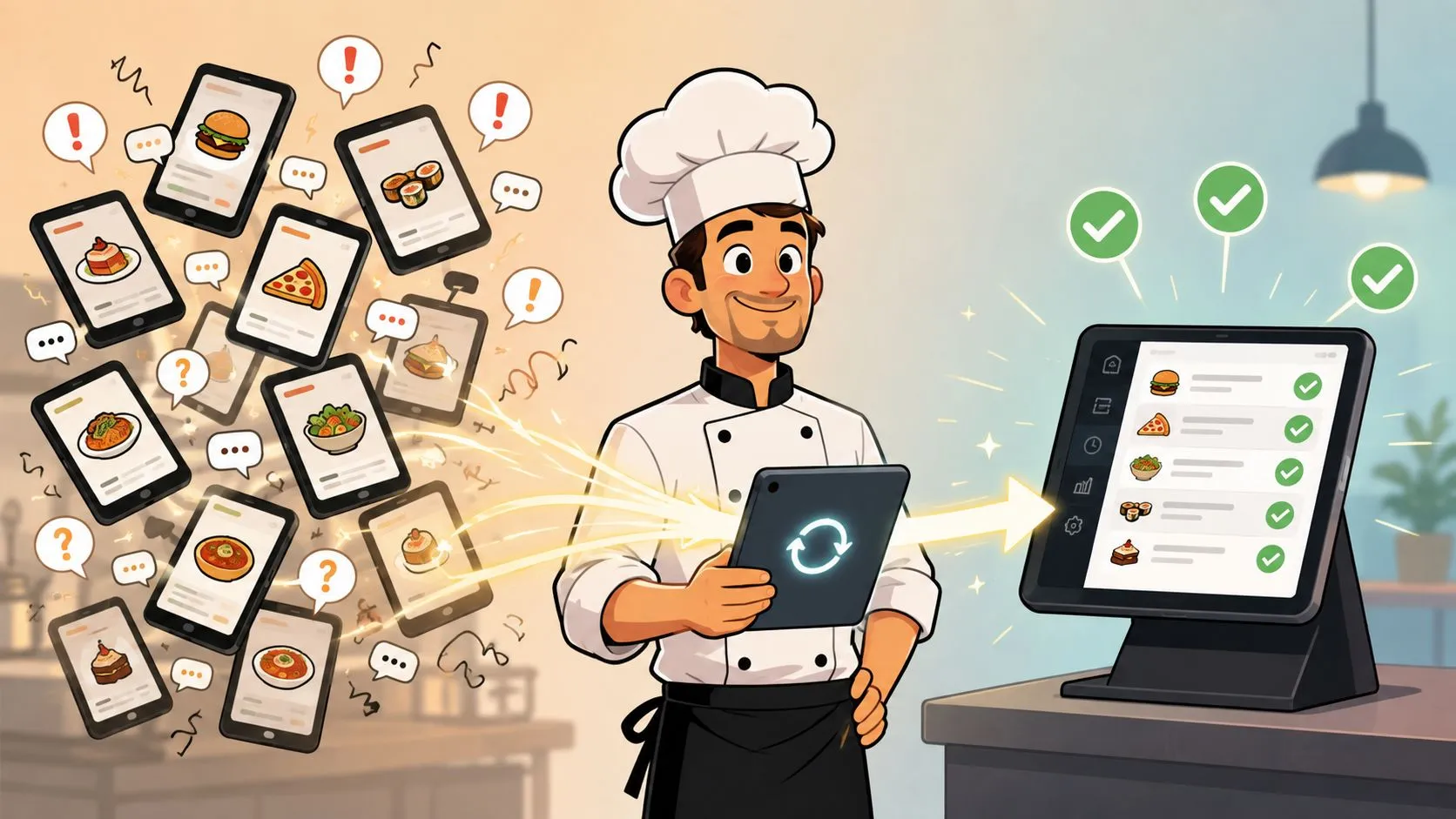
Friday night exposes every order management challenge at once, a DoorDash tablet chirps, Grubhub pings again, the phone rings, and someone is still trying to keep Clover or Square moving without dropping a modifier or duplicating a ticket. The fix is to stop treating delivery apps like separate businesses and start treating them like one order flow that has to land cleanly in the POS.
The Biggest Order Management Challenges Restaurants Face
The core problem in restaurant order management is simple. Orders arrive from too many places, get handled by too many hands, and drift away from the POS before the kitchen ever sees a clean version.
That’s why a Friday night feels like controlled chaos. One cashier is ringing dine-in tickets, a DoorDash tablet keeps lighting up, a Grubhub order needs a substitution, and a manager is trying to confirm whether Uber Eats already pushed the change. Every extra handoff opens the door to a missed modifier, a duplicate ticket, or a delay that turns into a comped meal later.
The business cost is real, not theoretical. McKinsey, as cited in Conexiom’s analysis of order management, links manual order processing to 30% higher operational costs and a 3% error rate, which means about 3 out of every 100 orders can carry a mistake that leads to returns, chargebacks, or customer complaints. In a restaurant, that shows up as the wrong protein, the wrong spice level, or a delivery that leaves the store with the wrong sides. The same source also notes that automation reduces processing time and human error, which is why the problem is operational, not just technical. Conexiom’s order management analysis
What makes this worse in restaurants is the pace. A missed ticket in retail can sit for a bit. A missed ticket in food service hits immediately, because the guest, the driver, and the kitchen are all waiting at once.
Practical rule: if the POS isn’t the place where every order lands first, the rest of the operation is already compensating for a leak.
Multi-Channel Delivery and the Tablet Problem
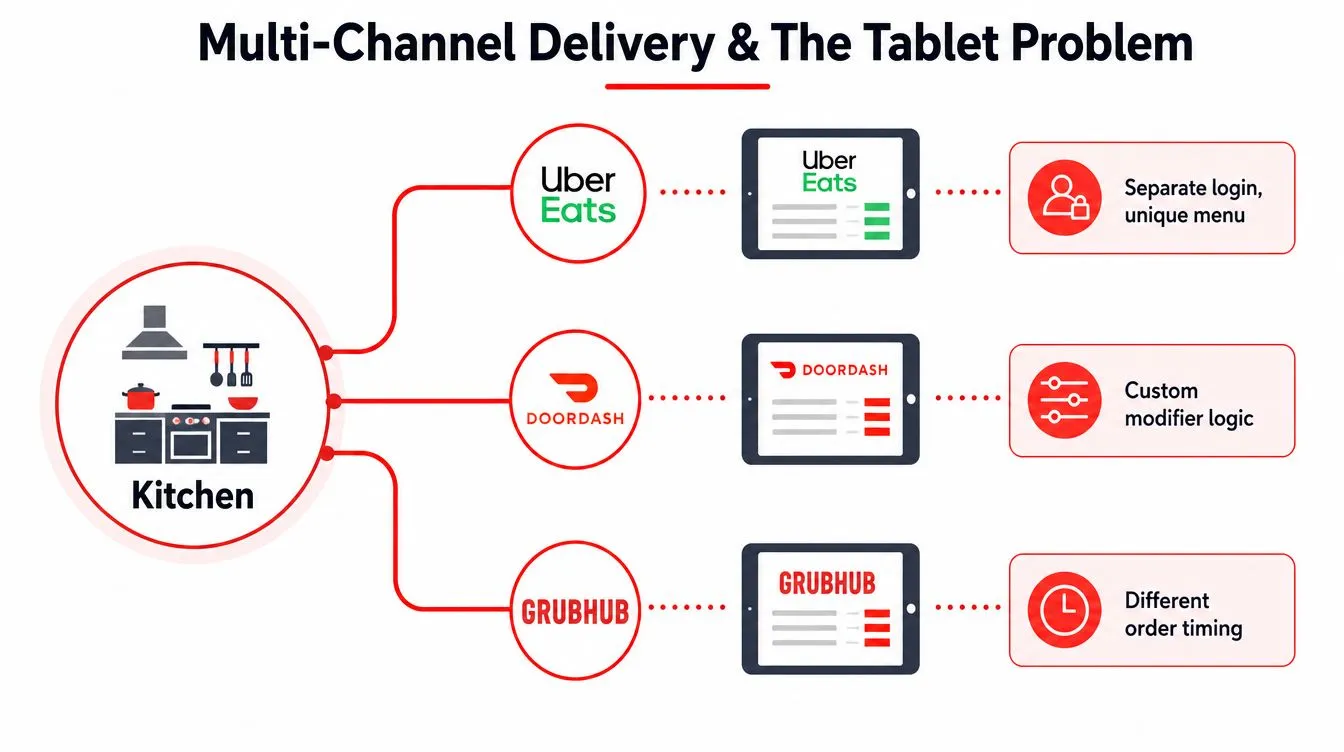
A restaurant can be running Uber Eats, DoorDash, and Grubhub at the same time, and each app arrives with its own menu rules, modifier logic, and timing behavior. That usually means three tablets, three alerts, and three slightly different versions of the same order.
The pain shows up at the pass and in the kitchen. One screen says an item is out, another still shows it available, and a third pings for a late change that no one trusts because the first alert never made it into the POS. I’ve seen that turn into duplicate prep, missed substitutions, and staff arguing over which tablet is current.
A better setup pushes each marketplace order into a normalized POS schema, so Clover or Square receives one consistent version of the ticket even when the delivery app formats it differently. That matters more than clearing space on the counter. It removes the guesswork around which app owns the truth for the order. OrderOut’s broader third-party order engine is built around that model, and the setup makes more sense once each channel stops acting like its own separate workflow.
The tablet problem is really a trust problem. If staff have to keep checking three screens to answer one question, the POS is already behind. A single integrated path gives the team one place to look, one place to update, and one place to train around. How to connect multiple delivery apps to one POS shows the basic shape of that fix.
Manual Re-Keying and POS Integration Gaps
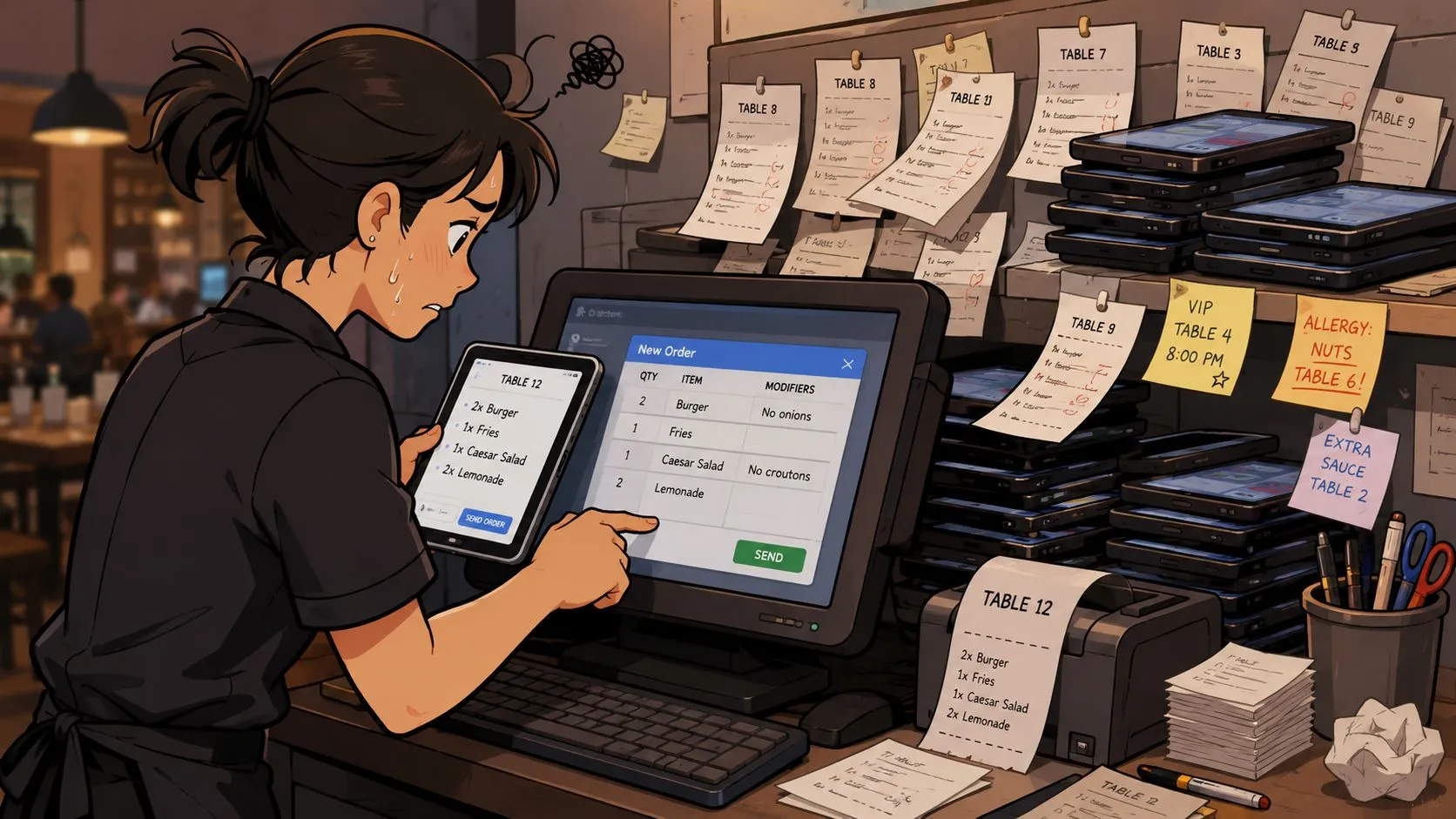
Manual re-keying looks manageable right up until the rush hits. Then every delivery order turns into a second task, first reading the marketplace ticket, then typing it into Clover or Square without missing an item, modifier, or special instruction.
The waste shows up fast. Confluent notes that disconnected systems and batch processing create data inconsistency, duplicate records, and validation gaps, while manual entry slows fulfillment and can lead to lost sales. Workist adds that hand-entered customer or product data often gets miskeyed, and those errors spread through the process into incorrect deliveries and extra cost. Confluent on real-time order management
Clover and Square operators feel this most when Uber Eats, DoorDash, or Grubhub volume spikes and the line is already under pressure. The person typing orders becomes the bottleneck, and the POS stops being the source of truth because it is always a step behind the apps. Direct injection matters more than a loose “integration” claim.
Operational truth: if staff have to retype a third-party order, the restaurant pays twice, once in labor and again in mistakes.
The fix is to push the order straight into the POS, with the channel data mapped before the ticket ever reaches the kitchen. OrderOut’s Clover delivery integration and Square delivery integration are practical examples of that approach, because they keep the POS in control instead of asking staff to translate marketplace orders by hand. For teams that want a faster setup path, a free Clover App Market install can get a Clover-based workflow in place without turning the counter into another software project.
The broader point is simple. If you are still keying orders line by line, the problem is not the delivery app, it is the gap between the app and the terminal. Order entry automation for restaurants closes that gap by removing the manual step that creates most of the errors in the first place.
Timing, Fulfillment, and the Last-Mile Gap
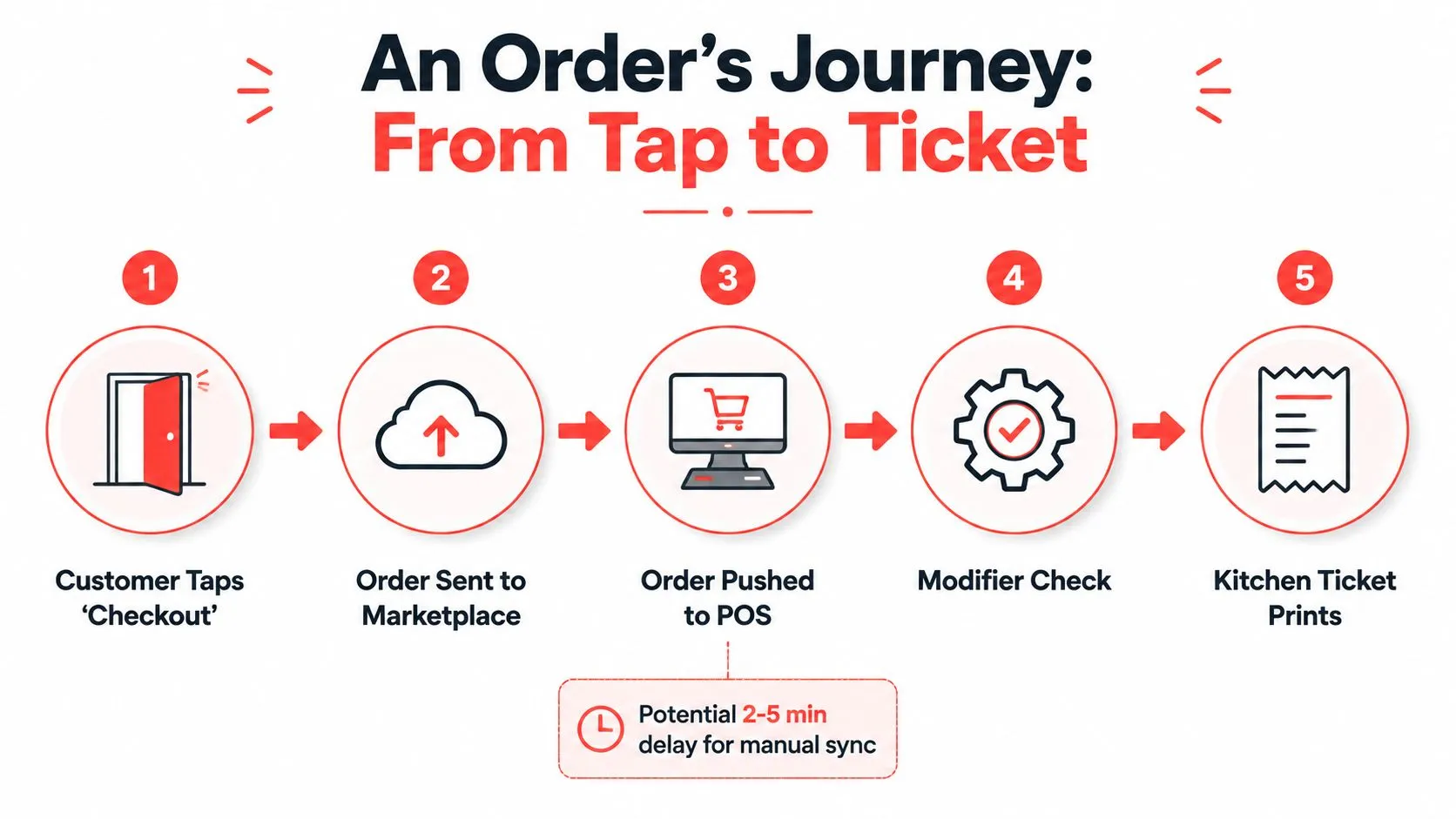
A DoorDash customer taps checkout, the order moves through the marketplace, and then the restaurant has to get it into the POS, verify modifiers, and fire the kitchen ticket. The problem is that each pause in that chain creates a gap between what the guest thinks happened and what the kitchen can execute.
That gap gets expensive fast when the order is modified. A driver can arrive before the bag is sealed, the kitchen can be waiting on a ticket that was still sitting in a marketplace queue, and the fulfillment status can lag behind the actual order state. When that happens, staff end up apologizing for timing they didn’t create but still have to fix.
The delivery-to-POS path matters more than the marketplace itself. If the order lands directly in Clover, the kitchen clock starts from the same version of the order the guest placed, not from a later re-entry by a cashier. A normalized handoff also makes it easier to keep the timeline consistent between what the app shows and what the restaurant is cooking.
OrderOut’s DoorDash plus Clover integration cell is the concrete example here. It’s the difference between a ticket that arrives after a delay and a ticket that behaves like it was placed inside the restaurant’s own system from the start.
Last-mile delivery management for restaurants
Inventory Accuracy and Reporting Across Channels
When delivery apps and the POS drift apart, inventory becomes guesswork. One channel still thinks the item is available, another already sold the last one, and the nightly report no longer matches what left the building.
That’s why inventory discrepancies keep showing up as one of the biggest order-management pain points. In TrueCommerce’s 2024 Supply Chain Trends Report, 47% of respondents cited inventory discrepancies, 46% cited returns and reverse-logistics issues, and 39% cited order-volume fluctuations. Those numbers line up with what restaurant operators see every day, a small count error on one channel becomes a stockout, a refund, or a prep batch that nobody can sell. TrueCommerce on top order management challenges
Why the POS has to own the count
The POS has to stay the source of truth because it’s the only place where sales, 86’d items, and menu edits can stay consistent across dine-in, pickup, and delivery. If a marketplace is holding an old version of the menu, the kitchen keeps making decisions off stale data.
The practical fix is straightforward. Keep Clover or Square as the inventory anchor, let the delivery integration push marketplace orders into that same model, and use the resulting data for reporting instead of reconciling three separate logs. That’s also why menu hygiene matters so much, the cleaner the mapping, the less drift you get when items sell out or get reintroduced.
For operators building the inventory side of the workflow, OrderOut’s best practices for inventory management is a useful companion reference. It reinforces the same point from a restaurant angle, counts only stay useful when the system that takes the order is also the system that updates the count.
Best Practices and Process Changes That Actually Stick
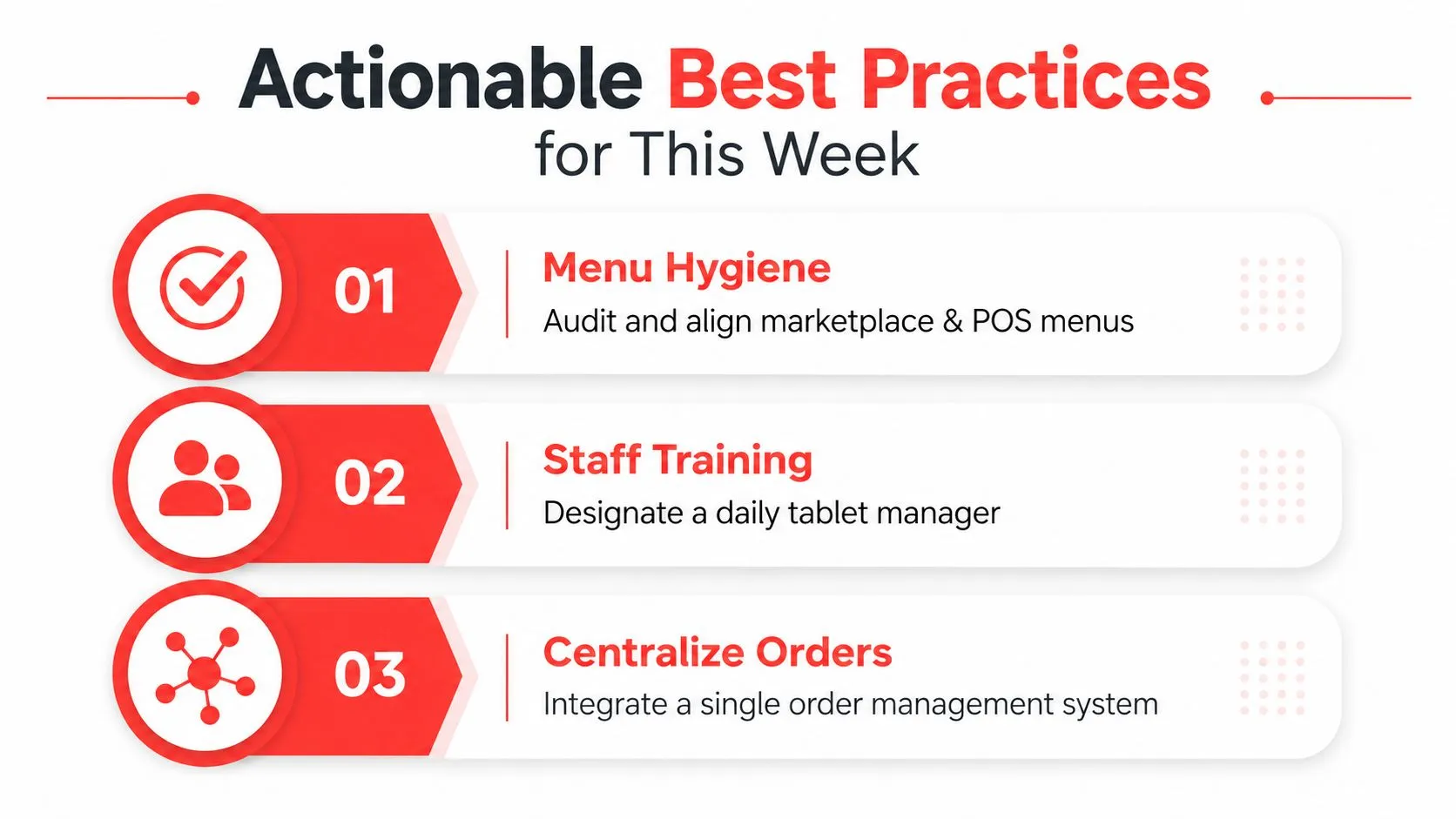
The fixes that last are usually boring. Clean menus, one owner for the tablet wall, and one system that receives every order before anyone starts touching it.
Start with the menu, not the tablet
If a marketplace menu does not match the POS menu, the restaurant is setting itself up for errors before service even starts. Align item names, modifier groups, and 86’d items so the delivery apps and the POS speak the same language. That is where the labor savings begin, because staff stop editing around bad data and start trusting the flow.
Menu hygiene also cuts down on the small mistakes that turn into comped meals or unhappy guests. If the line keeps seeing the same mismatch, the fix is not another workaround, it is cleaning the item map and keeping it that way.
Give one person control during peak
A busy line needs a single person watching exceptions, not a crowd reacting to beeps. That does not mean managers have to babysit a screen all night, it means somebody owns the handoff between incoming apps and the kitchen so the rest of the team can focus on food. Clean handoffs also affect how guests judge the experience, which is why the CSAT and NPS benchmarks for hauliers are a useful reminder that the customer feels the result of every missed step.
Build the process around the POS
The order flow should land in the POS first, then fan out to the kitchen and the rest of the operation. That keeps Clover or Square as the place where sales, 86’d items, and menu edits stay aligned while Uber Eats, DoorDash, and Grubhub orders come in from the outside.
For the restaurant side of that setup, the OrderOut restaurant operating procedures guide is a practical reference for tightening the handoff. It is the workflow that matters, not another dashboard. The fewer places staff have to look, type, or confirm, the fewer mistakes slip through during a rush. A third-party order engine only helps if it reduces steps instead of adding another screen to watch.
Frequently Asked Questions
Does OrderOut work with Clover and Square?
Yes. OrderOut is built to route third-party delivery orders directly into Clover and Square, so staff do not have to re-key tickets by hand. That keeps the POS as the operational source of truth, which matters when Uber Eats, DoorDash, and Grubhub orders are all hitting the same line at once.
Does it remove extra delivery tablets?
Yes, that is the point of the setup. Instead of juggling Uber Eats, DoorDash, and Grubhub on separate tablets, the orders flow into the POS the restaurant already uses. That reduces screen hopping, cuts down on missed tickets, and makes it less likely that an order gets entered twice.
What happens when a marketplace item gets 86’d?
The restaurant still needs clean menu hygiene, because marketplace menus and POS menus have to stay aligned. When the POS stays in charge of availability, the order flow is much easier to keep consistent across channels. If the item mapping is clean, you are much less likely to run into stale availability errors.
Is OrderOut only for big restaurants?
No. Smaller operators usually feel the pain of manual re-entry just as much, sometimes more, because they have fewer people to absorb the extra work. A lean team benefits from fewer tablets, fewer handoffs, and one order stream into the POS.
How do I get started?
If your store runs on Clover, the fastest path is the free Clover App Market install. If you are on Square, the setup starts from the Square app marketplace or the OrderOut dashboard, depending on how you want to roll it out. The important thing is to get orders flowing into one system before the next rush exposes the same bottlenecks again.
| Challenge | What Breaks | Fix | OrderOut Capability |
|---|---|---|---|
| Separate delivery tablets | Staff split attention across Uber Eats, DoorDash, and Grubhub | Normalize orders into one POS flow | Third-party delivery to POS injection |
| Manual re-keying | Typos, duplicate tickets, lost modifiers | Remove the second entry step | Direct order injection into Clover and Square |
| Timing gaps | Kitchen, guest, and driver clocks drift apart | Push orders straight into the POS | Delivery-to-POS integration |
| Inventory drift | 86’d items and counts fall out of sync | Keep the POS as the source of truth | Menu and order synchronization |
| Reporting noise | End-of-day numbers do not match actual sales | Centralize every order in one system | Consolidated channel order flow |
If your restaurant is still juggling separate delivery tablets and retyping orders into Clover or Square, the fixes above are the ones that reduce the daily drag. OrderOut puts third-party orders into the POS directly, so your team spends less time keying and more time cooking, packing, and serving. Visit OrderOut to see how the workflow fits your operation, then move straight into onboarding at dashboard.orderout.co.