
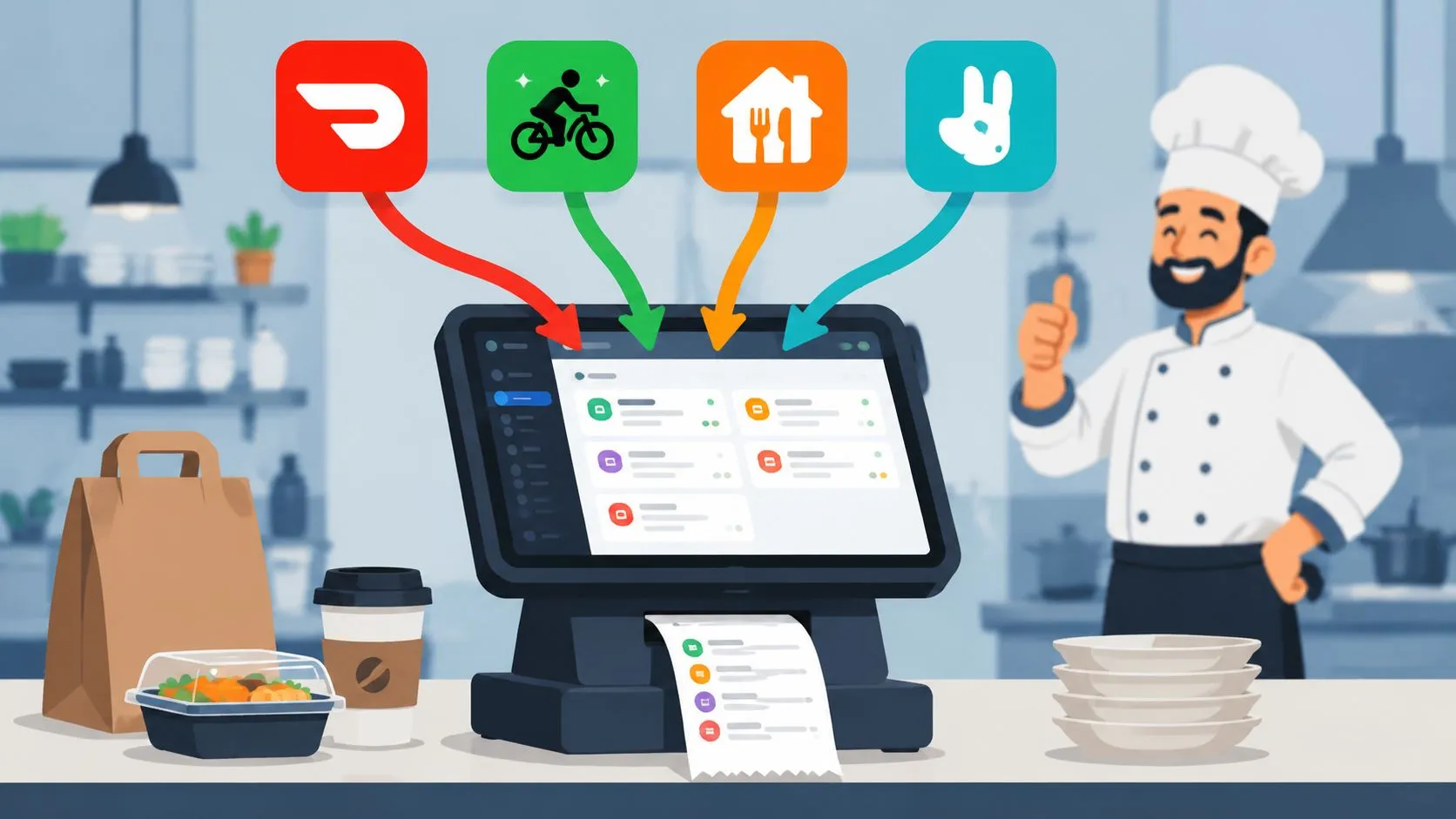
On a busy delivery night, the problem usually isn’t cooking. It’s transcription.
Uber Eats pings. DoorDash pings. Grubhub pings. Someone grabs a tablet, reads a modifier-heavy order, then types it into Clover or Square while the line is asking for an update and the phone is still ringing. That’s where small mistakes become expensive ones. The wrong side. The missing modifier. The order that sits on a tablet a little too long before it ever reaches the kitchen.
Order entry automation fixes that specific pain. For restaurants, it means third-party delivery orders flow straight into the POS instead of getting retyped by hand. If you’re dealing with tablet hell today, this isn’t a big IT project. It’s an operations fix.
The Saturday Night Delivery Scramble
Saturday dinner rush exposes every weak point in a restaurant.
A cashier is bagging takeout. The expo is calling tickets. The kitchen is trying to keep timing tight. Then the delivery tablets start stacking up. One order comes in from Uber Eats, another from DoorDash, then Grubhub fires off a large ticket with substitutions, add-ons, and special instructions. Someone has to stop, read each order carefully, and re-enter it into the POS.
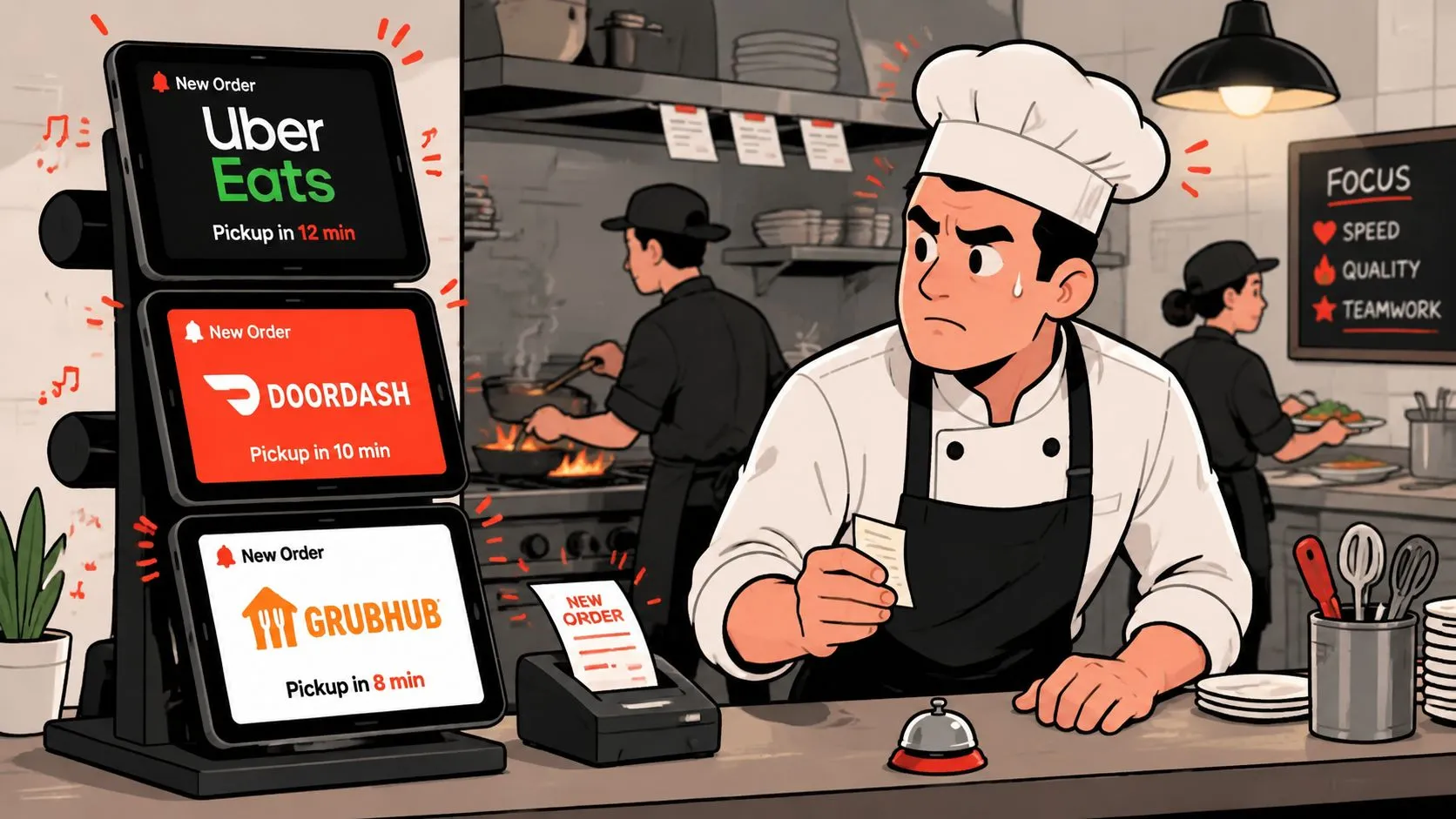
That sounds manageable when the order volume is light. It breaks down fast when the rush hits.
Where the errors start
Manual entry fails in predictable ways:
- Modifiers get missed: “No onions” becomes onions included.
- Items get keyed incorrectly: A combo turns into separate items or the wrong size.
- Orders get delayed: The tablet has the order, but the kitchen doesn’t.
- Staff get pulled off higher-value work: Instead of serving guests or managing the line, they become data-entry clerks.
The deeper issue is that the delivery apps and the POS aren’t speaking the same language yet. Your staff becomes the translator. Under pressure, human translation gets sloppy.
The busiest hour of service is the worst possible time to rely on repetitive typing.
This same operating problem shows up in phone systems too. If you’re also trying to clean up call handling during service, this guide on small business hosted PBX is useful because it shows how better routing removes avoidable interruptions before they hit the front counter.
What restaurants actually need
Most operators don’t need more screens. They need fewer handoffs.
What helps is simple. Delivery orders should arrive in the same system your staff already uses to run the store. When the POS becomes the source of truth again, the kitchen sees cleaner tickets, managers spend less time fixing preventable mistakes, and the rush feels a lot more controlled.
What Is Order Entry Automation for Restaurants
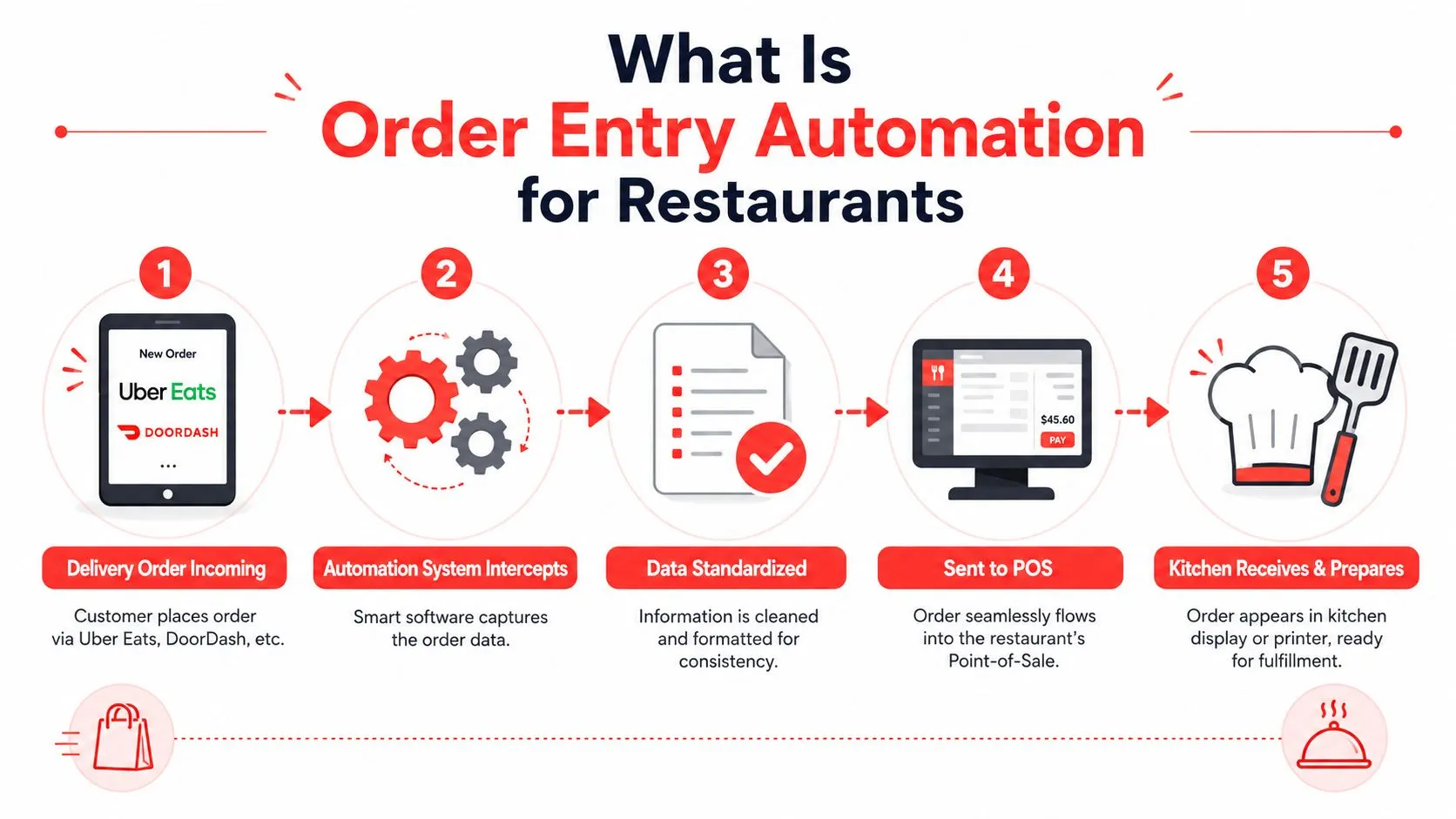
In plain language, order entry automation means software handles the repetitive step of moving an order from one system into another.
For a restaurant, that usually means a customer places an order on Uber Eats, DoorDash, or Grubhub, and the order goes directly into Clover or Square without anyone retyping it. The kitchen gets the order through the normal workflow, not through a staff member staring at a separate tablet.
The simple version
Think of it like this. Manual entry is a person reading one language and typing it into another. Automation turns the order into a structured format so systems can pass it cleanly without that human middle step.
According to Parabola’s overview of order entry automation, the foundational shift is from manual re-keying to structured electronic order transfer. In practice, that matters because machine-readable intake can validate fields before an order is committed. In restaurant terms, that’s the logic behind delivery app to POS integrations that prevent transcription errors and standardize orders before they reach the kitchen.
A related concept is restaurant order flow. If you want a broader operating view, this explanation of what an order management system does in restaurants is a helpful companion.
The technical version
Under the hood, the software captures order details, standardizes item names and modifiers, and sends the result into the POS in a format the POS can accept. That’s the difference between “Burger, no onion, add cheese” living on a tablet screen versus becoming a usable POS order tied to the right menu item and modifier group.
A short demo makes this easier to visualize:
Why the distinction matters
Restaurants don’t benefit from automation because typing is slow. They benefit because manual re-keying creates a fragile workflow.
When a delivery order enters the POS directly, three things improve right away:
- The kitchen sees one workflow: Counter, online, and marketplace orders stop living in separate silos.
- Staff attention goes back to guests: The host or cashier isn’t trapped between tablets and the POS.
- The order gets standardized before production: That reduces confusion at the line.
Clean intake beats fast typing. If the order enters the POS correctly the first time, the rest of service gets easier.
How Manual Entry Hurts Your Bottom Line
Manual entry costs more than the few seconds it takes to type an order.
The obvious cost is the remake. A missing modifier can send a dish back, waste ingredients, and trigger a refund or a make-good. But the bigger drain is operational. Your team spends service time on clerical work instead of hospitality, speed of service, and quality control.
The hidden costs operators feel every day
The first cost is labor drag. A strong front-of-house employee shouldn’t spend the rush copying information from one screen into another. That work doesn’t improve the guest experience, and it doesn’t help the kitchen move faster.
The second cost is error cleanup. One bad entry creates multiple follow-on tasks. Someone has to catch it, explain it, fix it, and often apologize for it.
The third cost is stress. When staff members know that every marketplace order depends on perfect retyping, the mental load rises fast. That’s when shortcuts creep in.
Per Bizowie’s write-up on automated order entry, one industry example estimates that 80-90% of certain order types can be processed automatically, with only exceptions needing review. For restaurants, that’s the meaningful part. Eliminating manual re-keying for the vast majority of delivery orders reduces the probability of human errors and speeds up the handoff to fulfillment.
Why finance notices the problem too
Operators often see the pain first. Finance sees it later in comps, refunds, voids, and messy reconciliation. If you’re trying to tighten the back office as well, this article on how to streamline financial reporting process is worth a read because the same principle applies: fewer manual touches usually means fewer downstream corrections.
There’s also the end-of-day cleanup. When delivery orders and POS records don’t line up cleanly, reconciling sales becomes more tedious than it should be. This breakdown of how to reconcile the difference between order channels and POS records speaks directly to that issue.
Bad order entry doesn’t stay in the kitchen. It shows up in refunds, staff frustration, and ugly closeout work.
What manual entry does not scale well
Manual entry can survive in a very small operation with low order volume. It usually falls apart when any of these are true:
| Pressure point | What happens |
|---|---|
| Multiple delivery apps | Staff bounce between tablets |
| Modifier-heavy menu | Errors increase under rush pressure |
| Thin staffing | Re-entry competes with guest service |
| Busy peak windows | Orders wait before they reach production |
Once that pattern shows up, the fix isn’t better typing discipline. The fix is removing the typing step.
Connecting Delivery Apps to Your POS
The practical goal is simple. An order placed on Uber Eats, DoorDash, or Grubhub should show up in Clover or Square as if your own team entered it correctly the first time.
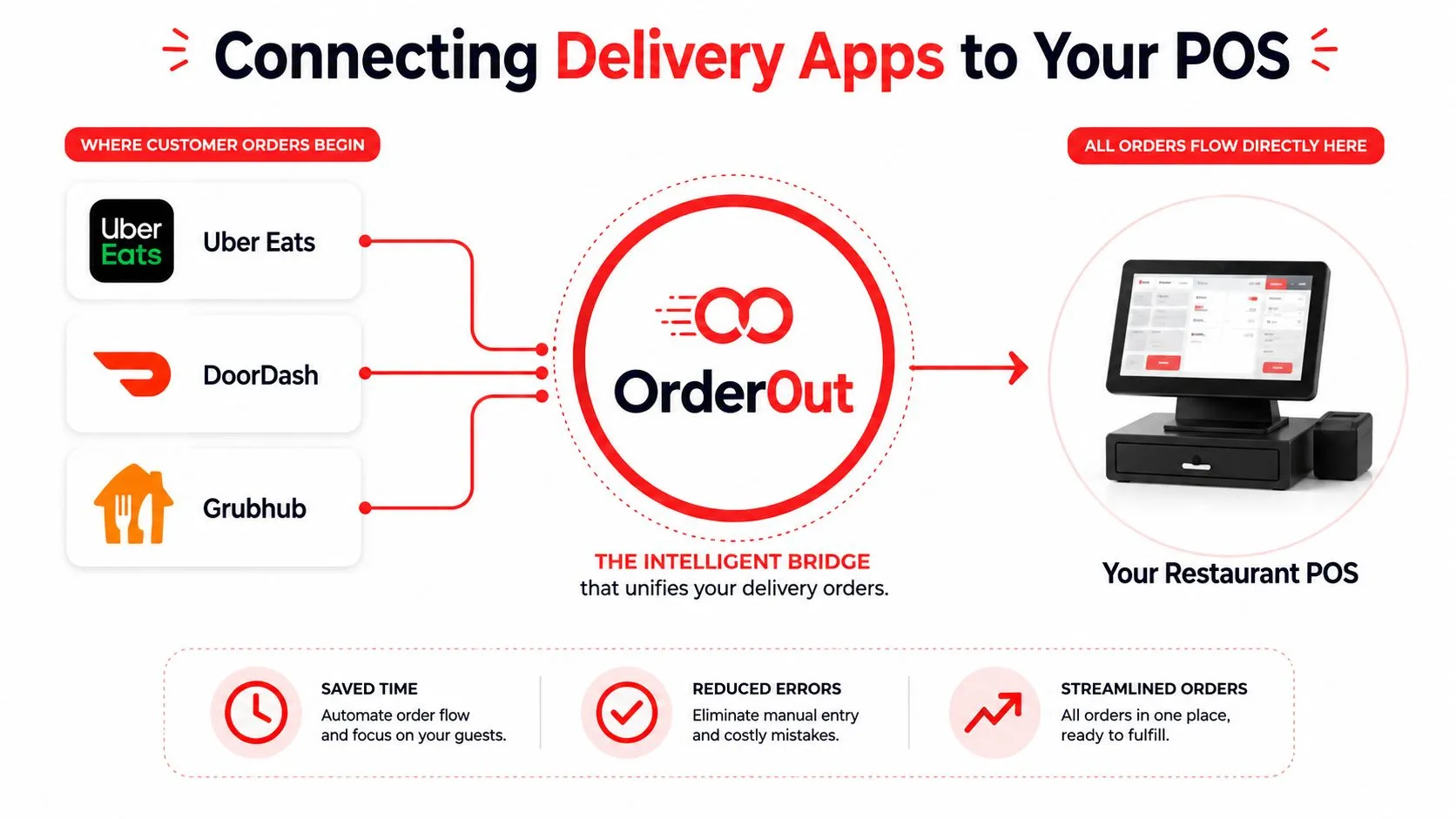
That requires a bridge between the marketplace menu and the POS menu. One option built for that job is OrderOut’s third-party order engine for restaurants, which injects third-party delivery orders directly into POS systems like Clover and Square so the POS stays the operating source of truth.
How the flow works
In non-technical terms, the software listens for incoming marketplace orders, converts them into a format your POS understands, and sends them into your existing workflow. No one has to stand there and retype line items.
The technical reason this works is menu mapping. Each marketplace item and modifier needs to be matched to a normalized POS structure. That means the system has to know that a Grubhub burger with “no onions” and “add cheddar” corresponds to a specific burger item and specific modifier choices inside Square or Clover.
If you want a POS-side view of that setup, this guide to Clover POS integration for delivery orders explains the workflow in more detail.
What works and what doesn’t
What works:
- Consistent menu names: If your item naming is disciplined, mappings stay cleaner.
- Structured modifiers: “No onions” should be a real modifier, not a note whenever possible.
- POS-first operations: Staff should rely on Clover or Square, not a pile of tablets.
What doesn’t work:
- Treating marketplace menus as separate universes: That creates mismatch.
- Using free-text notes for everything: Notes are harder to standardize than defined options.
- Ignoring menu hygiene: Bad menu structure causes avoidable injection issues.
This is the same reason many small businesses bring in outside help for broader software connections. If you’re comparing the operational logic, this overview of system integration for SMBs is a useful reference point.
A real restaurant example
Take a simple case. A customer orders through DoorDash. They choose a chicken bowl, remove onions, add avocado, and select a side. In a manual setup, an employee reads the ticket and retypes every choice into Clover. In an automated setup, that structured order drops into the POS with the mapped item and modifiers already aligned to the menu the kitchen uses.
That’s where the sanity comes from. The kitchen sees a normal ticket. The cashier keeps working. The manager doesn’t have to babysit tablets.
If you run Clover, you can install OrderOut’s Clover delivery integration in the Clover App Market. If you run Square, the equivalent setup starts from OrderOut in the Square App Marketplace.
Your Quick Start Guide and Best Practices
Most restaurant owners hear “automation” and assume long setup, consultants, and surprise complexity. For third-party delivery to POS, the rollout is much simpler when the menu is clean.
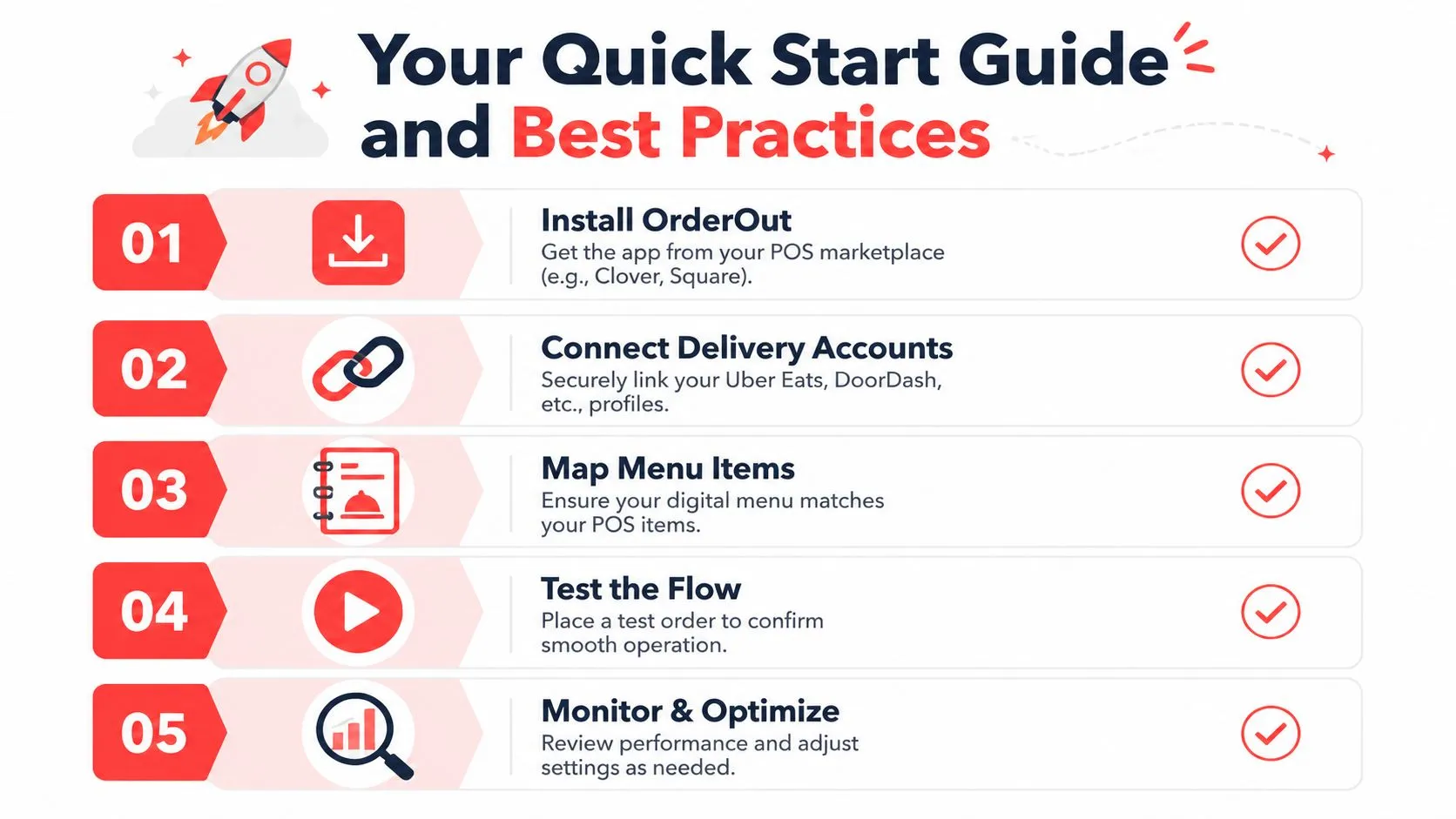
A fast rollout path
-
Install the app in your POS marketplace.
Clover operators can start with OrderOut’s Clover delivery integration page. Square operators can review OrderOut’s Square delivery integration page. -
Connect your delivery channels.
Link the marketplaces you use, such as Uber Eats, DoorDash, and Grubhub. -
Review menu mapping carefully.
This is the step that determines whether modifiers land cleanly in the POS. -
Run test orders before a live shift.
Don’t make Saturday dinner service your first test environment. -
Go live and watch the exceptions.
The goal isn’t perfection on day one. It’s getting the routine orders out of manual entry.
For a more general implementation view, this article on integration with a POS system is useful background.
Best practices that prevent headaches
The biggest success factor is menu hygiene. If Uber Eats calls an item “Coke,” DoorDash calls it “Coca-Cola,” and your POS calls it “Bottle Coke,” someone eventually has to sort that out. Standardization upfront saves time later.
Use these rules:
- Keep item names aligned across channels: Close naming reduces mapping confusion.
- Build real modifier groups in the POS: Structured options are easier to automate than open text.
- Retire dead menu items quickly: Old items create broken mappings and staff confusion.
- Test uncommon combinations: The weird edge case is what usually reveals setup problems.
According to Virtual Workforce’s write-up on order automation KPIs, teams commonly track manual entries avoided, processing time per order, and error rate. For a restaurant, those are the right metrics too. You don’t need a complicated dashboard to know whether things are improving. You need to know whether staff is typing less, orders are reaching the kitchen faster, and mistakes are dropping.
Practical rule: If your menu structure is messy, automation will expose it. Fixing the structure is part of the win, not extra work.
Where operators should look first
After launch, pay attention to these areas:
- Opening weekend performance: Did staff stop touching tablets?
- Modifier accuracy: Are special requests landing where the kitchen expects them?
- Closeout sanity: Are order records easier to review at the end of service?
If those improve, the integration is doing its job.
Frequently Asked Questions
Does OrderOut work with Clover?
Yes. OrderOut connects third-party delivery orders to Clover so those orders can be injected into the POS instead of being re-entered by hand. If you want a broader product overview, the OrderOut restaurant technology overview shows how the platform fits restaurant operations.
Does OrderOut work with Square?
Yes. OrderOut supports Square for restaurants that want delivery app orders routed into their POS workflow. That matters if you want Square to remain the system your team operates from during service.
Do I need extra tablets?
The point of this setup is to remove the dependency on extra delivery tablets for routine order entry. Orders are meant to flow into the POS so staff can work from Clover or Square instead of juggling separate devices.
Is OrderOut free on Clover?
Yes. OrderOut is free to install on the Clover App Market. If you need practical details before setup, the OrderOut POS integration frequently asked questions cover common operator concerns.
Which delivery apps connect to Clover through OrderOut?
OrderOut’s positioning centers on connecting major third-party delivery platforms like Uber Eats, DoorDash, and Grubhub into Clover and Square. If you want channel-specific details or commercial questions, the OrderOut pricing page for restaurant integrations and the OrderOut FAQ for restaurants are the best places to check.
Order entry automation isn’t abstract for restaurants. It’s the difference between running service from your POS or running service from a pile of tablets. If your team is still retyping delivery orders, the fastest win is to remove that step and clean up the menu structure that supports it.
If you’re ready to stop re-keying Uber Eats, DoorDash, and Grubhub orders into your POS, start with OrderOut and create your free onboarding account in the OrderOut dashboard for restaurant setup.