
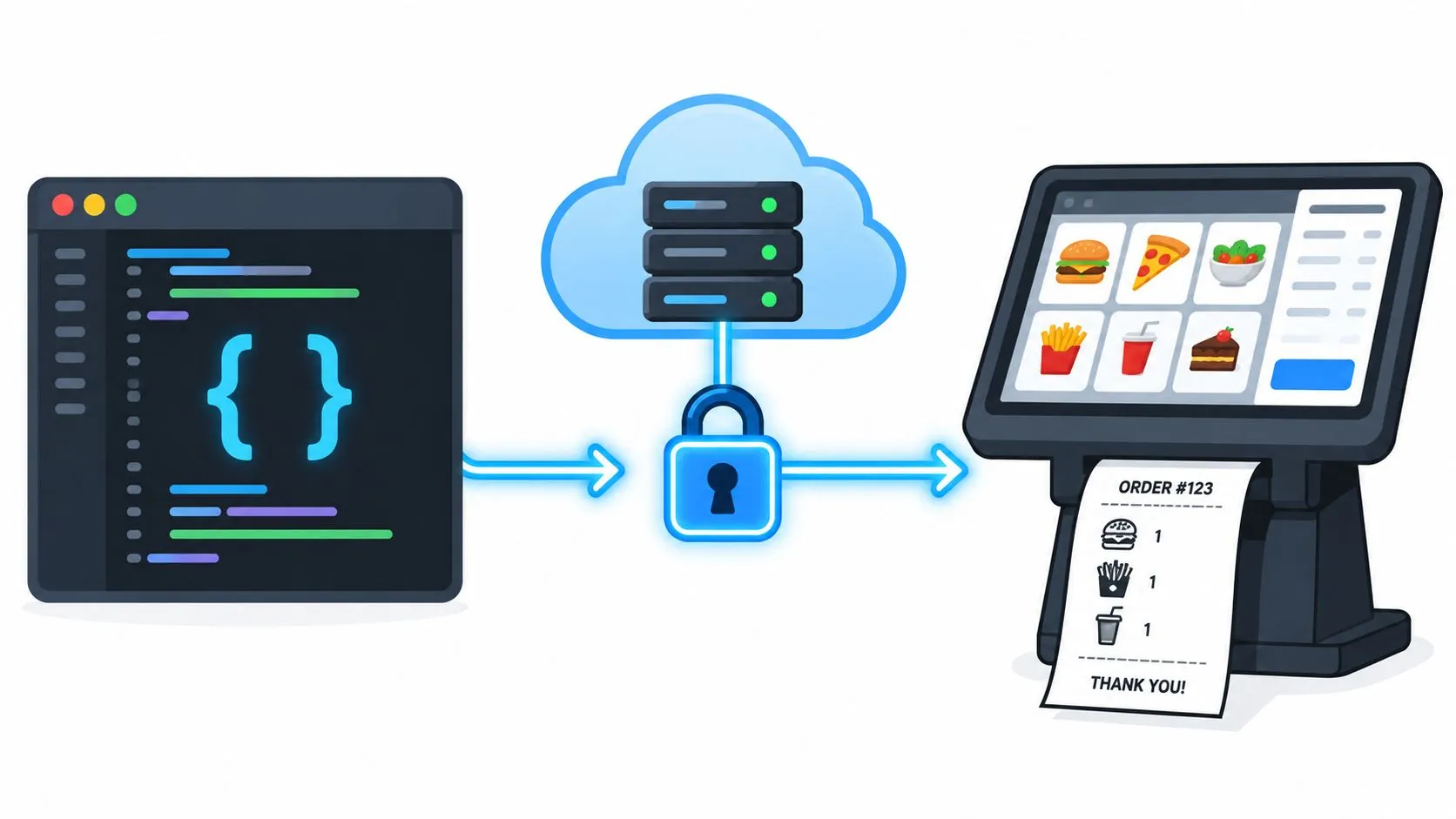
78% of developers use APIs in daily work and 62% use them multiple times a day, which is why how to connect to an API usually means authenticating, calling the right endpoint with the right format, and handling the response cleanly. In restaurants, that same flow is what gets Uber Eats, DoorDash, and Grubhub orders into Clover or Square with no extra tablet and no re-keying, so the POS stays the source of truth.
That’s the practical version. The messy version is what operators live with: stale docs, mismatched menus, expired tokens, and a dinner rush that doesn’t care whether the integration is “working” in staging.
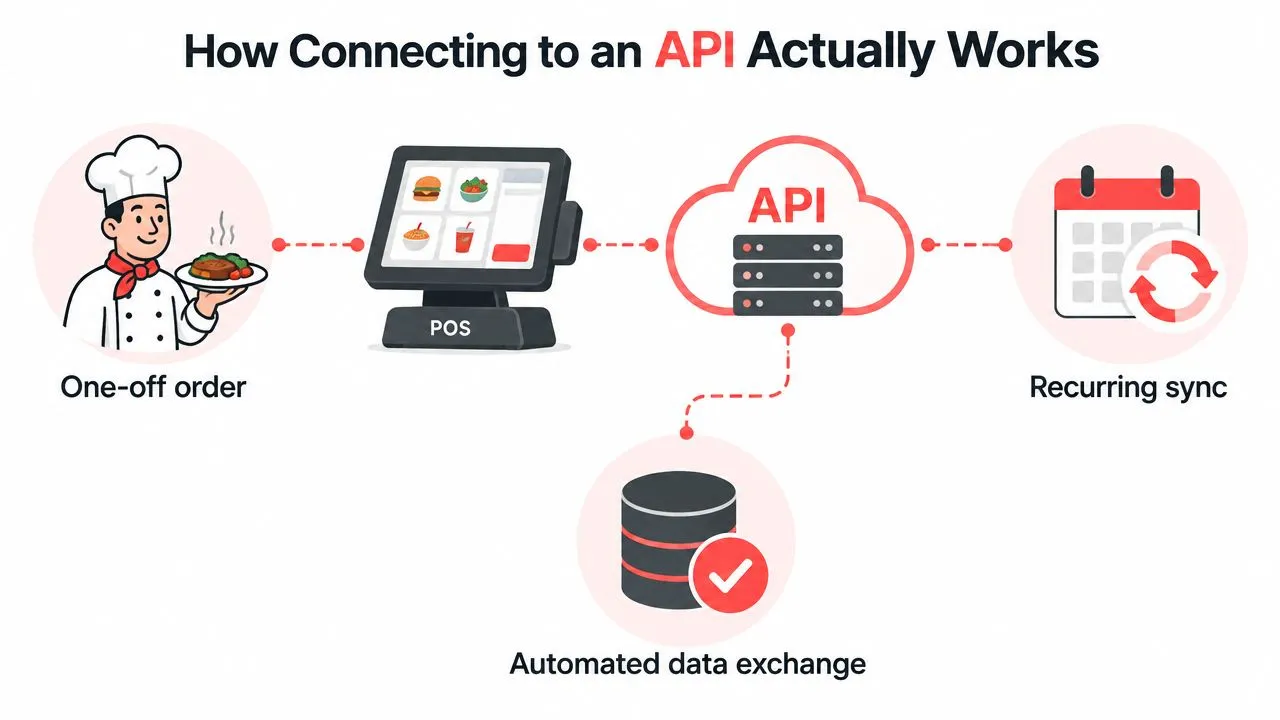
How Connecting to an API Actually Works
A real API connection has three moving parts. First, you prove who you are. Then you send a request to the right endpoint. Then you read the response and decide whether to keep going, retry, or stop.
That sounds basic until you put it into restaurant operations. If the request is a delivery order, the endpoint has to know how to accept the menu, modifiers, taxes, and ticket structure without turning the order into a manual cleanup job. That’s why REST became the dominant design style for web APIs by the late 2000s, it fit the HTTP methods browsers and servers already understood, which lowered integration friction for developers and businesses. Modern surveys now report that 78% of developers use APIs in daily work and 62% use them multiple times a day, which shows how this pattern sits inside software workflows today. Zipdo’s API industry statistics
What the first call really proves
The first successful request doesn’t prove the integration is production-ready. It only proves the credentials work, the endpoint exists, and the server can return a valid response once.
For restaurant delivery routing, the harder part is everything after that first handshake. The marketplace has to map to the restaurant’s POS schema cleanly, because a menu item that looks fine in a test payload can still break in live service if modifiers, taxes, or item names drift. LitSpark’s full-stack development services are a useful reference point for teams that need both the API work and the surrounding application logic to behave like one system instead of a pile of scripts.
Practical rule: treat the API call as a transaction, not a demo. If the response can’t be traced back to a clean POS ticket, the connection isn’t finished.
OrderOut’s own what is API integration explainer is helpful context if you want the broader architecture behind the restaurant workflow. The core idea stays the same, regardless of platform, request, response, and then operational handling.
Why restaurants care more than most teams
A one-off API call is easy. A reliable restaurant integration has to survive peak volume, menu updates, marketplace changes, and staff turnover. That’s why the difference between “connected” and “usable” matters so much in delivery-to-POS work.
When the connection is done right, orders come in as clean tickets instead of as another screen to watch. That’s the operator outcome, not the technical novelty. The work is less about sending HTTP and more about making sure the POS can still run the floor when three marketplaces are all active at once.
What to Prepare Before You Make Your First API Call
Most integration failures start before the first request leaves the building. The mistake is usually not bad code, it’s assuming the docs are current, the credentials are ready, and the payload shape matches the actual workflow.
The first thing I check is documentation quality. A usability study on API documentation found that developers need easy access to relevant content, fast navigation, and up-to-date information, while another empirical study pointed to incompleteness, ambiguity, obsoleteness, incorrectness, inconsistency, and unexplained examples as the biggest blockers. That’s not academic trivia, it’s the exact reason a connector can feel simple in a demo and become a support burden once delivery platforms and POS systems start changing in parallel.
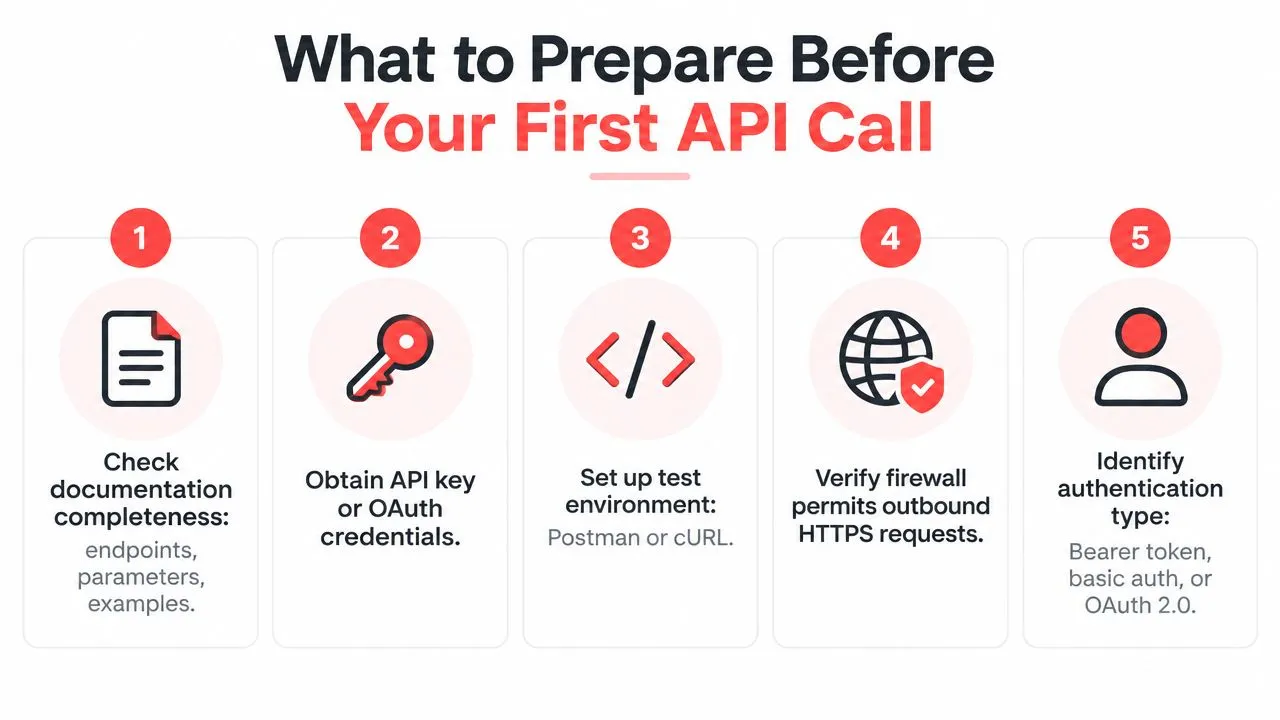
Check the prerequisites before the request
Before you send anything, confirm the documentation shows the essentials, the endpoint, the required headers, the payload format, and a working example that looks like your real task. Research on REST API documentation also found that developers struggle with correct data types, data formats, required HTTP headers, and request bodies when usage examples are missing, and it recommends showing how to obtain prerequisites directly in the documentation. API documentation usability study REST API documentation research
That matters in restaurants because setup steps are dependent. If menu mapping hasn’t happened yet, the marketplace can accept a call but still fail at the operational level because the item structure doesn’t line up with the POS. A cleaner preflight is to verify sandbox access, locate the auth method, confirm the headers, and make sure Clover or Square inventory is ready to map.
Good documentation saves support time, bad documentation creates it. A guide that leaves out prerequisites forces your team to guess, and guesswork gets expensive during the rush.
The practical checklist is simple, even if the failure modes aren’t. Read the examples all the way through, confirm the auth section names the required token or key, and look for setup sequencing such as menu import before order injection. If the docs only show the happy path, assume you still have work to do.
For a restaurant-specific version of this prep, OrderOut’s point of sale system requirements document is the right kind of reference because it focuses on what has to exist before the integration behaves cleanly in the actual world.
Make the sandbox look like production
A sandbox that doesn’t mirror production is a trap. The headers may be right, but the data won’t behave the same way if the menu, modifiers, or tax logic are missing.
That’s why I like to validate the setup order itself. Credentials first, then environment, then data shape, then request. If any one of those is out of sequence, you end up debugging a problem that’s really just a missing prerequisite.
Authentication and Endpoints Explained in Plain Terms
Authentication answers one question, who are you. The endpoint answers a second question, where does this request go. Most beginners get tripped up because they focus on the payload and ignore the gatekeeping.
A clean restaurant integration usually lives or dies on token handling. Use OAuth 2.0 access tokens with proactive refresh, store the access token, refresh token, and expiry timestamp together, check whether the token is close to expiry before each API call, and refresh it before sending the request so you don’t create avoidable auth failures or rate-limit pressure. Salesforce’s rate-limiting guidance explicitly advises not to request more than one access token every 20 minutes, which is why token reuse and a token-cache layer matter in production. Salesforce rate-limiting best practices
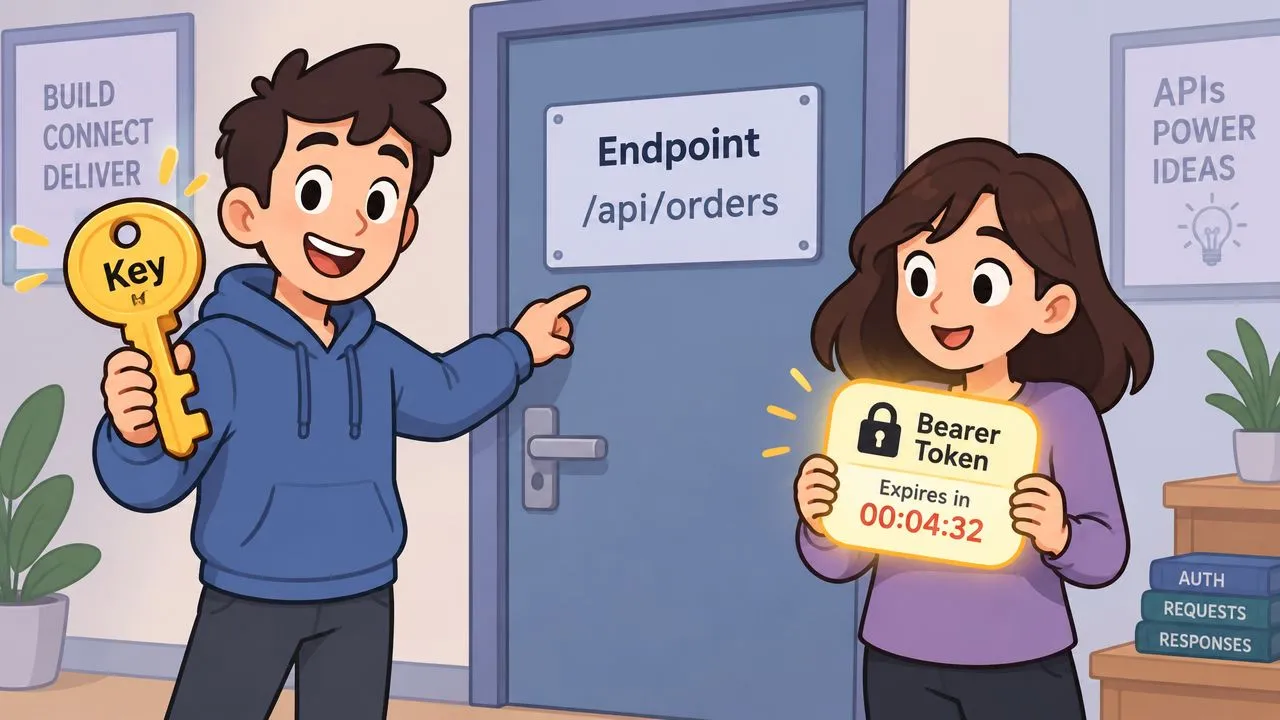
Tokens, headers, and the request body
An API key is often a static credential. OAuth 2.0 is usually more flexible because it issues tokens with expiry and refresh behavior. In plain terms, the token is the badge, the header is how you show the badge, and the body is the actual order data.
A well-formed request usually includes the HTTP method, the endpoint path, the authorization header, and a JSON body when you’re creating or updating data. That sounds obvious until the payload hits a marketplace schema that doesn’t match the POS schema. OrderOut’s Square developer API guide is a good example of how practical API work has to connect the auth layer to the actual restaurant workflow, not just the request syntax.
Store tokens securely and refresh before expiry. Waiting for a request to fail, then trying to recover, is how small auth problems turn into queue problems.
The endpoint itself matters just as much. A clean URL structure and the right method keep the server logic predictable, which is why REST persists so well. GET retrieves, POST creates, PUT replaces, PATCH updates, DELETE removes. Once you start wiring delivery tickets into a POS, that discipline keeps the order flow understandable instead of turning every request into a custom exception.
Why schema mapping belongs here
The request isn’t complete until the data lands in a structure the POS already understands. That means the delivery marketplace menu has to be normalized into the restaurant’s POS schema so the order can inject cleanly as a native ticket.
That’s the detail generic API tutorials usually skip. They stop at the endpoint, but restaurants need the endpoint plus the menu mapping logic, or the connection creates more work than it removes.
Testing Your Connection With Postman and cURL
A safe test doesn’t touch production first. It proves the request shape, the headers, and the response handling before anybody relies on it for live orders.
Postman is useful because it lets you inspect the request and response in one place. cURL is useful because it strips the test down to the actual HTTP call, which is what the server sees. Using both gives you a cleaner picture, especially when you’re checking a delivery integration that has to pull a POS menu into a marketplace and then push a test order back into Clover or Square.
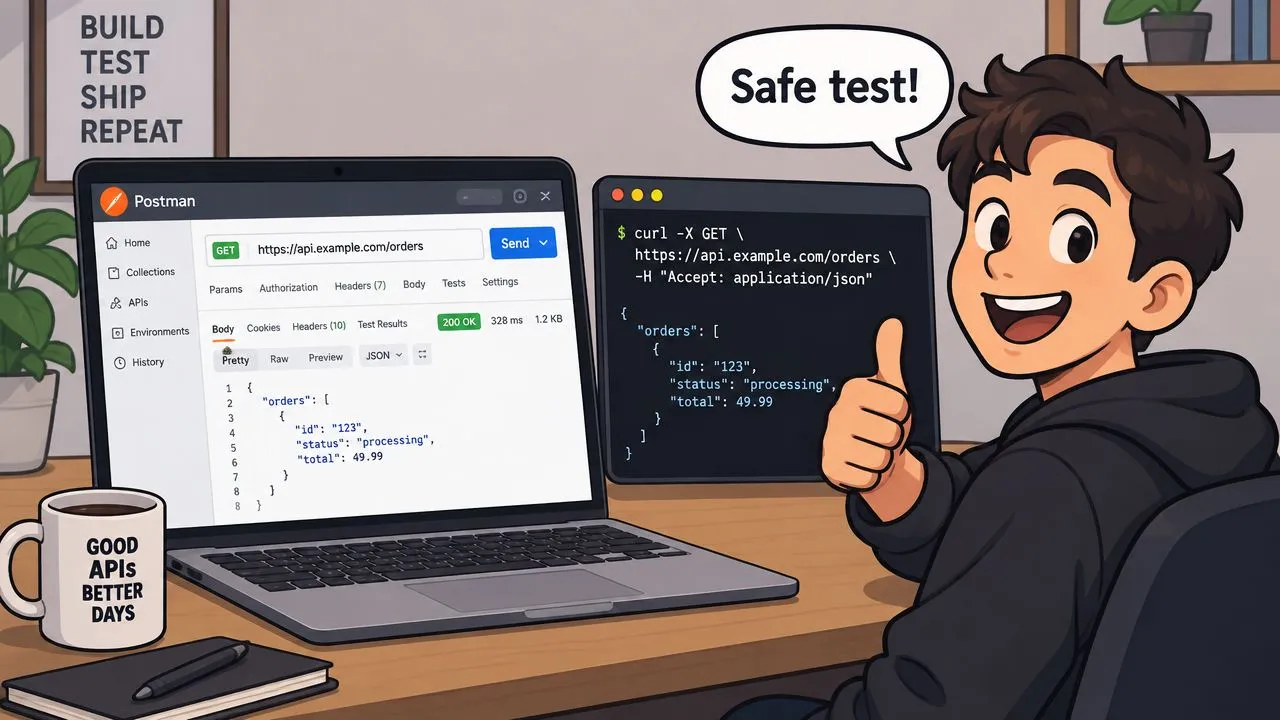
Build the test like a live order
Start with the simplest request that can still prove the path works. If you’re testing a restaurant delivery flow, that usually means verifying the marketplace can read the menu, then confirming a test order can be accepted and translated back into the POS ticket format.
Clover’s own delivery integration page says restaurants can connect third-party aggregators such as Grubhub to Clover, and for Grubhub specifically, Clover says Grubhub verifies the integration and then creates a menu on Grubhub’s app from the merchant’s Clover inventory. That makes a real integration test more concrete than a generic “200 OK” check because it ties the API test to the actual menu flow operators care about. Clover delivery integration
OrderOut’s Clover API docs are useful here because they frame testing around the restaurant workflow, not just the HTTP mechanics. That’s the right mental model, verify the handshake, then verify the order behavior.
Read the response, don’t just celebrate it
A response is more than a status code. Check the headers, look at the body, and confirm the returned data matches what you expected to send. If the marketplace accepted the request but the POS ticket doesn’t look right, the bug is often in the mapping layer, not in connectivity.
That’s why I don’t trust a green checkmark alone. I want to see the request land where it should, in the right order, with the right fields, and without creating a second tablet workflow just to babysit the sync.
Handling Errors Rate Limits and Keeping the Connection Healthy
A connection that works at noon can still fail at 7 p.m. Reliability is mostly about how the client behaves when the API says no, slows down, or returns partial trouble.
The first thing to handle well is rate limiting. When a call returns HTTP 429, stop parallel retries, read Retry-After if it’s present, and use exponential backoff with jitter plus request queuing for non-urgent work. Guidance on API throttling also recommends honoring or exposing X-RateLimit-Limit, X-RateLimit-Remaining, and X-RateLimit-Reset so clients can back off before they hit the ceiling. API rate limiting and throttling best practices
Treat auth failures and throttling differently
A 401 usually means the token or credential is wrong, expired, or missing. A 429 means the client needs to slow down. A 5xx points to a server-side problem, so retrying blindly can make a noisy situation worse.
That’s where proactive token refresh pays off. If the token-cache layer refreshes before expiry, you avoid a class of preventable failures that look like app instability but are really just stale credentials. For restaurant integrations, that matters because auth problems often show up exactly when order volume is high.
Don’t retry every error the same way. Retry logic should match the failure type, or you’ll turn a recoverable issue into a traffic jam.
If you want a broader engineering reference for structured recovery logic, the Appjet.ai guide to error handling is a solid companion read. The principle stays the same in restaurant systems, be deliberate, log enough context to trace the failure, and avoid duplicate writes.
Make order injection idempotent
Idempotency matters because delivery systems can resend events. If your connector can’t tell the difference between a fresh order and a retry, you can create duplicate tickets on the kitchen side.
The fix is to make the downstream write safe to repeat. Keep a unique identifier, log the last successful sync, and make the ticket creation path resistant to duplicate delivery payloads. That’s the difference between a test connector and something a restaurant can lean on during service.
From Test Call to Live Restaurant Integration
A live restaurant integration is only useful once it behaves like part of the POS. Orders should land as normal tickets, the menu should map cleanly, and staff should not need a second screen to keep service moving.
That is the practical goal behind OrderOut’s restaurant flow. Its materials say it connects Uber Eats, DoorDash, Grubhub, ChowNow, and Wix into Clover and Square, pulls the POS menu into the connected marketplaces, and sends orders back into the POS as standard tickets. A separate industry writeup says the system normalizes marketplace orders into the restaurant’s POS schema, so third-party orders appear like native tickets on existing kitchen hardware. That is what removes re-keying and cuts out extra tablets. OrderOut for restaurants OrderOut vendor hub writeup
What changes once the connector is live
Once the flow is stable, the POS stays the source of truth. Managers stop juggling delivery tablets, and the kitchen works from one ticket stream instead of a stack of marketplace devices.
Uber Eats says most POS integrations do not require an onsite tablet, and some restaurants can shut off the tablet without losing visibility on Uber Eats. That matches what operators want in production: fewer devices on the counter and fewer places for an order to get missed. Uber Eats merchant help
Where the next step starts
If you are wiring this up for the first time, follow the OrderOut integration onboarding tutorial to finish the live setup. For Clover, the OrderOut Clover delivery integration is the direct path. For Square, use the OrderOut Square delivery integration.
The broader 3rd-party order engine hub shows how the channel-to-POS flow fits together. The Grubhub to Clover path is the kind of channel-specific setup that keeps the work concrete.
Menu and modifier hygiene still matters here. If the marketplace menu is messy, the normalized POS schema will still receive messy data. Clean item names, accurate modifiers, and consistent setup are what keep live ticket flow usable.
Frequently Asked Questions
Does OrderOut work with Clover
Yes. OrderOut has a Clover delivery integration page and a Clover-specific order flow for restaurants that want third-party delivery tickets routed into the POS. That setup is meant to keep Clover as the source of truth while delivery apps feed into it.
Does OrderOut work with Square
Yes. Square is part of the restaurant POS flow, and the Square integration path is designed for restaurants that want delivery orders to land in the POS without extra tablet handling. The point is to keep the order stream in one place instead of splitting it across apps.
Do I still need a delivery tablet if I’m POS integrated
In many setups, no. Uber Eats says most POS integrations do not require an onsite tablet, and some restaurants can shut off the tablet without affecting visibility on Uber Eats. That’s one reason restaurant operators push toward POS-first routing instead of tablet-based monitoring.
Why does menu mapping matter so much
Because the API can only inject a clean ticket if the item structure matches the POS schema. If modifiers, item names, or menu sections drift, the order may still arrive but it won’t behave like a native ticket in the kitchen. Clean mapping is what keeps the integration operational instead of merely connected.
What’s the safest way to test a restaurant API connection
Start in sandbox, verify the auth flow, and use Postman or cURL to confirm the request and response shape before you touch production. Then test the exact restaurant path you care about, menu pull, order push, and ticket appearance in Clover or Square. That keeps failures contained while you’re still tuning the integration.
If you’re connecting delivery apps to Clover or Square, OrderOut gives you a practical way to route orders into the POS without extra tablets or re-keying. Visit OrderOut to see how the delivery-to-POS flow works and get the right setup path for your restaurant.