
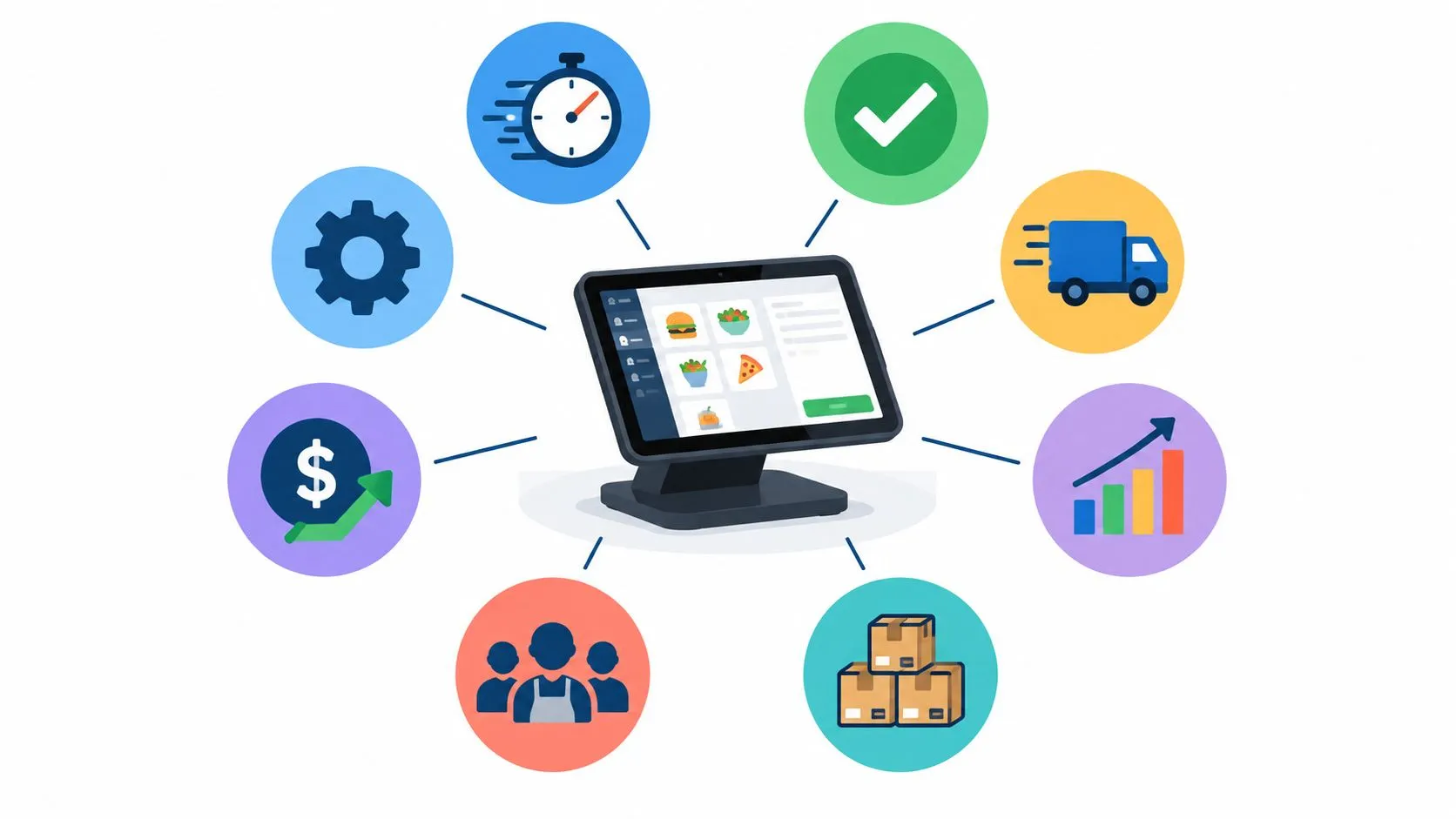
The main POS system benefit for restaurants is routing Uber Eats, DoorDash, and Grubhub orders directly into Clover or Square without extra tablets or manual re-keying. That single change reduces operational friction and errors, while improving delivery execution, labor coordination, inventory visibility, fulfillment, and reporting.
A restaurant shouldn’t have one version of an order on a marketplace tablet and another version in the point-of-sale system. Staff need one operational source of truth. OrderOut connects third-party delivery channels to supported POS workflows and maps each marketplace menu to a normalized POS schema, so item names, sizes, modifiers, and special instructions can reach the kitchen in a consistent format.
Clean menu mapping matters more than many operators expect. If a DoorDash modifier doesn’t match the corresponding Clover option, or a Grubhub item uses a different structure from the Square menu, the integration has less reliable information to pass through. Before focusing on advanced reporting, make sure the foundation is accurate.
The eight benefits below are connected. Fewer manual touches can reduce entry mistakes, a unified order queue can simplify rush-period work, and consolidated order data can help operators make better menu, staffing, inventory, and fulfillment decisions. For broader background on POS connectivity, see this explanation of point-of-sale integration and client rewards.
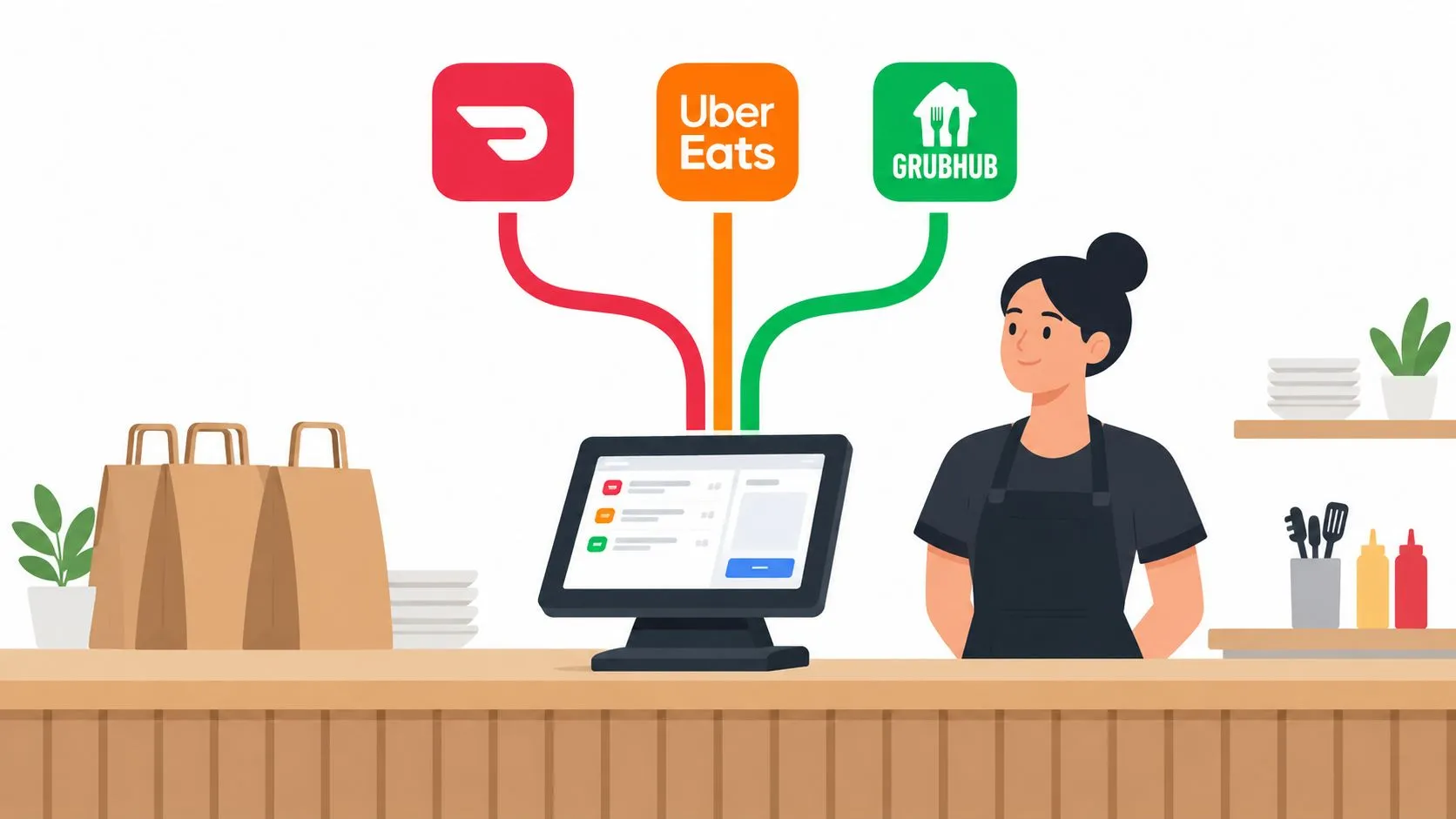
1. Elimination of Manual Order Re-Keying
Manual re-entry creates a second order-taking process that your restaurant has to staff, supervise, and troubleshoot. A team member reads an Uber Eats, DoorDash, or Grubhub ticket from one device, then types the same information into Clover or Square. During a rush, that extra handoff can produce missed modifiers, incorrect quantities, duplicate tickets, or orders that never reach the kitchen.
With OrderOut, marketplace orders inject directly into the POS workflow. The platform maps each marketplace menu to a normalized POS schema, allowing the order to arrive in a format the restaurant can use instead of forcing staff to transcribe it. The operational payoff is straightforward: employees can focus on preparing and checking orders rather than copying them between screens.
A pizza shop, for example, may receive a DoorDash order with a size, crust choice, toppings, and special instructions. If those options are mapped correctly, the kitchen sees the order through the same Clover process used for other tickets. That reduces the need for a separate verbal explanation from a cashier to the line.
Menu hygiene comes first
Before launch, audit the POS catalog against every live delivery menu. Check item names, sizes, modifier groups, required choices, optional extras, and availability rules. A connection can only transmit the information it receives, so a poorly structured menu can carry its problems into the kitchen.
Practical rule: Don’t treat menu mapping as a one-time import. Review it whenever you add an item, change a modifier, or update a marketplace menu.
For a deeper look at reducing manual touches, review OrderOut’s order-entry automation guidance. The third-party order engine is designed around the same principle, keeping delivery orders connected to the POS instead of creating another isolated workflow.
2. Consolidated Order Management Across Multiple Marketplaces
Three delivery platforms can create three different operating habits. One employee watches Uber Eats, another checks DoorDash, and someone else monitors Grubhub while the kitchen tries to determine which orders have been accepted, started, or packed. Even when no order is technically lost, the constant switching makes the shift harder to control.
Routing those channels into one Clover or Square POS gives the team a shared queue. Staff can work from one order stream, one kitchen display workflow, and one set of order statuses. The restaurant still receives orders from different marketplaces, but the execution process becomes more consistent.
Consider a sandwich restaurant that accepts orders from all three major delivery apps. Without consolidation, the expediter may need to search several tablets to answer a driver’s question. With orders flowing into the POS, the expediter can check the same operational screen used for kitchen production and identify the relevant order more directly.
Keep channel context visible
Centralization shouldn’t erase useful information. Staff still need to know whether an order came from Uber Eats, DoorDash, or Grubhub because packaging, pickup instructions, customer communication, and marketplace issue handling may differ.
Use clear channel identifiers where the POS workflow supports them. Train employees to confirm the marketplace, order number, items, and pickup status before handing off a bag. During a slow period, run test orders from each channel and verify that the kitchen sees the right details.
The multi-channel order management workflow is most effective when the restaurant defines ownership for each status. Decide who accepts exceptions, who marks orders ready, and who handles a missing modifier. Software can consolidate the queue, but people still need clear responsibilities.
3. Reduced Order Fulfillment Time and Kitchen Throughput Gains
A kitchen can’t prepare an order it hasn’t received. When a delivery ticket waits on a tablet for manual entry, production starts later than it should. Direct POS injection removes that waiting step, so the kitchen can begin working from the order as soon as the system receives and validates it.
The gain isn’t limited to speed at the front counter. Accurate tickets reduce pauses caused by clarification. A cook doesn’t have to ask whether the customer wanted a particular topping, and an expo worker doesn’t have to reconcile a handwritten note with a marketplace screen. The team can move the order through preparation, checking, packing, and pickup with fewer interruptions.
A burger restaurant using Square might notice that delivery tickets no longer sit outside the normal kitchen queue. That makes it easier to sequence production with dine-in and pickup demand, especially when several orders arrive close together. The POS becomes the place where the team sees what needs to be made, not merely where a payment is recorded.
Measure the bottleneck, not just the ticket
Operators should use available prep-time and status reporting to find where orders stall. If the delay happens before cooking, review order routing and acceptance. If food is ready but bags wait at the pass, improve expo ownership and pickup staging. If modifiers cause rework, return to menu mapping.
OrderOut’s Clover kitchen display system information is relevant for restaurants that want delivery tickets handled within the same production environment. The important operational test is simple: can a team member see a new DoorDash or Uber Eats order, understand it, and move it forward without checking another device?
4. Significant Reduction in Order Errors and Remakes
Order accuracy often breaks at the handoff between systems. A marketplace displays the customer’s request, while the POS receives a manually typed interpretation of it. That interpretation can omit a sauce, misread a size, miss a topping, or turn a special instruction into an unclear note.
Integrated menu mapping addresses the source of that problem. When each item and modifier has a corresponding POS structure, the order can reach the kitchen with more complete information. Fewer inaccurate tickets can mean fewer remakes, fewer customer complaints, fewer refunds, and less wasted product.
The operational difference is especially clear for menus with many combinations. A sushi restaurant might have roll selections, protein choices, sauce preferences, and side options. A deli might rely on bread, cheese, topping, and preparation modifiers. If those choices are mapped inconsistently, staff may need to call out details or ask a manager to interpret the ticket.
Validate before orders go live
Run a menu audit across Uber Eats, DoorDash, and Grubhub before enabling live traffic. Test common items, complex modifier combinations, substitutions, quantity changes, and special instructions. Don’t limit testing to the customer-facing marketplace view. Confirm what appears in Clover or Square and what the kitchen receives.
A useful validation process includes:
- Check required modifiers: Make sure customers can’t submit an incomplete choice where the POS expects a required option.
- Review item naming: Use names that kitchen staff can recognize without translating marketplace terminology.
- Test edge cases: Include extra toppings, removed ingredients, half-and-half choices, and bundled meals.
- Track recurring exceptions: Review errors by channel so a mapping problem doesn’t look like a staff performance problem.
The delivery-to-Clover integration gives operators a direct path for evaluating this workflow. The value doesn’t come from connecting a marketplace icon to a POS. It comes from transmitting a usable order that the kitchen can execute correctly.
5. Real-Time Inventory and Stock Management
A delivery menu creates a customer promise. If an item is unavailable in the kitchen but remains active on Uber Eats, DoorDash, or Grubhub, staff have to explain the problem after the customer has already ordered. That can lead to substitutions, refunds, support contacts, and frustration for everyone involved.
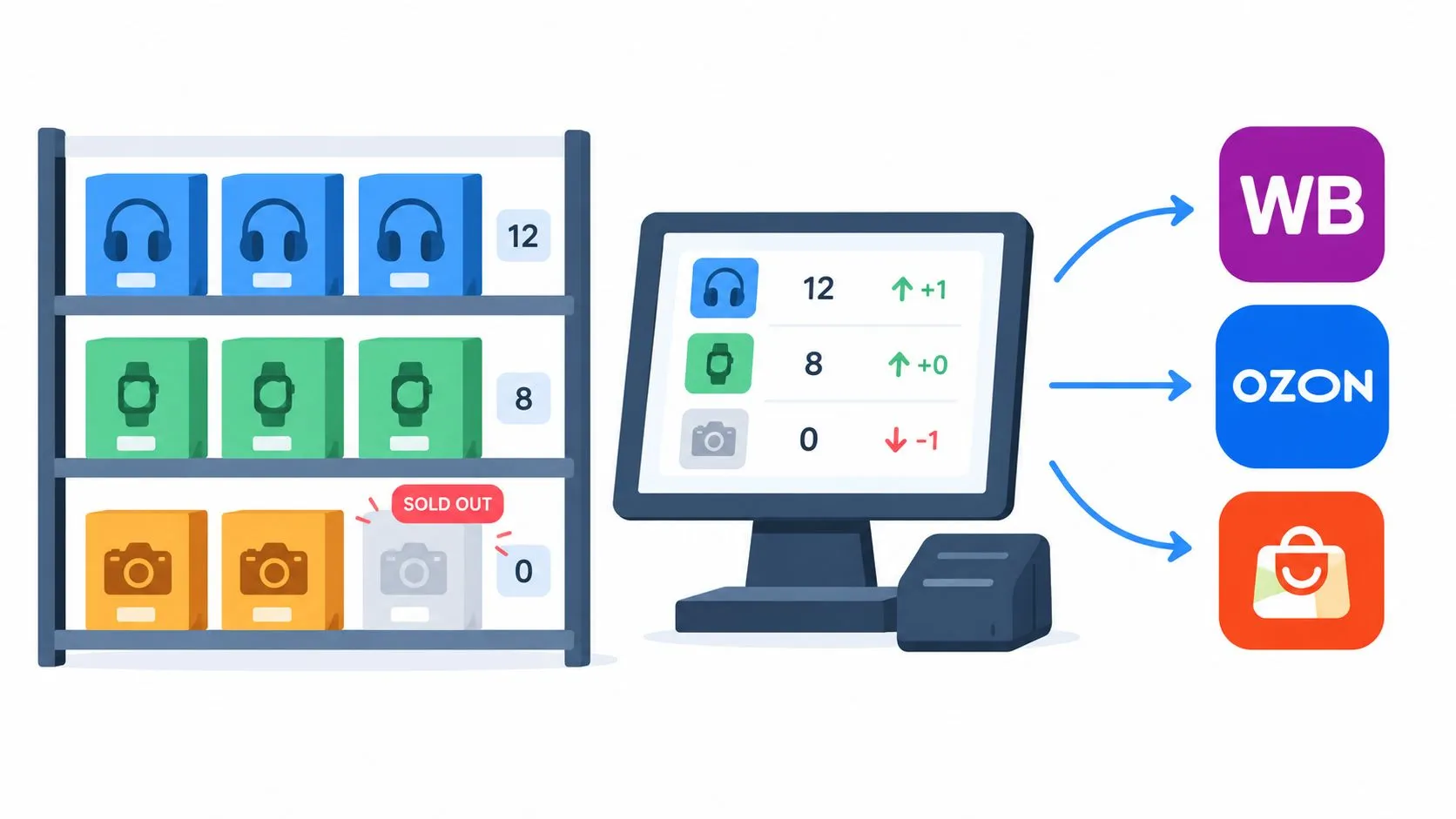
When orders flow through the POS, inventory activity has a more consistent operational home. The restaurant can use the POS as the place to update item availability and coordinate what customers can order across connected channels. Depending on the configuration and supported synchronization, availability changes can then flow through the connected ordering workflow rather than requiring separate edits on every tablet.
A pizzeria running a limited topping can use this approach to manage the item more deliberately. When supplies run low, the manager can review the POS availability setting and confirm that the corresponding marketplace option reflects the change. The process won’t fix an inaccurate recipe or an unmaintained menu, so inventory discipline still matters.
Treat availability as an operating routine
Set a clear responsibility for marking items unavailable and restoring them when stock returns. Review high-volume ingredients and menu items at the start of service, then check exceptions during the rush. A POS can expose the current state, but a manager still needs to act when stock changes.
OrderOut’s online inventory management guidance provides useful context for connecting availability to online ordering. The broader POS case is visibility. If the restaurant manages each channel separately, a sold-out item can remain available somewhere by accident.
Here’s the practical test: when the kitchen runs out of a popular item, can one authorized employee update the source system and know what customers will see across connected channels?
6. Improved Delivery Partner Experience and On-Time Pickup
Drivers for Uber Eats, DoorDash, and Grubhub need reliable pickup information. If an order remains in a preparing state because staff haven’t entered it or updated its status, a driver may arrive too early, wait at the counter, or ask staff to search through multiple screens.
Direct delivery-to-POS routing helps the restaurant establish a clearer status process. The order enters the normal queue, kitchen staff prepare it, and the responsible employee marks it ready when the bag is complete. That gives the pickup handoff a defined point instead of leaving the driver dependent on verbal updates.
A chicken restaurant in a busy delivery area can use this workflow to make pickup more predictable. The team sees the order in the same place as other production work, while the front-of-house employee can confirm the order number and marketplace before handing it over. That reduces searching and makes the pickup area easier to manage.
Status accuracy matters as much as speed
An order shouldn’t be marked ready merely to clear the screen. If the bag is still missing an item, an early ready status creates a different problem. Train the expo or pickup owner to update the order only after the food, sides, sauces, utensils, and receipt requirements have been checked.
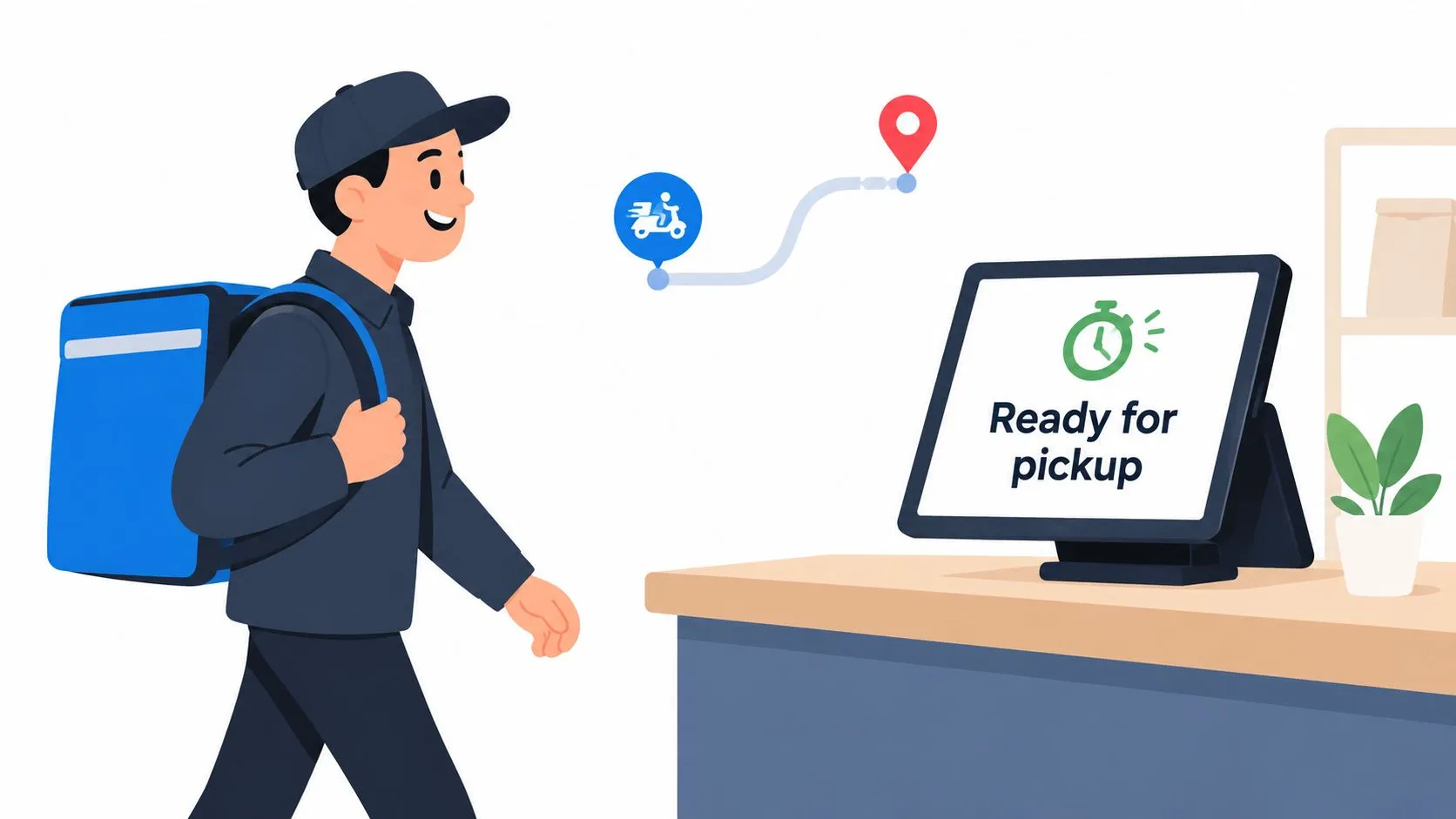
Review marketplace merchant dashboards alongside POS status history. If drivers frequently arrive before orders are ready, inspect acceptance and prep routing. If orders sit ready for too long, review pickup communication and staging. Integration helps, but the restaurant must still define and follow the handoff standard.
7. Streamlined Staff Workflows and Reduced Cognitive Overhead
A busy shift asks employees to make many small decisions. Which tablet has the newest order? Has someone accepted the DoorDash ticket? Is the Grubhub order already in Square? Did the Uber Eats customer request a modifier that didn’t make it onto the kitchen ticket?
A unified POS workflow removes many of those questions. Order takers, kitchen staff, expediters, and managers can work from a shared queue instead of switching between separate interfaces. That makes the process easier to explain to new employees and easier for managers to supervise during a rush.
A small pizzeria may still keep a marketplace tablet available for support or exception handling, but it doesn’t need to use that tablet as the primary production queue. The POS remains the operational source of truth, while the marketplace dashboard serves its narrower purpose.
Assign ownership before the first busy shift
The software won’t decide who monitors new orders or who confirms pickup. Establish those roles before launch:
- Order monitoring: Assign one person to watch incoming exceptions and confirm that normal orders enter the kitchen queue.
- Kitchen execution: Make sure cooks know where marketplace tickets appear and how modifiers are displayed.
- Expo control: Give one employee responsibility for final bag checks and ready-status updates.
- Manager escalation: Define what happens when an item is missing, an order is delayed, or a marketplace sends incomplete information.
Hold a short pre-shift walkthrough and use test orders to demonstrate the full path. Ask staff to explain what they’ll do when a modifier is missing. That conversation reveals workflow gaps before a customer discovers them.
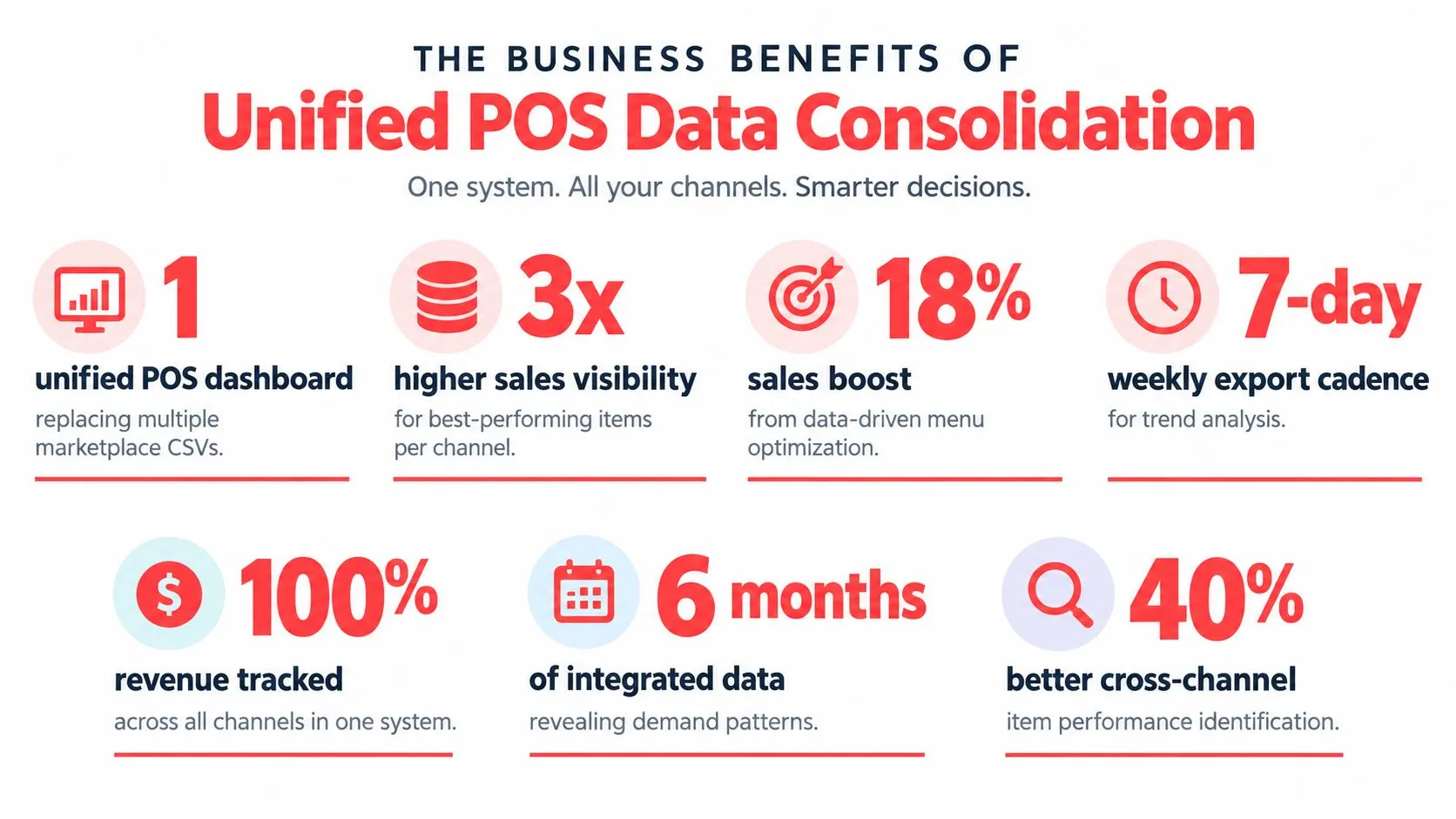
8. Data Consolidation and Actionable Business Insights
A POS report is only useful when it helps an operator make a decision. Sending orders into Clover or Square gives the restaurant a more unified record of sales activity across in-store, pickup, and connected delivery channels. That makes it easier to compare channel performance without assembling the picture manually from separate interfaces.
Operators can use the combined view to ask practical questions. Which items perform well on DoorDash but poorly in-store? Which modifiers cause repeated exceptions? When does delivery demand put the most pressure on the kitchen? Which marketplace produces orders that require more customer support or packaging attention?
A burger restaurant might discover that a particular item performs differently on Grubhub than on its other channels. The useful response isn’t to admire the report. The manager can review the listing, confirm the price and modifiers, adjust the menu presentation, or decide whether the item belongs on that channel at all.
Turn reporting into a weekly operating habit
Export or review POS data on a regular schedule and record decisions alongside the observations. Look for patterns in item demand, channel mix, unavailable items, order exceptions, and fulfillment status. Then make one operational change and watch whether the next reporting period supports it.
OrderOut’s restaurant data analytics resource is relevant for operators who want to move beyond a basic sales total. The strongest POS system benefits appear when a report changes a menu decision, a prep routine, a staffing assignment, or an availability rule.
8-Point POS Benefits Comparison
| Item | 🔄 Implementation complexity | ⚡ Resource requirements | ⭐ Expected outcomes | 💡 Ideal use cases | 📊 Key advantages |
|---|---|---|---|---|---|
| Elimination of Manual Order Re-Keying | Medium, POS menu mapping and API integration required | Low–Medium, POS audit, initial setup, staff briefing | ⭐⭐⭐, fewer transcription errors; 2–5 min saved per order | High-volume restaurants that re-key orders manually | Orders land kitchen-ready, reduced remakes, single POS truth |
| Consolidated Order Management Across Multiple Marketplaces | Medium–High, requires robust POS API/webhook support and failover planning | Medium, integration, testing, possible POS scaling | ⭐⭐⭐, unified queue, less context switching | Multi-channel restaurants, ghost kitchens, multi-location operators | One order stream, fewer missed/duplicate orders, simpler training |
| Reduced Order Fulfillment Time and Kitchen Throughput Gains | Low–Medium, real-time KDS integration and sequencing rules | Low–Medium, KDS config, staff discipline, reporting setup | ⭐⭐⭐⭐, faster prep, higher completion rates (measurable throughput gains) | Busy kitchens, QSRs, pizza shops with peak service windows | Shorter kitchen dwell time, fewer false starts, improved SLA adherence |
| Significant Reduction in Order Errors and Remakes | Medium, accurate menu mapping and validation steps needed | Medium, mapping effort, ongoing maintenance, weekly reviews | ⭐⭐⭐⭐, large drop in accuracy complaints and remakes | Restaurants with many modifiers or complex menus (sushi, delis) | Fewer refunds/waste, traceable orders, higher marketplace ratings |
| Real-Time Inventory and Stock Management | High, inventory models, ingredient tracking, API sync logic | High, detailed POS inventory setup, staff discipline, reconciliation | ⭐⭐⭐, prevents oversells; reduces chargebacks and refunds | Limited-time offers, high-SKU kitchens, venues prone to stockouts | Automatic unpublish on sellout, better food-cost control, low-stock alerts |
| Improved Delivery Partner Experience and On-Time Pickup | Low, status sync and clear POS status workflow | Low, staff training to mark readiness, occasional monitoring | ⭐⭐⭐, higher acceptance and lower driver wait times | High-delivery-density locations, frequent driver pickups | Faster handoffs, improved driver ratings, better on-time pickup metrics |
| Streamlined Staff Workflows and Reduced Cognitive Overhead | Low, consolidate interfaces, assign roles and permissions | Low, brief training, POS permission setup | ⭐⭐⭐, faster onboarding, fewer app-related mistakes | Small teams, high-turnover outlets, busy multi-channel shifts | Reduced app-hopping, clearer roles, faster training and fewer errors |
| Data Consolidation and Actionable Business Insights | Medium, reporting setup, data mapping, occasional exports | Medium, BI tools or spreadsheet cadence, reporting discipline | ⭐⭐⭐⭐, unified sales view, channel-level item performance | Multi-unit operators, franchises, data-driven managers | Single source of truth, channel analysis, staffing and menu optimization |
Turn POS Visibility Into the Next Operational Step
The best POS system benefits don’t come from adding another dashboard. They come from changing where work happens. When Uber Eats, DoorDash, and Grubhub orders enter Clover or Square directly, staff can stop copying tickets between devices and start working from one queue.
That creates a connected operating effect. Fewer manual touches can reduce entry mistakes. A unified queue can simplify rush-period coordination. Accurate menu mapping can help the kitchen receive the right item and modifier information. A shared availability process can reduce the risk of selling items the restaurant can’t fulfill. Consolidated order records can support better menu, staffing, and fulfillment decisions.
There are trade-offs. Integration doesn’t replace menu maintenance, staff training, or exception handling. A normalized POS schema is only as reliable as the item and modifier structure behind it. If the restaurant has duplicate items, unclear modifier groups, or different availability rules across marketplaces, those issues need to be resolved before rollout.
Use this implementation sequence:
- Audit the POS menu: Review every item, size, modifier, bundle, and special instruction in Clover or Square.
- Validate marketplace matches: Compare the live Uber Eats, DoorDash, and Grubhub menus with the POS structure.
- Run complete test orders: Place representative orders and follow them from submission through kitchen preparation, packing, and pickup.
- Define exception ownership: Decide who handles missing modifiers, unavailable items, delayed orders, and marketplace support issues.
- Review operational data: Use the POS and marketplace records to identify recurring errors and workflow bottlenecks.
OrderOut’s third-party delivery-to-POS engine is built for this operating model. Restaurants can also review the DoorDash and Clover integration page for a channel-specific workflow, then start through the Clover App Market listing. OrderOut is free to install on the Clover App Market, while configuration still requires careful menu and modifier validation.
Frequently Asked Questions
Does OrderOut work with Clover?
Yes. OrderOut routes supported third-party delivery orders, including Uber Eats, DoorDash, and Grubhub orders, into Clover through its delivery-to-POS workflow. It maps marketplace menus to a normalized POS schema so items and modifiers can enter the Clover process in a consistent format.
Can DoorDash orders go directly into Square?
OrderOut supports routing DoorDash orders into supported Square workflows. The purpose is to remove manual re-keying and keep the Square POS as the operational source of truth for the restaurant’s order process.
Why does menu mapping matter for delivery POS integration?
Menu mapping connects marketplace items and modifiers to the structures used by the POS. Without accurate mappings, an order may arrive with unclear, missing, or mismatched choices, so operators should audit items, sizes, modifiers, and availability before going live.
Does OrderOut remove extra delivery tablets?
OrderOut is designed to remove the need for separate delivery tablets as the primary order-entry workflow. Orders from connected marketplaces can flow into Clover or Square, while staff manage production and status from the POS instead of manually copying tickets.
OrderOut connects Uber Eats, DoorDash, and Grubhub to Clover or Square so your team can work from one delivery order workflow, without manual re-keying. Review OrderOut to see how direct POS injection can reduce operational friction, then onboard free in a few clicks at the OrderOut dashboard.