
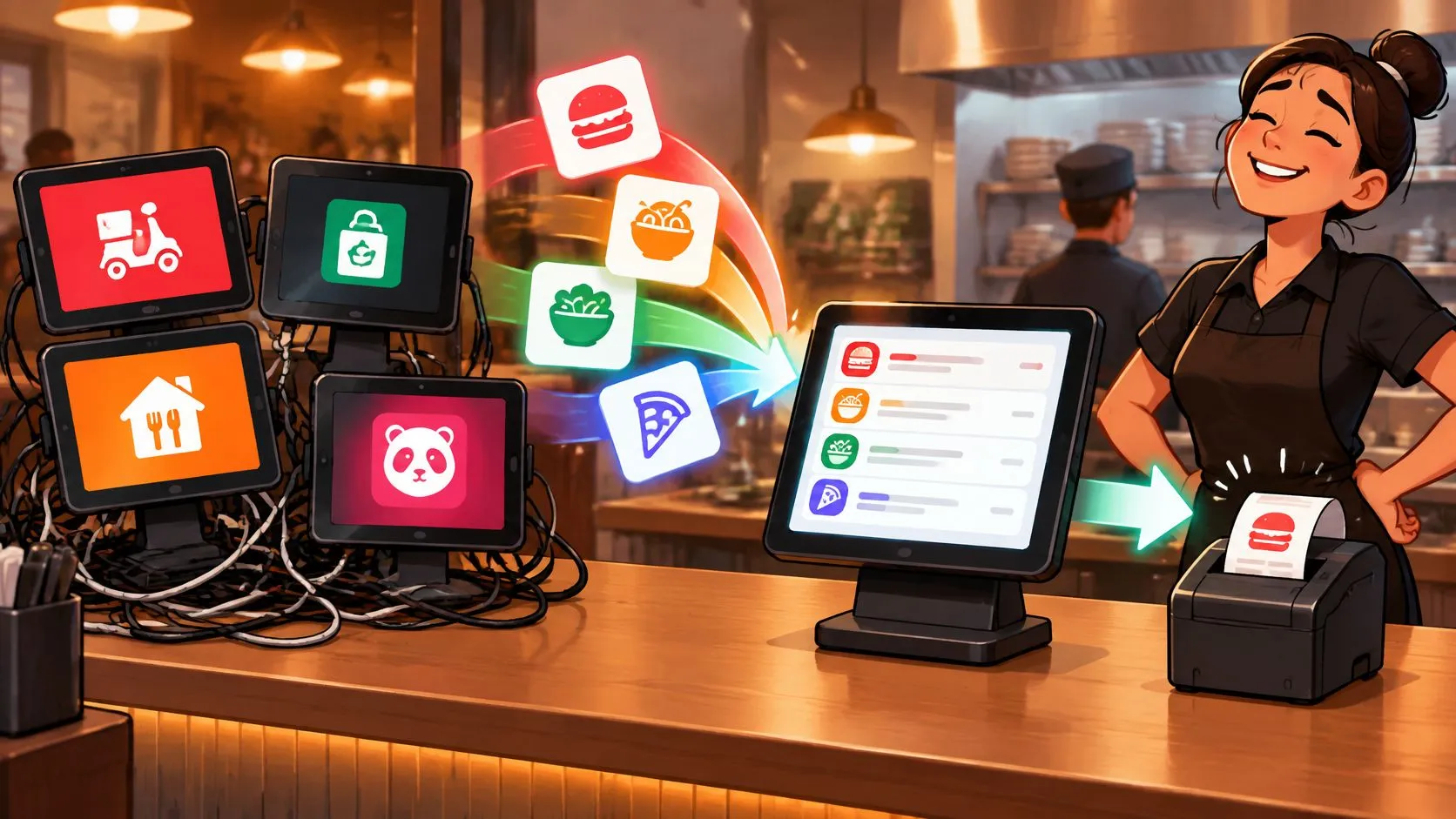
Delivery tablets receive marketplace orders on separate devices, but direct POS integration eliminates the need for those extra tablets by sending Uber Eats, DoorDash, and Grubhub orders straight into Clover or Square without manual re-keying. If your counter is crowded with charging cables and your cashier keeps turning away from customers to copy delivery tickets, the problem isn’t the counter space. It’s the disconnected order workflow.
A cleaner setup starts with accurate menu mapping, dependable kitchen routing, and clear ownership when something goes wrong. Removing screens is useful. Removing the work those screens create is what matters.
The Reality of Managing Delivery Tablets
During a Friday rush, an Uber Eats alert sounds while someone accepts a DoorDash order and a Grubhub driver asks whether a bag is ready. The cashier copies an order into Clover, pauses to answer the driver, then returns to a modifier they haven’t entered yet. That’s an illustrative service scenario, not a case study, but it captures the operational problem: staff must supervise separate queues while running the restaurant.
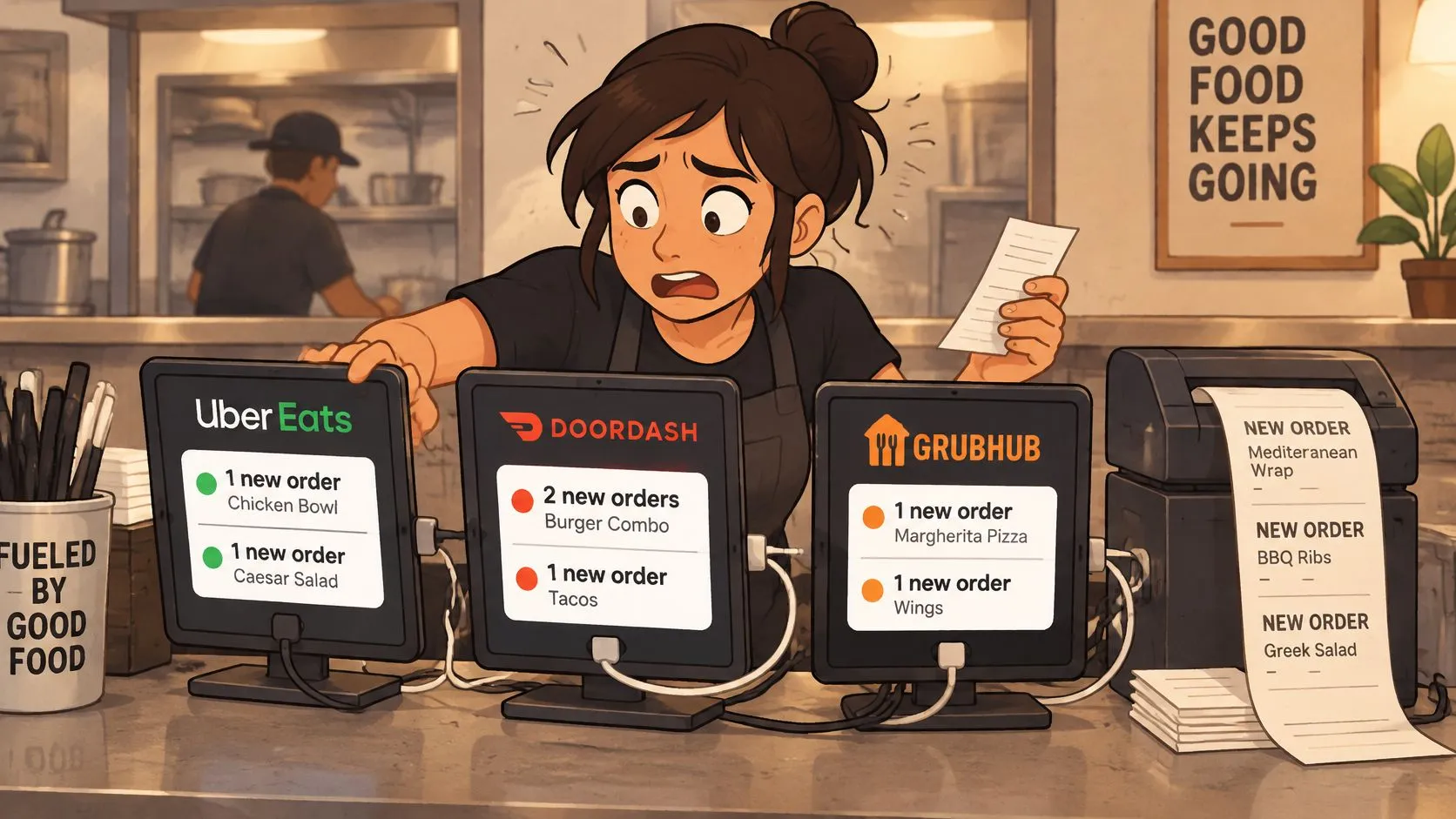
Delivery tablets became useful because customers moved toward digital ordering. The National Restaurant Association’s technology research found that 71% of off-premises customers would likely use a third-party delivery service. That measures customer preferences, not restaurant tablet deployment, but it explains why marketplace orders need a dependable place in the kitchen workflow.
Delivery Tablets Need More Than a Charging Station
A better tablet stand won’t fix unclear order ownership. Neither will assigning the loudest device to whichever employee happens to be nearest.
In a disconnected setup, operators need explicit controls:
- Acceptance ownership: Name the person responsible for incoming marketplace orders.
- Production confirmation: Check that an accepted order reached the kitchen.
- Handoff accuracy: Match the packed order to the marketplace identifier before release.
The broader discussion of tablets in restaurant operations helps distinguish useful restaurant hardware from devices that merely bridge disconnected systems.
Practical rule: An accepted delivery order isn’t ready for production until the kitchen has the correct ticket.
Direct integration changes that handoff. Instead of asking staff to turn a marketplace notification into a separate POS order, the connected workflow puts the order into the restaurant’s existing production system. Staff can concentrate on exceptions, packing, and handoff rather than routine transcription.
The Hidden Costs of Manual Re-Keying
The expensive mistake isn’t always a completely missed order. It can be a correctly entered item with the wrong modifier, an omitted instruction, or a quantity copied incorrectly. The kitchen may prepare exactly what appears on its ticket while still producing something different from what the customer ordered.
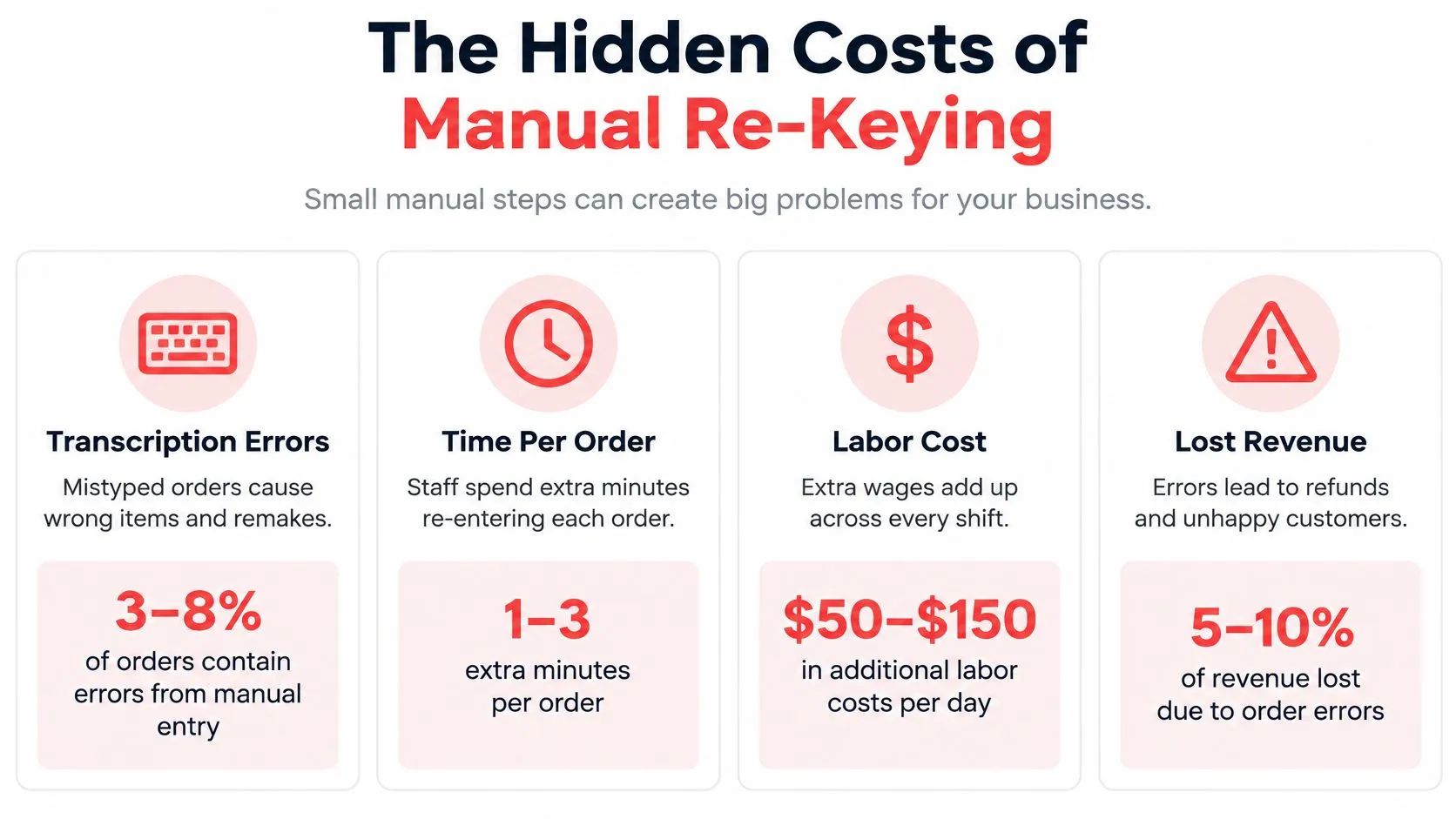
Industry reporting summarized in this delivery order-management guide cites 6.3% errors for manually managed delivery orders versus 0.8% for fully integrated orders. Treat that comparison as directional evidence, not a guaranteed result for your restaurant. Your own ticket audit should determine whether the workflow improves accuracy under your actual service conditions.
Audit the Transcription Points
Follow an order from marketplace receipt through packing and driver handoff. Compare the original order with the POS transaction and kitchen ticket, rather than checking only whether someone accepted it.
- Item identity: Did the correct POS item reach the correct preparation station?
- Modifiers and quantities: Did substitutions, additions, exclusions, and quantities survive the transfer?
- Instructions: Can the person preparing or packing the order see the relevant customer notes?
- Duplicates: Did a staff member enter an order that had already arrived automatically?
For a broader automation perspective, MakeAutomation’s guide to automate data entry for your business is a useful supplementary resource. Restaurant-specific manual data-entry errors deserve separate attention because the mistake becomes a physical meal before anyone necessarily notices.
Menu Governance Is the Less Visible Cost
Repeated entry isn’t limited to orders. Managers also need control over prices, modifiers, hours, and item availability. Single-source-of-truth menu control means defining where each field belongs and verifying that connected channels reflect the intended value.
As US Tech Automations’ discussion of delivery-menu maintenance describes, updating separate provider portals creates opportunities for inconsistent menus. Centralization still needs safeguards: an incorrect mapping can distribute a mistake rather than prevent it.
Removing a tablet doesn’t prove the menu is correct. Check what customers can actually order.
How Direct POS Injection Works
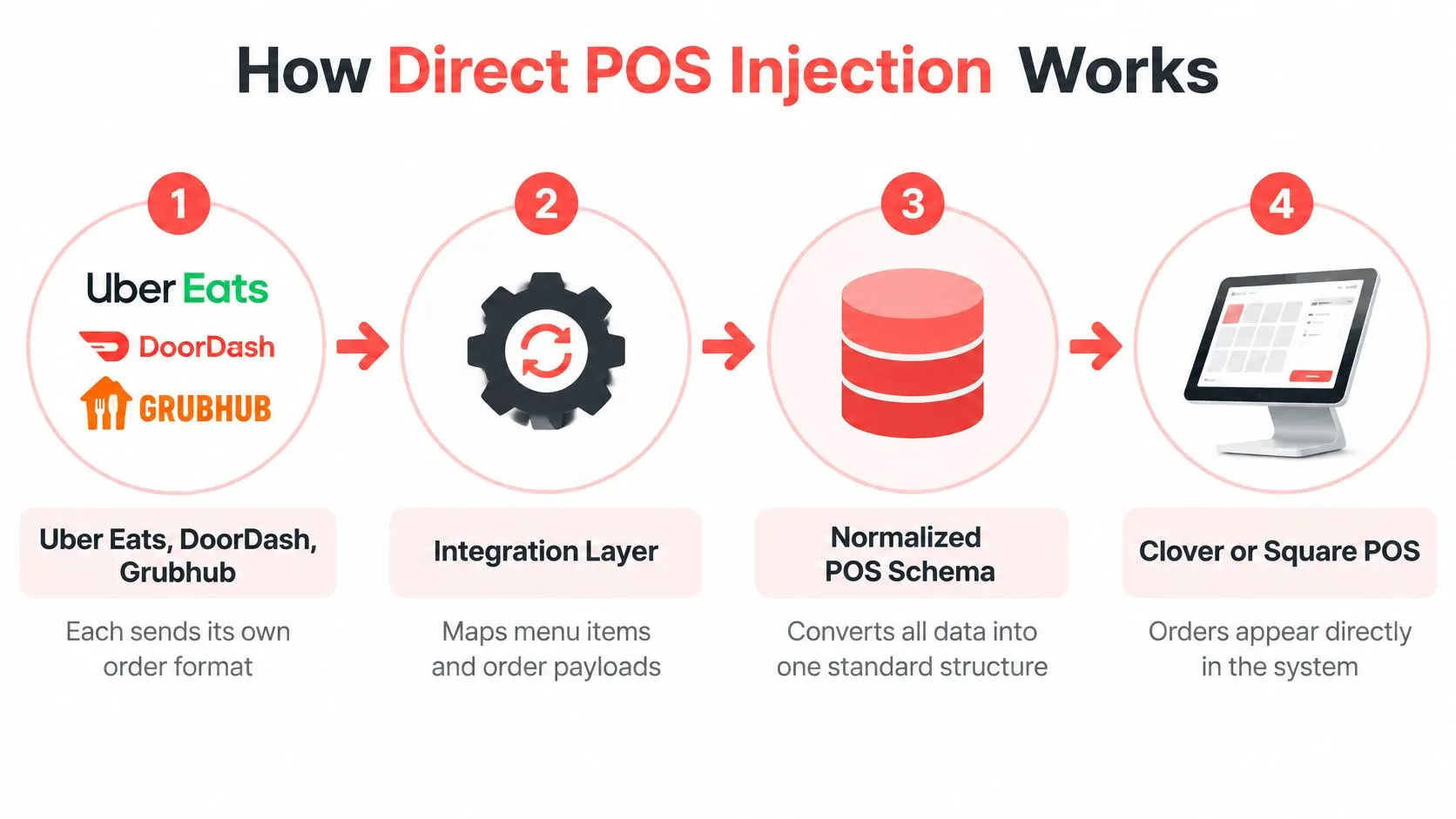
Direct POS injection turns a marketplace order into a POS transaction that the kitchen can produce. It doesn’t merely move alerts onto another screen. The integration translates the marketplace’s order format into the items, modifiers, and fulfillment structure your Clover or Square setup understands.
Marketplace Menus Need Explicit Mapping
A normalized POS schema is a consistent structure for representing orders from different marketplaces. A marketplace item must map to the right POS item, and its available modifiers must map to the correct selections.
For example, a Grubhub order sent to Clover shouldn’t become a generic delivery sale that employees must interpret. The intended result is the correct item and modifier combination, with the details needed for preparation. The Grubhub-to-Clover integration workflow is a concrete channel-and-POS example.
The translation needs to preserve:
- Order content: Item identifiers, modifier selections, quantities, and notes.
- Transaction context: Prices, taxes, discounts, and the originating marketplace.
- Fulfillment details: Pickup or delivery status and applicable scheduling information.
The delivery-to-POS order engine handles this translation rather than leaving employees to recreate the transaction.
APIs Support the Handoff
An API lets systems exchange structured data, while a webhook can notify a connected system about an event. The practical restaurant API integration explanation provides background without requiring operators to become developers.
For implementation context, SupaOrder’s documented POS integration workflow describes Square connections using API credentials and webhooks, while Clover connections may use an application on the device. That documentation illustrates possible architecture, not a promise that every integration uses identical mechanics. For broader system-planning context, consult SIX ERP integration advice.
If you use Clover, the practical starting point is to install the delivery integration from the Clover App Market. Then validate menu mapping and kitchen output before relying on the connection during service.
Reconciling Marketplace Commissions and Fees
POS integration doesn’t remove marketplace commissions. It changes how orders enter the restaurant’s operating system, not the commercial agreement behind them.
With separate tablet workflows, a manager may need to compare manually entered POS transactions with marketplace records before identifying the original order. A properly mapped transaction preserves useful identifiers, so staff don’t have to reconstruct the relationship from a customer name and an approximate order total.
Marketplace Commission Structures
The following published plan comparison comes from the Orderitto analysis of third-party delivery fees; the Grubhub figures represent marketing commissions rather than delivery-inclusive totals.
| Platform | Entry Tier | Mid Tier | Premium Tier |
|---|---|---|---|
| DoorDash | Basic: 15% | Plus: 25% | Premier: 30% |
| Uber Eats | Lite: 20% | Plus: 25% | Premium: 30% |
| Grubhub | Marketing: 5% | Marketing: 15% | Marketing: 20% |
In the same published fee comparison, fulfillment method is an important distinction: marketplace delivery, restaurant delivery, and pickup can follow different charging arrangements. Don’t treat the table as a universal effective rate or substitute it for your merchant agreement and settlement records.
Preserve Context Without Assuming Complete Reporting
A unified order queue and complete financial reconciliation aren’t the same deliverable. Before deployment, ask which fields enter the POS, which remain in marketplace reports, and how staff match the records.
- Marketplace identity: Retain the source channel and order identifier.
- Fulfillment method: Distinguish pickup from delivery and identify who fulfills it.
- Transaction adjustments: Verify the handling of discounts, taxes, tips, and refunds.
The practical approach to reconciling marketplace and POS differences is to compare matching records, not assume every difference means an order-entry error. Timing, adjustments, and settlement treatment need their own checks.
For broader channel-planning context, marketplace strategy from Helbling Digital Media is a supplementary resource, not evidence for a particular commission rate. Operationally, keep the distinction clear: the POS controls production, while marketplace records remain necessary for verifying marketplace charges.
Deploying Integration on Clover and Square
Start with the menu, not the download. If duplicate items, unclear modifier names, or inconsistent prices already exist in the POS, resolve them before connecting marketplace menus. Otherwise, you’ll be testing the integration and untangling catalog problems at the same time.
Prepare the Delivery POS Connection
Use the Clover delivery integration information to review the Clover option, or start through the Square App Marketplace integration listing for Square. Confirm the correct restaurant location and marketplace merchant accounts before authorizing connections.
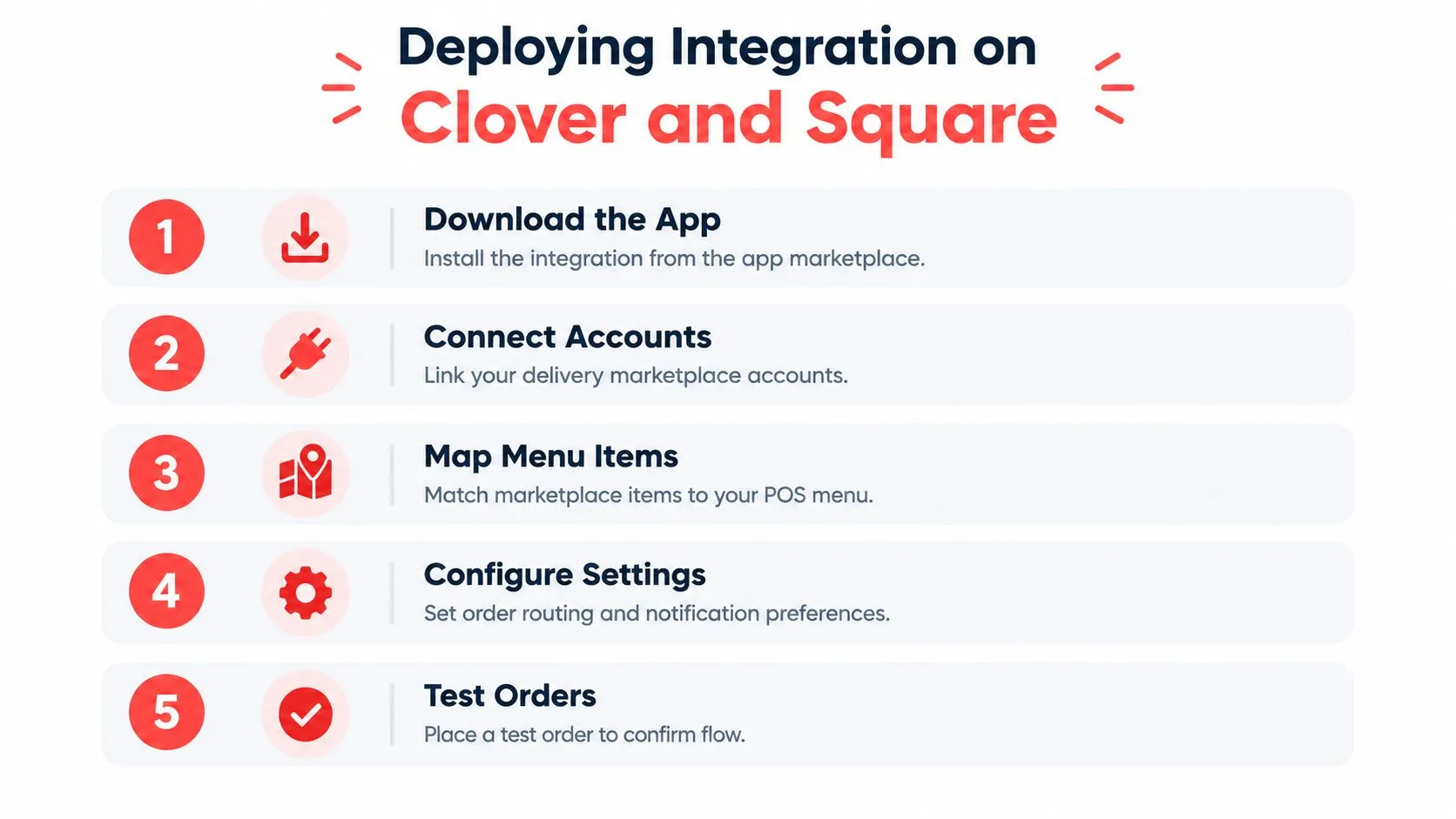
Work through deployment in operational order:
- Clean the POS catalog: Make item names and modifier groups unambiguous.
- Connect the intended accounts: Verify that orders belong to the correct restaurant location.
- Review mappings: Check available choices, required modifiers, and price treatment against the marketplace menu.
- Confirm production routing: Verify that the appropriate kitchen station receives each item.
- Test complete orders: Compare the marketplace receipt, POS record, kitchen ticket, and packed bag.
The guide to connecting multiple delivery apps to a single POS provides additional implementation context.
Define Menu Authority Before Launch
Keep Clover or Square as the operational source of truth, but don’t assume every marketplace field automatically synchronizes in both directions. Ask which system owns hours, photos, prices, availability, and channel-specific exceptions. Verify how those changes propagate and how staff confirm success.
Launch check: Test a modifier change and an unavailable item, not just a straightforward order.
A sensible acceptance test also includes the people who will use the system. Have the cashier identify the incoming order, the kitchen confirm its instructions, and the packer match it to the handoff record.
Finally, document an exception route before retiring the old workflow. Name who investigates a missing ticket and who can pause affected ordering channels. A tidy counter isn’t a reason to skip a recovery plan.
Frequently Asked Questions
Does delivery POS integration work with Clover and Square?
Yes, the delivery integration discussed here supports Clover and Square for orders from Uber Eats, DoorDash, and Grubhub. Verify your restaurant location, marketplace accounts, and menu mappings during setup. The meaningful test is whether the correct transaction and kitchen ticket appear without staff reconstructing the order.
What happens if the network or integration goes down?
Don’t assume orders will continue normally or automatically replay after recovery. Document who checks connectivity, printer status, POS routing, and integration alerts, then assign someone to communicate with the kitchen and pause affected channels when necessary. Before resuming service, reconcile received orders against produced tickets to prevent omissions and duplicates.
How should we handle unavailable items across marketplaces?
Define where availability changes originate and confirm whether your connection supports the required synchronization. After marking an item unavailable, check the customer-facing marketplace menus instead of trusting an internal status alone. Keep a documented exception process for any channel that requires a separate update.
Does removing delivery tablets make the operation more resilient?
Not automatically. Centralization reduces interface switching, but a shared connection or routing failure can affect connected channels together, a trade-off discussed in NawaOps’ coverage of disconnected online-ordering workflows. Measure successful kitchen delivery and recovery performance, not how many screens disappeared.
Is the integration free?
The Clover application is free to install, but installation cost and ongoing service pricing are different questions. Review the current delivery integration pricing for the applicable service terms before committing. Marketplace commissions remain separate from integration charges.
OrderOut sends Uber Eats, DoorDash, and Grubhub orders into Clover or Square without extra delivery tablets or manual re-keying. Visit OrderOut, then start free restaurant onboarding and validate your menu mappings and kitchen routing before your next rush.