
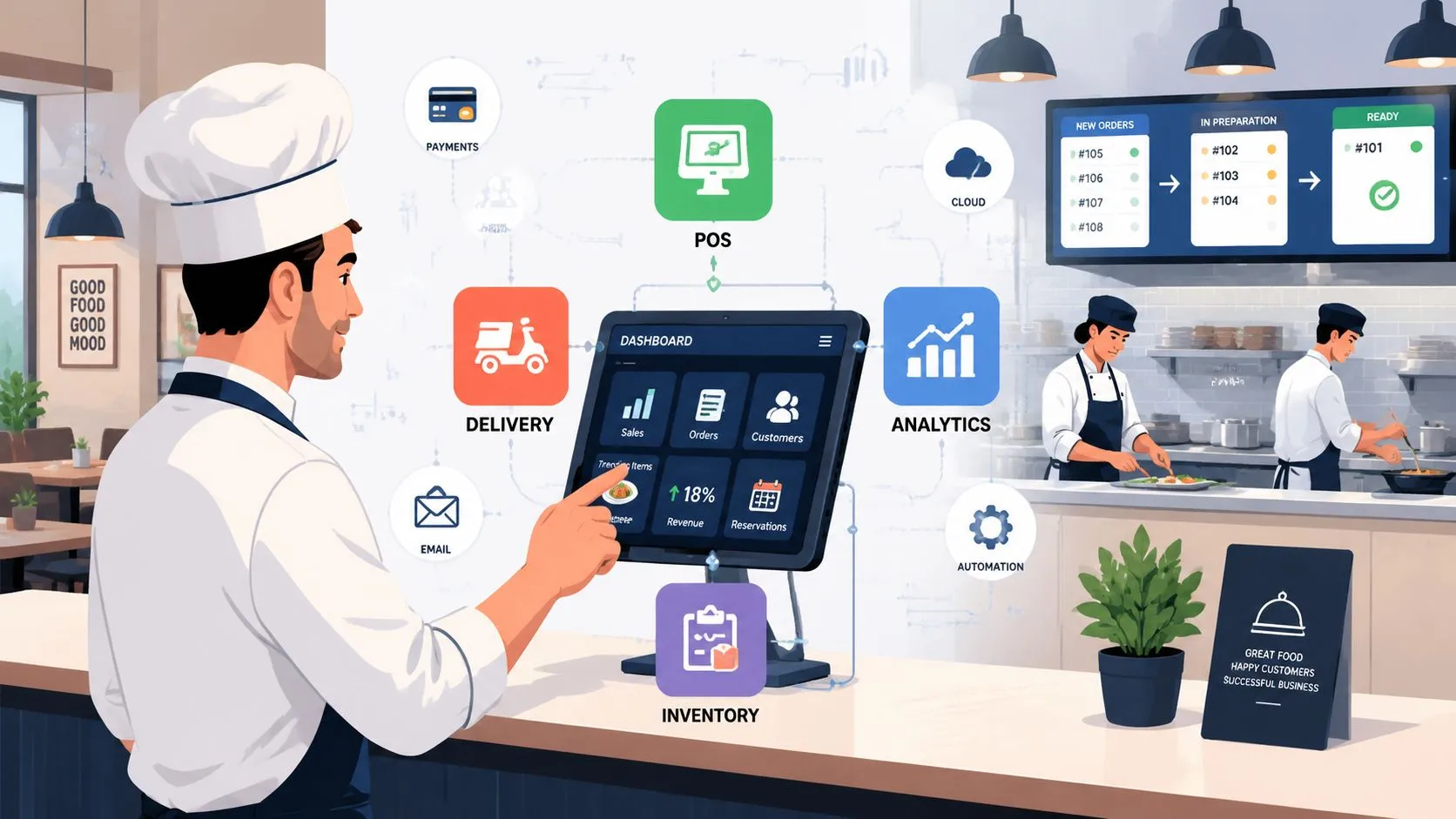
Restaurant tech companies are the software and hardware vendors that run modern food service, and that matters now because the global restaurant technology market is projected to expand by USD 13.4 billion from 2024 to 2029 at a 16.3% CAGR. The surprise isn’t that tech is growing. It’s that so many restaurants still build stacks that create more work than they remove. The best operators don’t just buy more software. They choose tools that keep the POS at the center, reduce handoffs, and stop staff from bouncing between systems.
That’s the dividing line in restaurant tech for 2026. A tool can look impressive in a demo and still slow service if it adds another screen, another login, or another place where order data can break. In my experience, the stack works when the POS stays the source of truth and everything else feeds into it cleanly.
This list gets to the point. These are the restaurant tech companies worth watching if you’re trying to build a faster, cleaner operation, especially if delivery is part of the mix. I’m focusing on what each company does in the stack, where it fits, and where operators tend to get burned.
The through-line is simple. If Uber Eats, DoorDash, and Grubhub orders still live on separate tablets, you haven’t solved the workflow problem yet. You’ve just digitized it.
1. OrderOut
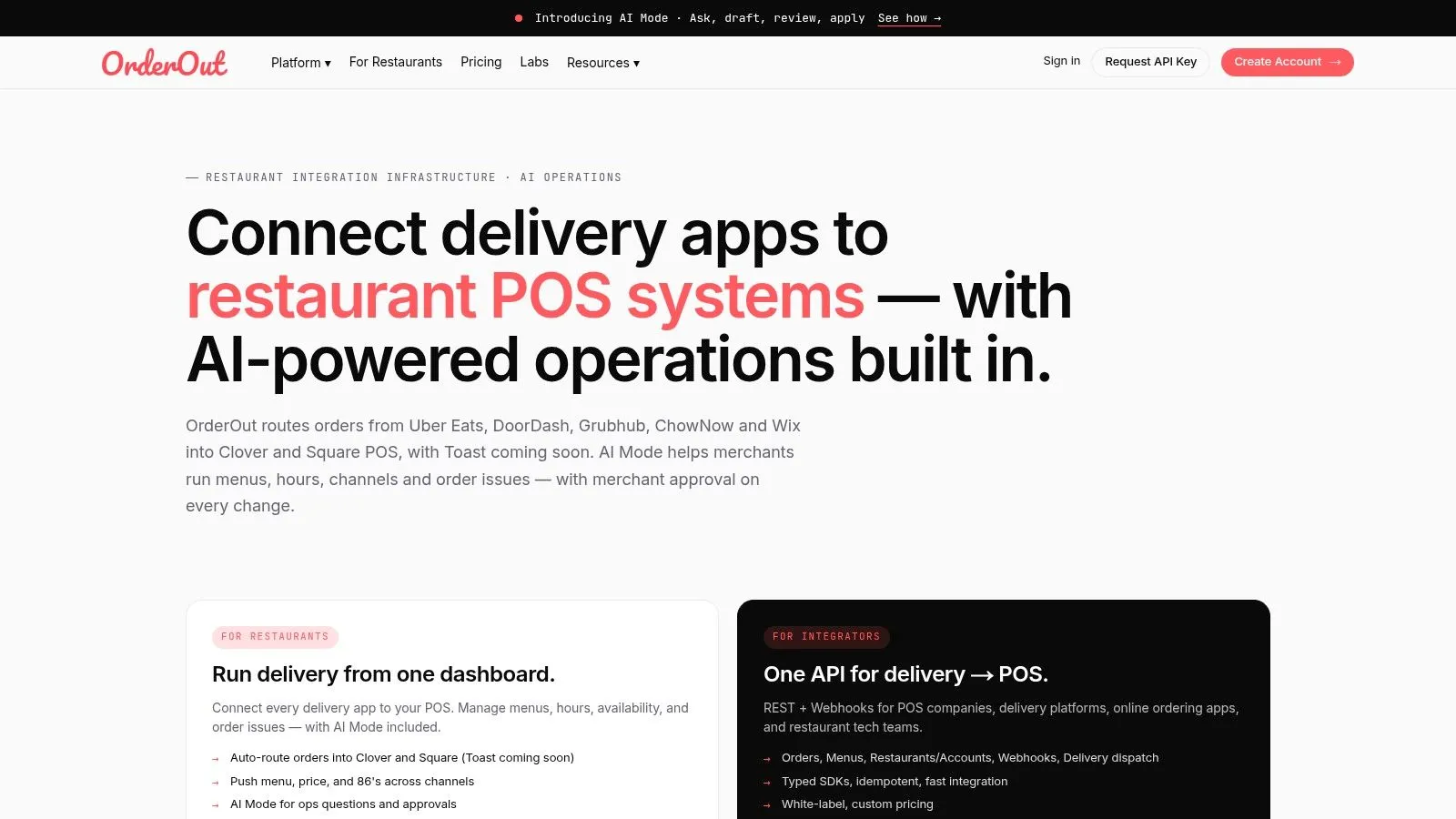
Tablet hell is an operations problem, not a hardware problem. OrderOut earns its place on this list because it addresses the core failure point directly. It pushes Uber Eats, DoorDash, and Grubhub orders into Clover and Square, so the team can work from one POS instead of juggling marketplace tablets during service.
That matters on a busy shift. Manual re-entry slows the cashier, creates modifier mistakes, and turns delivery into a side workflow the line has to babysit. OrderOut keeps those orders inside the same system the restaurant already uses for tickets, reporting, and menu logic.
Under the hood, the value is in how the order data is handled. OrderOut maps marketplace menus into a normalized POS structure, then sends the order in the format Clover or Square expects. Items, modifiers, pricing details, and order metadata stay intact, based on OrderOut’s integration FAQ and its explanation of the Clover API integration workflow. For operators, that usually means fewer exception tickets, fewer voids, and less time spent checking whether the delivery tablet and the POS say the same thing.
Why operators notice the difference
The labor hit from manual order entry is easy to miss because it gets spread across the shift. A cashier stops to retype a ticket. A manager fixes a modifier that came through wrong. A cook asks which version of the order is correct. The National Restaurant Association tech investment resource shows why operators keep spending on automation and guest-facing systems. Delivery-to-POS integration is one of the few upgrades that helps both.
Operator rule: If delivery orders do not print, fire, and report the same way as dine-in and pickup orders, the staff is still working around the system.
OrderOut fits operators who already know what they want from their stack. Keep the POS as the source of truth. Let delivery apps feed into it cleanly. If you’re comparing options in this category, this guide to restaurant delivery management software is a useful reference point for what the integration layer should handle.
Where it fits in the stack
OrderOut sits in the integration layer. It does not try to replace the POS, online ordering system, or back-office tools. That narrower role is a strength if the main goal is to remove extra tablets and centralize order flow inside Clover or Square.
The setup paths are clear. OrderOut’s Clover delivery integration is built for stores that want marketplace orders landing in Clover. OrderOut’s Square delivery integration does the same for Square. If you need a more specific workflow example, the Grubhub to Clover order injection page shows how a single marketplace-to-POS connection is structured. The broader third-party order engine for restaurants is the right fit when delivery volume has outgrown manual handling but the operation does not need a larger all-in-one platform.
There is still a trade-off. Operators with complex multi-unit needs may want a vendor that bundles more channels, dispatch, or branded ordering in one contract. Operators who mainly need clean order injection into the POS usually benefit from a tighter tool with less implementation overhead. If you want a direct feature comparison before choosing, OrderOut vs Checkmate is worth reviewing.
2. Deliverect
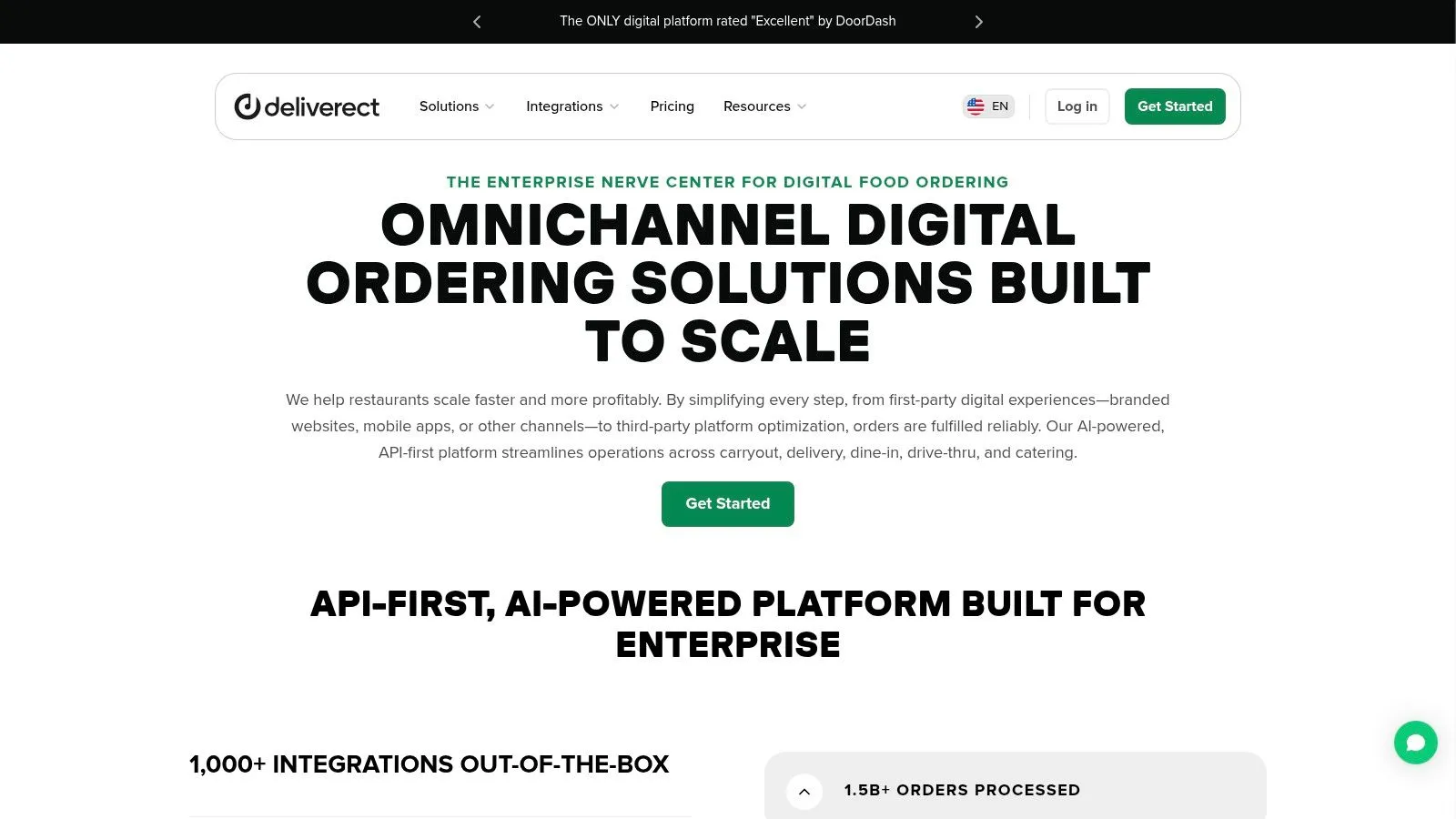
Deliverect is a known name in delivery aggregation. Its appeal is simple. It tries to cover both third-party ordering and owned digital channels in one vendor relationship. If you’re a multi-unit operator and want one company handling marketplace order flow, branded ordering, dispatch, and monitoring, Deliverect usually makes the shortlist.
That said, broad platforms come with a trade-off. The more modules you turn on, the more careful you have to be about implementation. A single-location operator with a tight menu may not need that much surface area.
Best fit
Deliverect makes the most sense for groups that want one delivery operating layer across many stores and channels. I see it as a “buy one platform, standardize the rollout” choice. That’s useful when the bigger risk is inconsistency between locations.
Broad platforms help when you need standardization. They hurt when you only needed one clean fix.
The practical question is whether you need all of Deliverect, or whether you mainly need orders hitting the POS without manual handling. If it’s the second problem, a tighter integration layer can be easier to live with day to day. If you also want dispatch and other delivery controls, it helps to compare your options against a broader look at restaurant delivery management software before you commit.
For product details, visit Deliverect.
3. ItsaCheckmate
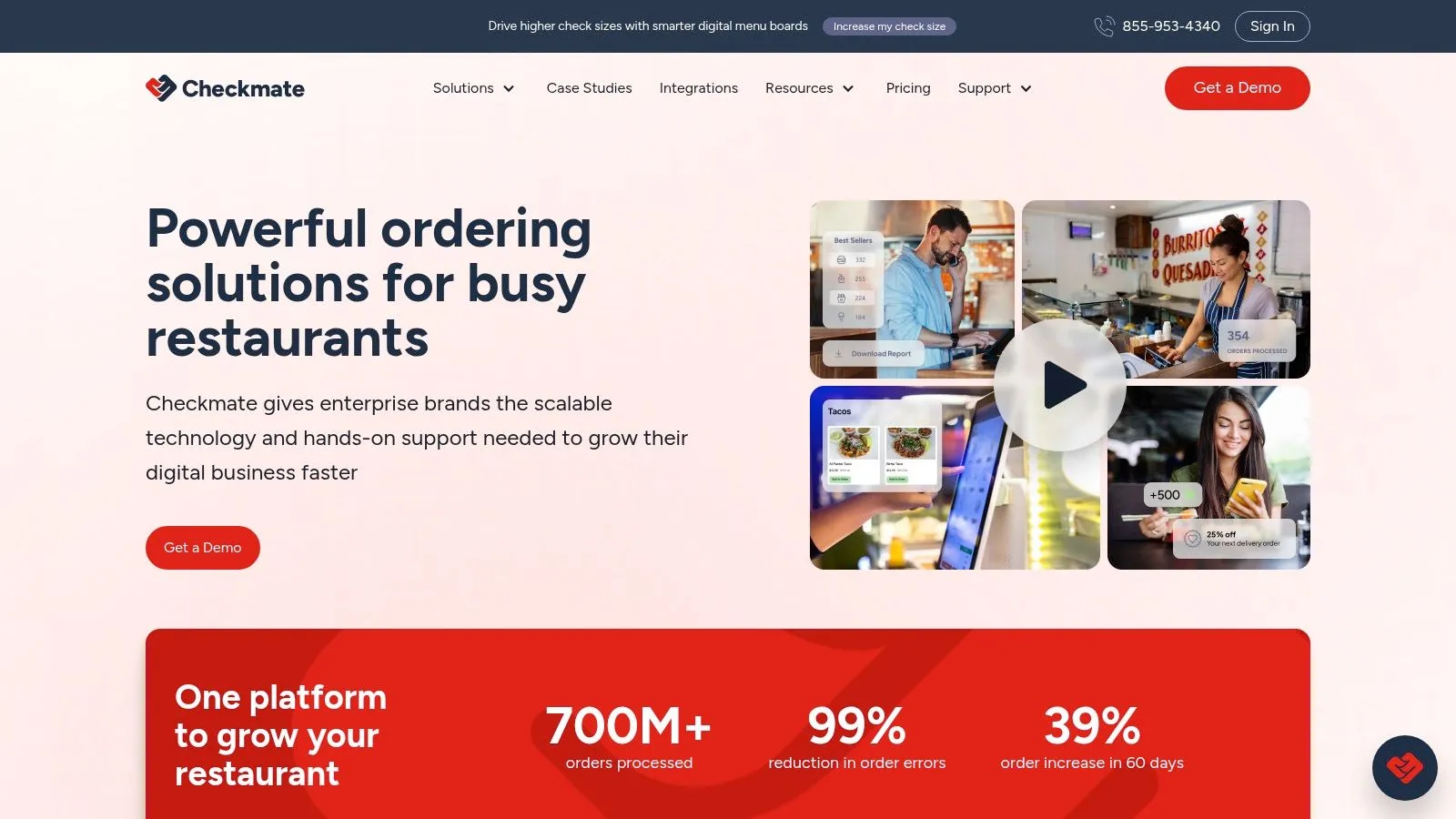
ItsaCheckmate, now often branded as Checkmate, is a mature aggregator with a modular approach. That’s its main strength. You can start with marketplace order injection into the POS, then add direct ordering, reconciliation, or dispute tools if those are your real pain points.
I like modular vendors when an operator knows exactly where the bottleneck is. If order flow is under control but payout reconciliation is ugly, it can make sense to add only the piece you need. The downside is that quote-based packaging can make it harder for smaller operators to predict total cost and scope up front.
Where Checkmate tends to work
Checkmate tends to fit operators who want aggregation first and optional layers around it, not necessarily an all-in-one operating system. That’s a workable model for brands that already have other systems in place and don’t want to swap everything out.
A practical caution. Modular stacks can drift into tool sprawl if nobody owns the architecture. If you add one tool for marketplace injection, another for direct ordering, and another for disputes, you still need a clear answer to one question: where does the staff work during service?
For product details, visit ItsaCheckmate.
4. Chowly
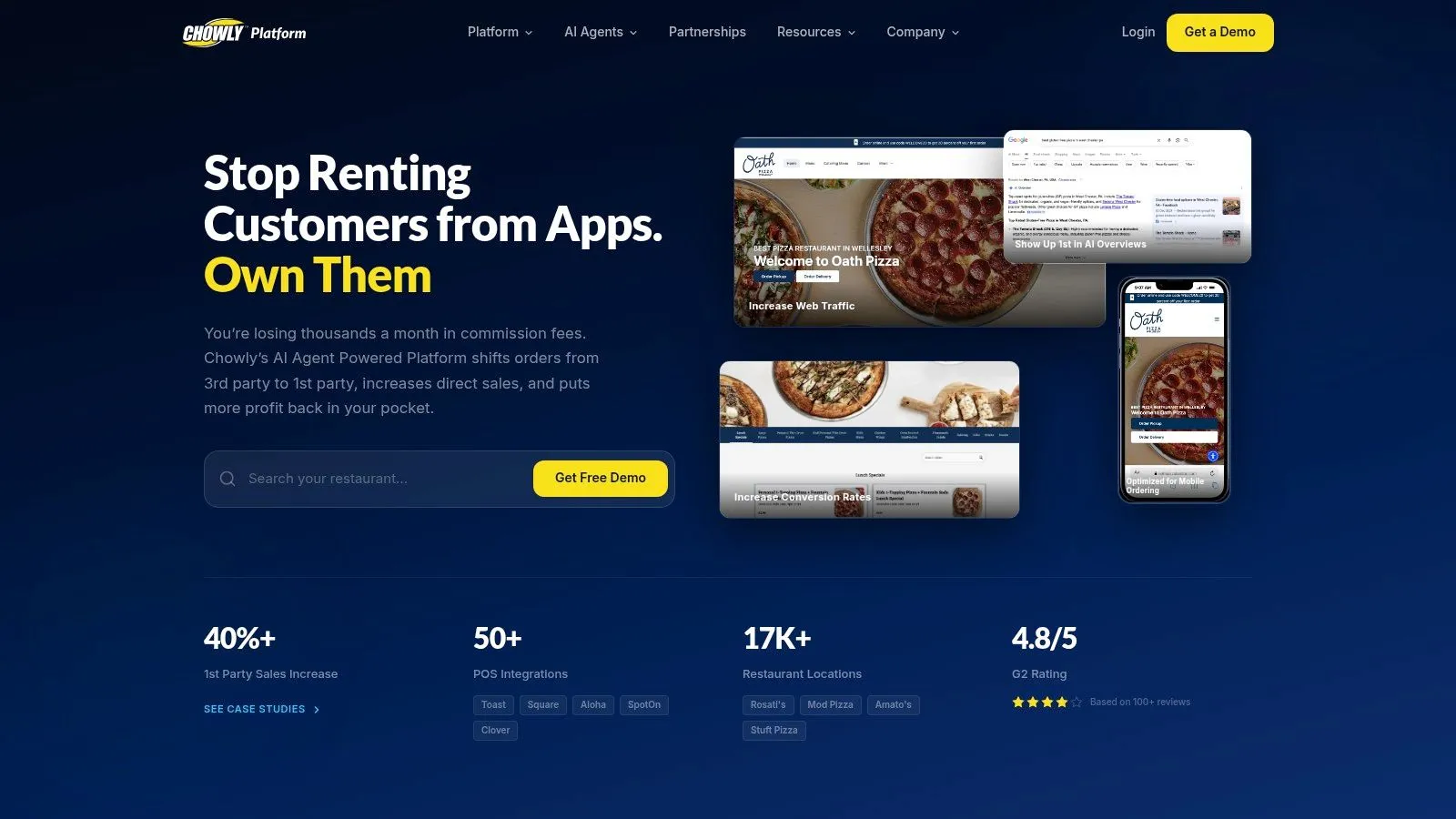
Chowly pushes beyond pure order aggregation. It’s built for operators who care not only about getting third-party orders into the POS, but also about pushing harder on direct ordering, marketing, loyalty, and reputation tools. That can be useful if your delivery strategy includes shifting guests away from marketplaces over time.
The upside is clear. One vendor can help with marketplace operations and guest acquisition. The risk is that the platform can feel bigger than what a smaller store needs.
What stands out
Chowly is strongest when a restaurant wants “outside the four walls” support in one place. Menu distribution, direct ordering, and marketing are connected problems, and the company leans into that. For a fast-growing operator, that’s attractive.
For a simpler operation, though, more capability doesn’t always equal better workflow. If the front-line problem is still staff juggling tablets, answer that first. Marketing software won’t fix a broken make line.
A good operator habit is to separate growth tools from service tools. If a platform does both, great. But service flow has to win the budget argument first.
For product details, visit Chowly.
5. Otter
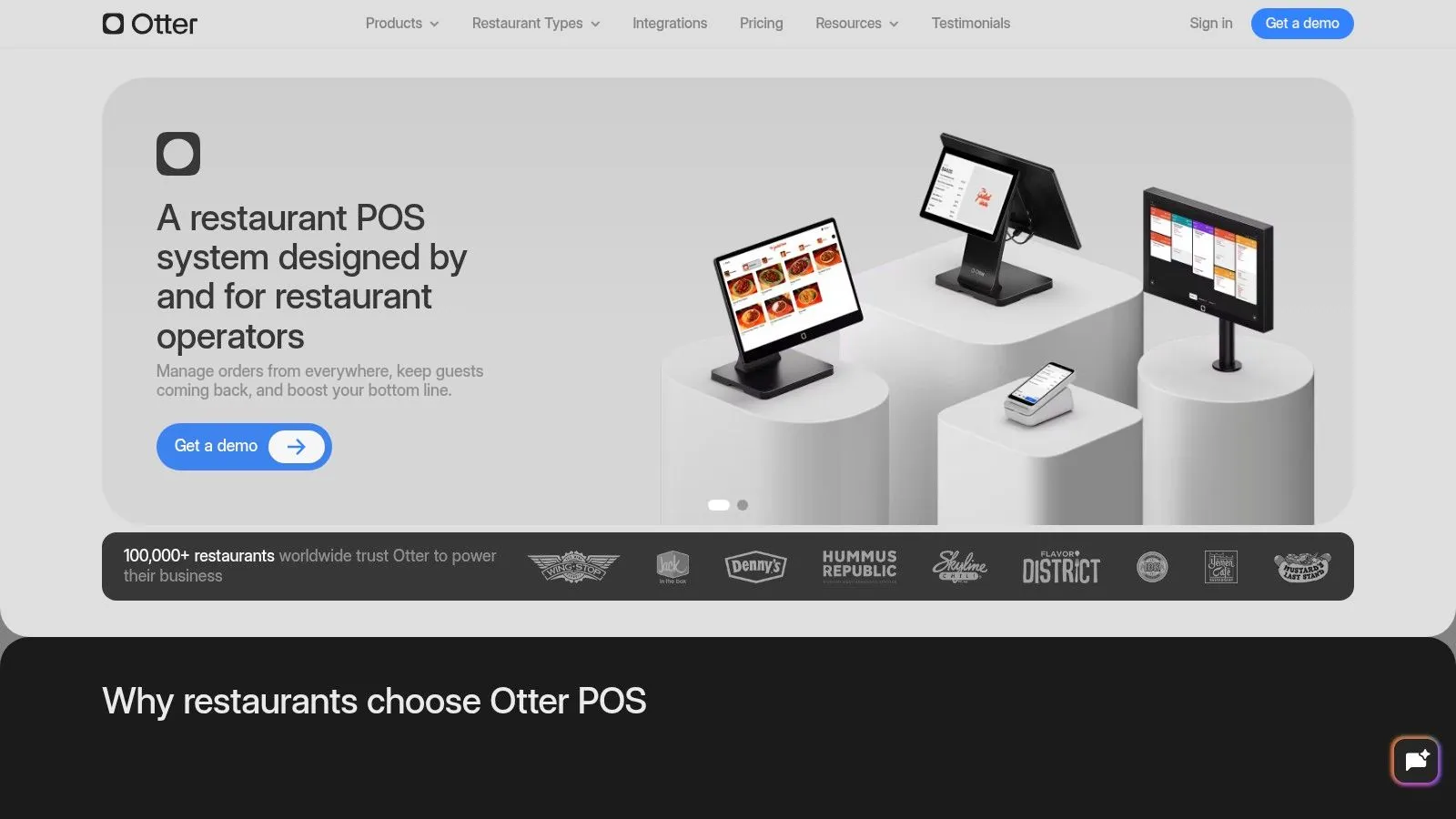
Otter comes at the market like an operating system for modern restaurants. It handles delivery aggregation, menu management, and add-ons like kiosks, KDS, and online ordering. If you want one vendor covering both delivery-heavy operations and some in-store tech, Otter is built for that conversation.
Operators must be honest with themselves. A broad platform can simplify vendor count. It can also tie too many critical workflows to one company.
The trade-off
Otter is appealing when you’re trying to avoid stitching together five separate tools. That’s especially true for delivery-first brands or operators opening multiple locations that need a repeatable setup. The more of the stack you centralize, the more consistency you can create.
The right all-in-one platform reduces vendor sprawl. The wrong one turns every future change into a bigger project.
The main caution is device and add-on creep. The software may look manageable at the start, but extra stations, extra screens, and extra modules can change the cost and complexity of ownership. Before you buy wide, map exactly which roles in the store will touch the system and how often.
For product details, visit Otter.
6. Cuboh
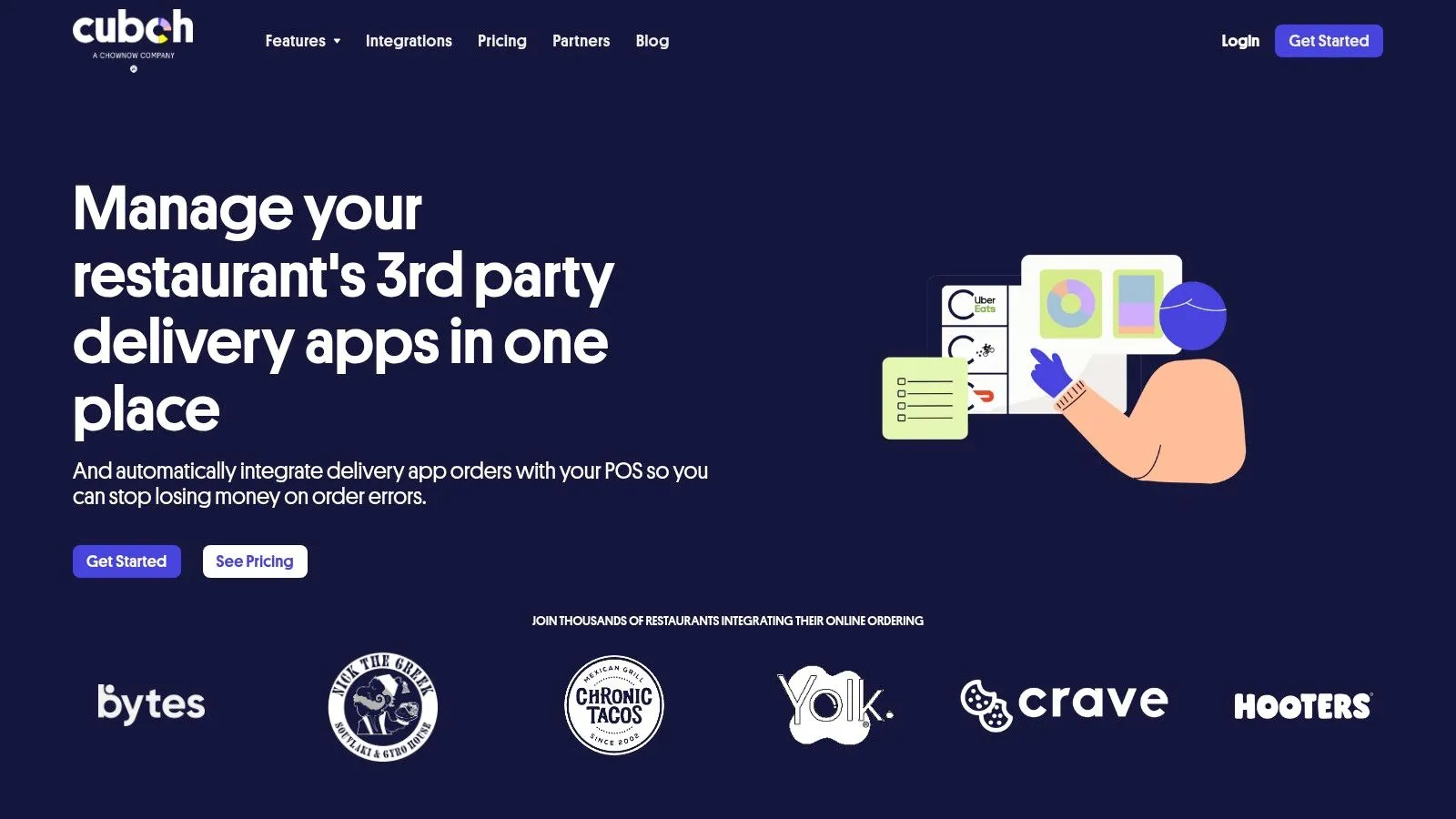
Cuboh is one of the cleaner options for operators who want fast onboarding and straightforward tablet consolidation. I usually think of it as a practical fit for independents and smaller groups that need delivery aggregation without turning the whole stack into an enterprise project.
That simplicity matters. According to Market Growth Reports’ restaurant technology market analysis, smaller operators still face meaningful cost pressure when adopting restaurant tech, even as digital tools keep spreading. A platform with clearer packaging and a narrower scope can be easier to justify when the goal is fixing one expensive workflow problem first.
Why simpler can win
Cuboh’s appeal is that it doesn’t try to be everything. That’s a feature, not a flaw, if your store mainly needs order consolidation, centralized reporting, and cleaner marketplace handling.
A lot of operators overbuy because they assume more software equals more control. Usually, more control comes from fewer exceptions. If a simpler tool removes the re-entry problem and keeps the line moving, that’s often the better decision.
For product details, visit Cuboh.
7. Olo
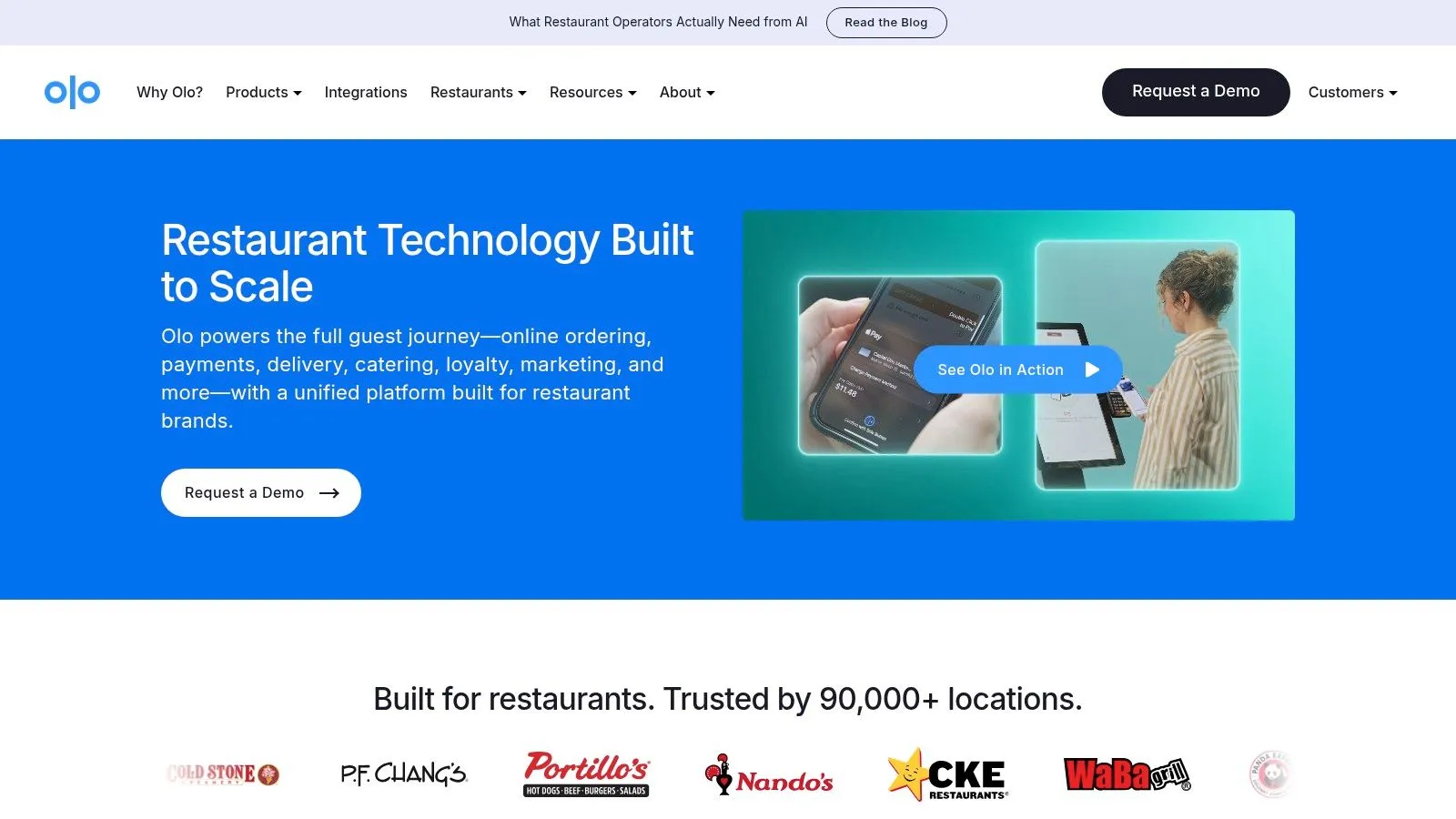
Olo plays in the enterprise lane. If you’re a large multi-unit brand standardizing digital ordering, menu syndication, and delivery infrastructure across many stores, Olo is one of the names that comes up fast. Its strength is centralized control at scale.
That’s a different problem from the one most independents are trying to solve. Enterprise systems aren’t just “bigger versions” of SMB tools. They’re built for coordination, governance, and integration depth.
Who should pay attention
Olo makes sense when the challenge is managing complexity across brands, regions, and channels. If several teams control menus, pricing, and delivery programs, central rails matter. If you’re one or two stores, that same machinery can feel heavy.
For operators thinking about direct digital growth in parallel with marketplace sales, it’s smart to understand the bigger category of food online ordering systems for restaurants. That gives you a better lens on whether you need enterprise infrastructure or just a cleaner ordering stack.
For product details, visit Olo.
8. Toast
Toast is a major restaurant POS platform with a deep ecosystem around ordering, payroll, marketing, and operations. For many restaurants, the appeal is obvious. One vendor can cover a lot of ground and reduce the number of separate systems you have to manage.
That model works best when you’re willing to buy into the platform philosophy. POS-led ecosystems are convenient when your priorities line up with the vendor’s roadmap and hardware model.
Why operators choose it
Toast is often a fit for restaurants that want a restaurant-specific POS with a long menu of adjacent products. If your business is growing and you want optionality inside one ecosystem, that can be compelling.
The caution is practical, not ideological. Deep ecosystems can reduce vendor sprawl, but they can also make later changes more disruptive. Before expanding inside any POS platform, identify which workflows are mission-critical and which ones you can afford to revisit later.
If you’re comparing POS-led stacks more broadly, Toast POS for restaurants is a useful baseline. For product details, visit Toast.
9. Square for Restaurants
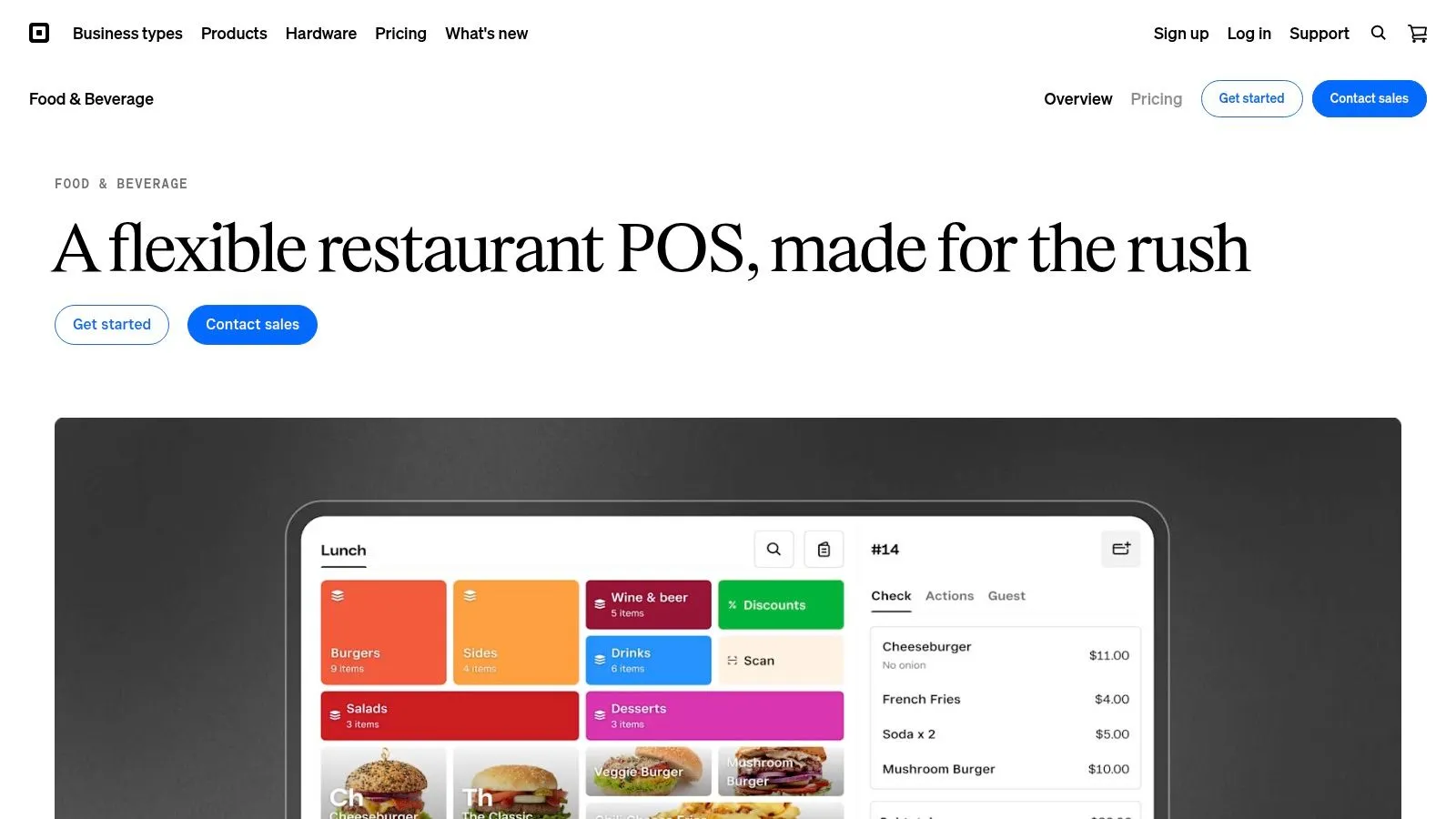
Square for Restaurants earns its place in a modern stack because it gets teams live fast and keeps training overhead low. For operators running lean, that matters. A POS only helps if cashiers, managers, and servers can use it correctly on a busy shift.
I usually see Square fit best in restaurants that want straightforward setup, familiar hardware, and day-to-day admin that does not turn into a weekly project. It is especially practical for independents, smaller groups, and concepts that need to get open without a long implementation cycle.
Its role in the stack is clear. Square is the system of record. If you also run third-party delivery, a key test is whether those orders flow into Square cleanly, without staff retyping tickets from multiple tablets. That is how you reduce missed items, wrong modifiers, and the constant interruption that slows the line.
That is also why the integration layer matters as much as the POS itself. If you’re evaluating how delivery orders should connect back to Square, this guide to Square integration for restaurant operations is the right next step.
Square is a strong fit when ease of use is the priority. The trade-off is that operators should map out the workflows they need before they commit, especially for delivery, reporting, and multi-location complexity. For product details on the POS itself, visit Square for Restaurants.
10. Lightspeed Restaurant
Lightspeed Restaurant is a cloud POS with a modular structure and a strong analytics angle. I usually put it in the category of systems that appeal to operators who want clearer subscription packaging and deeper reporting than the bare minimum.
That can be valuable if you implement the insights. Reporting only helps when someone in the business acts on it consistently.
Where Lightspeed fits
Lightspeed works best for operators who want a modern POS with room to add functions over time. It’s not just a cash register replacement. It’s a system for stores that want reporting, multi-location controls, and selected add-ons without pretending every restaurant needs the same bundle.
The usual caution applies. Modular systems are great until every module becomes essential. When evaluating Lightspeed or any similar platform, decide which operational problems need solving now and which ones can wait. That’s how you avoid buying a stack that’s impressive on paper and messy in service.
For product details, visit Lightspeed Restaurant.
Top 10 Restaurant Tech Comparison
The right stack cuts re-entry, ticket mistakes, and screen clutter. The wrong one gives staff one more system to babysit during a rush.
This comparison is easiest to use if you sort these companies by job. Order aggregators and integration layers solve tablet hell by pushing marketplace orders into your POS. POS platforms run the core operation and become the source of truth for menus, reporting, and kitchen flow. Enterprise ordering platforms sit higher in the stack and matter more once the foundation is stable.
| Product | Primary role | Where it helps operationally | Best fit | Trade-off to watch | Pricing |
|---|---|---|---|---|---|
| OrderOut | Integration layer for marketplace orders and POS sync | Sends delivery orders into the POS, keeps menu and price changes aligned, reduces manual re-entry | Operators using Clover, Square, and teams that need a cleaner connection between apps and the POS | Best value shows up when delivery volume is meaningful and POS workflow discipline is already in place | Custom |
| Deliverect | Enterprise order aggregation and order routing | Centralizes third-party and direct orders, helps standardize flow across multiple stores | Multi-unit groups that want one integration layer across locations | Strong fit for scale. Smaller operators may find the setup broader than they need | Published volume tiers |
| ItsaCheckmate | Aggregation with modular add-ons | Connects marketplace orders to the POS and adds tools for reconciliation, refunds, and direct ordering | Brands that want to add functions in stages instead of replacing systems all at once | Modular buying can drift into higher total cost if too many add-ons become standard | Quote and contract based |
| Chowly | Aggregation plus marketing and direct ordering tools | Reduces tablet work, supports direct ordering, and adds marketing tools for stores trying to shift mix away from marketplaces | Growth-focused operators that want workflow help and customer acquisition tools in one vendor | Broader scope can be useful, but operators should separate workflow needs from marketing wants | Quote by module |
| Otter | Aggregation plus in-store operating tools | Pulls delivery channels together and extends into KDS, kiosks, and dine-in ordering | Delivery-heavy brands that want one vendor across front and back of house touchpoints | More functions can simplify buying, but they also increase dependence on one platform | Per device plus add-ons |
| Cuboh | Delivery integration and tablet consolidation | Gets marketplace orders into the POS quickly and gives smaller operators a clearer path out of tablet sprawl | Independents and small groups building delivery sales without a large IT lift | Faster onboarding is attractive, but fit still depends on POS compatibility and support quality | Tiered monthly pricing |
| Olo | Enterprise digital ordering infrastructure | Supports direct ordering, menu distribution, and delivery orchestration for larger brands | Large multi-unit restaurant groups with dedicated digital operations teams | Powerful for enterprise use cases. Usually too heavy for independents | Enterprise quote |
| Toast | POS platform with built-in restaurant tools | Runs core service, reporting, KDS, online ordering, payroll, and hardware from one system | Restaurants that want an all-in-one operating system instead of stitching tools together | Convenience is high, but switching costs rise when many workflows live in one vendor | Plan plus hardware |
| Square for Restaurants | POS platform with accessible digital ordering | Handles counter service well, adds online ordering, KDS, and kiosk options with a lower barrier to entry | New restaurants, smaller operators, and cost-conscious teams | Easy to start. More complex operations may outgrow the lighter structure over time | Free and paid tiers |
| Lightspeed Restaurant | POS platform with stronger reporting and modular add-ons | Gives operators a central POS with more analytical depth and room to add capabilities over time | Multi-location operators and teams that care about reporting discipline | Modules add flexibility, but only if the team is selective about what gets added | Published subscription tiers |
A practical way to read this table is simple. If your staff is re-keying Uber Eats, DoorDash, and Grubhub orders, start with the integration layer. If your current register setup is the bottleneck, fix the POS first. If you already have a stable POS and clean order flow, then direct ordering, dispatch, loyalty, and marketing tools can earn their place.
Your Next Step: Unify Your Operations
Choosing among restaurant tech companies isn’t really about finding the longest feature list. It’s about building a stack that works during a rush. The tools that matter most are the ones that reduce handoffs, keep order data clean, and let your team work from one operating system instead of three side systems.
For most restaurants, the POS should be that center of gravity. When delivery orders from Uber Eats, DoorDash, and Grubhub flow straight into Clover or Square, the line gets cleaner. Kitchen tickets print in the same format. Reporting lives in one place. Cashiers stop doing data entry work that doesn’t serve the guest standing in front of them.
That operational discipline matters even more as the market keeps moving toward digital ordering. The category is crowded, and new products keep launching, but the core problem hasn’t changed. Fragmented order flow creates mistakes, distractions, and slower service. Clean integration removes friction your staff feels every shift.
If you’re running a modern delivery mix, I’d keep the buying decision simple:
- Start with the POS: Choose the system your team can run well.
- Fix tablet hell next: Get marketplace orders into that POS without re-keying.
- Add growth tools after workflow tools: Direct ordering, loyalty, and marketing matter, but only after service flow is stable.
- Protect the source of truth: Reporting, kitchen flow, and menu logic should live in one operational center.
If you’re on Clover or Square, OrderOut is the most direct fix for the delivery side of that puzzle. It removes extra tablets, injects third-party orders into the POS, and keeps the order flow aligned with how the store already operates. For a quick overview of the operator-facing setup, OrderOut for restaurants is a good place to start. If you want to understand packaging before you move, review OrderOut pricing.
Frequently Asked Questions
Does OrderOut work with Clover?
Yes. OrderOut sends third-party delivery orders into Clover, so staff can work from the POS instead of re-entering tickets by hand. That cuts keying mistakes and keeps the counter clearer during busy periods.
Does OrderOut work with Square?
Yes. OrderOut also connects with Square, which keeps marketplace orders inside the same system your team already uses for menus, tickets, and reporting. During a rush, that matters because cashiers stay on one screen and the kitchen gets a more consistent flow of orders.
Do I need extra tablets to use OrderOut?
No. The practical goal is to reduce tablet hell by routing delivery orders straight into Clover or Square. Fewer devices usually means fewer handoff errors and less clutter at the host stand, register, or expo line.
Which delivery apps connect through OrderOut?
OrderOut supports major delivery marketplaces, including Uber Eats, DoorDash, and Grubhub. For many operators, those are the platforms that create the most re-entry work and the most avoidable mistakes.
How do I start onboarding with OrderOut?
You can start the onboarding process directly with OrderOut. The setup is built to get operators from evaluation to live order routing without dragging the team through a long rollout.
If delivery tablets are still piling up at the front counter or expo, OrderOut deserves a close look. Start with OrderOut.