
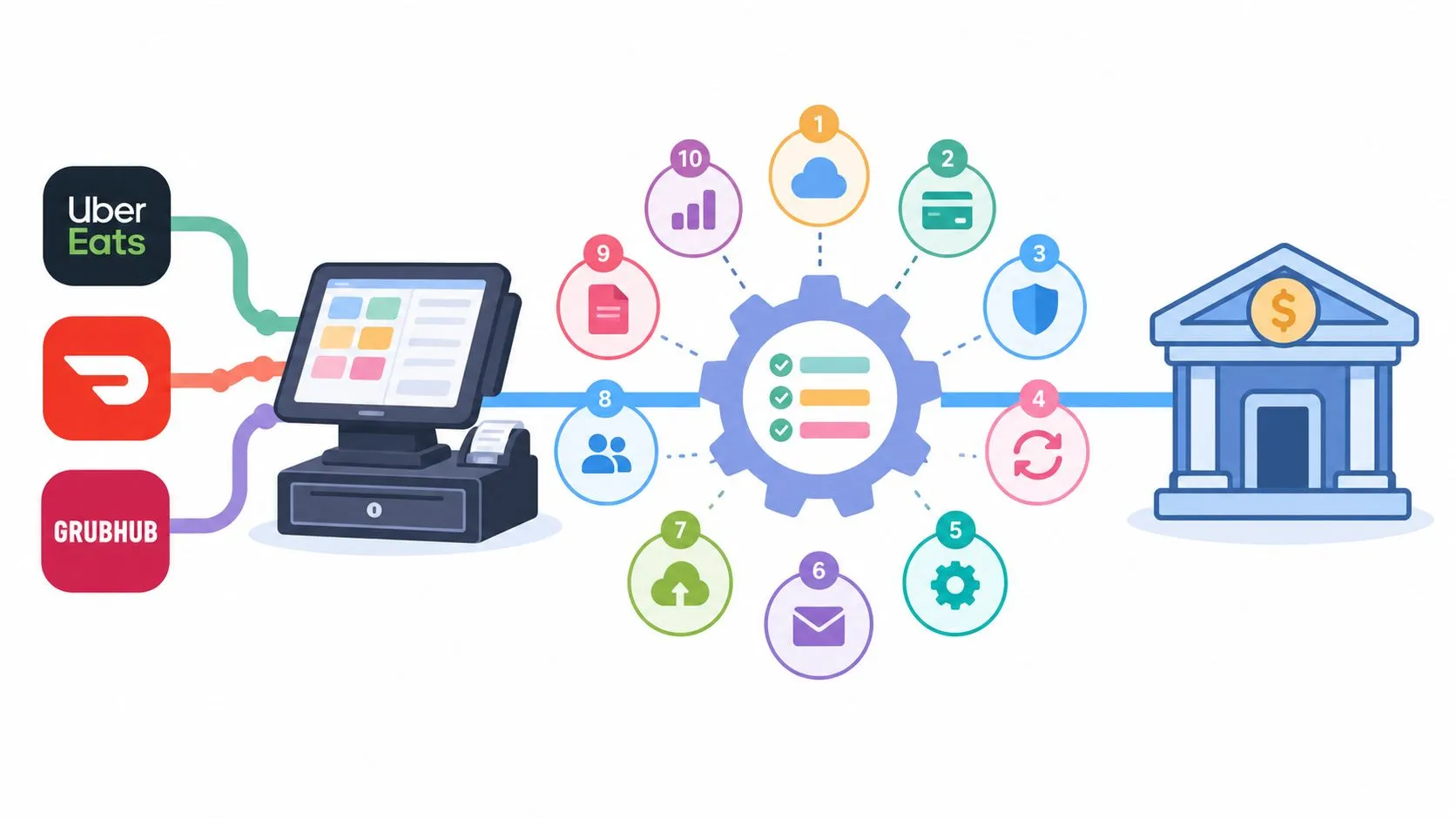
Payment reconciliation software only helps a restaurant if it can see the same delivery order from the Clover or Square side that the operator uses to run the business. If the tool only watches the bank, it can tell you a deposit landed, but it can’t prove whether the underlying Uber Eats, DoorDash, or Grubhub order was injected correctly, whether modifiers survived, or whether a marketplace fee got pulled out of the payout.
That’s the advice most operators get wrong. They start by shopping for reconciliation after the money is already in the bank, then discover the problem is upstream, in the order flow between the marketplace and the POS. A busy weekend makes that obvious fast, because the POS total, the marketplace settlement, and the bank deposit rarely line up cleanly on their own.
The right stack starts with clean delivery-to-POS routing, then reconciliation on top of it. OrderOut’s delivery integration for Clover and Square keeps third-party orders out of manual entry, so the reconciliation layer has cleaner records to match. If you’re comparing tools for payment reconciliation software in a restaurant setup, judge each one by one question, can it reconcile from the POS side, or only from accounting and payout statements?
1. Square reconciliation and reporting
Square works well for a restaurant that already takes most payments and runs most orders through Square. Its reconciliation and reporting tools help you line up deposits with sales inside the same system, so you do not need a separate finance stack just to see whether the day closed out correctly. Exporting data is still useful when you want to inspect the numbers outside the dashboard.
What Square catches well
Square is strongest when the transaction starts and ends inside Square, because the sales record, deposit record, and fee trail already share the same merchant system. That makes it practical for operators who want to match payouts to sales activity without adding a separate accounting layer. Clean payment paths are easier to reconcile because there is less to untangle.
What Square misses for restaurants
Square does not handle cross-processor reconciliation well, and that gap shows up as soon as delivery marketplaces, outside processors, or bank-side adjustments enter the picture. If Uber Eats or DoorDash sends order data into Square, the POS still needs accurate mapping before the deposit report means much. Square also does not rebuild the economics of marketplace fees the way a delivery-focused integration layer can.
Before adding a reconciliation layer, it helps to understand what reconciliation means, see an analysis of the difference between matching and reconciling.
Practical rule: if the order did not begin in Square, Square reporting alone will not explain the full payout chain.
For operators already on Square, the cleaner move is to keep third-party delivery inside the POS instead of on a separate tablet. OrderOut for Square delivery integration helps route those orders into the Square side first, so the records are usable when reconciliation starts.
2. Stripe reconciliation and payouts
Stripe works best when the payment flow already runs through Stripe and the team needs payout reporting tied to transaction and fee data. The platform is built around money movement inside Stripe, so reconciliation centers on deposits, card activity, and fee detail. That is useful for online payments, but it leaves restaurant operators with a narrower view of the business.
Where Stripe helps
Stripe’s dashboard can match deposits to charges and fees, which helps when card flows and payout timing need to be tracked closely. If your operation relies on direct online payments, Stripe is usually easier to reconcile than bank downloads and spreadsheet matching. It also gives finance teams a consistent reference point inside a payment stack they already use.
Where Stripe falls short for delivery ops
Stripe does not replace the POS or the marketplace order record. If DoorDash or Grubhub is the source of truth, Stripe only sees the payment side after the order has already become a charge or payout. The operator still has to bridge the gap between what the kitchen made and what the finance record shows later.
That gap matters. A clean payout report still does not show whether modifiers, service charges, tax handling, or marketplace deductions were preserved when the order moved into the POS. If the order needs to land in Clover or Square, use OrderOut’s delivery order engine before relying on payout-level reconciliation. For operators looking at faster settlement options, OrderOut’s same-day payouts for Uber Eats shows how payout timing and order capture can be handled together.
Stripe answers what happened to the money. It never answers what happened to the order.
3. Shogo
Shogo is a connector tool, and that matters because it works between systems instead of replacing them. For restaurants that already have a POS and an accounting platform, its job is to push daily sales summaries or item-level journal entries into the general ledger with less manual work. It is built for bookkeeping flow, not for capturing delivery orders.
Why operators use it
The appeal is practical. When a restaurant wants POS totals, tenders, and fees reflected in accounting without retyping every line, a connector reduces the friction. That helps finance teams match deposits and card batches without building everything by hand.
What it won’t do for delivery
Shogo does not inject delivery orders into the POS, so it will not fix menu mapping or modifier fidelity between Uber Eats, DoorDash, Grubhub, and Clover or Square. If the order was entered wrong upstream, the GL export carries the error forward more cleanly. It also does not reconstruct the payout economics of a delivery order, which is the part operators often need to see from the marketplace side.
That trade-off is the point. Shogo sees the accounting trail after the fact, not the marketplace order record from Clover or Square. If your real problem is order entry, start there before you depend on reconciliation in the back office.
4. Restaurant365
Restaurant365 is closer to a back-office platform than a narrow reconciliation tool, which makes it attractive to multi-location operators that want accounting, inventory, and sales in one place. It’s a stronger fit when reconciliation is part of a broader finance workflow instead of a standalone task. That breadth is useful, but it also means you’re buying more system than a simple restaurant with one POS may need.
Where it fits
Restaurant365 makes sense when the team wants daily sales and bank reconciliation tied into a larger operational stack. For groups that need one place to look at sales, tenders, and accounting context, the broader platform can reduce the number of tabs finance has to juggle. It’s the kind of tool that becomes more valuable as the operation grows in complexity.
Where it can be too much
The trade-off is implementation weight. If your only bottleneck is delivery order cleanup or marketplace payout matching, a full ERP-style platform can feel like bringing in a catering truck to move a pizza box. It also won’t solve the upstream delivery-POS integration problem by itself, which is where restaurants often lose the most accuracy.
That’s why the sequence matters. Get Uber Eats, DoorDash, and Grubhub into the POS cleanly first, then add accounting layers if you still need them. If you’re on Clover, the practical install point is OrderOut’s Clover delivery integration, because the POS has to stay the source of truth before any finance system can reconcile it well.
Operator takeaway
Use a broad platform when accounting is the bottleneck. Use an order-routing layer when the POS record itself is the bottleneck.
5. MarginEdge
MarginEdge is stronger on vendor-side and AP-side reconciliation than on card-processor payout matching, and that distinction matters for restaurants. It’s the kind of tool that helps you keep invoice and bill workflows organized while still giving you a daily view of P&L activity. For operators who live in invoices, statement matching, and vendor payments, that can be a real improvement.
Where it’s useful
MarginEdge helps when vendor statements and bill pay are the pain points. That matters in restaurants because reconciliation doesn’t stop at deposits, it also includes supply costs, fees, and the paper trail around those charges. A platform that reduces AP clutter can make the finance side feel less chaotic.
Where it misses the mark
It’s not the right answer if you need a clear view into Uber Eats, DoorDash, and Grubhub payouts from the POS side. AP automation won’t tell you whether the delivery order was injected with the right modifiers, whether the marketplace commission was captured correctly, or whether the POS order matched the final settlement. Those are upstream and payout-level problems, not invoice-only problems.
The best use of a tool like MarginEdge is after you’ve already fixed delivery order ingestion. For a restaurant operator, the more important question is not just what the fee was, but whether the order landed correctly in Clover or Square before the back office ever saw it. If delivery app fees are still opaque, review OrderOut’s delivery app fee breakdown and then decide whether AP automation is still the right next spend.
6. Ottimate
Ottimate is built around AP automation, invoice capture, and payment workflows, so it speaks to bill control more than to delivery marketplace reconciliation. For restaurant groups with multiple entities, its approval audit trail can matter because it shows who approved what, when it moved, and where the payment was posted.
What it does well
Ottimate is useful when the headache is invoice noise. It keeps approvals and payment execution in one place, which helps finance teams stop losing track of vendor charges across email chains and spreadsheets. For operators with a lot of vendor traffic, that structure can keep the back office cleaner.
What it doesn’t solve
It does not see the restaurant from the Clover or Square side, so it will not tell you whether an Uber Eats order entered the POS with the right service charges, notes, or fulfillment details. AP automation can document the bill and the approval path, but it cannot show whether the delivery order arrived intact.
That distinction matters for operators who are trying to reconcile the whole chain, not just the invoice. An approval trail documents the bill. It says nothing about whether the Uber Eats order reached the POS correctly.
7. Adyen settlement and payout reconciliation
Adyen is an enterprise payments processor, so its reconciliation value sits at the settlement and payout level rather than in restaurant workflow management. That makes it attractive for large, complex payment environments where transaction detail, batch reporting, and payout traceability matter. It’s a processor-led view of reconciliation, not a restaurant-ops view.
Where Adyen is strong
Adyen works well when the organization needs granular settlement visibility across many payment flows. If the business is large enough to care about batch-level matching and fee breakout reporting, that level of detail can be valuable. It’s built for scale, not for kitchen simplicity.
What restaurants should watch
Restaurants usually don’t need more processor detail unless the payment stack is already complex. If Uber Eats, DoorDash, and Grubhub orders are still being entered by hand, a processor report won’t fix the operational leak. It will just describe the leak more precisely after the fact.
That’s why it’s a mistake to buy the most finance-heavy tool first. The operator should fix order capture, then reconciliation, then enterprise settlement if the volume demands it. If you’re looking at delivery-payment flow in a restaurant context, OrderOut’s payment processing integration article is the right place to understand the operational layer before you move into processor reporting.
Practical rule: enterprise settlement tools are useful after the order flow is already clean, not before.
8. ReconArt
ReconArt is a dedicated reconciliation platform, which puts it in a different category from POS tools, AP tools, or payment processors. It’s meant to match data across banks, processors, POS systems, and the general ledger when the matching problem is too broad for a single accounting module. That makes it relevant to organizations that need multi-way matching rather than just deposit checks.
Why it stands out
ReconArt is built for the matching problem itself. That can be a big advantage when the restaurant group has several data sources and wants exception handling that goes beyond simple bank matching. If the accounting team needs one place to compare POS, processor, bank, and GL data, this kind of tool is closer to the right layer.
What it still needs from the restaurant
It still depends on clean source data. ReconArt can match what it receives, but it can’t rescue a badly injected delivery order or a marketplace menu that wasn’t normalized correctly before it hit Clover or Square. If the source systems disagree on order IDs, timestamps, or location names, the reconciliation engine spends its time explaining mismatches instead of clearing them.
That’s why a restaurant-focused workflow starts with the delivery engine. Once the POS receives a structured order from the marketplace, a dedicated recon platform can do the downstream matching it was built for. For a practical view of that data path, read OrderOut’s data reconciliation tools article and map it back to your own order flow.
9. HighRadius
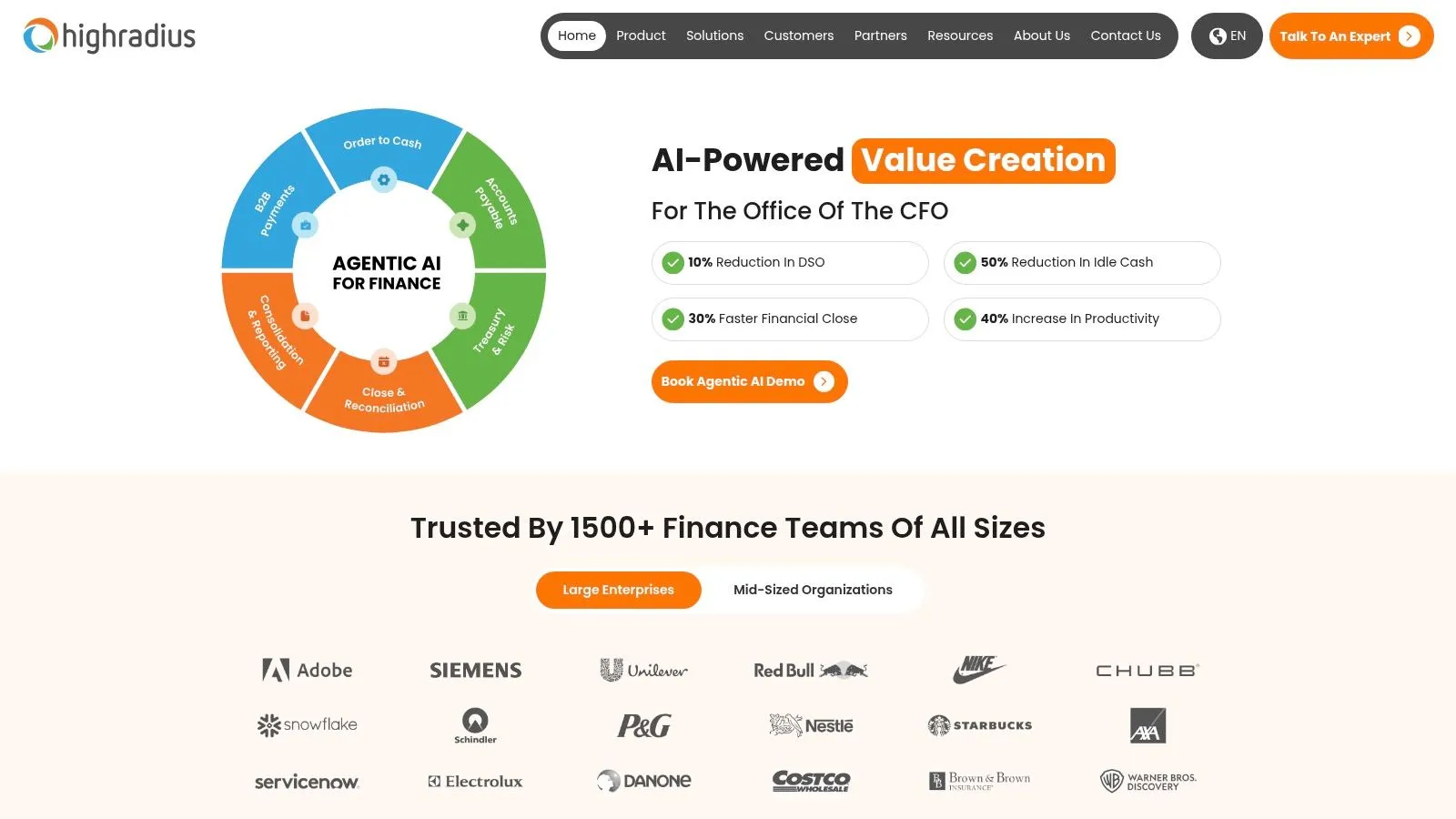
HighRadius sits closer to AR and cash application than restaurant operations, so it fits businesses with heavier invoice volume, complex receivables, or multi-entity finance teams. That makes it useful for catering, events, wholesale, and other revenue streams where matching payments is harder than clearing card deposits.
Where it adds value
HighRadius can automate payment matching and bank statement reconciliation where AR teams are already working through remittances and ERP posting. It helps when finance needs a clear view across several payment types and workflows, especially on the invoice side.
What it doesn’t cover
It does not see delivery marketplace orders from the Clover or Square side. If the core problem is that marketplace orders arrive in separate channels, an AR suite will not rebuild the original order record with the right modifiers, service charges, or location detail.
The trade-off is straightforward. HighRadius handles the cash application side well, including restaurant revenue tied to catering invoices, wholesale remittances, and other back-office receivables. It does not solve the operational handoff between the marketplace and the POS.
10. Tipalti
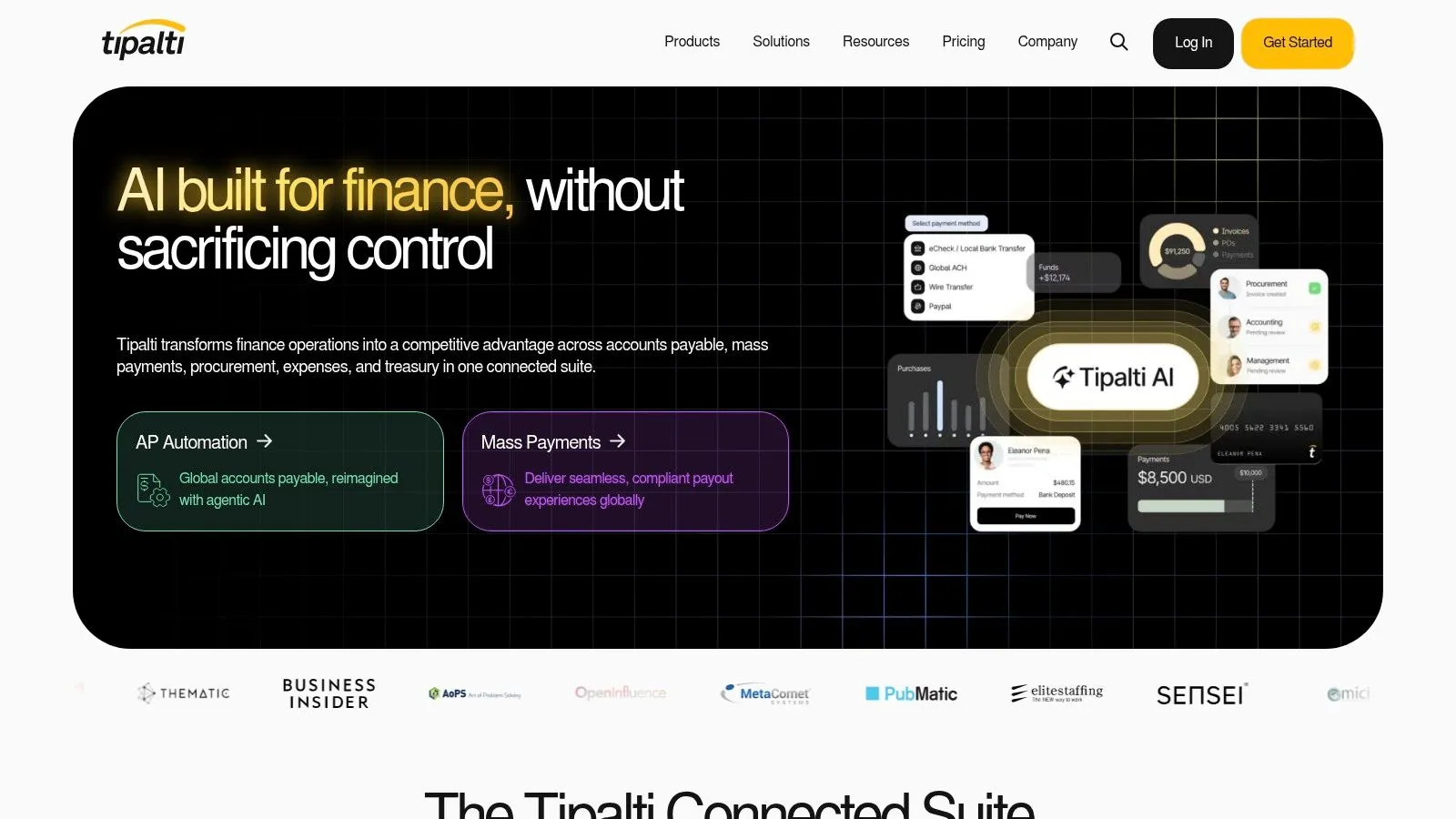
Tipalti is built for AP automation and global mass payments, so its strength is supplier workflow at scale. It fits larger, multi-entity groups that need invoice processing, payment execution, tax and compliance controls, and approval routing in one system. For a franchise group paying vendors across borders, that matters. For a restaurant trying to trace a delivery marketplace order, it does not answer that question.
Where it works
Tipalti earns its keep when payable volume is the main headache. Multi-entity restaurant groups can centralize invoices, route approvals, and send supplier payments from one place. It also fits finance teams that care about compliance checks, payment methods, and control over who gets paid and when.
The trade-off is scope. Tipalti is oriented around supplier and AP workflows, so it helps back-office teams stay organized without turning into a restaurant operations tool. A group with many vendors, subsidiaries, or cross-border obligations can get real value there.
Where it misses the restaurant operator
Tipalti does not see how a DoorDash or Grubhub order enters Clover or Square. It works on the payable side after the bill or payment request exists, while restaurant operators still have to manage the POS and delivery handoff somewhere else. If the pain is order data, modifier detail, location mapping, or delivery settlement inside the restaurant flow, Tipalti leaves that work untouched.
Choose it for payment control, compliance, and supplier workflow. Choose a POS or integration layer for marketplace order visibility. If the setup also needs the branded ordering front end, OrderOut’s online ordering solution keeps that channel owned by the restaurant instead of rented from a marketplace.
Top 10 Payment Reconciliation Software Comparison
| Solution | Core Reconciliation Features | Best-Fit Audience | Standout / Trade-Off | Pricing & Value |
|---|---|---|---|---|
| Square | Matches Square sales, transfers, and bank deposits; CSV and API reporting | 👥 Restaurants already using Square payments or POS | ✨ Low-effort, built-in reporting; limited to Square-originating data | 💰 Included with Square accounts |
| Stripe | Connects transactions, fees, transfers, and payouts; includes payout trace IDs | 👥 Businesses processing revenue through Stripe | ✨ Payout-linked reporting; not a general multi-processor tool | 💰 Included with Stripe processing |
| Shogo | Sends POS sales summaries or item-level journals to accounting systems; breaks out tenders | 👥 Restaurants needing POS-to-ledger automation | 🏆 Purpose-built to reduce manual POS-to-GL entry; not a full close or AP tool | 💰 Quote-based |
| Restaurant365 (R365) | Reconciles daily sales and bank activity with POS and accounting data | 👥 Multi-location restaurant operators | 🏆 Restaurant-focused back office with consolidated reporting; broad scope may exceed reconciliation needs | 💰 Quote-based |
| MarginEdge | Supports vendor statement reconciliation, invoice capture, bill pay, and daily P&L views | 👥 Independent restaurants and small groups | ✨ Strong invoice and food-cost workflows; less focused on processor payouts | 💰 Transparent pricing |
| Ottimate (formerly Plate IQ) | Matches invoices and POs to payments; centralizes approvals and audit trails | 👥 Restaurants and hospitality teams managing AP | ✨ Hospitality-focused invoice workflows; not designed for card-payout reconciliation | 💰 Quote-based |
| Adyen | Provides transaction- and batch-level settlement and payout reports | 👥 High-volume, global, or multi-entity operators | 🏆 Granular reporting across payment methods; requires Adyen acquiring | 💰 Custom contract pricing |
| ReconArt | Matches POS, processor, bank, and GL data with rules and exception workflows | 👥 Organizations reconciling multiple sources at scale | 🏆 Dedicated multi-way reconciliation; requires setup and separate ERP/accounting software | 💰 Fixed-price billing emphasized by vendor |
| HighRadius | Automates cash application, payment matching, and bank statement reconciliation | 👥 Large AR teams with high invoice volumes | ✨ AI-driven matching and broad ERP integrations; complements rather than replaces processor reports | 💰 Custom pricing |
| Tipalti | Combines supplier onboarding, invoice and PO processing, global payments, and ERP reconciliation data | 👥 Global, multi-entity, or marketplace-style businesses | ✨ AP, compliance, and payments in one platform; may be excessive for payout matching alone | 💰 Custom pricing; implementation may be required |
Choose the Reconciliation Layer Your Setup Needs
Start with the Square or Stripe reporting you already have, then add a back-office tool only when tender-level detail or vendor matching becomes the bottleneck. Reserve enterprise platforms for multi-entity close, because they solve a bigger finance problem than most restaurants have. If the team can’t trust the POS record, no reconciliation tool will fully clean it up after the fact.
That’s why the first fix should be order flow, not accounting polish. OrderOut’s delivery integration for Clover and Square keeps marketplace orders out of manual entry, so the reconciliation layer has cleaner data to match. Once the POS is receiving structured Uber Eats, DoorDash, and Grubhub orders, the bank deposit, marketplace payout, and general ledger have a much better chance of lining up.
Use the same rule when you evaluate any payment reconciliation software. If it only sees the bank, it’s downstream. If it can see the restaurant’s delivery order inside Clover or Square, it’s solving the problem where it starts. And if you’re ready to tighten the front end first, start onboarding at OrderOut’s merchant dashboard.
OrderOut helps restaurants keep delivery orders flowing straight into Clover or Square, so the POS stays clean before reconciliation ever begins. If your current stack still depends on extra tablets, re-keying, or manual payout matching, that’s where the waste starts. Visit OrderOut to see how delivery-to-POS integration fits into a cleaner reconciliation workflow.