
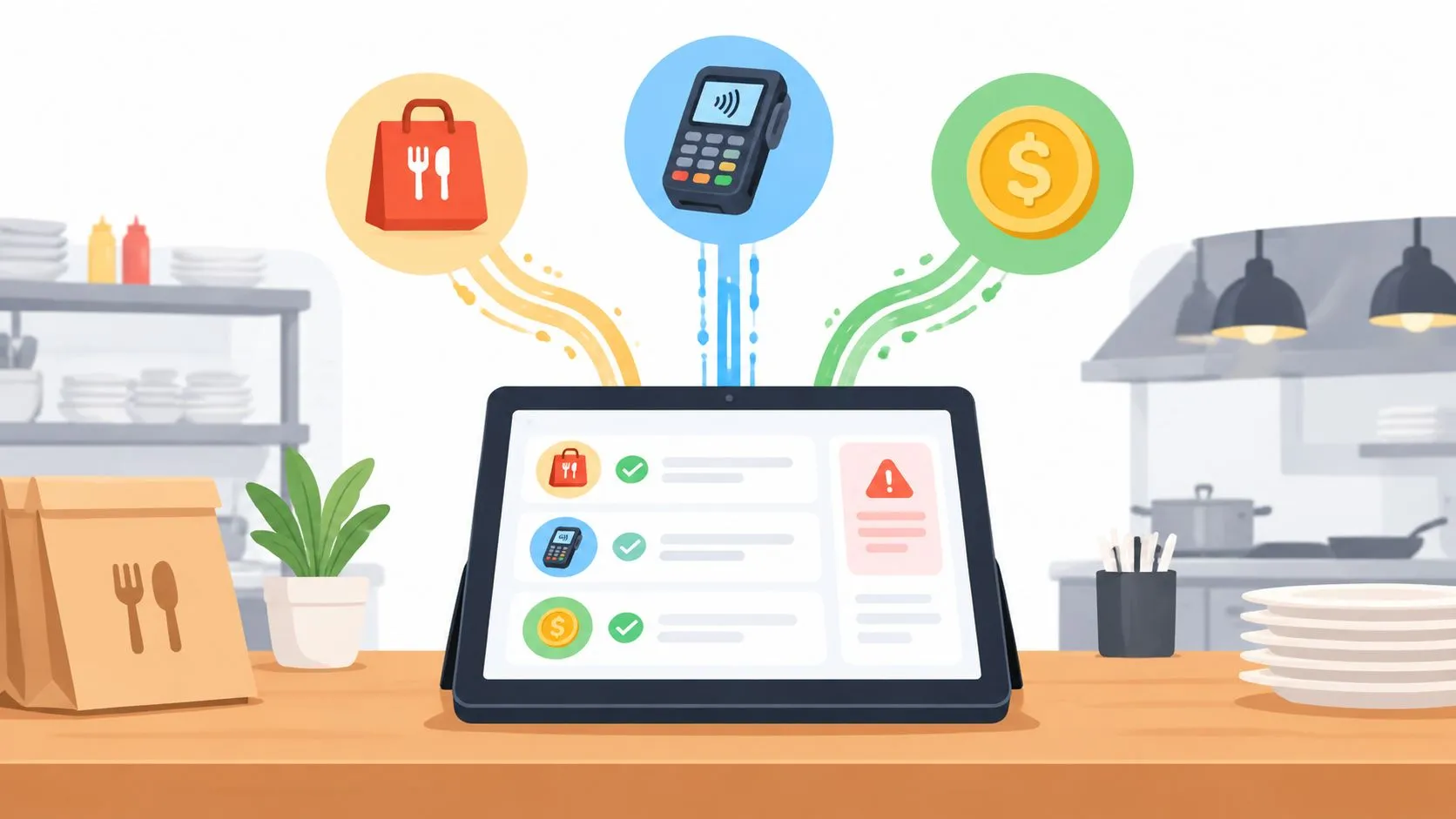
Data reconciliation tools compare restaurant POS records, marketplace orders, payment records, and bank data to find missing, mismatched, duplicated, or unresolved transactions. The best choice depends on whether you need to reconcile financial flows, validate replicated data, or prevent delivery orders from becoming inaccurate POS records in the first place.
That distinction matters more than most comparison pages admit. A finance platform can match Clover or Square totals against delivery-app payouts after the transactions exist. A technical comparison tool can verify that data copied from one database to another stayed complete. Neither necessarily stops a DoorDash order from being entered incorrectly during a dinner rush.
OrderOut addresses that upstream delivery-to-POS problem. It maps Uber Eats, DoorDash, and Grubhub menus to a normalized POS schema, then injects the orders into Clover or Square without extra tablets or manual re-keying. The POS remains the operational record, while reconciliation tools investigate what happened across marketplaces, payment systems, and bank records afterward.
The category itself is growing quickly. The reconciliation software market is projected to expand from USD 1.119 billion in 2022 to USD 3.2067 billion by 2031, at a 15.5% CAGR from 2023 through 2031, according to Stealth Agents’ reconciliation automation research. That growth reflects a practical need, but restaurant operators still need to ask a more specific question: does a tool reconcile financial records, validate data parity, or improve the order flow before exceptions appear?
The list below weighs restaurant fit, source connectivity, matching logic, exception handling, pricing visibility, implementation effort, and delivery-to-POS relevance. For broader process design, this accounting workflow automation guide provides useful context, but the recommendations here stay focused on restaurant marketplace operations.
1. OrderOut
OrderOut is the strongest fit when the problem begins with third-party delivery orders reaching the restaurant’s POS inaccurately, late, or not at all. It connects Uber Eats, DoorDash, Grubhub, ChowNow, and Wix with POS systems including Clover and Square, using a normalized schema so marketplace items and modifiers arrive as standard POS tickets.
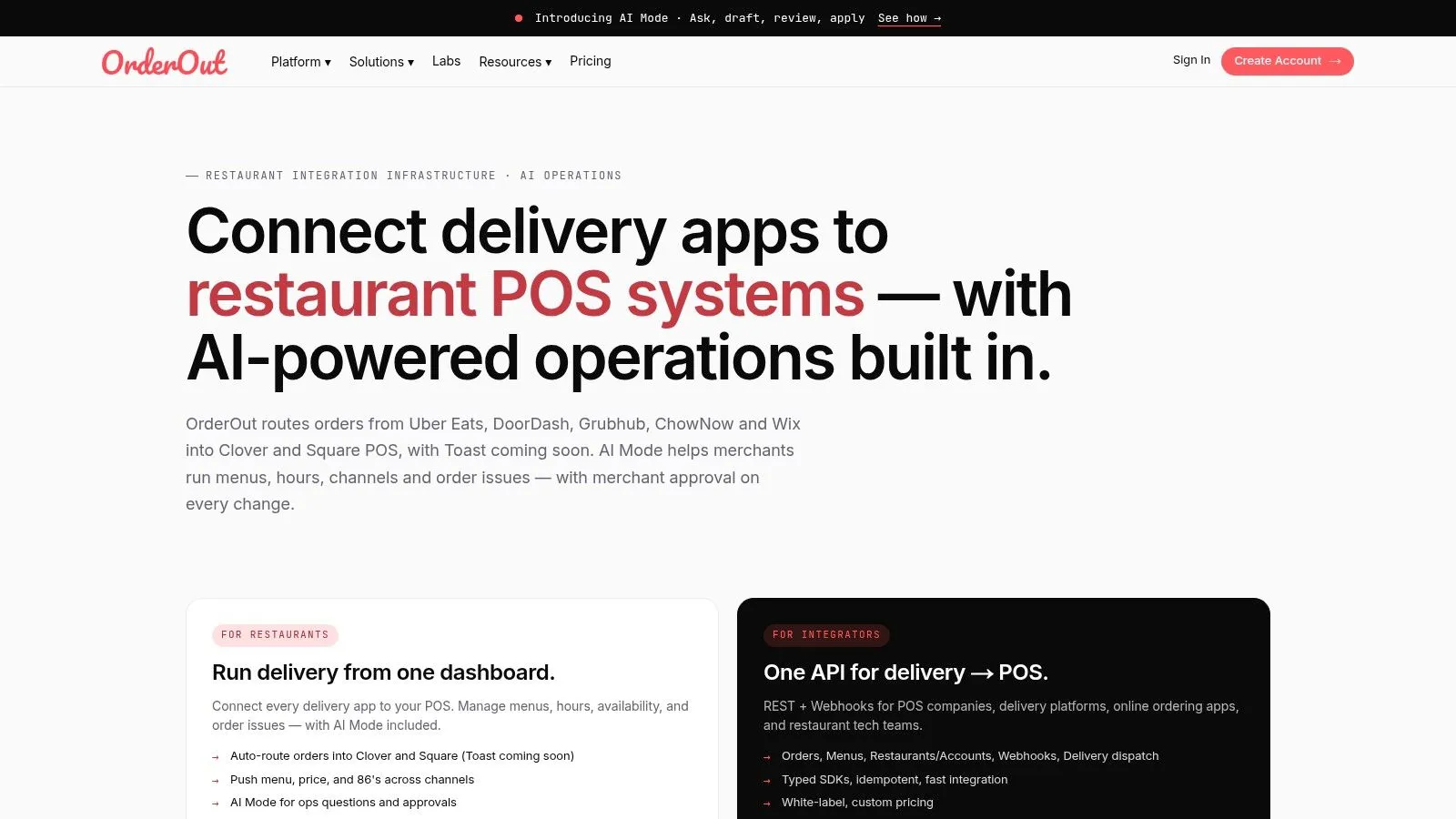
That makes OrderOut different from a finance reconciliation suite. It doesn’t primarily investigate whether a payout agrees with a bank deposit. It reduces the upstream causes of operational discrepancies by mapping menus, prices, availability, modifiers, and order details before the order enters Clover or Square. The result is fewer opportunities for staff to copy an order from a separate tablet or select the wrong POS item under pressure.
OrderOut’s order-entry automation guide explains the operational problem in more detail. Its integration API also supports REST and webhooks for partners that need to connect delivery platforms, POS products, or other restaurant systems.
Where OrderOut fits
The practical workflow is straightforward:
- Marketplace intake: Uber Eats, DoorDash, and Grubhub send orders into OrderOut.
- Schema mapping: OrderOut matches marketplace menu data to the restaurant’s normalized POS structure.
- POS injection: The order arrives in Clover or Square as a standard ticket.
- Operational handling: Staff work from the POS rather than maintaining extra delivery tablets.
- Exception review: Remaining payout or transaction differences can move to a finance reconciliation process.
OrderOut’s API documentation says its normalized order flow supports channels such as Uber Eats, DoorDash, Grubhub, ChowNow, and Wix, with routing into Clover or Square. Its restaurant-facing materials also describe orders entering the POS without manual re-keying, which is the key distinction between integration and after-the-fact reconciliation.
The trade-off is that OrderOut isn’t a universal financial close platform. It won’t replace a system designed for bank, ledger, payout, certification, or enterprise audit workflows. Public pricing isn’t provided, so buyers need to scope the channels, POS environment, and partner requirements before comparing total cost. POS and marketplace activation can also depend on external review processes.
For Clover operators, OrderOut’s Clover delivery integration is available through the Clover App Market, where OrderOut is free to install. Square operators can review OrderOut’s Square delivery integration for the corresponding marketplace workflow.
Practical rule: Fix the order path first. A reconciliation platform can explain why a POS record differs from a payout, but it can’t correct a modifier that never reached the POS.
2. BlackLine
BlackLine is built for finance teams that need structured account reconciliations, transaction matching, close management, and audit visibility across complex systems. It’s a serious option when a restaurant group has moved beyond isolated store-level checks and needs finance to manage POS totals, bank deposits, delivery-app payouts, journals, and exceptions inside a controlled workflow.
The platform’s account reconciliation capabilities support standardized templates, policies, workflow ownership, and audit trails. Its transaction matching tools are designed for large, multi-source datasets, while dashboards give finance leaders visibility into status, timeliness, and unresolved items. BlackLine also markets Verity AI for assisted preparation and variance analysis.
Why finance teams consider it
BlackLine is useful when the question is, “Did the recorded sales and payout activity reconcile correctly?” A finance team could compare Clover or Square sales records with settlement data from delivery marketplaces and then investigate fees, refunds, tips, cancellations, or timing differences. That’s a different job from injecting orders into the POS.
Its strength is governance. Teams can assign owners, document decisions, preserve evidence, and apply repeatable rules instead of passing spreadsheets between operators and accountants. For a multi-location restaurant organization, that structure can matter as much as the matching engine.
The limitation is proportionality. BlackLine typically requires enterprise-level budgeting, implementation planning, and module scoping. A single restaurant that mainly needs Uber Eats orders to land correctly in Clover won’t get the best return from a close-management suite. Even a growing group should first confirm that the source records are clean enough to reconcile.
For a practical comparison, OrderOut’s restaurant data analytics workflow helps separate operational POS data from downstream reporting and finance use cases. The decision should be based on where the exception originates, not on the breadth of the software brochure.
3. Trintech Adra
Trintech Adra is a cloud suite aimed at finance teams that want reconciliation and close visibility without adopting the full scale of an enterprise financial-control program. Its products cover balance-sheet reconciliation, transaction matching, task management, and journal-entry workflows.
Adra is particularly relevant when a restaurant group needs to compare POS activity, payment processor records, marketplace settlements, and bank activity with clear ownership for unresolved items. Matching rules can handle recurring relationships across payment service providers, POS records, and banking data, while dashboards and alerts help accounting teams see what still needs attention.
The restaurant use case
A typical workflow might begin with Square or Clover sales exports, add Uber Eats or DoorDash settlement records, and then compare those results with bank activity. Adra can help identify missing transactions, amount differences, timing differences, and items that require review. The finance team can then document the reason for the variance rather than adjusting a spreadsheet.
That makes Adra more appropriate than OrderOut for financial reconciliation. It doesn’t solve the operational problem of a staff member re-entering a delivery order from a tablet. If the marketplace order was mapped incorrectly before it reached the POS, Adra may expose the mismatch later, but the restaurant still needs an upstream integration layer to prevent the error.
Adra’s trade-off is scope. It may offer faster time to value for a lean accounting team than a large enterprise close suite, but the implementation still depends on the quality and availability of source data. Pricing isn’t publicly presented as a simple restaurant plan, so the buyer needs a scope discussion.
For plain-language background on how records are compared and resolved, OrderOut’s guide to what reconciliation means in restaurant workflows is a useful companion.
4. Trintech Cadency
Trintech Cadency is designed for organizations with complex financial close requirements, multiple entities, multiple currencies, multiple enterprise resource planning systems, and formal governance needs. It combines reconciliations, transaction matching, journals, intercompany accounting, and risk-focused workflows in one broader program.
For a large restaurant organization, Cadency becomes relevant when delivery reconciliation is only one part of a much wider financial-control environment. Finance may need to connect store-level POS records with centralized accounting, intercompany activity, payment systems, and reporting structures. The platform’s enterprise orientation supports that kind of consolidation.
Where Cadency earns its place
Cadency’s main advantage is breadth. It can bring reconciliation, journal management, controls, and close processes into a coordinated framework. That can reduce the number of disconnected finance tools a large organization must govern.
Its drawback is equally clear. A restaurant operator looking for a reliable way to route DoorDash orders into Clover won’t need intercompany settlement workflows or a global close program. Cadency also brings substantial implementation and change-management demands. The restaurant group must define ownership, standardize source data, and train finance teams before the system delivers consistent value.
Cadency should therefore sit downstream from delivery integration. OrderOut can provide cleaner operational records by mapping marketplace menus into Clover or Square. Cadency can then help finance validate those records against the organization’s broader accounting and settlement environment.
The distinction prevents a common buying mistake. A powerful close platform doesn’t automatically improve the restaurant’s order-entry process. It controls and explains financial data after capture, while delivery-to-POS integration controls how the order enters the operating system.
5. ReconArt
ReconArt is a reconciliation-focused SaaS platform covering data ingestion, configurable matching, exception management, journal entries, certification, and period-end workflows. It’s a reasonable fit for teams that want reconciliation to be the center of the product rather than a supporting feature inside a broader financial suite.
The platform’s matching and exception-routing capabilities are useful for restaurant groups handling inconsistent records across POS systems, payment providers, delivery marketplaces, and banks. ReconArt also emphasizes transaction-level audit trails, dashboards, data validation, and close checklists.
Practical strengths and limits
ReconArt’s advantage is focus. A team can design rules around order identifiers, transaction amounts, fees, tips, refunds, and settlement states, then route unresolved records to the person responsible for review. That’s the right model when exceptions need a documented resolution rather than a silent spreadsheet edit.
Its edition-based licensing can help organizations right-size a deployment, although pricing still requires a direct conversation. The vendor’s footprint is smaller than the largest enterprise close providers, which may matter to organizations that need extensive global support or a broad ecosystem of prebuilt enterprise connectors.
ReconArt won’t prevent a missing marketplace order from being absent in Clover or Square. It can help the accounting team identify the absence when the relevant datasets are loaded, but the restaurant still needs a reliable order-routing layer. For operators learning the difference between matching records and correcting source workflows, this OrderOut explanation of how to reconcile the difference is relevant.
The best fit is a restaurant group with a real finance reconciliation requirement, not a single location seeking to eliminate delivery tablets.
6. Duco
Duco takes a no-code approach to reconciliation, with AI-assisted rule building, configurable tolerances, fuzzy matching, and exception management. It can ingest structured files along with less tidy sources such as PDFs, emails, and images.
That flexibility may help restaurant finance teams that receive settlement information in inconsistent formats across marketplace partners, processors, banks, and internal systems. A tool that can normalize messy inputs before matching may reduce the amount of preparation work required from analysts.
A good fit for messy records
Duco’s strength is reducing noise. Restaurant payout records don’t always arrive in a uniform structure, and timing, refunds, adjustments, or partial settlement information can create apparent exceptions. Fuzzy matching and user-managed tolerances can help separate genuine breaks from harmless differences.
The caution is product heritage. Duco is strongly associated with financial-services reconciliation, so its capabilities may exceed the needs of a smaller restaurant organization. Enterprise-style pricing and services coordination can also make the buying process heavier than a restaurant operator expects.
Duco still belongs in the downstream category. It compares records that already exist. It doesn’t map an Uber Eats modifier to a Clover modifier, route a DoorDash order into Square, or remove the need for staff to use an extra tablet. Those upstream tasks belong to an integration platform such as OrderOut.
Before selecting Duco, buyers should bring representative files, not idealized samples. Include a normal settlement, a refund, a canceled order, a missing record, and a delayed transaction. The usefulness of any reconciliation rule depends on how it handles the exceptions the restaurant sees.
7. AutoRek
AutoRek combines reconciliation, controls, data oversight, and AI-assisted workflows for high-volume financial environments. Its capabilities include bank and balance-sheet reconciliation, configurable rules, real-time processing, sign-off tracking, dashboards, and integrations with treasury, enterprise resource planning, general ledger, and banking platforms.
For restaurant groups with substantial payment activity, AutoRek can be relevant when the reconciliation problem includes multiple currencies, multiple entities, payment-sector records, and formal audit requirements. Its ARIA assistant is positioned to support explainable matching and query resolution rather than leaving finance teams with unexplained automated decisions.
Strong controls, heavier fit
AutoRek’s appeal is control over complex financial flows. A finance team can monitor reconciliation status, document approvals, and investigate payment discrepancies in a structured environment. That’s useful when the organization needs more than a monthly spreadsheet review.
The downside is that the platform is geared toward financial-services and high-volume use cases. Smaller restaurant operators may find the implementation effort, rulebook design, and governance model disproportionate to their needs. Custom workflows can also require more time than a simple POS-to-payout check.
AutoRek should be evaluated only after the operator defines the records that need to agree. If the primary issue is that delivery orders are being typed into Clover or Square incorrectly, a financial control platform addresses the symptom later in the process. OrderOut addresses the capture point by normalizing marketplace menus and sending the order into the POS as a standard ticket.
That separation makes the purchase decision clearer. Use AutoRek for controlled financial reconciliation where its depth is justified. Use delivery-to-POS integration to reduce the number of operational discrepancies created during order intake.
8. Solvexia
Solvexia is a no-code financial automation platform focused on bank, general ledger, payment, accounts payable, and accounts receivable reconciliation. Its use cases include matching POS, payment service provider, and bank records, which gives it a direct connection to restaurant settlement workflows.
The platform supports connectors, APIs, and SFTP for data ingestion, along with dashboards, audit trails, approvals, and collaborative exception handling. That combination can suit a mid-market restaurant group that wants more structure than manual spreadsheet work without adopting the broadest enterprise close platform.
Where it fits in a restaurant stack
Solvexia is most useful when finance needs to answer questions such as:
- Was every POS transaction included in the settlement file?
- Do delivery marketplace fees and refunds explain the payout difference?
- Which records remain unresolved, and who owns them?
- Can the team document the approval or adjustment?
Those questions are financial, not operational. Solvexia can compare the records after OrderOut has routed marketplace orders into Clover or Square, but it doesn’t replace the routing layer.
The platform’s payment and retail orientation is a positive for restaurant groups, while its narrower close and consolidation scope may be a limitation for organizations that need full enterprise accounting governance. Pricing isn’t public, so the buyer should request a quote based on actual sources, locations, transaction types, and exception workflows.
A useful test is to ask Solvexia to demonstrate a partial refund, a canceled delivery order, a tip adjustment, and a settlement arriving on a different date from the POS transaction. A clean demonstration with only perfectly matching records won’t reveal whether the tool reduces real investigation work.
9. Xceptor
Xceptor is a low-code data-automation platform with reconciliation capabilities for ingestion, validation, transformation, enrichment, matching, exception management, and reporting. It can work with structured and unstructured data, which makes it relevant when restaurant groups receive statements and settlement files in inconsistent formats.
Xceptor supports one-to-one, one-to-many, and many-to-many matching. That matters when one payout includes many restaurant orders, when a single order has multiple financial events, or when payment and marketplace records don’t align cleanly at the transaction level.
Flexible matching for complicated flows
The platform’s business-user configuration is a strong point. Teams can create rules and tolerances without building every workflow from scratch in custom code. Dashboards and audit trails help finance leaders monitor unresolved records and document the outcome.
The trade-off is scale and complexity. Xceptor can be more platform than a smaller restaurant group needs, especially when the main requirement is comparing a POS export with a marketplace settlement. Enterprise quoting also means the buyer must work through a formal scope process.
Xceptor won’t solve a bad menu map. If a marketplace modifier doesn’t correspond to a Clover or Square item, the downstream reconciliation process can flag an amount or item mismatch, but staff will still spend time explaining or correcting the record. OrderOut’s discussion of data integrity for restaurant systems helps frame why source consistency matters before financial matching begins.
Use Xceptor when the restaurant group has messy, multi-way data and a team capable of governing flexible rules. Don’t buy it merely because “reconciliation” appears in the requirements list.
10. Fivetran HVR Compare
Fivetran HVR Compare solves a different problem from financial reconciliation platforms. It validates whether replicated data in a source system and target database remains complete and consistent by using checksum comparisons, row-by-row validation, and online comparison methods.
That makes it useful for technical teams operating POS-to-warehouse or database replication pipelines. If Clover or Square data is copied into a reporting environment, HVR Compare can help identify whether records were lost, altered, or left inconsistent during replication.
Data parity is not payout reconciliation
HVR Compare can answer, “Did the data arrive in the target as expected?” It generally doesn’t answer, “Does this DoorDash payout agree with the restaurant’s bank deposit after fees, refunds, tips, and timing differences?”
That distinction is critical. Technical parity checks validate the transfer of data. Financial reconciliation evaluates business meaning across different records. A replicated dataset can be technically identical to its source and still contain an operational mistake that happened before replication.
Fivetran HVR Compare is therefore a safety net for data engineering teams, not a replacement for BlackLine, Adra, ReconArt, or Solvexia. It can verify that an analytics copy of Square data matches the source while a finance platform separately reconciles sales and settlement activity.
For restaurants building reporting pipelines, this layered approach is often cleaner. OrderOut helps create a consistent operational record by routing marketplace orders into Clover or Square. HVR Compare checks that the record survives replication into the warehouse. A financial reconciliation platform then evaluates whether commercial and payment records agree.
Top 10 Data Reconciliation Tools Comparison
| Solution | Core offering | ✨ Unique selling points | 👥 Target audience | ★ Quality / UX | 💰 Pricing / Value |
|---|---|---|---|---|---|
| 🏆 OrderOut | Multi‑channel delivery → POS integration; centralized dashboard, auto‑route/print, Integration API, AI Mode | AI Mode drafts changes from plain English; fast onboarding (10–15m); delivery dispatch; reseller/white‑label | Restaurants, POS vendors, chains → independents | ★★★★☆ (4.65/5; 392 Clover reviews) | 💰 Custom pricing, contact sales |
| BlackLine | Enterprise close & reconciliations across ERPs, banks, payroll | Mature controls & audit trail; Verity AI for variance analysis | Large enterprises, finance & SOX teams | ★★★★☆ (enterprise-grade) | 💰 Opaque, module/user scoped |
| Trintech Adra | Cloud mid‑market recon suite: auto‑match, task mgmt, connectors | Faster time‑to‑value for mid‑market; POS→delivery recon resources | Mid‑market accounting teams, retailers/restaurants scaling up | ★★★★☆ | 💰 Scoped quotes |
| Trintech Cadency | End‑to‑end enterprise close: reconciliations, journals, intercompany, GRC | Built for multi‑entity/multi‑ERP complexity and global consolidations | Large multi‑entity enterprises, global finance | ★★★★☆ | 💰 Higher TCO; enterprise pricing |
| ReconArt | Reconciliation‑first SaaS: ingestion, matching, exceptions, journals | Edition‑based licensing to right‑size deployments; strong audit trail | Mid‑market to enterprise finance teams | ★★★★☆ | 💰 Edition pricing, contact sales |
| Duco | No‑code cloud reconciliation with AI rule builder; unstructured ingestion | Fast config, strong match rates, PDF/image ingestion | Financial services & teams needing flexible ingestion | ★★★★☆ | 💰 Enterprise-style engagement |
| AutoRek | Reconciliations, controls, real‑time payment reconciliation, ARIA AI | ARIA explainable AI; RTP & multi‑currency payment support | Payments firms, banks, multi‑currency operations | ★★★★☆ | 💰 Scoped enterprise pricing |
| Solvexia | No‑code financial automation for bank/GL/payment/AP‑AR reconciliations | Mid‑market friendly; POS/PSP connectors & ROI case studies | Mid‑market finance teams, retail/payment operators | ★★★★☆ | 💰 Custom, mid‑market positioned |
| Xceptor | Low‑code data automation & reconciliation; drag‑drop workflows | Handles messy multi‑way data at scale; business‑user configurable | Data teams, high‑volume finance operations | ★★★★☆ | 💰 Enterprise quotes |
| Fivetran HVR (Compare) | Data parity/compare for ETL replication (checksums, row counts) | Purpose‑built technical validation for replicated data pipelines | Data engineers, analytics/IT teams validating ETL | ★★★★☆ | 💰 Licensing varies (part of HVR/Fivetran) |
Choose the Reconciliation Layer That Fits
The right answer isn’t always the most powerful reconciliation platform. Restaurant operators should first identify where the discrepancy begins, then choose the layer that owns that problem.
The first layer is delivery-to-POS integration. If Uber Eats, DoorDash, or Grubhub orders arrive through separate tablets and staff re-key them into Clover or Square, the restaurant has an order-entry control problem. OrderOut addresses that problem by mapping marketplace menus to a normalized POS schema and injecting orders into the POS without extra tablets or manual re-keying. This reduces the chance that a missing modifier, incorrect item, duplicate entry, or delayed order becomes a downstream reconciliation exception.
The second layer is financial reconciliation. BlackLine, Trintech Adra, Trintech Cadency, ReconArt, Duco, AutoRek, Solvexia, and Xceptor are relevant when the restaurant needs to compare records across POS systems, delivery marketplaces, payment processors, banks, and accounting environments. These platforms help finance teams match transactions, route exceptions, document decisions, and maintain audit trails. They don’t all suit the same organization, and pricing generally requires scope discussions rather than a simple restaurant subscription.
The third layer is technical data validation. Fivetran HVR Compare is designed to validate source-to-target replication. It helps a data team confirm that records copied into a warehouse or database remain complete and consistent. It doesn’t replace financial matching because parity and commercial agreement are different tests.
Start with a source inventory
Before requesting demonstrations, list the records the restaurant needs to compare:
- Operational orders: Uber Eats, DoorDash, Grubhub, Clover, and Square.
- Settlement records: Marketplace payouts, processor activity, refunds, fees, tips, and adjustments.
- Bank records: Deposits and timing differences.
- Analytics copies: Replicated POS or marketplace data in a warehouse.
- Exception ownership: The person responsible for missing, duplicated, delayed, or mismatched records.
Then confirm whether the chosen system can access the relevant Clover or Square data without creating another manual export process. Ask vendors to demonstrate real exceptions, not just clean matches. A useful test includes a canceled order, a refund, a modifier mismatch, a late-arriving settlement, and a transaction that exists in one source but not another.
Request pricing based on the actual scope. Locations, data sources, matching rules, retention, user roles, implementation, and support can all affect the commercial picture. If the restaurant only needs to eliminate manual marketplace order entry, start with OrderOut’s third-party order engine rather than paying for a finance platform to investigate problems the integration could prevent.
Market demand is also moving toward cloud and near-real-time workflows. One market report places cloud deployment at 60.2% of the reconciliation software market in 2024, while another reports that more than 72% of organizations saw closing cycles fall from 10 days to under 3 days after adopting automated reconciliation, according to GlobeNewswire’s reconciliation software research and Market Reports World’s market coverage. Those figures support the broader direction, but they don’t mean every restaurant needs a large platform. Fit still depends on the operational source of the exception.
For additional market context, this overview of top payment reconciliation software for 2026 can help finance teams build a wider shortlist. Restaurant operators should keep the buying decision grounded in their own order path and settlement process.
Frequently Asked Questions
Does OrderOut work with Clover?
Yes. OrderOut connects delivery marketplaces such as Uber Eats, DoorDash, and Grubhub with Clover, mapping marketplace menus to a normalized POS structure and sending orders into Clover as standard tickets. It removes the need for extra delivery tablets and manual re-keying, while menu and modifier mapping still needs to be kept accurate.
Does OrderOut work with Square?
Yes. OrderOut supports the same delivery-to-POS workflow for Square. Marketplace orders are routed into Square after the menu data is mapped to the POS structure, so staff can manage the order from the POS instead of copying it from a separate marketplace tablet.
Is delivery-to-POS integration the same as financial reconciliation?
No. Delivery-to-POS integration controls how an order enters Clover or Square. Financial reconciliation compares existing POS, marketplace, payment, and bank records to identify differences and document their resolution. A restaurant may need both layers, especially when it operates at high transaction volume or has complex payout workflows.
Does OrderOut reconcile marketplace payouts with bank deposits?
OrderOut’s core restaurant value is order routing and POS integration, not replacement of a full financial close platform. Operators that need detailed payout, bank, ledger, certification, or audit workflows should evaluate a financial reconciliation tool separately. OrderOut can still improve the quality of the operational records those tools receive.
How should a restaurant start implementation?
Start by choosing the relevant POS path, cleaning up menu items and modifiers, and testing representative Uber Eats, DoorDash, or Grubhub orders. Confirm that cancellations, refunds, modifiers, and payment states behave as expected before expanding the workflow. Finance teams can then define how payout and bank exceptions will be reviewed downstream.
OrderOut routes Uber Eats, DoorDash, and Grubhub orders into Clover or Square through a normalized POS schema, helping prevent the order-entry discrepancies that reconciliation tools later have to investigate. Visit OrderOut to review the delivery-to-POS workflow, then install through the relevant Clover or Square marketplace path and onboard from the dashboard.