
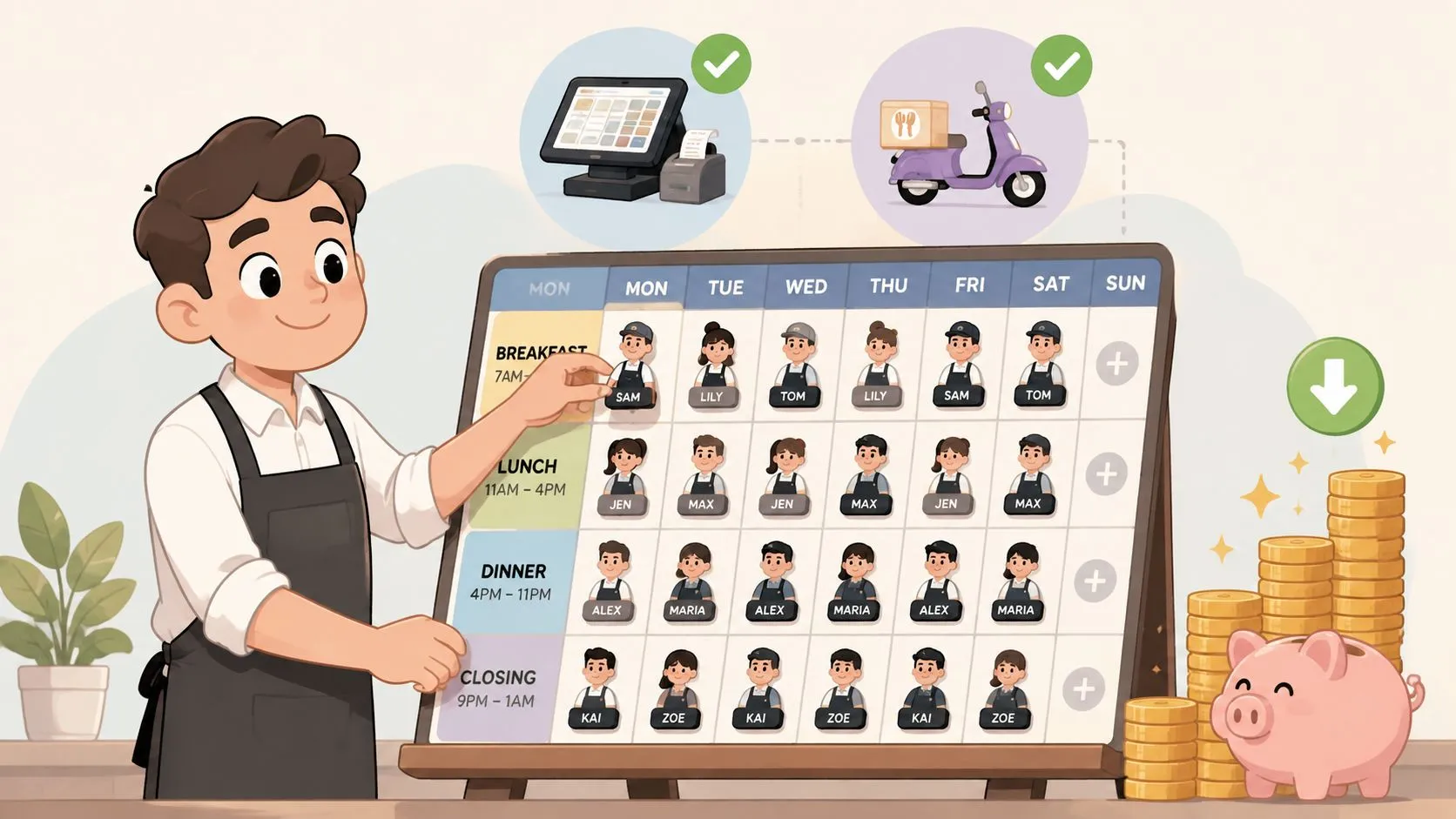
A restaurant can reduce labor costs without cutting shifts by eliminating hidden work, aligning schedules with demand, and reducing employee turnover. The National Restaurant Association reported that salaries and wages, including benefits, represented a median of 36.5% of sales at full-service restaurants and 31.7% at limited-service restaurants in 2024, well above historical averages (National Restaurant Association labor-cost analysis). The practical answer is to remove wasted labor before removing productive labor.
That means looking beyond the schedule. Manual delivery order entry, phone handling, rework, overtime, vacancy coverage, and constant retraining can consume labor hours without creating additional sales. A stronger labor plan combines demand forecasting, clean workflows, delivery POS integration, and retention practices that keep capable people on the team.
Why Restaurant Labor Costs Are Climbing
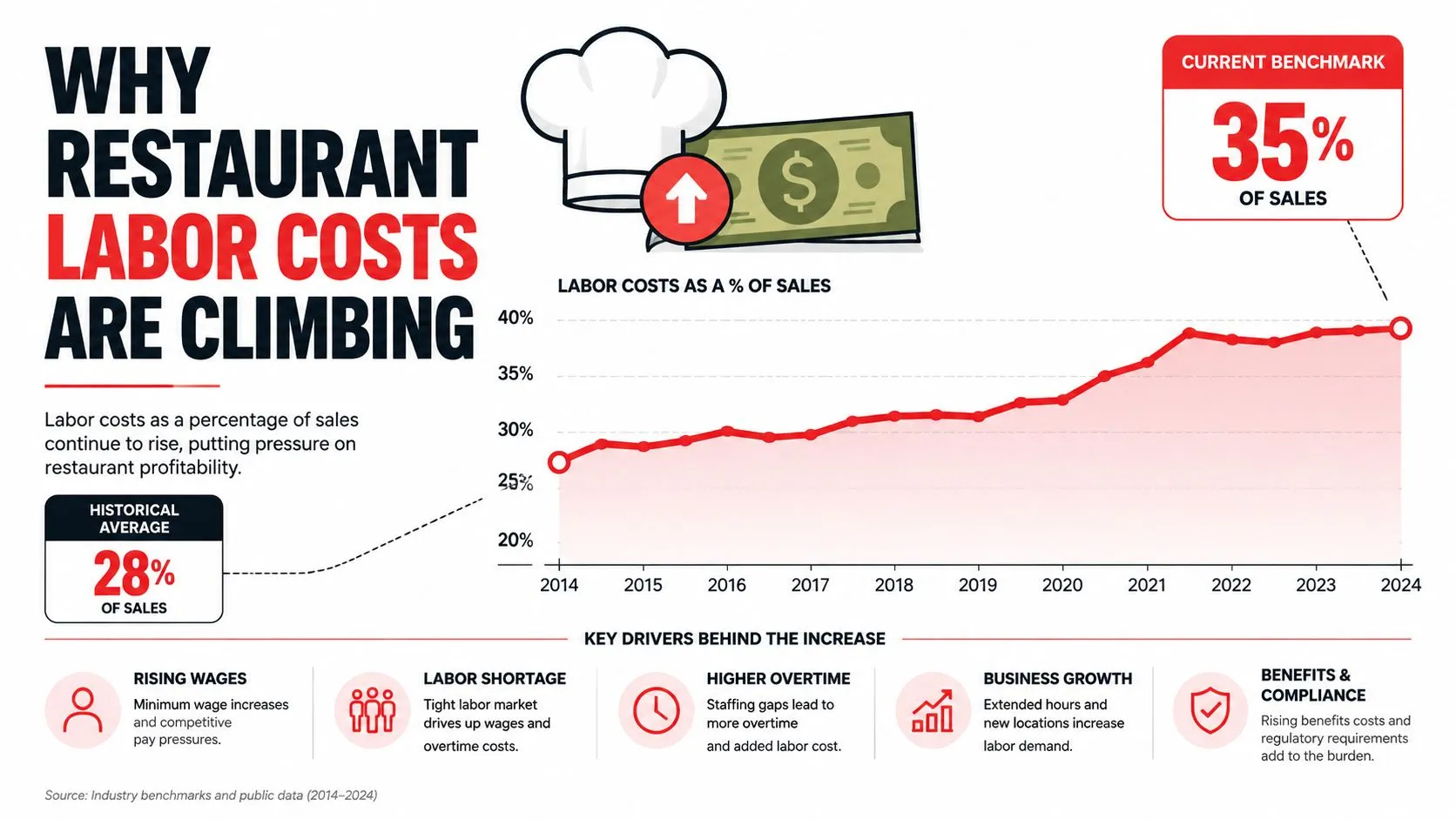
Labor remains one of the largest controllable restaurant expenses, and recent benchmarks show why schedules alone cannot solve the problem. In 2024, median labor costs reached 36.5% of sales for full-service restaurants and 31.7% for limited-service restaurants, according to the National Restaurant Association’s labor-cost analysis.
Those percentages are measured against sales. If revenue stays flat while wages, benefits, overtime, or replacement training increase, labor consumes more of each transaction. The same analysis placed labor at roughly 33% of sales for full-service restaurants and about 28% for limited-service restaurants in the 2010, 2013, and 2016 reports. Recent operators were therefore roughly 3.5 to 4 percentage points above mid-2010s norms.
Small percentage changes have real consequences
A small improvement in labor percentage can produce meaningful cash savings. On a $2 million annual sales base, a 1 percentage-point reduction in labor cost frees up $20,000, based on the National Restaurant Association’s example. That money can cover maintenance, marketing, debt service, owner compensation, or operating reserves.
Sending people home whenever sales soften creates its own cost. Thin coverage slows service, leaves phone calls unanswered, increases preparation errors, and puts extra pressure on the employees who stay. Overtime and turnover can then erase the initial savings.
Practical rule: Remove paid work that creates no value before cutting labor that protects speed, accuracy, and guest experience.
The harder question is where those unproductive hours hide. A team member re-keying a DoorDash order, correcting a modifier error, waiting for a delivery tablet, handling repeated phone questions, or training a replacement is still on the clock. Manual order entry and phone interruptions can pull staff away from production, while turnover adds recruiting, onboarding, and coverage costs.
Treating this work as routine does not make it unavoidable. Review the tasks consuming time during each shift, then fix the workflow before reducing productive coverage.
Forecasting Demand to Build Smarter Schedules
Habit-based scheduling is easy to repeat and difficult to defend. If Tuesday lunch has always had four people, managers often schedule four people again, even when traffic, weather, school calendars, local events, or sales mix have changed. A demand-based schedule starts with what the restaurant sold, not what the last manager wrote on the clipboard.
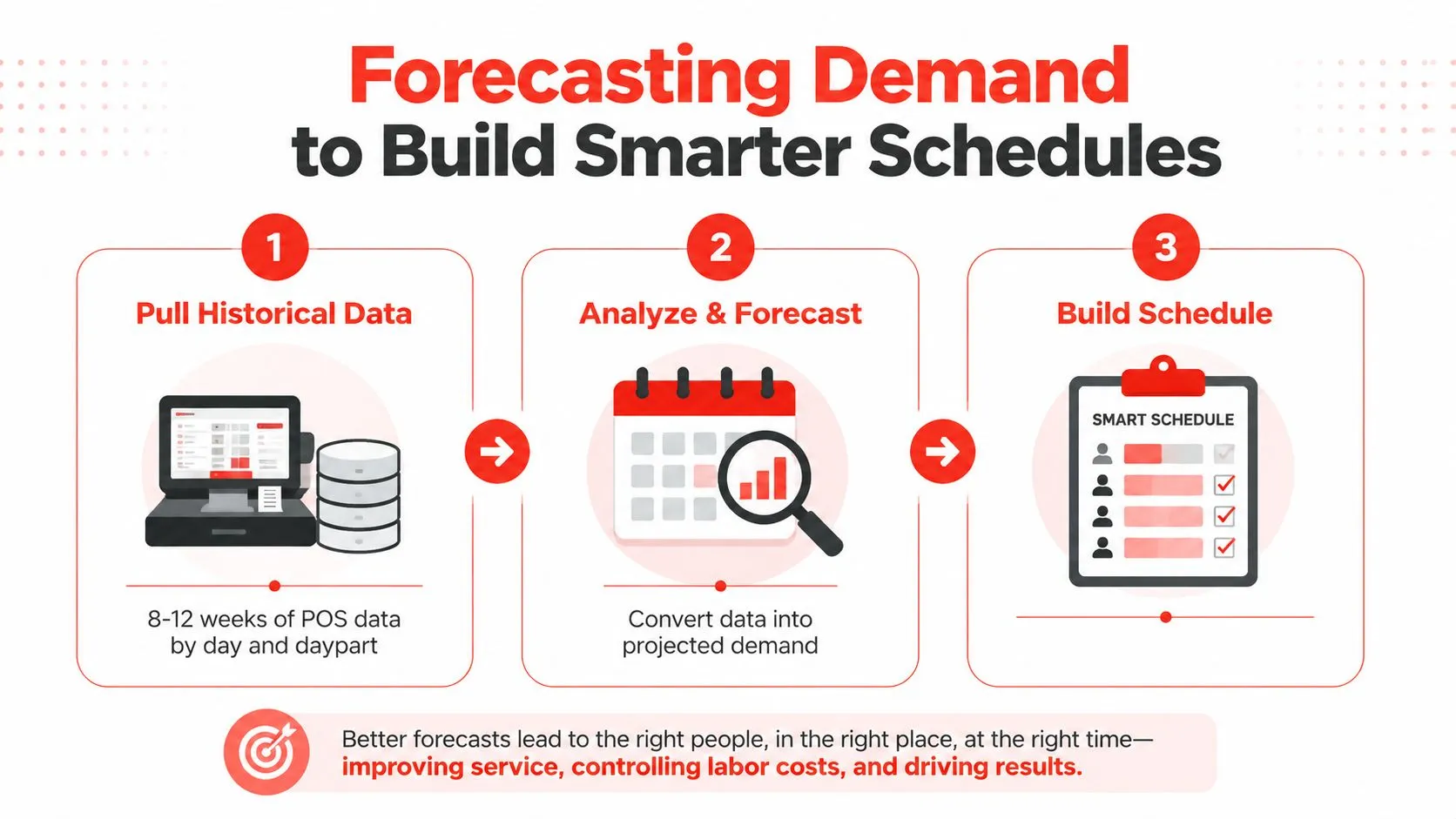
The practical workflow uses 8 to 12 weeks of POS data by day and daypart, as outlined in this restaurant demand forecasting guide. Review sales patterns for breakfast, lunch, dinner, late service, and any meaningful transition periods. Look for recurring peaks and valleys, then separate normal demand from unusual events that shouldn’t drive the standard labor matrix.
Convert sales into hours
Once projected sales are established, convert them into a labor budget using a target labor percentage. Then translate that budget into labor hours using the average hourly wage. This creates a practical ceiling for each daypart, rather than leaving managers to schedule based on instinct.
The schedule should reflect the shape of demand. Staggered start times often work better than bringing the entire team in at once. A prep employee can arrive before the rush, a service employee can start closer to the peak, and a closing employee can remain after traffic falls. That structure protects coverage while reducing idle time.
Publish the schedule two weeks ahead, and set overtime alerts at 32 hours, following the workflow described in the restaurant labor reduction methodology. Early visibility gives employees a chance to raise conflicts before the schedule becomes an emergency. It also gives managers time to move hours between dayparts instead of relying on last-minute overtime.
Use the next four weeks to compare labor cost percentage against the prior four-week average. Don’t judge a schedule from one unusual shift. Look for repeated movement, then adjust the labor matrix.
For restaurants that handle significant inbound order volume, workforce planning should also account for calls and communication load. These VoIP workforce management tips offer useful context for thinking about call demand, staffing coverage, and predictable service levels without treating every busy period as a surprise.
Eliminating Hidden Labor Drains from Delivery Orders
Cutting scheduled hours gets attention because it’s visible on the labor report. Manual order handling is harder to see, but it can consume productive time during the busiest part of service.
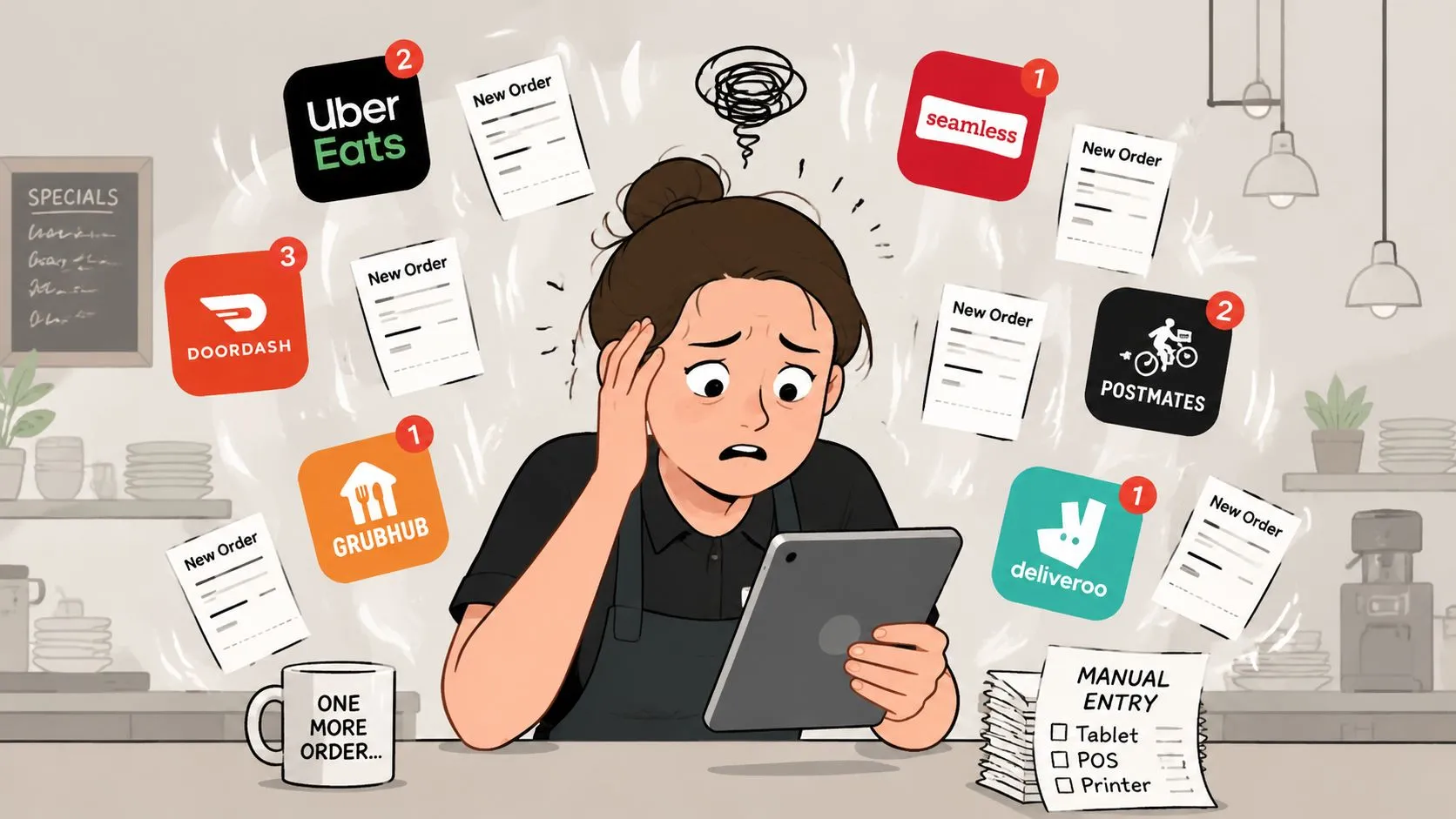
A restaurant that receives Uber Eats, DoorDash, and Grubhub orders through separate tablets may ask staff to watch notifications, read each order, print or remember the details, and re-enter the ticket into Clover or Square. One industry source estimates that manual delivery order entry typically consumes 2 to 4 hours per week, while third-party order errors are estimated at 5% to 10% (industry analysis of restaurant online ordering workflows). The same source estimates that a location doing $40,000 per month can lose $400 to $800 monthly through remakes, refunds, and lost customers linked to those errors.
Replace re-keying with direct order flow
The issue isn’t only the time spent typing. Manual re-entry forces staff to interpret marketplace menus, modifiers, special requests, and payment details while also handling walk-in guests and production tickets. A restaurant technology guide explains that each delivery platform often brings its own physical tablet, adding counter clutter and extra in-store labor. It also notes that automated menu mapping improves order accuracy and reporting because employees no longer have to print and re-key tickets (restaurant ordering technology guide).
OrderOut addresses this specific leak by injecting Uber Eats, DoorDash, and Grubhub orders directly into Clover or Square. It maps each marketplace menu to a normalized POS schema, so the POS remains the operational source of truth. Staff don’t need to copy every order from a tablet, and the restaurant can remove extra delivery tablets from the counter.
The effect is operational rather than flashy. Employees spend more time preparing food, checking orders, helping guests, and maintaining the line. Fewer handoffs also mean fewer opportunities for a modifier or item to be mistyped.
A separate restaurant technology article states that manually entered orders contain at least one error about 15% of the time (restaurant tech-stack analysis). That figure helps explain why order-entry automation should be evaluated as a labor-control decision, not merely a convenience upgrade. For a deeper operational breakdown, see this guide to restaurant order entry automation.
Phone orders create another leak. One delivery-operations source estimates that a three-minute average call, at a wage of about $13 per hour, means 40 phone orders per day costs roughly 26.40 EUR per day in direct intake labor, while online ordering requires effectively no staff time for order intake (delivery tablet and phone-order analysis). The right response depends on the restaurant’s sales mix, but operators should measure this work before assuming the only solution is another scheduled employee.
OrderOut is free to install on the Clover App Market. Operators using Clover can install OrderOut from the Clover App Market and review whether direct delivery-to-POS injection fits their current workflow.
Reducing Turnover to Protect Your Labor Budget
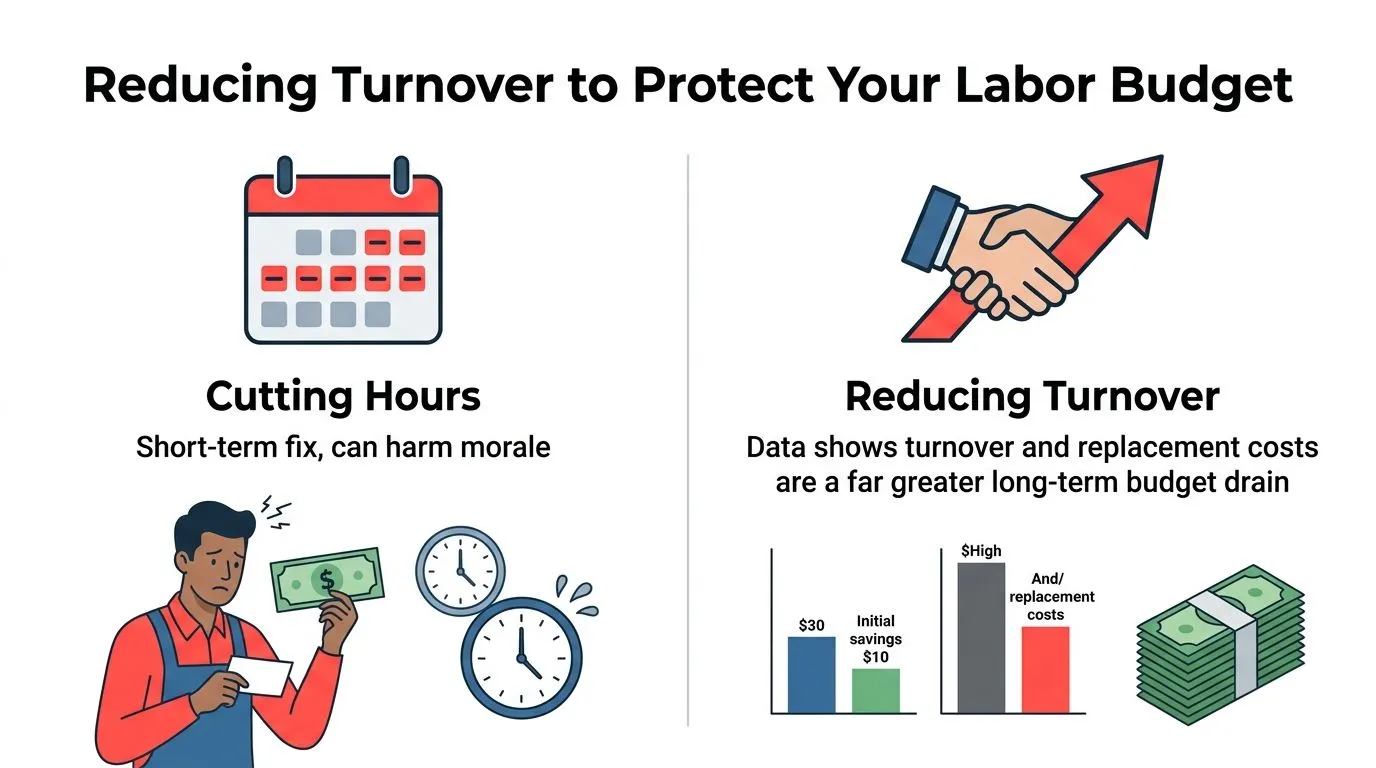
A labor percentage can improve while the restaurant becomes less stable. Cutting shifts may lower wages temporarily, but losing trained employees creates vacancy coverage, onboarding work, slower execution, and heavier overtime for the people who remain.
The restaurant workforce data for 2025 puts the scale of that problem into sharper focus. Hourly turnover remained around 110% in limited service and 92% in full service, while replacing one hourly worker cost about $2,706 in hard costs alone. Manager replacement could exceed $11,940, according to Black Box Intelligence’s restaurant workforce report.
Measure retention-adjusted labor cost
The replacement figure doesn’t include every operational consequence. A new hire needs training, supervision, menu education, station practice, and time to develop speed. During that period, experienced employees often carry extra responsibility, and managers spend time coaching instead of managing sales, quality, or scheduling.
That’s why wage percentage alone is incomplete. Track labor with a retention-adjusted view that includes replacement costs, training time, vacancy coverage, and avoidable overtime. A slightly higher wage bill can be healthier than a lower bill attached to constant churn.
Retention starts with ordinary management discipline:
- Make schedules predictable: Publish the schedule early and avoid changing it without a clear reason.
- Improve onboarding: Give new employees a consistent station plan, documented expectations, and supervised practice.
- Cross-train deliberately: Build coverage across essential stations so one absence doesn’t force expensive overtime.
- Use feedback before resignation: Ask where the shift breaks down, then fix issues managers can control.
- Recognize dependable performance: Speed, accuracy, attendance, and calm rush execution should be noticed consistently.
A practical attrition turnover guide can help managers distinguish employee departures from broader workforce movement, which makes internal retention reporting more useful. Restaurant owners can also use this guide to improve employee retention in the restaurant industry when building a more consistent team environment.
Operator’s view: A shift you never schedule costs less today. An experienced employee you lose can cost the restaurant repeatedly through replacement, training, and weaker execution.
Tracking Labor KPIs to Sustain Your Gains
Labor control fails when managers look only at the payroll total after the period closes. By then, the overtime has already happened, the slow shift has already been overstaffed, and the delivery-entry errors have already consumed attention.
Track performance at the daypart level. Sales per labor hour, or SPLH, shows how much sales volume the team produces for each labor hour. Cost per labor hour, or CPLH, shows the wage burden attached to that coverage. Labor cost percentage connects wages to sales, but it should be reviewed alongside productivity and retention.
Build a weekly review habit
Use daily observations for immediate corrections, then use weekly comparisons for decisions. Review the current four-week labor cost percentage against the prior four-week average, as described in the restaurant labor KPI guide. Look for recurring overtime, over-scheduled dayparts, under-covered rushes, and productivity changes after workflow adjustments.
| KPI | What It Measures | Target Range |
|---|---|---|
| Labor cost percentage | Wages and benefits as a share of sales | 20% to 30% for many concepts, based on 2025 restaurant workforce reporting |
| Sales per labor hour | Sales generated by each labor hour | Set an internal baseline and improve it without damaging service |
| Cost per labor hour | Labor spend attached to each paid hour | Compare by daypart, role, and location |
| Overtime hours | Hours that exceed the restaurant’s planned threshold | Keep at zero unless the operational reason is clear |
| Retention-adjusted labor cost | Wages plus replacement and training burden | Track alongside turnover and vacancy coverage |
The 20% to 30% range is a useful operating reference for many concepts, not a universal answer. The same 2025 reporting found that about 40% of restaurants kept labor costs between 20% and 25% of revenue, another 26% sat between 26% and 30%, and only about 15% stayed below 20%. Concept, service model, opening hours, menu complexity, and local wage conditions all affect the appropriate target.
Industry guidance also warns against ignoring labor productivity and rework. Monitoring SPLH and CPLH daily can expose wasted prep, resets, mistakes, and other paid activities that don’t add sales (restaurant labor-cost reduction guidance). Use the numbers to ask better questions, not to punish employees for a weak day.
Your Action Plan for Lower Labor Costs
Start with the leak you can observe most clearly. If managers are scheduling from habit, collect the POS history and rebuild the labor matrix by daypart. If overtime appears late in the week, set an early alert and publish schedules further ahead. If the restaurant has high churn, calculate replacement and training burden before cutting another shift.
Delivery operations deserve their own audit. Count the tablets, observe who watches them during service, and note how often staff re-enter Uber Eats, DoorDash, or Grubhub orders into Clover or Square. Then review OrderOut’s restaurant labor management guidance and compare direct POS injection with the current manual workflow.
A useful guide to labor cost optimization can provide additional ideas, but the implementation should stay local and measurable. Change one workflow, compare the next four weeks with the prior four-week average, and keep the change only if it protects service while reducing waste.
OrderOut connects third-party delivery orders from Uber Eats, DoorDash, and Grubhub directly to Clover or Square, removing extra tablets and manual re-keying from the shift. OrderOut can help you start with the delivery workflow that currently absorbs the most staff attention.
Frequently Asked Questions
Does OrderOut work with Clover?
Yes. OrderOut is available on the Clover App Market and connects third-party delivery orders directly into the Clover POS. It removes the need for extra delivery tablets and manual re-keying.
Does OrderOut work with Square?
Yes. OrderOut supports direct third-party delivery order injection into Square. Restaurants can connect marketplace orders to the POS so staff can work from a more centralized operational workflow.
Which delivery platforms can OrderOut connect?
OrderOut connects delivery orders from Uber Eats, DoorDash, and Grubhub to supported POS systems such as Clover and Square. Marketplace menus are mapped to a normalized POS schema so items and modifiers can flow into the POS cleanly.
Can OrderOut reduce labor from manual order entry?
It can remove the manual re-entry work involved in copying third-party delivery orders from separate tablets into the POS. That gives staff more time for preparation, order checks, guest service, and other productive tasks.
How do restaurant owners start using OrderOut?
Clover operators can install OrderOut through the Clover App Market. Owners can also start onboarding through the OrderOut dashboard, where onboarding is free in a few clicks.