
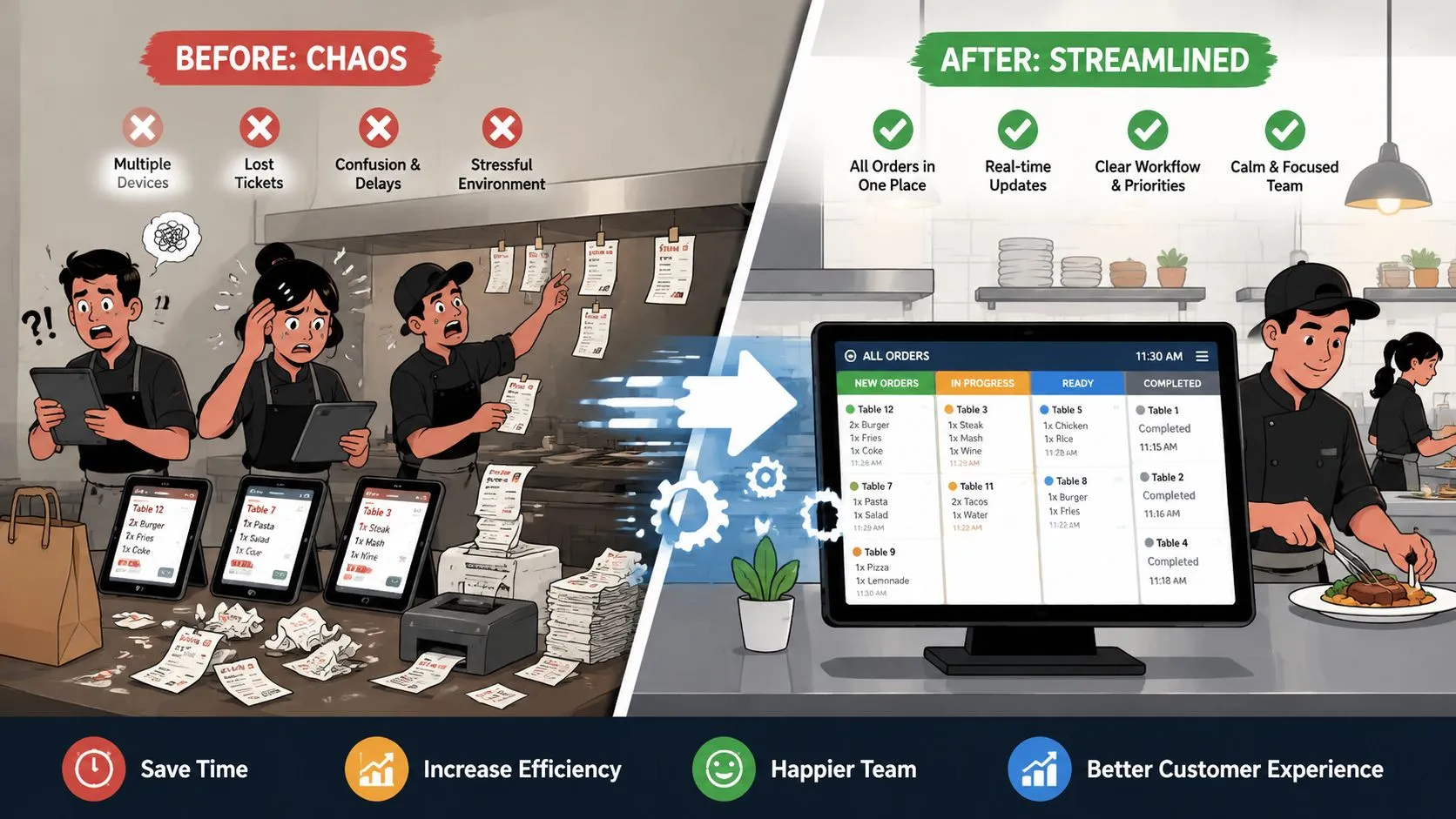
Improving operational efficiency in a restaurant means removing wasted steps so orders, labor, and inventory move through one clean system instead of bouncing between tablets, paper, and guesswork. If your team is still juggling Uber Eats, DoorDash, Grubhub, and the POS by hand, the fastest win is usually fixing order flow first because that friction spreads into ticket times, staffing pressure, and avoidable mistakes.
Most operators don’t have an efficiency problem in theory. They have a Tuesday-night problem. The host is listening for tablet chimes, someone is re-entering a DoorDash order into Clover, a modifier gets missed, the kitchen asks for a refire, and the manager is trying to decide whether the line is slammed or just buried in preventable admin. That’s where operational efficiency gets real.
Diagnosing Key Bottlenecks
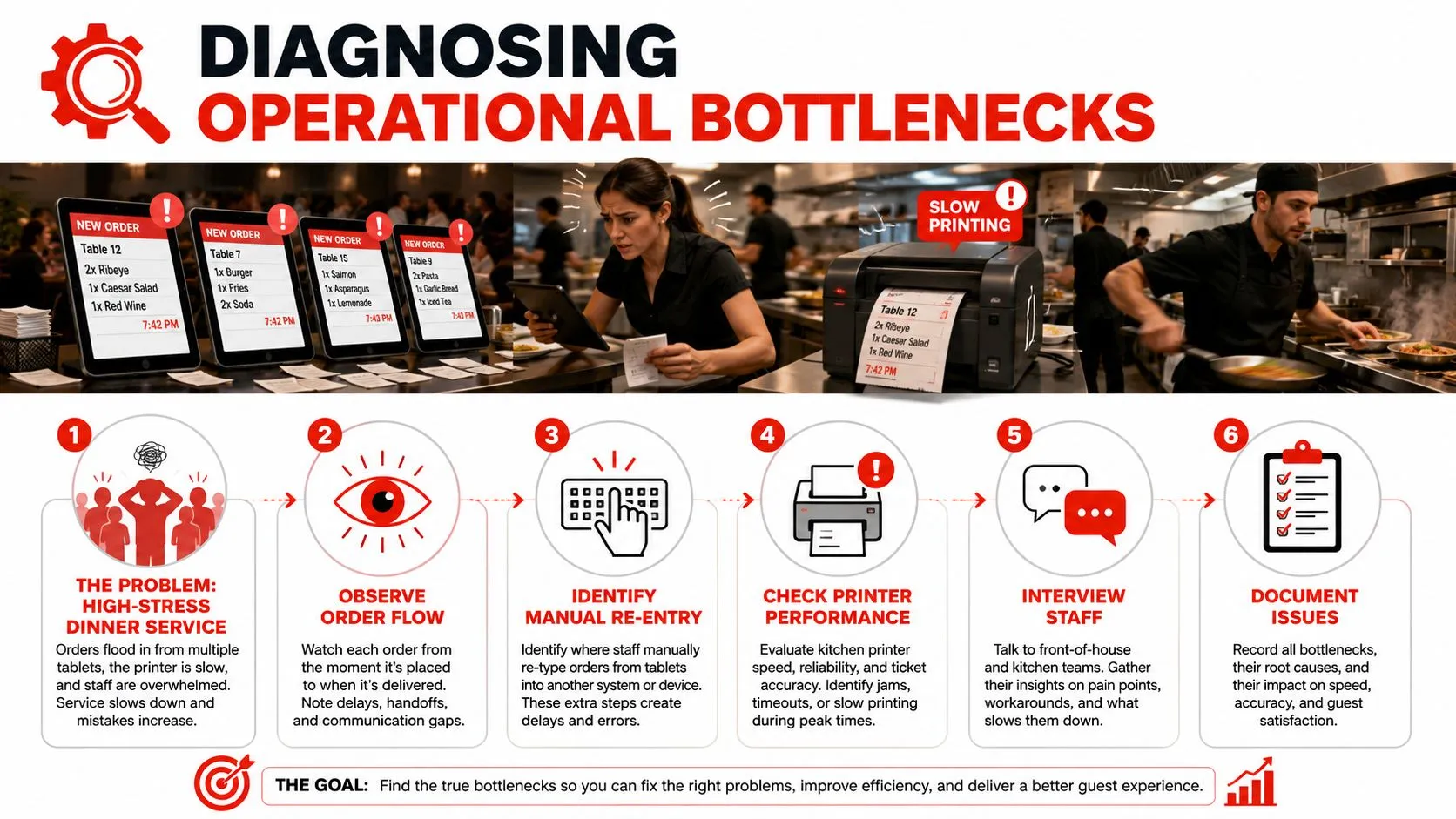
At 7:15 on a busy Friday, the dining room can look under control while the operation is already leaking margin. A delivery tablet chimes. Someone retypes the order into the POS. A modifier gets checked twice because nobody trusts the handoff. The manager leaves the pass to fix a ticket that should have flowed straight to the kitchen. Those extra steps feel small in the moment. Across a full week, they turn into labor waste, slower ticket flow, and preventable errors.
Start by tracing friction at the point of entry. In restaurants that still juggle separate delivery tablets, the bottleneck usually is not cooking speed. It is the manual work wrapped around the order before the line even touches it. Re-entering orders, checking multiple screens, and correcting dropped modifiers all add cognitive load. Staff spend attention on translation instead of service.
Watch the shift from the first handoff
Stand where orders first enter the system and follow a few tickets from start to finish. Do it during a live rush, not after service, because bottlenecks hide in workarounds people forget to mention later.
Look for patterns like these:
- Duplicate order entry: A staff member copies Uber Eats, DoorDash, or Grubhub orders into Clover, Square, or another POS by hand.
- Delayed kitchen routing: Orders sit on a tablet or printer queue before anyone pushes them through.
- Lost modifiers: Allergy notes, sides, or sauce selections fail to carry over cleanly.
- Manager rescue work: Shift leaders spend service time fixing input mistakes instead of managing pacing and labor.
- Split attention at the front counter: Staff bounce between guest interaction and several devices, which slows both.
One rule catches a lot of waste fast. If an employee has to read from one screen and type into another during peak volume, the process is costing more than it looks.
Build a baseline you can actually use
Keep the audit simple enough to finish in one shift. The goal is not a perfect report. The goal is to identify where manual order entry and fragmented systems are creating measurable drag.
Write down:
- Where the order starts
- How many handoffs happen before the kitchen receives it
- Where staff stop to re-enter, confirm, or correct information
- What gets fixed after the order is sent
- Which failure points create the most time loss or stress
I also recommend tagging each issue with a rough cost category: labor minutes, delayed tickets, comps or remakes, and manager interruptions. That makes it easier to separate a workflow problem from a staffing problem. It also gives you a cleaner case for change if you are comparing integrations, POS upgrades, or evaluating custom software solutions.
If you need a tighter framework for measuring the bottlenecks you find, this guide to restaurant KPI benchmarks and formulas gives useful context for what to track.
Vague complaints do not help much. “We get slammed” and “the tablets are annoying” are symptoms. Useful diagnosis names the exact step that breaks, who has to intervene, and what that interruption costs. Once delivery orders flow straight into the POS, that mental overhead drops fast, and the efficiency gain usually shows up in cleaner tickets, fewer corrections, and less management triage during the rush.
Defining Performance KPIs
Gut feel is useful for coaching. It’s weak for fixing systems. If you want to know how to improve operational efficiency, you need a short KPI set tied directly to cost, speed, and avoidable error.
Clouddle says independent industry data shows manual order processing errors cost restaurants an average of 4-6% of total revenue annually. That’s the hidden-cost question many operators miss. They know re-keying is annoying, but they haven’t translated it into a number serious enough to justify change.
Track the KPIs that expose waste
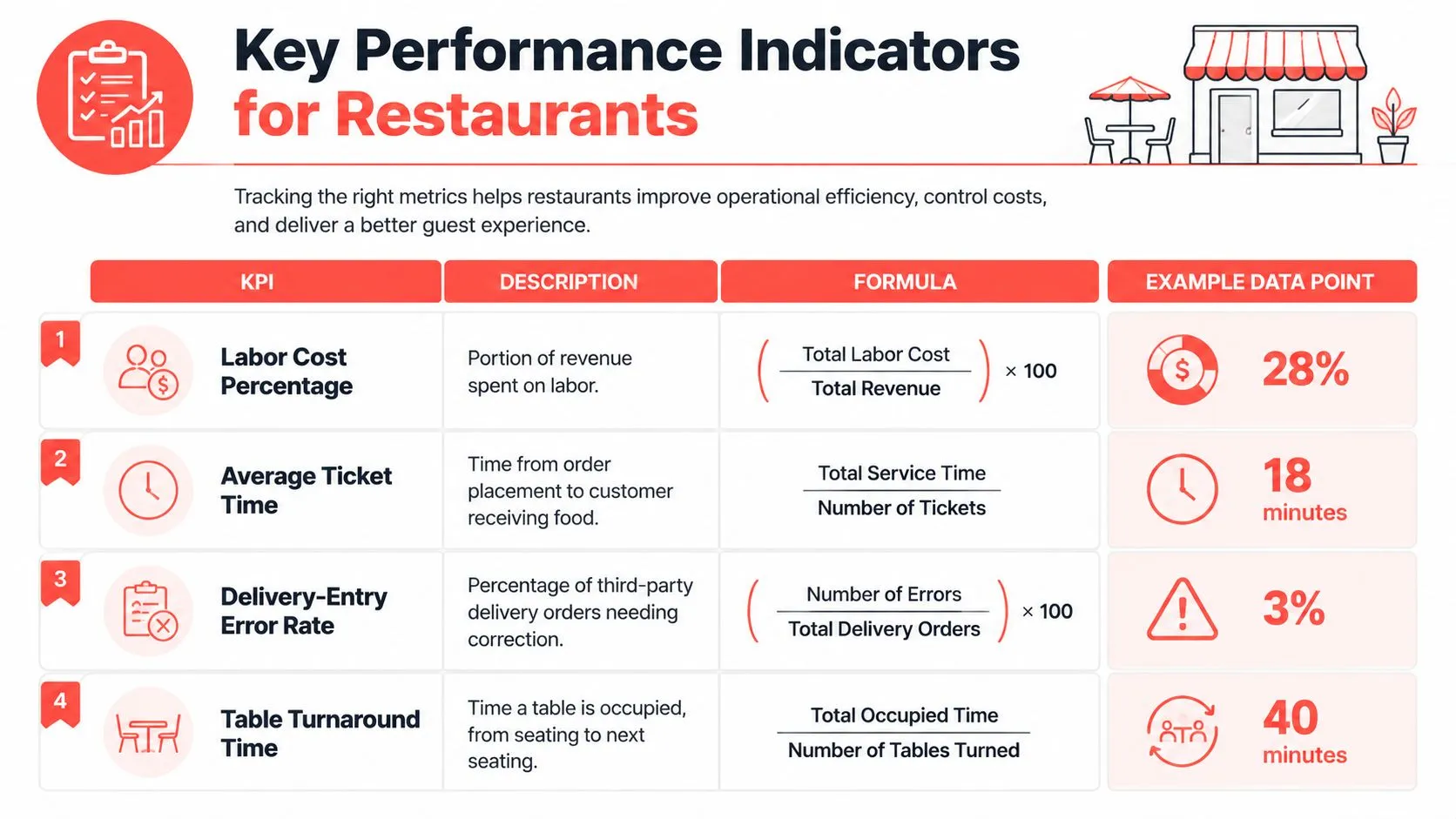
Use a basic spreadsheet, your POS exports, or a lightweight dashboard. Start with four measures:
| KPI | What it tells you | Simple formula |
|---|---|---|
| Labor cost percentage | How much revenue is going to labor | Total labor cost / total revenue |
| Average ticket time | How long orders take to move through service | Total service time / number of tickets |
| Delivery-entry error rate | How often delivery orders need correction | Number of corrected delivery orders / total delivery orders |
| Table turnaround time | How long tables stay occupied between seatings | Total occupied time / number of tables turned |
For practical restaurant definitions and examples, OrderOut’s guide to restaurant KPI tracking is a useful reference point.
Build a pain budget
A “pain budget” is simple. Add up the recurring cost of bad process.
Include:
- Voids and remakes caused by bad entry
- Missed modifiers that trigger refires
- Labor minutes spent transcribing orders
- Manager recovery time spent fixing preventable errors
A process deserves replacement when the cost of tolerating it is easier to prove than the cost of changing it.
The key is consistency. Review the same KPIs daily or weekly. Don’t keep adding new metrics because they sound smart. Keep the ones that point to labor waste, ticket friction, and order accuracy.
Streamlining Order Workflows
A good workflow is boring. Orders come in, route correctly, print correctly, and land in the POS without anybody babysitting the path. If you’re still managing separate order lanes for dine-in, takeout, and third-party delivery, the workflow itself is the problem.
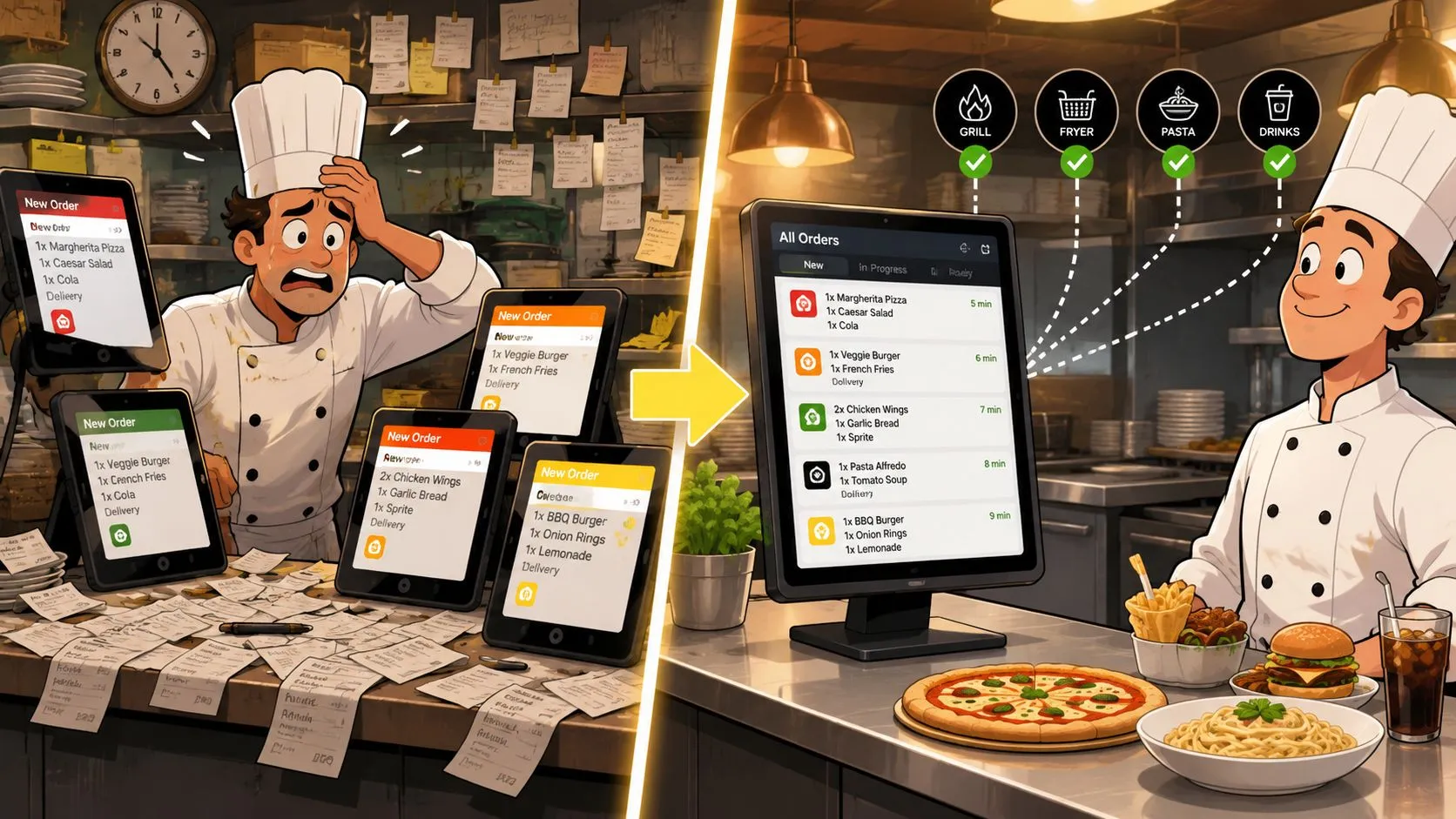
OrderOut’s post on order processing automation is helpful here because it focuses on the practical handoff issues operators see every day, not just generic automation talk.
Map one order path end to end
Take one Uber Eats order and diagram every step:
- Customer places order
- Marketplace sends order to tablet
- Staff notice alert
- Staff open tablet
- Staff re-enter order into POS
- Staff verify modifiers
- Kitchen receives ticket
- Expo catches mistakes late if anything was missed
That’s not one workflow. That’s multiple workflows stitched together by staff attention.
In non-integrated setups, OrderOut reports that manual re-keying mistakes affect 30–40% of orders, especially when pricing, quantities, and modifiers are transcribed by hand. That number matters because it reframes “tablet clutter” from annoyance to operational drag.
Clean your menu before you connect anything
Operators often try to automate a messy menu. That creates cleaner speed, but not cleaner data.
Fix these first:
- Modifier naming: “No onion” and “No Onions” shouldn’t exist as separate ideas across systems.
- Item structure: Combo meals, add-ons, and sides need consistent logic.
- Routing rules: Decide what prints where before orders start flowing automatically.
- Unavailable items: Make sure 86’d products don’t keep surfacing in one channel while disappearing in another.
The system can only route cleanly if the menu is clean first.
A normalized menu structure matters because it reduces ambiguity. The kitchen shouldn’t have to interpret what the POS should already know.
Collapse to one operational path
The simplest target state is this: all orders arrive in the POS as standard tickets, with the same item logic, the same modifier structure, and the same kitchen routing rules.
That means:
- One source of truth for menu logic
- One order queue staff monitor during service
- One ticket format the kitchen learns once
- Fewer handoffs between front-of-house and expo
Later in the workflow redesign, this walkthrough is worth watching:
What doesn’t work is stacking tools on top of disorder. What works is removing the extra steps completely.
Optimizing Staff Scheduling
Friday at 6:30 p.m., the labor report can look fine on paper while the floor is still bleeding time. A cashier is tied up re-entering delivery orders from a tablet. A shift lead is bouncing between screens to confirm modifiers. Meanwhile, the line is staffed for dine-in volume, not for the pileup coming from off-premise channels. That is a scheduling problem, but it starts with workflow design.
Managers get better schedules when they separate demand-driven labor from system-driven labor. If the kitchen is busy because sales are up, staffing may need to flex. If front-of-house is busy because staff are typing the same order twice, the schedule is carrying avoidable admin work. Unified POS integration changes that math because it removes low-value tasks from the shift and reduces the mental load of monitoring multiple devices.
Build schedules around real demand patterns
Scheduling from habit usually overstaffs the slow parts of a shift and leaves gaps when off-premise orders hit in clusters. A better approach is to build coverage around sales mix, daypart patterns, and channel timing. Delivery-heavy periods often need different labor placement than dine-in peaks, even when total sales look similar.
The routine is practical:
- Build next week’s schedule from historical sales and order mix
- Account for local events, promos, and channel-specific spikes
- Staff to bottlenecks by station, not just total headcount
- Review where managers had to call audibles during service
For operators tightening this process, OrderOut’s guide to restaurant staff scheduling gives a useful operator view of where labor planning usually breaks down.
Cut the labor you should never have scheduled
Some labor variance is part of running a restaurant. Some of it is self-inflicted.
A cook staying late because tickets surged is one kind of problem. A cashier spending an hour of the shift re-entering third-party orders is another. The second issue often gets mislabeled as a staffing shortage when it is really a systems problem. Fragmented delivery tablets create hidden labor because someone has to watch them, interpret them, key them in, and fix the mistakes that follow. Every extra screen adds task-switching, slows handoffs, and increases the chance that the wrong person gets pulled off guest-facing work.
That trade-off matters. If integration pushes delivery orders straight into the POS with the right routing and modifiers, managers can schedule for production and service instead of clerical cleanup. In practice, that often means fewer scramble moments, cleaner shift changes, and more confidence in when to trim or extend labor during service.
Improving Inventory Management
Saturday at 6:30 p.m., a manager should be watching ticket times, prep levels, and what is about to run out. In a lot of restaurants, that manager is stuck checking counts after the rush and trying to piece together what sold across dine-in, pickup, and delivery. That delay is expensive. Manual order entry and scattered tablets do not just waste labor. They distort the sales signal inventory decisions depend on, which leads to over-prep, stockouts, and messy food cost swings.
Good inventory control starts with clean demand data. If delivery orders arrive late, get re-entered with mistakes, or live outside the POS for part of the day, your usage picture is off before anyone starts counting. Operators usually feel that problem as mystery variance. The practical fix is tighter system flow and a shorter management rhythm. Count what matters daily, compare actual usage to sales, and correct purchasing and prep before the week gets away from you.
Use daily signals, not monthly surprises
The restaurants that keep food cost under control build a simple routine around a few checks:
- Review daily COGS and key item usage so unusual spikes show up while the shift details are still clear
- Set par levels for high-volume ingredients based on actual sales patterns, not habit
- Use low-stock alerts and reorder points to prevent expensive last-minute runs
- Keep recipe costing current so portion drift and prep creep are easier to spot
If you need a practical reset on reorder points, OrderOut’s guide to setting inventory par levels is worth reviewing.
Tie prep discipline to actual sales flow
Prep systems break when production is based on rough guesses instead of trusted sales data. A line cook batching sauces for 120 covers when the POS only captured 90 accurately is not an inventory problem on paper. It becomes one in the walk-in the next morning.
That is why order flow and inventory control belong in the same conversation. When every order lands in one system with the right items and modifiers, managers spend less time reconciling what happened and more time adjusting pars, prep sheets, and purchasing to match real demand. The gain is not only cleaner counts. It is lower cognitive load during service, fewer end-of-night corrections, and tighter control over food cost week after week.
Integrating Delivery Orders into POS
Friday at 7:05 p.m., the host stand turns into an air traffic desk. One tablet is chiming for DoorDash, another has an Uber Eats modifier that needs a second look, and someone is retyping a Grubhub ticket into Clover while a dine-in line starts to build. That work rarely shows up on a P&L as its own line item, but it costs real money in labor minutes, missed details, slower guest greetings, and remake risk.
Third-party delivery to POS integration fixes that by sending marketplace orders straight into Clover or Square so staff are not stuck re-keying them from separate tablets. The goal is simple. Delivery orders should enter the same operating system as every other sale, with the right items, modifiers, and routing rules attached.
The hidden gain is mental bandwidth. Manual entry does not just consume time. It forces staff to watch multiple screens, catch conflicting menu versions, and remember which platform handles notes differently. During a rush, that split attention is often more expensive than the typing itself.
Why the single-window workflow matters
A fragmented tablet setup creates small delays that stack up fast. If a cashier spends even one to two minutes entering and checking each delivery order, 40 delivery tickets in a night can burn well over an hour of front-of-house capacity. Add one wrong modifier, one missed note, or one delayed fire time, and the labor cost of manual entry stops looking minor.
That is why menu mapping matters. Each delivery app menu has to map cleanly to the POS so combo logic, modifier groups, tax settings, and kitchen routing land correctly. If that mapping is sloppy, the restaurant still ends up doing cleanup by hand. The labor shifts from order entry to order correction.
Hyland notes that app switching and notification clutter are common causes of operational delays. In restaurants, that shows up as interrupted guest service and slower handoff between the counter and kitchen.
A practical example with Clover and delivery apps
Take a Clover store running DoorDash, Uber Eats, and Grubhub. In the manual version, a staff member hears the alert, opens the tablet, re-enters the order, checks modifiers, confirms timing, and sends the ticket through. If three orders hit within a few minutes, the front counter is now doing clerical work during peak service.
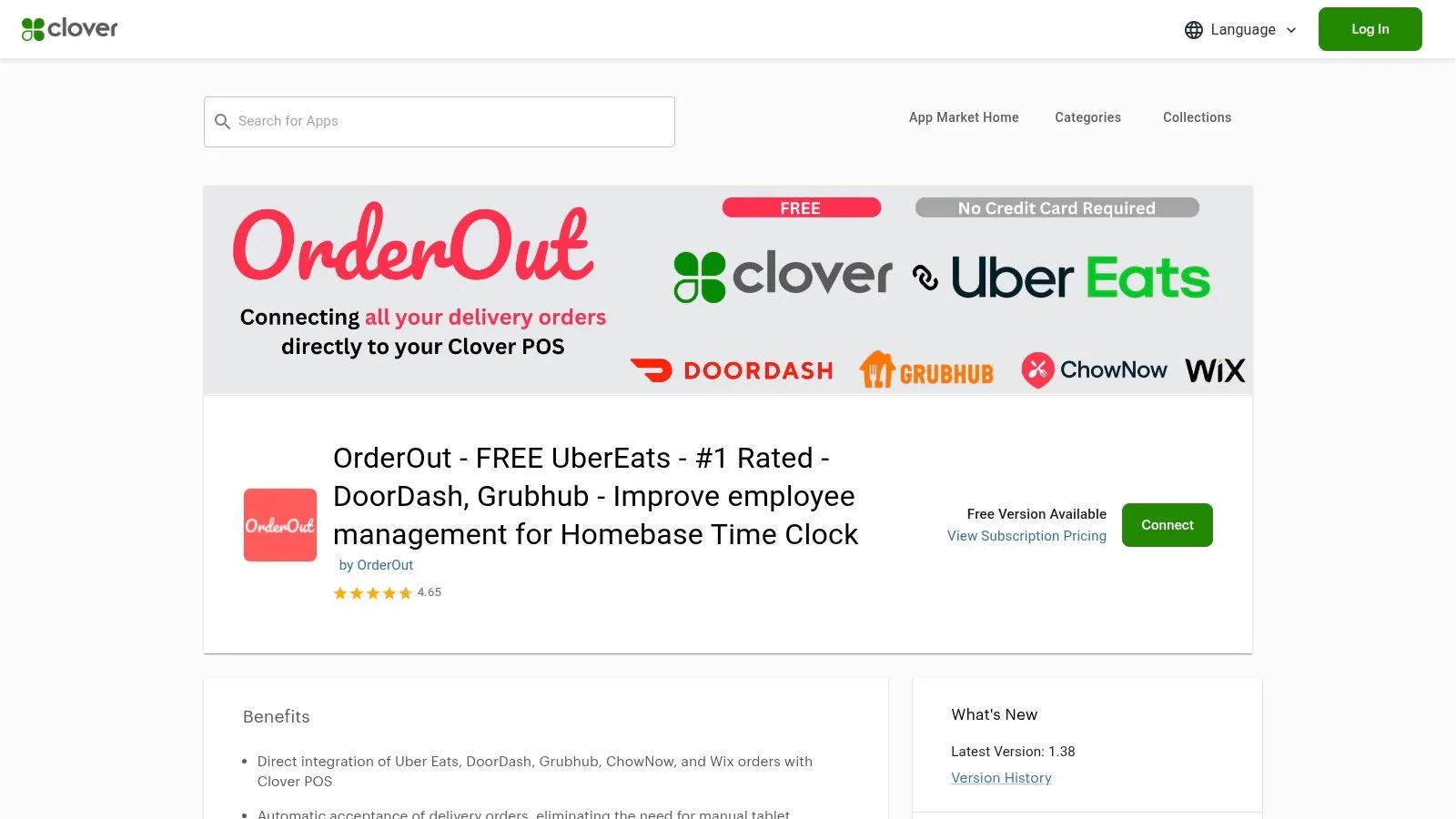
A direct Clover delivery integration from OrderOut changes that flow by injecting marketplace orders into the POS instead of relying on a second handoff. The third-party order engine for restaurants shows how that order injection works across delivery channels and POS setups. For operators comparing options, this guide on connecting multiple delivery apps to one POS lays out the operational model clearly.
The trade-off is setup discipline. Integration only helps if the menu is maintained, modifiers are tested, and routing rules match the kitchen’s actual production flow. Get that part right and the payoff is measurable. Fewer manual touches. Fewer order corrections. Less context switching at the counter. A faster path from marketplace order to kitchen ticket.
Tracking Progress and Continuous Improvement
Operational changes stick when someone checks whether the new process is being used under pressure. Restaurants do not drift off course because the original plan was bad. They drift because a busy Friday night rewards shortcuts, and those shortcuts become the new standard if nobody corrects them.
The fix is simple. Review performance on a fixed cadence and tie each review to one decision.
Review weekly for execution, monthly for patterns
Use the weekly review to catch breakdowns while they are still small. Use the monthly review to decide whether the process itself needs adjustment.
A useful weekly check includes:
- Labor variance
- Ticket-time exceptions
- Corrected delivery orders
- Staff-created workarounds
- Manual order entries that should have flowed through the POS
That last line matters more than many operators realize. If staff still re-enter delivery orders by hand, the cost is not just a few extra seconds. It pulls attention off guests, increases modifier mistakes, and adds mental switching between tablets, POS screens, and kitchen timing. In my experience, once managers start tracking manual touches instead of only looking at sales and labor, the waste becomes hard to ignore.
Monthly, look for trend lines. Are corrected orders dropping. Are ticket-time spikes tied to certain dayparts. Did one shift return to using side methods because the mapped workflow did not match real production? Those are management issues, not staff attitude issues.
Track the hidden cost, not just the obvious one
A lot of operators only measure visible errors. They count refunds, remakes, and late orders. That misses the larger drag on efficiency.
Manual order entry creates cognitive load. One employee hears the tablet alert, stops what they are doing, checks the marketplace screen, rekeys the order, confirms modifiers, and then gets back to the line or front counter. Repeat that across a rush and you get slower service, more interrupted communication, and more chances for a small input error to become a remake.
Unified POS integration reduces that load because the team works from one operational source of truth instead of patching together several devices and habits. The gain shows up in cleaner handoff, fewer corrected tickets, and less manager intervention during peak periods.
Keep the team involved, but keep the scoreboard tight
Post a small set of KPIs where the team can see them. Three to five numbers is enough. More than that and the board becomes wallpaper.
Good choices include average ticket time, corrected delivery orders, labor variance, and manual delivery entries. If one of those numbers moves in the wrong direction, ask what changed in the process. Do not turn the review into a lecture. Staff usually know where the extra friction is. The job is to surface it early, test a fix, and confirm a week later that the fix held.
If you’re tightening delivery operations specifically, OrderOut for restaurants gives a clear overview of how delivery-to-POS workflows fit into the broader operating model.
Frequently Asked Questions
How do I improve operational efficiency in a restaurant without overhauling everything at once?
Start with the loudest bottleneck. For many restaurants, that’s manual third-party order entry during peak hours. Audit the current workflow, set a few baseline KPIs, and fix one high-friction process before moving to labor or inventory changes.
Does OrderOut work with Clover?
Yes. OrderOut connects third-party delivery orders into Clover, and it’s available through the OrderOut app on the Clover App Market. That setup is designed to reduce extra tablets and manual re-keying during service.
Do I need extra tablets to manage Uber Eats, DoorDash, and Grubhub?
The goal of delivery POS integration is to remove extra tablet dependence by routing orders into the POS. With a direct integration workflow, staff can work from Clover or Square as the operational source of truth instead of bouncing between devices.
Why do menu modifiers matter so much in delivery POS integration?
Because clean menu and modifier mapping determines whether the order lands correctly in the POS and reaches the kitchen the way the customer placed it. If the menu is sloppy, automation pushes sloppy data faster.
Where should I start if I want to onboard?
If you want to start setup right away, use the OrderOut onboarding dashboard. Owners can begin free in a few clicks and work from there.