
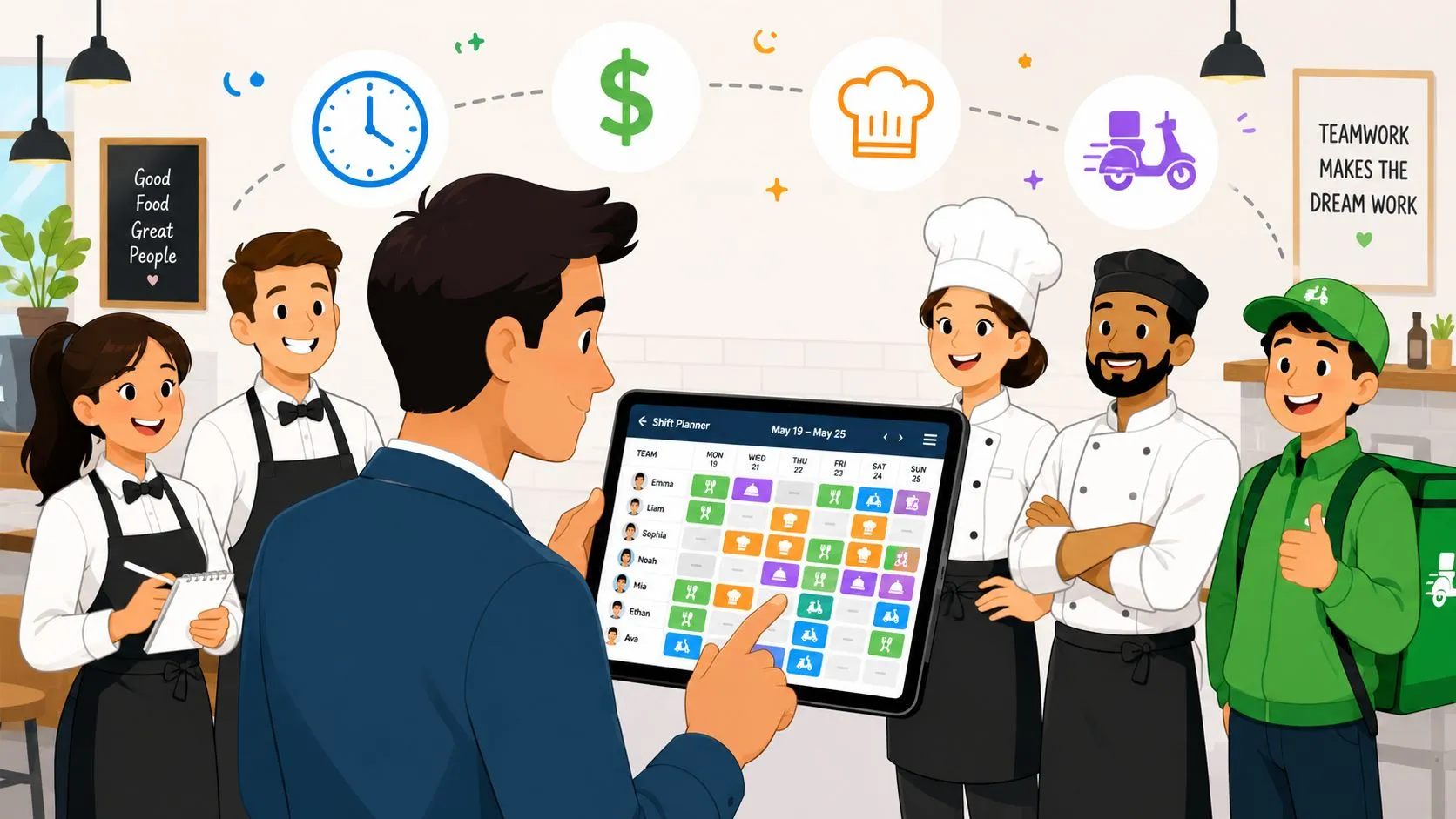
Friday at 4:30 p.m., the dining room is filling, delivery tablets are chirping, someone texts that they’re running late, and the schedule that looked fine yesterday suddenly doesn’t fit the shift in front of you. That’s where most restaurant staff scheduling breaks down. Not when you build it, but when real service starts.
A lot of operators still treat scheduling like clerical work. It isn’t. It’s one of the clearest profit controls in restaurant operations because it affects labor cost, ticket flow, guest experience, and staff stress at the same time. It also got harder. Dine-in used to drive the whole schedule. Now a dinner rush can hit from the front door and from restaurant delivery channels at once.
The restaurants that handle this well don’t just make a cleaner weekly schedule. They build a scheduling system tied to sales patterns, role coverage, and POS-connected order flow. That’s what keeps labor tighter without creating chaos on the floor or in the kitchen.
The Hidden Drain on Your Restaurant’s Profitability
Late-night scheduling sessions usually start the same way. A manager opens a spreadsheet, checks a few text threads, tries to remember who can close, who asked for Saturday off, and who can handle a slammed service without needing constant support. Then they patch together a week that already feels fragile.
That process costs more than frustration. TimeForge reports that the average restaurant manager using a spreadsheet spends 3.14 hours per week on employee scheduling, which equals 7.86% of the work week. That’s time taken directly from service, training, and oversight.
The problem isn’t only the time spent building the schedule. It’s what manual scheduling usually produces. Static schedules tend to miss the shape of the business. They cover hours evenly instead of covering pressure points.
Practical rule: If your schedule treats a slow Tuesday lunch and a Friday dinner the same way, you’re not controlling labor. You’re spreading labor.
In most restaurants, bad scheduling shows up in three places first:
- On the floor: You’ve got too few strong people on the busiest shift, so service slows and managers jump into recovery mode.
- In the kitchen: Prep, line, expo, and packing duties overlap without clear role ownership.
- In the office: Managers keep rebuilding the same schedule every week because there’s no operating logic behind it.
That’s why restaurant staff scheduling has to be treated as a revenue and execution system, not an admin task. A good schedule protects your busiest hours, supports your team, and gives the business room to absorb delivery spikes without blowing up labor or service quality.
Forecasting Demand and Setting Labor Budgets
Most scheduling problems start before anyone assigns a single shift. They start when labor gets scheduled from habit instead of forecast.
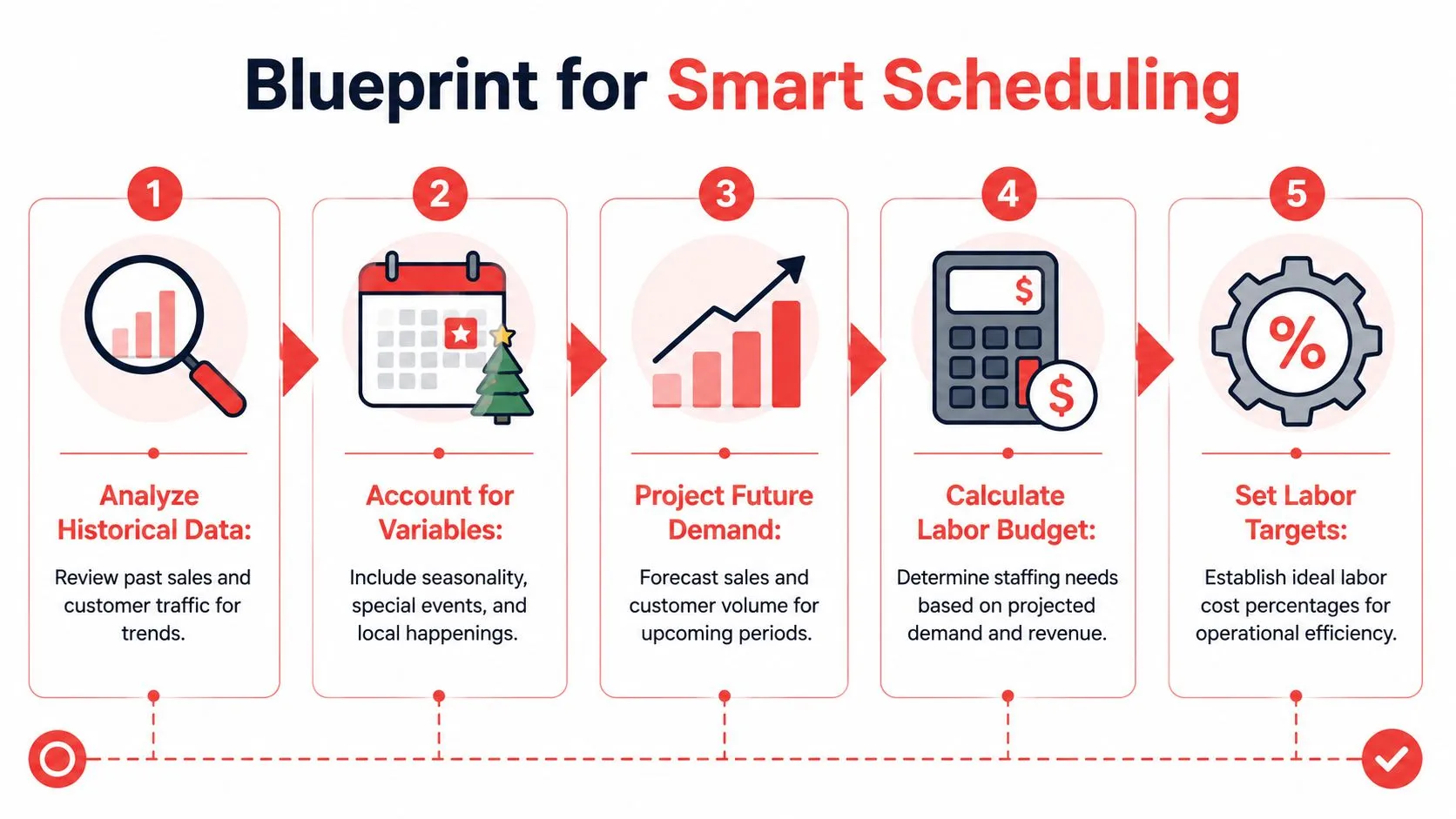
The fix is simple in concept. Use your sales history to predict demand, then build staffing around a labor target. In plain terms, that means you stop asking, “Who’s available?” first. You start by asking, “What does this shift need to produce?”
Start with the labor target
Industry guidance from HeyBegin recommends setting labor costs at 25% to 35% of revenue, using POS sales data to identify peak periods, posting schedules at least two weeks in advance, and keeping a 10- to 12-hour gap between a closing shift and the next opening shift for the same employee. Those aren’t abstract rules. They create guardrails for daily operating decisions.
If your labor target isn’t clear, managers usually overstaff out of fear or understaff out of optimism. Neither works for long.
Pull the right data from your POS
You already have most of the raw material inside your POS. If you use Clover or Square, start with daypart sales, hourly sales patterns, and channel mix. Don’t overcomplicate it. You’re looking for repeatable patterns that tell you when the business needs labor.
Focus on this short list:
-
Hourly sales by day Review where peaks happen, not where the team assumes they happen.
-
Channel split Separate dine-in, pickup, and delivery demand so you can see when digital volume stacks on top of in-house traffic.
-
Special dates Holidays, local events, school calendars, and weather-sensitive periods matter because they distort a normal week.
-
Role strain Identify where service usually breaks first. Host stand, line, expo, bar, packing, or handoff.
A schedule should reflect demand by hour and by channel. A full restaurant and a full delivery queue are not the same labor problem.
Turn demand into staffing decisions
Once the sales pattern is clear, map it into headcount by role. At this point, restaurant staff scheduling becomes practical instead of theoretical.
A useful approach looks like this:
| Demand pattern | Scheduling response |
|---|---|
| Predictable lunch lull | Use a lean template with cross-trained coverage |
| Heavy dinner with strong dine-in mix | Put your strongest floor and kitchen team on first |
| Delivery-heavy evening | Add dedicated expo, packing, or handoff coverage |
| Event or weather spike | Build a contingency layer before service starts |
This is also where operators benefit from tools outside the scheduling app itself. If you’re reviewing payroll structure, compliance, and labor planning across multiple locations, resources on PEO solutions for restaurant groups can help frame labor decisions beyond the weekly schedule.
For teams that need a simple starting point, a restaurant labor cost calculator is a practical way to compare scheduled labor against projected revenue before the week starts.
Post earlier, change less
Publishing the schedule at least two weeks ahead does two things. It gives staff predictability, and it forces managers to plan instead of react. That alone reduces scramble.
The goal isn’t a perfect forecast. It’s a disciplined one. When labor is tied to expected revenue, scheduling gets faster, cleaner, and much easier to defend.
Designing Smart Shift Templates and Balancing Roles
Strong operators don’t rebuild the schedule from scratch every week. They build templates for the business they run.
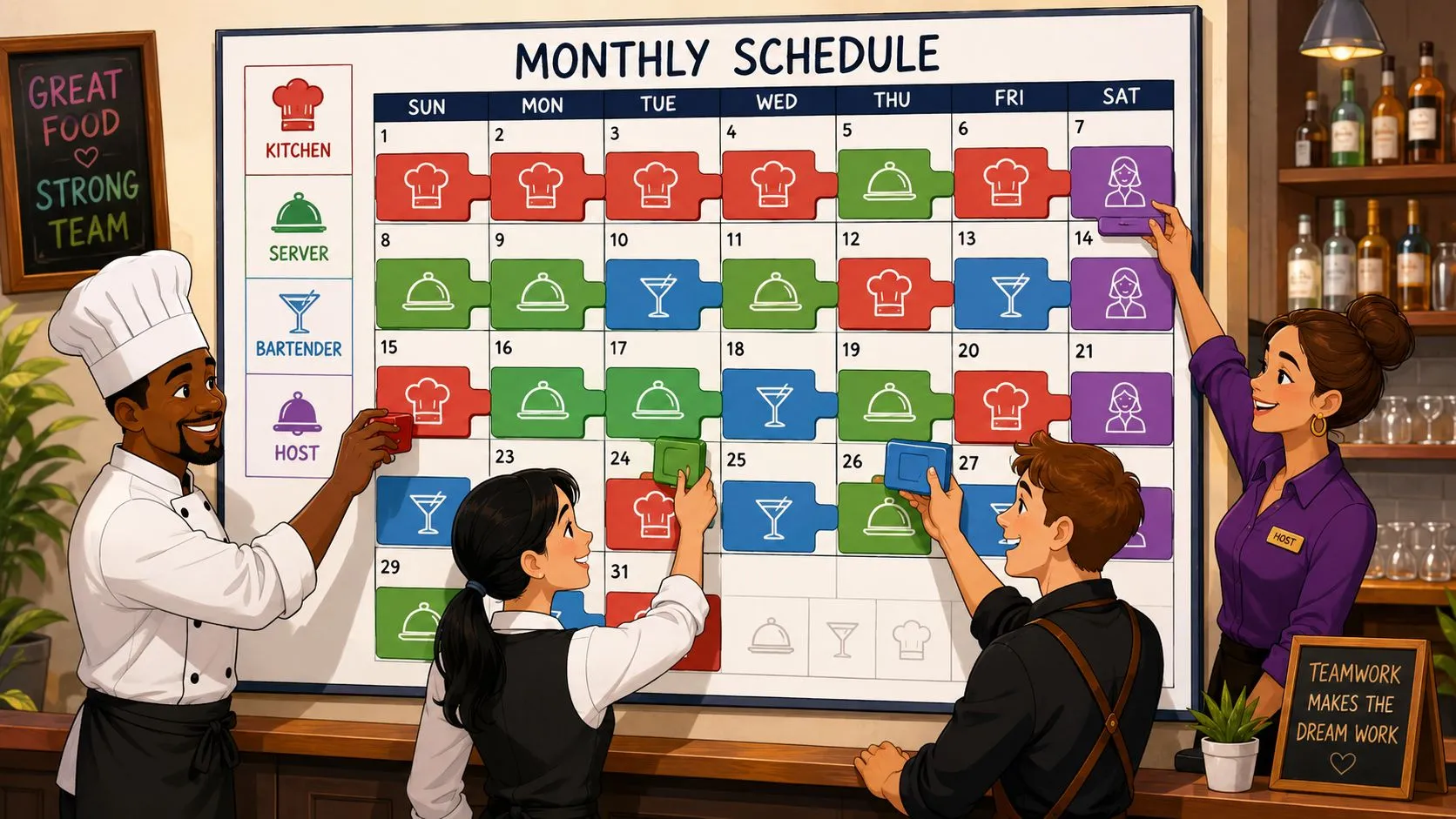
A template is just a repeatable staffing pattern for a known type of shift. Busy Friday dinner. Slow Monday lunch. Delivery-heavy Sunday evening. When you build those once and keep refining them, restaurant staff scheduling becomes much less reactive.
Staff the hardest shifts first
Sling recommends building schedules by covering the busiest shifts first and placing the strongest employees in those shifts. That sounds obvious, but many restaurants still do the opposite. They fill the easy holes first because those are simpler to assign, then discover they’ve built a weak peak shift.
The better method is to rank your week by business intensity and schedule in that order. Friday dinner before Wednesday lunch. Saturday brunch before Monday prep support.
Use a simple internal ranking system for shift intensity, then assign:
- Top performers to the most demanding floor and kitchen windows
- Steady operators to support-heavy shifts where consistency matters
- Developing staff alongside strong people, not clustered together
- Cross-trained team members where role flexibility can absorb pressure
Build templates by business level
Most restaurants only need a small set of schedule templates to gain control. The exact names don’t matter. The operating logic does.
Here’s a practical example:
| Template | Best use | Key roles |
|---|---|---|
| Slow lunch | Low dine-in, light off-premise | Manager, host/server hybrid, lean line, cashier or handoff support |
| Standard dinner | Balanced in-house volume | Full floor team, line, bar, expo |
| Peak dinner | High-revenue service | Strongest floor staff, full kitchen coverage, dedicated support roles |
| Delivery surge shift | Digital-heavy period | Expo, packer, handoff, line support, manager oversight |
Notice what changes. Not just the number of people, but the role mix.
That’s where many schedules fail. They assume labor is interchangeable. It isn’t. A shift with enough bodies can still be understaffed if nobody owns packing, nobody can float expo, or all the experienced people are concentrated in one area.
Cross-training matters most when the schedule breaks, not when everything goes as planned.
Balance skill, not just headcount
A schedule with the right labor total can still be weak if the skill mix is wrong. You need enough experience on every high-pressure shift to keep standards stable without forcing the manager to babysit execution.
Look for these common mistakes:
- Too many new hires together: Training load rises and service slows.
- No utility player on the shift: Small problems become manager problems.
- Top staff stacked on one daypart: Other high-value shifts become fragile.
- No overlap between front and off-premise work: Takeout and dine-in start competing for attention.
Cross-training helps because it creates options. A host who can manage pickup flow. A server who can support handoff. A line cook who can help expo during a burst. If you want a clearer framework for role design in the kitchen, this guide to back-of-the-house positions is useful when you’re mapping responsibilities to shifts.
Templates don’t remove judgment. They reduce waste. You spend less time deciding basics and more time protecting the shifts that determine sales, speed, and staff morale.
Master Your Restaurant Delivery and Takeout Peaks
Traditional scheduling advice usually assumes one rush. The front door gets busy, the dining room fills, and labor follows foot traffic.
That’s no longer how many restaurants operate. The second rush often comes through Uber Eats, DoorDash, and other delivery channels. Sometimes it overlaps with dine-in. Sometimes it hits slightly earlier. Sometimes it floods the kitchen while the dining room still looks manageable. If your schedule only tracks in-house traffic, you’re blind to half the labor picture.
Delivery changes the role map
PayPro notes that modern restaurants need to align labor not only with foot traffic but also with order inflow from delivery marketplaces. That means staffing for order intake, expo, packing, and handoff so digital surges don’t create errors or margin damage.
That’s the critical shift. Delivery doesn’t just add volume. It creates different work.
A full dining room needs hosts, servers, runners, bartenders, and kitchen support. A heavy delivery window needs clean order flow, packaging accuracy, bag staging, and fast handoff. If one line cook is trying to cook, call tickets, bag orders, and answer pickup questions, the shift is already off balance.
Create a dedicated off-premise coverage layer
Most hybrid restaurants need at least one schedule layer that exists specifically for off-premise execution during peak windows. Not all day. During pressure periods.
A practical setup often includes:
- Order intake oversight: Someone watches incoming marketplace flow and catches exceptions early.
- Expo ownership: One person controls sequencing so dine-in and delivery don’t fight each other.
- Packing and QC: A designated staff member verifies items, condiments, labels, and bag accuracy.
- Handoff station: Someone manages courier pickup and customer pickup without dragging floor staff away.
That doesn’t always mean adding full shifts. Sometimes it means redefining roles inside a specific window, such as turning a support position into a pack-and-handoff role from late lunch through early dinner.
POS integration gives you usable scheduling data
Food technology is critical. If delivery orders live in separate tablets and the POS holds only part of the sales story, managers can’t forecast labor cleanly. They’re scheduling from fragmented demand.
When delivery apps connect directly into the POS, you get a clearer read on channel volume by hour. That makes it easier to see when online order peaks regularly hit and which shifts need dedicated coverage. Tools such as Square integrations for delivery workflows and Clover app integrations for order consolidation matter because they reduce manual entry and centralize order handling.
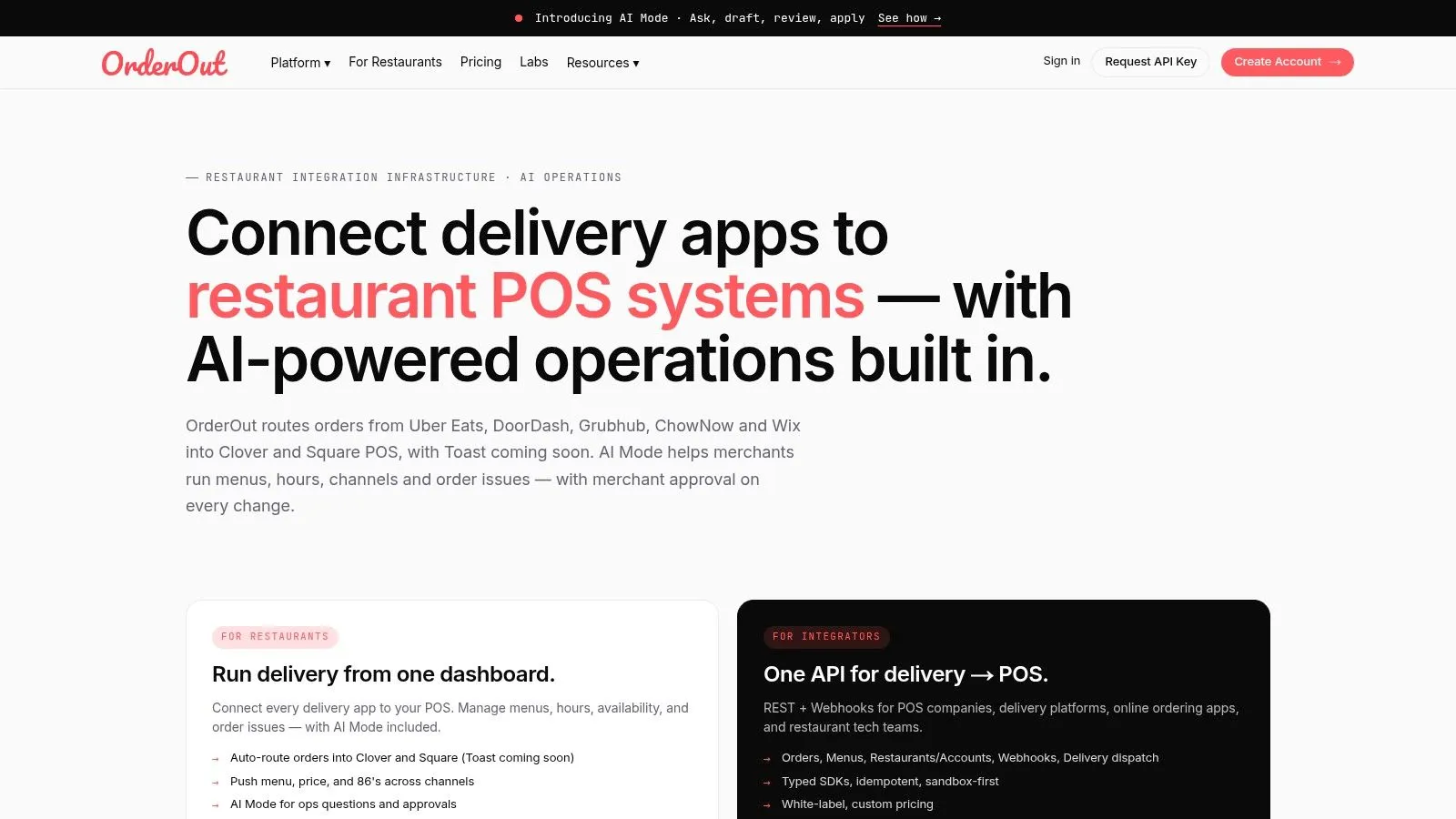
One option in this category is OrderOut, which connects delivery apps like Uber Eats, DoorDash, and Grubhub into POS systems such as Clover and Square. In scheduling terms, that matters because consolidated order flow gives managers better visibility into when digital volume is creating real labor demand.
If you want a broader operating view of this shift, this article on mastering delivery on demand for modern restaurants is a useful reference point.
Don’t let delivery steal labor from dine-in by accident
A lot of profitable sales turn unprofitable. Restaurants accept more digital orders, but they don’t redesign labor around them. So the same staff tries to absorb both channels.
The result is predictable:
- Dine-in guests wait longer because floor staff gets pulled into pickup support
- Packing errors rise because nobody owns final verification
- Ticket timing gets messy because expo is doing too many jobs at once
- Managers become the fallback system for every exception
Later in the shift, this walkthrough is worth watching because it shows how integration changes the flow between delivery platforms and restaurant systems.
The scheduling lesson is straightforward. Delivery should be treated as a labor model, not just a sales channel. Once you separate those roles and use integrated order data, restaurant delivery stops disrupting the house and starts operating like part of the house.
Communicating Schedules and Handling Last-Minute Changes
A schedule isn’t finished when you publish it. It’s finished when the team can execute it under pressure.
That’s why communication needs structure. If schedules live in screenshots, text threads, hallway conversations, and a paper copy in the office, confusion becomes part of the operation. Staff miss updates, managers chase confirmations, and every change creates more admin work.
Build clear rules before the shift breaks
Restaurant News highlights the challenge of scheduling as the last-mile execution problem. Callouts, weather shifts, and demand spikes can break a schedule in real time, and even being short one or two servers during a rush can slow ticket times and hurt guest satisfaction.
The best response isn’t heroics. It’s pre-decided rules.
Use a simple communication system with three parts:
- Publishing rule: The team knows where the current version of the schedule lives.
- Request rule: Time-off requests and swap requests follow one process, not side conversations.
- Emergency rule: Everyone knows who approves changes and how open shifts get filled.
If your team has to ask, “Which schedule is the real one?” you don’t have a staffing system. You have competing versions of the truth.
Make swaps easier without losing control
Managers often avoid flexible swap policies because they expect chaos. The opposite is usually true. Clear swap rules reduce chaos because staff knows what’s allowed.
Good swap policies usually include:
| Situation | Better policy |
|---|---|
| Staff needs coverage | Require a qualified replacement suggestion, then manager approval |
| Last-minute illness | Use a pre-identified backup list by role |
| Repeated conflict patterns | Adjust recurring availability instead of patching every week |
| Critical peak shift gap | Prioritize role coverage, not fairness in the moment |
This is also where standard operating procedures help. If your managers handle callouts differently at every location or on every shift, execution gets inconsistent fast. These restaurant standard operating procedures examples are useful for documenting the process around scheduling, swaps, and shift recovery.
Re-optimize instead of replacing like-for-like
One of the most common mistakes in restaurant staff scheduling is trying to replace the missing person with the same title. That’s not always the right move.
If a server calls out during a digital-heavy period, the priority may be expo or handoff coverage, not a one-for-one floor replacement. If a host is out, a cross-trained cashier or support person may protect the front better than pulling a manager into that station all night.
When the schedule breaks, ask three questions fast:
- Which guest-facing function is most at risk right now?
- Which role protects both sales channels?
- Who on the current shift can flex without creating a second failure?
That mindset lowers drama. You’re not trying to restore the original paper schedule. You’re protecting the service model that exists in the next few hours.
Tracking Success and Your Practical Next Steps
You don’t know whether your scheduling is improving unless you measure the right things. Most operators look only at total labor and stop there. That misses the operational picture.
A tighter approach is to review labor, execution, and team stability together. That tells you whether your schedule is lean in a productive way or just lean in a painful way.
Watch the KPIs that reveal schedule quality
The most useful measures are the ones you can act on weekly.
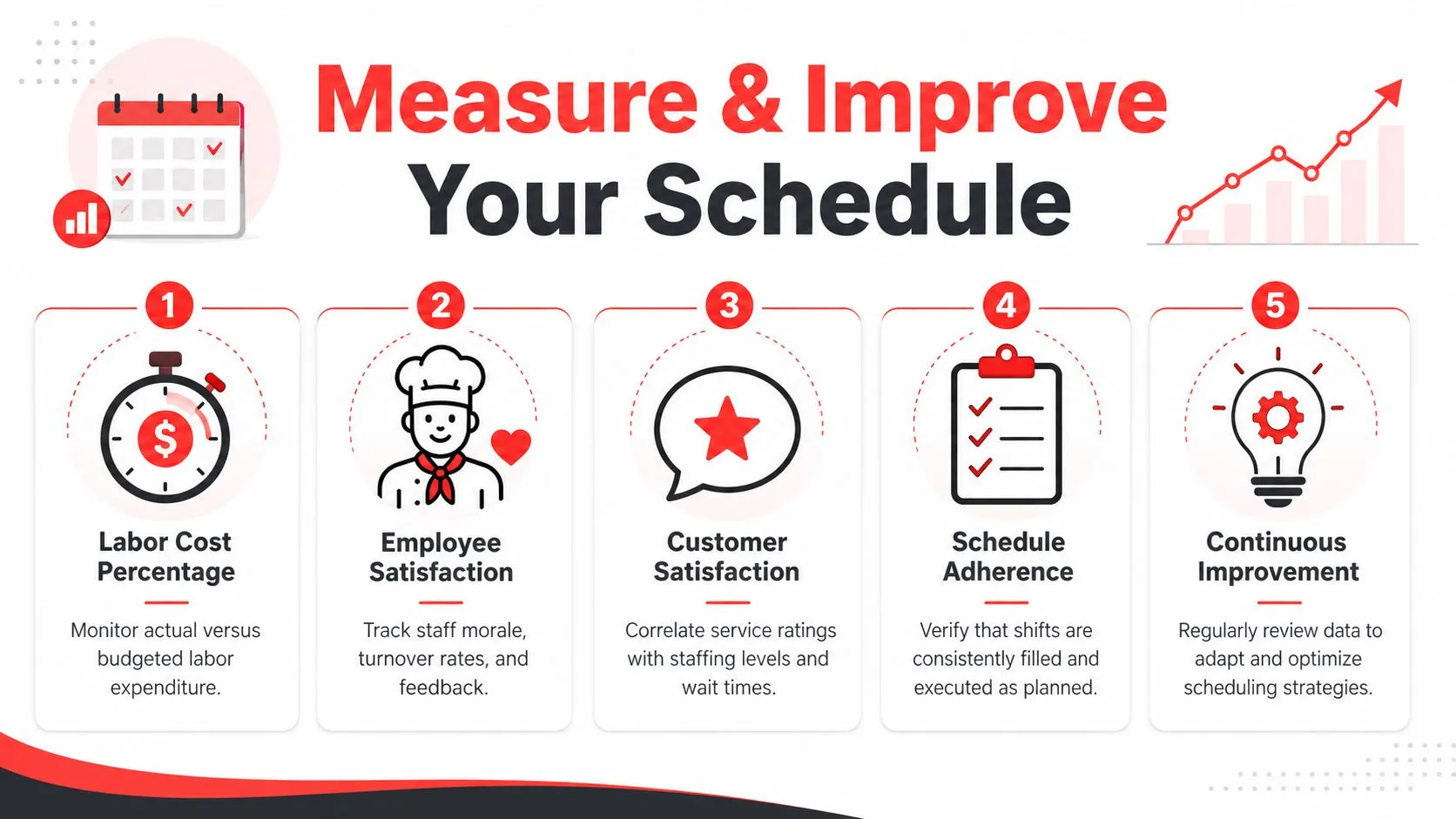
Track these consistently:
- Labor cost percentage: Compare scheduled labor to actual revenue and watch whether peak shifts are staying inside your budget guardrails.
- Schedule adherence: Check whether shifts are being worked as planned or constantly rewritten at the last minute.
- Customer friction signals: Look for patterns in wait times, service complaints, and fulfillment mistakes during known pressure windows.
- Employee stability: Watch turnover, burnout signals, and recurring availability conflicts.
- Channel-specific breakdowns: Separate dine-in issues from delivery execution issues so you don’t solve the wrong problem.
A broader list of restaurant performance metrics can help if you want to connect scheduling decisions to service quality and daily operating outcomes.
Use a short review loop
A weekly review works better than a monthly autopsy. Keep it simple.
Ask your managers:
- Which shift felt overstaffed?
- Which shift felt thin in the wrong role?
- Where did delivery volume distort the floor or kitchen?
- Which template needs to change next week?
- Which callout or swap created avoidable damage?
The goal isn’t to build a perfect schedule. The goal is to build a schedule that gets smarter every week.
Your next move
If you want the biggest operational improvement fastest, start where modern scheduling gets most distorted: disconnected delivery orders.
When off-premise orders are manually re-entered or spread across separate systems, labor planning stays reactive. When order flow is centralized through your POS environment, you can staff against actual channel demand, reduce order handling errors, and make shift design far more accurate.
Start Optimizing Your Restaurant Today
Better restaurant staff scheduling comes from better inputs, clearer role design, and faster communication when reality changes. The operators who win here don’t guess less because they’re lucky. They guess less because their systems show them what the business needs.
If you want fewer manual order-entry problems, better visibility into delivery demand, and a cleaner foundation for scheduling, start with your order flow. You can start onboarding for free in a few clicks through OrderOut’s dashboard.
OrderOut helps restaurants connect delivery apps to POS systems like Clover and Square so teams can reduce manual entry, improve order flow, and make smarter staffing decisions around real demand. If you’re ready to simplify restaurant operations, improve restaurant delivery execution, and tighten scheduling around actual sales patterns, explore OrderOut.