
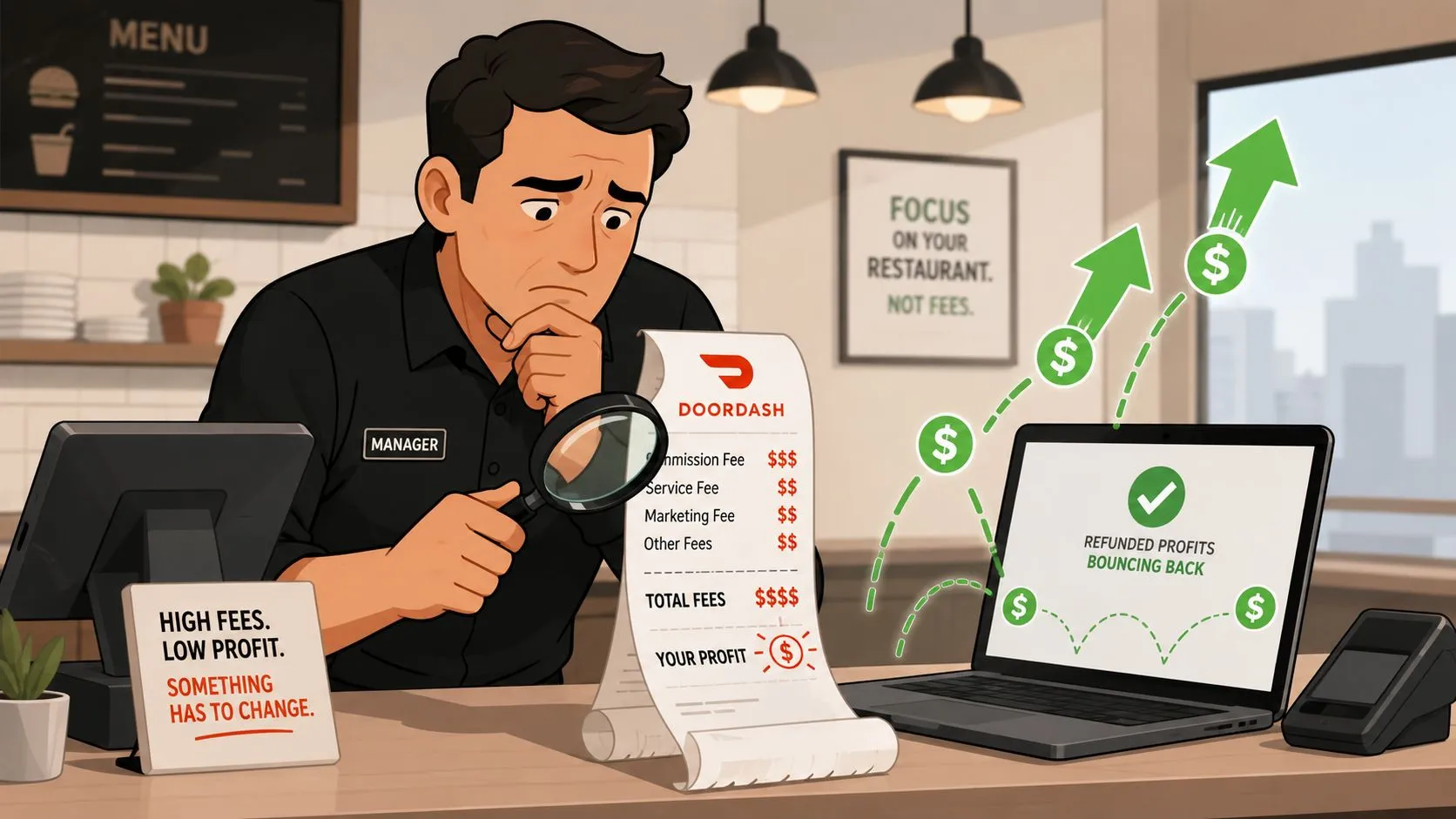
A DoorDash error charges dispute is the official process restaurants use to challenge fees that DoorDash deducts from payouts for reported order mistakes like missing items, incorrect items, or poor quality. Those charges can range from 25% to 100% of the applicable item price plus taxes, and in some cases a restaurant can be held liable for 100% of the order subtotal plus taxes when an incorrect order is delivered to the Dasher.
If you’re looking at a payout that feels lower than it should, this is usually where the money went. The frustrating part isn’t just the deduction. It’s that many operators don’t spot it until the accounting week is already crowded with payroll, food cost checks, and vendor reconciliations.
A doordash error charges dispute matters because these deductions aren’t billed separately. DoorDash removes them directly from store payouts and records them in transaction history as negative adjustments, according to DoorDash’s merchant refund documentation. For busy restaurants, that can turn small operational misses into a recurring profit leak.
What Is a DoorDash Error Charges Dispute
Friday dinner service ends, sales look solid, and the next payout still comes in short. In the Merchant Portal, the missing dollars often trace back to an error charge. A DoorDash error charges dispute is the process a restaurant uses to challenge one of those deductions when the platform assigned financial responsibility to the store for an order problem.
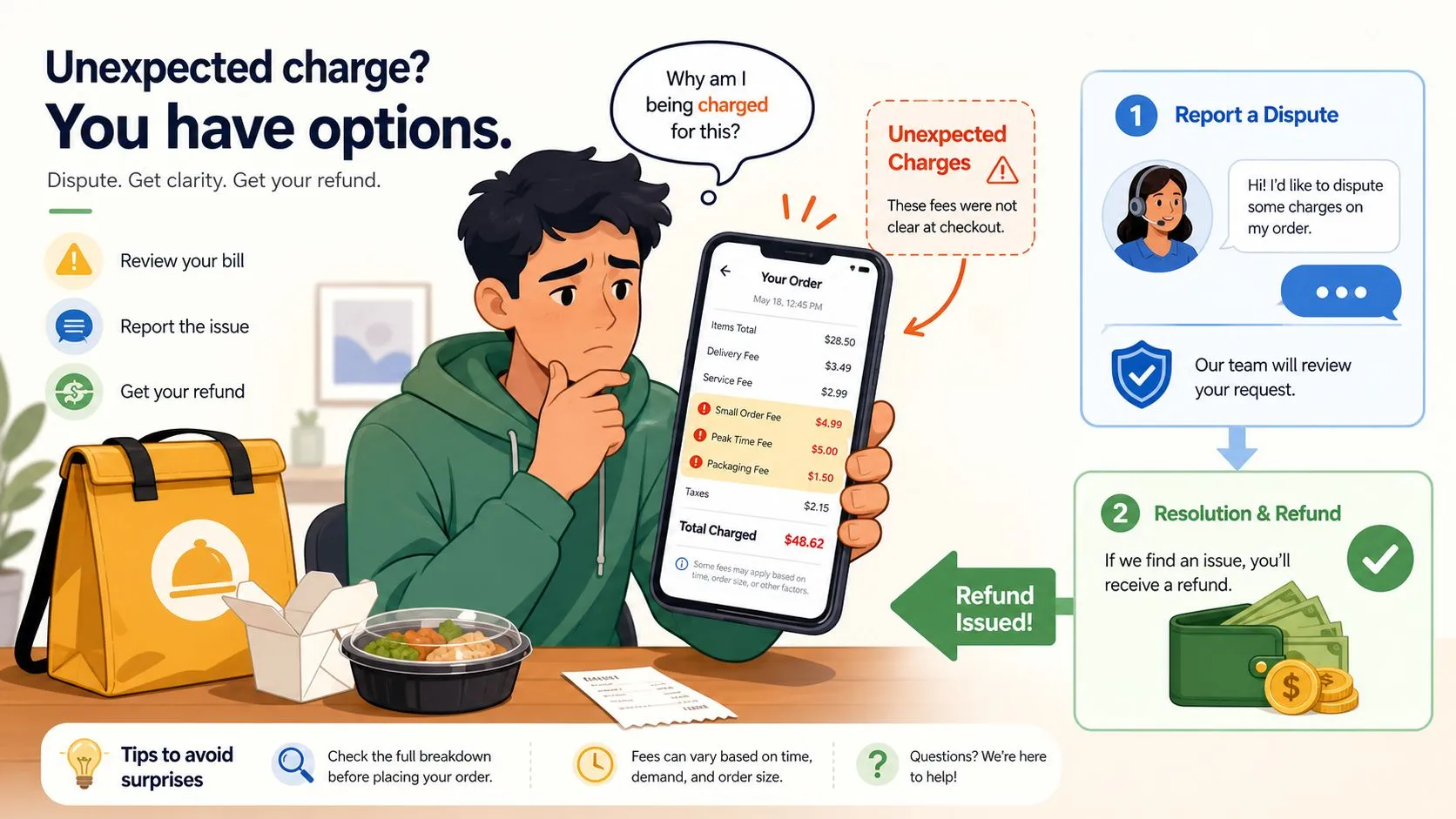
What DoorDash is actually charging for
An error charge is a payout deduction tied to a merchant-attributed issue, not a routine refund, promo, or customer courtesy credit. The distinction matters because operators often review net deposits, see a lower number, and assume the variance came from commission or marketing spend.
In practice, these charges usually fall into four buckets:
- Missing item claims: DoorDash credits or refunds the customer, then passes some or all of that item cost back to the restaurant.
- Incorrect item claims: The restaurant can be charged if the customer reports the wrong food was sent.
- Quality complaints: The platform may assign a deduction when the complaint is tied to food quality or preparation.
- Incorrect order handed to the Dasher: DoorDash can charge the restaurant for the full order value under its merchant error rules.
That last category requires serious attention from operators. One bag swap at pickup can erase the margin on the entire order.
Practical rule: If a payout is lower than expected, review error charges before assuming the gap came from commissions, promos, or timing differences.
Why these deductions get missed
The problem is rarely effort. It is workflow.
Store managers usually review payouts after service, during invoice checks, labor review, or end-of-week bookkeeping. Error charges sit inside transaction reporting, so they are easy to miss unless someone is reconciling marketplace payouts line by line. If your accounting process stops at the deposit total, deductions slip through.
I see the same pattern in multi-unit groups. Stores with weak handoff controls, handwritten pack checks, or manual tablet re-entry tend to generate more order mistakes and have a harder time proving what happened later. Stores with cleaner order flow and tighter reconciliation catch problems faster. A disciplined process for reconciling payout differences across ordering channels usually exposes these deductions before they become a monthly habit.
What the dispute process is really for
The dispute process exists to recover money when the charge does not match the facts of the order. That could mean the item was packed correctly, the complaint was misattributed to the restaurant, or the order issue started with a manual entry mistake upstream.
The bigger operational point is prevention. Disputing charges gets money back. Reducing manual order entry, tightening pickup verification, and pushing orders through direct POS integration prevent the charge from happening in the first place. That is the better margin play.
How to Find and Identify Error Charges
Monday morning is when many operators catch this. Sales looked fine over the weekend, deposits hit, then one location comes up short. The missing dollars are usually buried in transaction detail, not the payout total. If no one checks the order-level deductions, the charge blends into routine settlement noise.
Where to click in the Merchant Portal
Start in the Merchant Portal and go straight to the transaction record tied to the deduction. The cleanest path is:
- Open the Merchant Portal
- Go to Financials
- Click Transactions
- Filter the transaction type to Error charge
That filter saves time, but its primary function is to keep the review focused on charges that can usually be challenged through the error workflow. Without it, stores end up reviewing deposits, promos, and other adjustments that belong in different buckets.
If your team manages more than one location, review by store and by week. I have seen operators miss patterns because they checked only the brand-level payout summary. Error charges often come from one store with a sloppy handoff, frequent tablet re-entry, or inconsistent packing checks. Finding the store pattern matters because the dispute gets the money back once. Fixing the workflow stops the repeat charge.
What to separate from normal adjustments
Do not treat every negative line item as an error charge. Separate these categories before anyone starts disputing:
- Error charge: A deduction tied to an order issue assigned to the restaurant
- Refund: A customer credit event that may follow a different review path
- Promotion or pricing adjustment: A marketplace or pricing-related deduction, not an order accuracy claim
This distinction affects both recovery and root-cause work. If the line is a refund or pricing adjustment, the supporting documents and the fix inside operations are different. Teams that blur these categories usually waste time on weak disputes and miss the actual process problem.
For stores that are also trying to explain why deposits do not match channel sales, this guide to reconciling payout differences across ordering channels helps separate DoorDash error charges from timing gaps, promo deductions, and other normal settlement items.
A simple audit routine that catches problems earlier
Run this review every week on the same day. Do it before bookkeeping close and before managers lose the paper trail.
Pull the error charge list, open each order, and ask three practical questions. Was the order entered directly from the POS or retyped from a tablet? Is there any store-level record that confirms what was packed or handed off? Do multiple charges point back to the same menu item, shift, or location? Those patterns tell you whether you are looking at one bad claim or a repeatable process failure.
A preventative approach holds significance. If a store keeps producing disputed orders tied to manual entry, modifier mistakes, or missed items, the effective solution is not better arguing inside the portal. The fundamental solution involves reducing the handoff errors that create the charge in the first place. Direct POS integration usually does more for margin than a larger stack of screenshots and manager notes.
Submitting a Dispute with Supporting Evidence
A charge hits Monday morning. By Friday, the shift lead who packed the order is off, the bag photo is gone, and nobody remembers whether the missing item claim was real or a bad handoff. That is why good operators treat disputes like incident reports, not customer service replies.
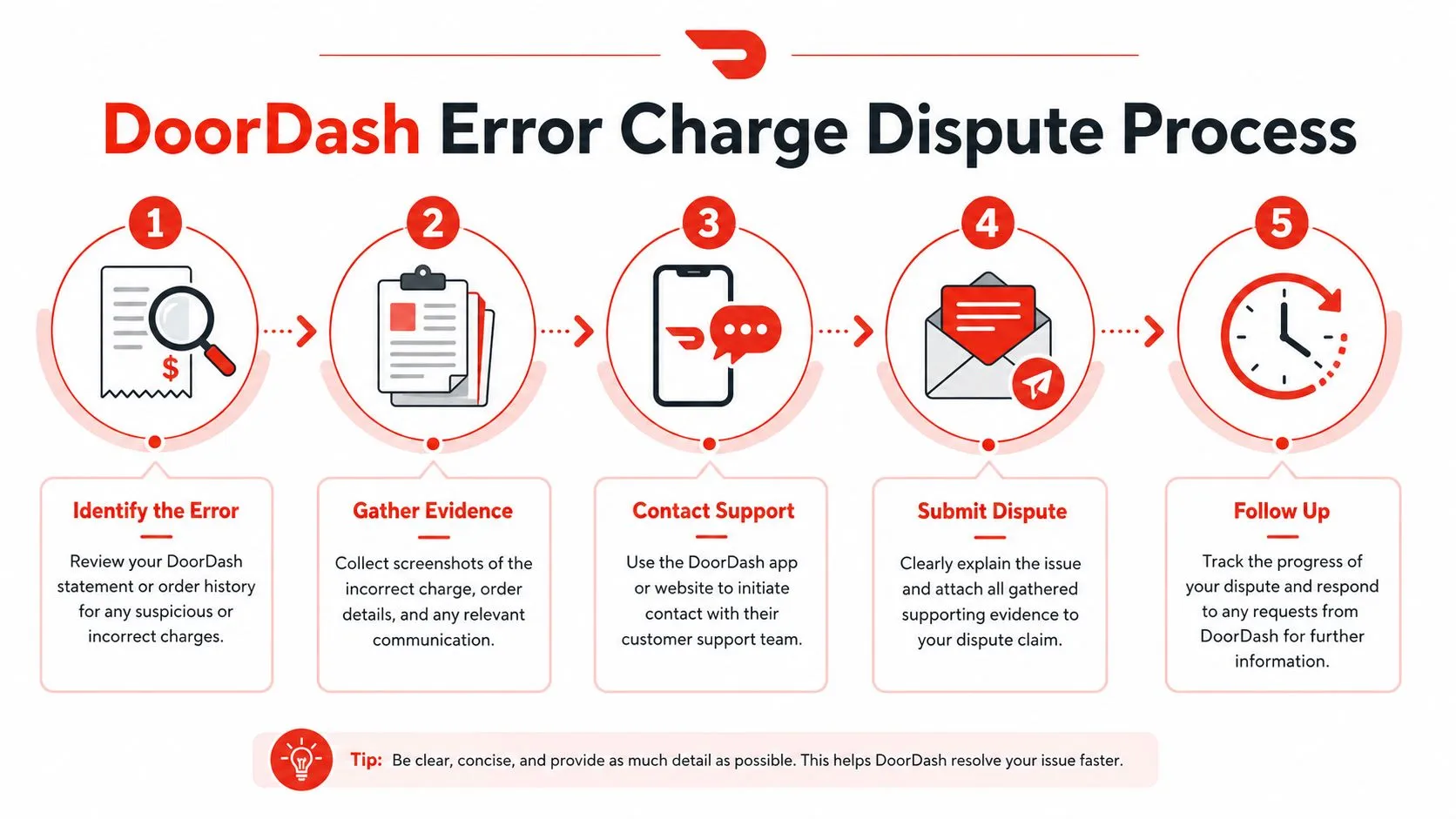
Use the portal quickly, but build the file before you click submit
The portal dispute flow is straightforward. The hard part is submitting a file that answers the claim clearly enough to get the charge reversed.
Open the order from Financials > Transactions, filter to the error charge, select Dispute Charge, choose the affected item or items, and submit the reason that matches what occurred. Keep the timing tight. If you wait, access issues, missing photos, and staff turnover turn a winnable dispute into a guess.
Store teams also need the right permission level to access the dispute workflow. If a manager keeps getting blocked at login or cannot reach the right merchant view, this guide to the DoorDash merchant login process is a useful fix before charges start aging.
Match the evidence to the claim
Generic screenshots do not do much. Reviewers are looking for order-level proof.
Use evidence that answers the exact dispute reason:
- Missing item claim: attach a packing photo, staging photo, or receipt that shows the disputed item was included
- Incorrect item claim: attach the kitchen ticket, item label, and any photo that ties the packed product to the order
- Wrong quantity claim: attach the POS ticket and any expo or bagging checklist that confirms counts
- Handoff issue: attach a timestamped handoff photo, pickup shelf image, or store note tied to the pickup time
- Denial review or resubmission: add concise manager notes that explain the timeline and point to the attached proof
The strongest file usually includes two records from different parts of the operation. For example, a POS ticket plus a handoff photo is better than either one alone. A manager note plus a blurry payout screenshot is usually weak.
A dispute gets approved when the store record is clearer, more specific, and easier to verify than the complaint.
Write the message like an operator
Keep the text short and factual. Long explanations often bury the useful part.
Use a format like this:
Store reviewed order [order number]. The disputed item was prepared and packed according to the POS ticket attached. Supporting photo from handoff staging is included. Please review and reverse the error charge.
That works because it tells the reviewer what happened, what proof is attached, and what action you want.
Avoid the mistakes that cost refunds
I see the same preventable errors over and over in merchant portals:
- Submitting without checking the dispute reason: if the reason selected does not match the evidence, the case gets harder to approve
- Uploading settlement screenshots instead of order proof: payout summaries show money movement, not whether the order was packed correctly
- Relying on memory from the shift: memory changes fast under restaurant volume
- Waiting to batch several disputes together: older cases lose photos, context, and accountability
- Sending a defensive message: emotion does not help the reviewer verify the order
One practical rule helps here. If a manager cannot understand the full story in under 30 seconds from the file alone, tighten the file before submitting.
The goal is not just to win this charge. It is to document the failure point well enough that repeated disputes expose the store process behind them, especially when manual tablet entry, weak bagging checks, or poor handoff records keep showing up in the same location.
Prevent Errors with Direct POS Integration
The cheapest dispute is the one you never have to file.
The root cause is often manual re-entry
A lot of order mistakes don’t start in the kitchen. They start at the tablet.
A DoorDash order lands on one device, someone re-keys it into Clover or Square during the rush, a modifier gets missed, an item count is entered wrong, or the wrong menu item is selected because two names look similar. Hours later, the store sees a customer complaint and then the deduction.
This is why direct delivery POS integration matters more than most operators think. When DoorDash, Uber Eats, and Grubhub orders enter the POS automatically, staff stop juggling separate tablets and stop manually retyping orders. The POS becomes the operational source of truth, which makes both execution and later verification much cleaner.
For a practical look at that workflow, OrderOut’s third-party order engine for restaurant delivery POS integration shows how marketplace orders can flow straight into the POS instead of being re-entered by hand. If you want a channel-specific example, the canonical hub for DoorDash to Clover delivery integration is the right place to compare the exact flow.
Why prevention beats documentation
Documentation still matters. As noted earlier, PlatePal’s DoorDash guidance says handoff photos substantially improve approval odds, and it also notes that error charges typically range from 25% to 100% of the applicable item price plus tax depending on the issue type. But evidence is the backup plan. Process design is the first defense.
The operational trade-off is simple:
| Workflow | What usually happens |
|---|---|
| Tablet plus manual POS entry | More room for item, modifier, and timing errors |
| Direct delivery POS integration | Cleaner order flow, fewer handoff mismatches, better records |
That doesn’t mean integration fixes sloppy menu setup. It doesn’t. Marketplace menu mapping has to be clean, and modifier structure has to match what the POS can accept. But once that hygiene is in place, the store has fewer opportunities to create the kinds of mistakes that turn into error charges.
Stores don’t just need a better dispute habit. They need fewer disputes to begin with.
If you’re still dealing with repeated re-key mistakes, this article on order entry automation for restaurants is worth reading.
For operators using Clover, the fastest next step is to install OrderOut’s free Clover App Market delivery POS integration. If you’re on Square, start with OrderOut in the Square App Marketplace.
Escalating Denied Disputes and Reconciling Credits
A denied dispute is not the end of the issue. It is a signal to review the order the same way DoorDash or a support agent will review it. The stores that recover more money do two things well. They tighten the case, and they close the accounting loop after the credit posts.
When a dispute is denied
Start with the original order packet. Check the item, modifiers, timestamps, reason code, and proof you attached. A weak dispute often fails for avoidable reasons. The wrong charge type was selected. The photo did not match the complaint. The explanation was too broad for a support rep to verify quickly.
If the charge is still wrong, escalate with a narrow request. Include the order number, store name, delivery date, disputed amount, and one clear sentence explaining why the charge should be reversed. Then attach only the evidence that answers that point. Support teams respond better to a clean packet than to a long narrative with extra screenshots.
Portal timing matters. As noted earlier, once the standard dispute window closes, the self-service path usually disappears and the issue shifts to manual support follow-up. That is one reason I push operators to review error charges weekly instead of waiting until month-end. The longer you wait, the less room you have to fix a bad denial.
How to confirm the credit posted
An approved dispute is only useful if the money lands where your team can see it and account for it correctly.
Check the transactions view for the related adjustment, then match that credit to the exact order in your internal records. Do not rely on status labels alone. I have seen operators mark a case “won” in their notes and still miss the credit in payout review, especially when multiple adjustments hit the same settlement period.
Use a simple closeout routine:
- Match the order number: Tie the returned amount to the exact disputed order.
- Confirm the adjustment amount: Make sure the credit matches the charge you challenged.
- Log the outcome: Mark the case as approved, denied, or escalated in your store tracker.
- Verify payout impact: Check that the credit appears in the payout period your team is reconciling.
- Update accounting notes: Your POS, DoorDash transactions, and books should reflect the same result.
If your back office process needs work, this guide on managing business records and bank statements is a practical reference.
For restaurant teams, reconciliation should be part of dispute management, not a separate finance chore. This breakdown of what reconciliation means in restaurant operations is useful if you need a cleaner month-end process.
The bigger lesson is operational. Stores that depend on manual entry usually spend more time disputing, escalating, and reconciling small avoidable losses. Stores with direct POS integration still need to audit credits, but they create fewer order mismatches in the first place. That is where the true savings show up.
Frequently Asked Questions
How long do I have to file a DoorDash error charges dispute?
DoorDash’s merchant workflow gives Admin or Store Manager users a 14-day window from the delivery date to dispute an error charge through the portal, according to the earlier DoorDash Help guidance. After that, the automated dispute path closes and the issue usually requires manual support escalation. That means weekly review is much safer than waiting for month-end.
Where do I find DoorDash error charges in the portal?
Start in the Merchant Portal, then go to Financials and Transactions and filter for transaction type Error charge. That isolates the specific deductions tied to order issues. If you don’t filter, these charges can get buried among routine payout activity.
What evidence gives me the best chance of approval?
The strongest evidence is order-level proof that directly answers the complaint. Timestamped photos at handoff are especially useful, and PlatePal’s guidance says photographic evidence performs better than text-only disputes. Pair that with the correct order details and a concise explanation.
Can I prevent these charges instead of only disputing them?
You can reduce the conditions that create them. A major source of avoidable errors is manual tablet-to-POS re-entry, especially during a rush. Automating delivery order injection into the POS gives staff one cleaner workflow and leaves a more reliable record when questions come up later.
Where can I learn more about POS integration for delivery orders?
A helpful starting point is this guide to restaurant POS integration FAQs. It answers common questions operators have about how delivery orders flow into Clover or Square, what setup usually involves, and why menu mapping matters.
If you want to stop chasing avoidable marketplace mistakes and get delivery orders into your POS without extra tablets or manual re-keying, OrderOut’s restaurant delivery integration tools are built for that workflow. You can review OrderOut pricing for restaurants, check the OrderOut FAQ for operators, and start onboarding for free in a few clicks through the OrderOut dashboard onboarding flow.