
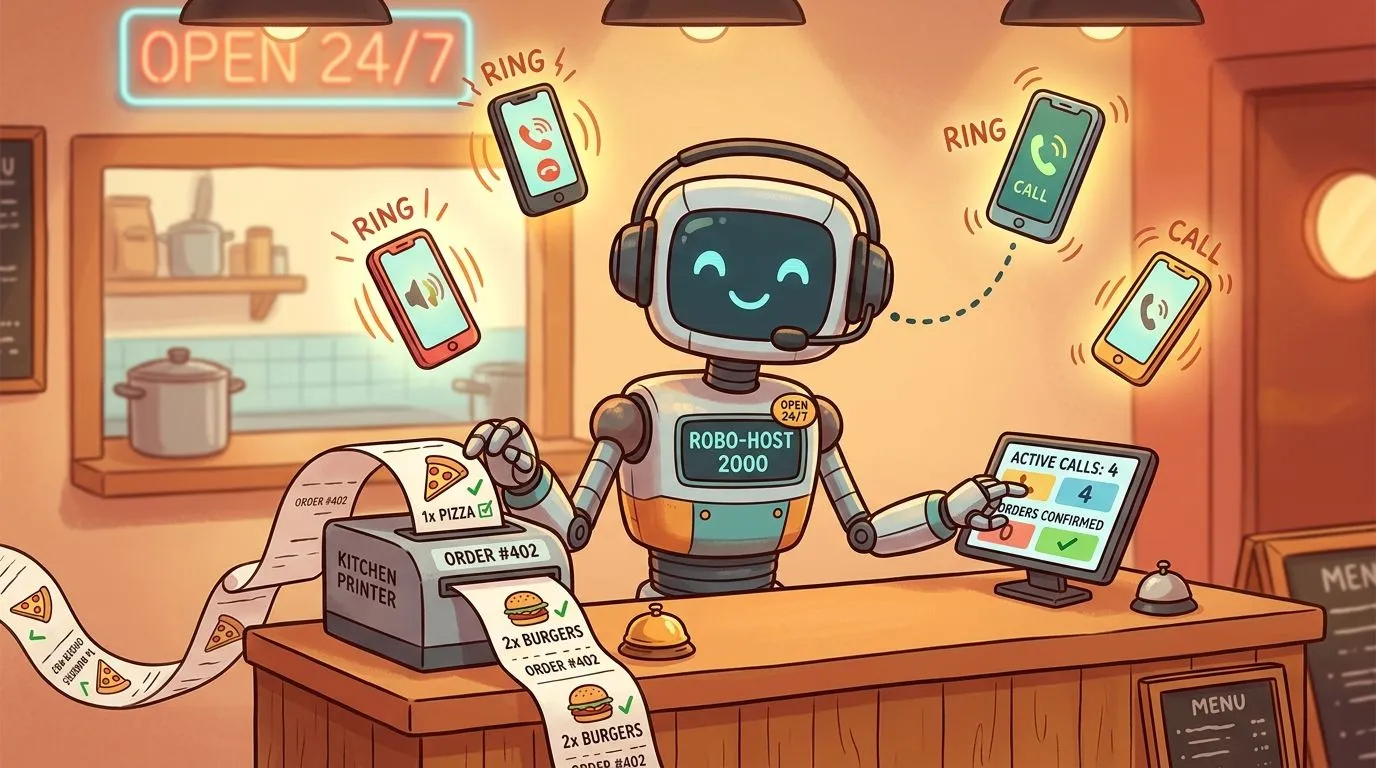
An AI phone answering system is software that uses artificial intelligence to answer customer calls, understand spoken requests like placing an order, and enter that information directly into business systems like a restaurant’s point of sale. It matters because restaurants lose approximately 15% of potential revenue from missed phone calls during peak hours, and an AI system can manage hundreds of inbound orders simultaneously so those calls don’t turn into lost business.
Most restaurant owners don’t have a phone problem. They have a workflow problem.
During the rush, the phone competes with the line, the expo station, third-party tablets, and the front counter. Someone puts a caller on hold, someone forgets to come back, and someone else scribbles an order that never quite matches what the guest said. If you want a good plain-English primer on how call assistants fit into that picture, SkipCalls’ guide to call assistants is a useful starting point.
The big shift is that phone AI is no longer just about answering basic questions. In restaurants, it only works when the call doesn’t stop at a transcript or a text message. The order has to land where your staff already works. That’s why AI phone ordering for restaurants matters. The call gets answered, the order gets structured, and the POS stays the source of truth instead of creating one more side system for staff to babysit.
Introduction Never Miss a Call Again
Missed calls drain restaurant revenue faster than many operators realize. During a rush, the phone is competing with the line at the counter, the expo rail, delivery tablets, and a dining room that still needs attention. If nobody answers, the guest does not wait around to be understood later. They order somewhere else.
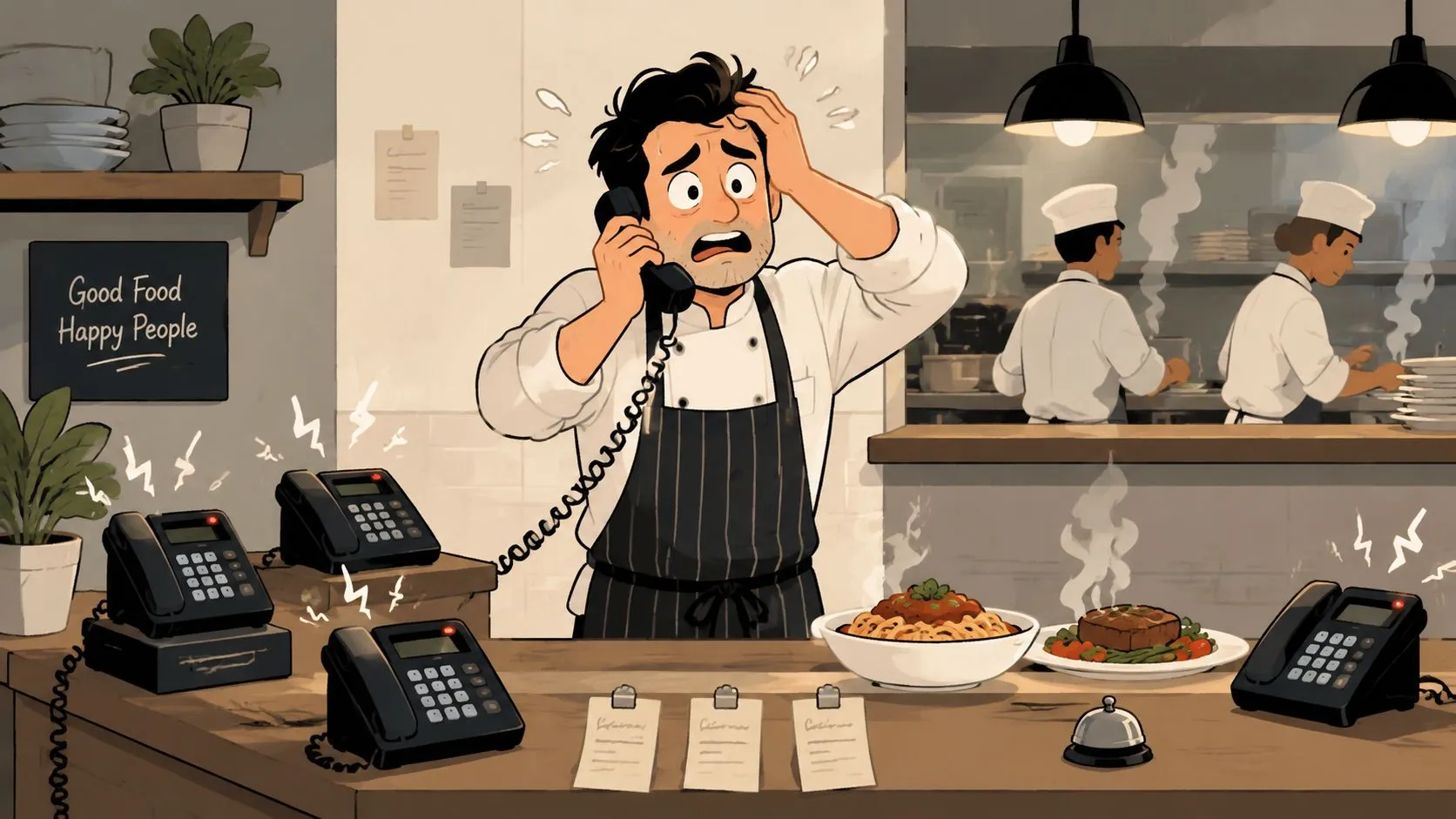
Restaurants lose approximately 15% of potential revenue from missed phone calls during peak hours, according to VoiceSpin’s explanation of AI phone answering systems. For a restaurant, that makes the phone an active sales channel, not a side task someone handles if they have a free hand.
Why missed calls hit harder in restaurants
Restaurants work on a short buying window. A law office can return a voicemail. A contractor can call back in an hour. Dinner orders are different. If a guest is ready to place an order now, ten minutes might as well be tomorrow.
I have seen the same pattern across pizza shops, sandwich counters, and busy casual concepts. The call comes in during peak volume. A host puts it on hold. A cashier grabs it back while also closing out another guest. The order gets rushed, misheard, or dropped entirely. Staff feels behind, guests feel ignored, and the kitchen ends up correcting mistakes that started at the phone.
The cost shows up in three places:
- Lost orders: Callers switch to a competitor or a marketplace app.
- Distracted staff: Front-of-house employees leave revenue-producing work to chase ringing calls.
- Order errors: Verbal handoffs and handwritten notes create mistakes before the ticket even reaches the kitchen.
Practical rule: If your team regularly misses calls from 5 p.m. to 7 p.m., the problem is not phone etiquette. It is demand capture.
What the fix actually looks like
A restaurant AI phone answering system has to do more than pick up the line and send a transcript. It needs to take the order correctly, structure it around the menu, and pass it into the tools your team already uses.
That last-mile connection is where weak systems fall apart. If staff still has to retype an order from a text message, check a separate dashboard, or copy details into Clover or Square, the restaurant did not solve the problem. It just moved the bottleneck.
The better setup sends the phone order straight into the POS, where modifiers, taxes, prep tickets, and reporting already live. That is why operators looking at AI phone ordering that connects directly with restaurant POS workflows should focus on the handoff, not just the voice quality. Clean POS integration keeps the order flow in one place and protects the speed of service during the busiest hour of the day.
For a broader plain-English overview of how these tools fit into call handling, SkipCalls guide to call assistants is a useful reference.
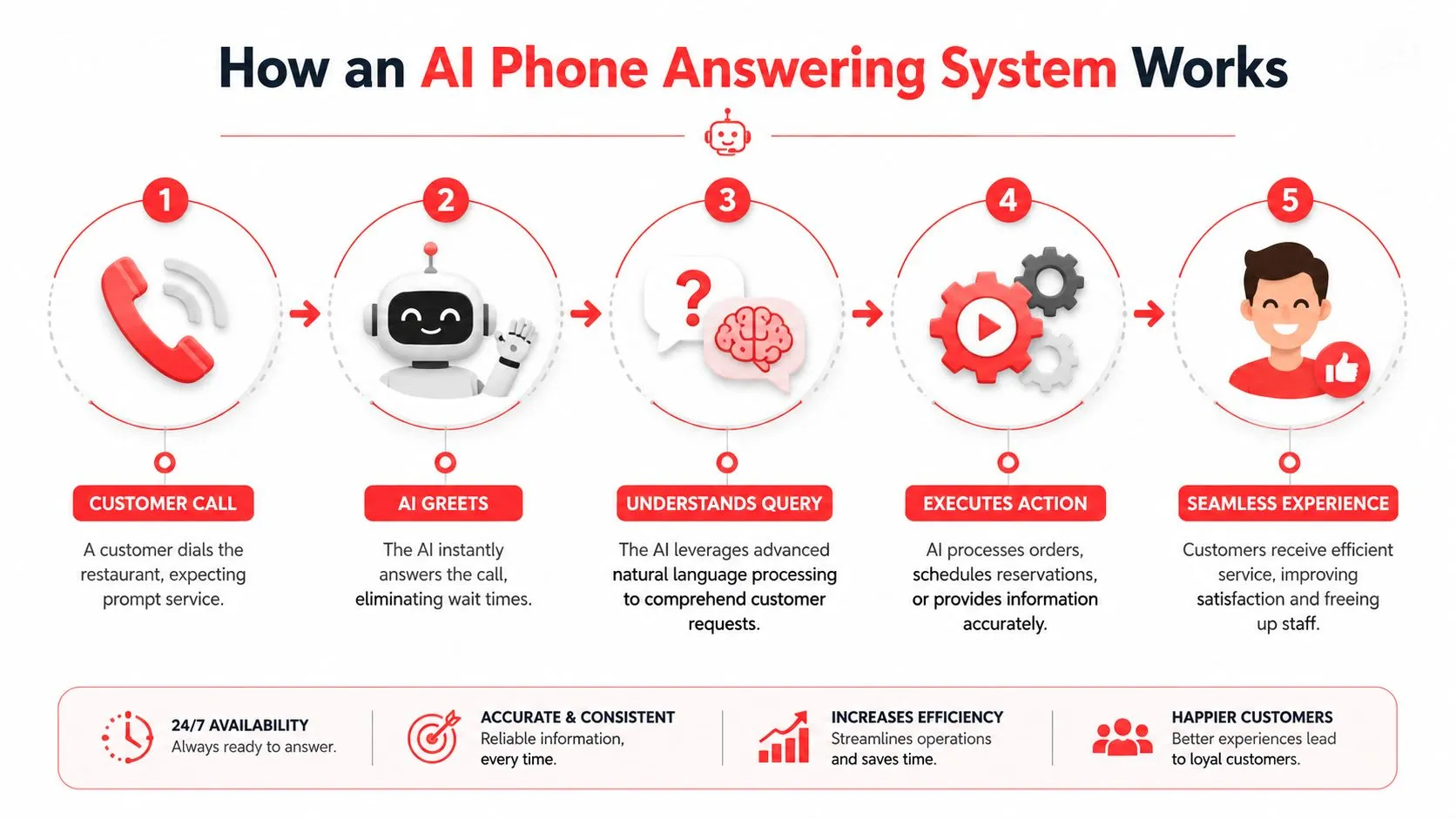
How an AI Phone Answering System Works
The easiest way to think about an AI phone answering system is this. It’s a receptionist that never gets flustered, never asks staff to call someone back for basic requests, and can hand structured information to software instead of a sticky note.
That sounds simple on the surface, but there’s a specific workflow under it.
The four-stage pipeline
The core technical architecture relies on a four-stage pipeline: Speech-to-Text, Intent Recognition, Information Retrieval, and Text-to-Speech.
-
Speech-to-Text The system listens to the caller and turns speech into text. In a restaurant setting, that matters because callers aren’t speaking in neat, scripted phrases. They’re ordering from a car, asking about hours over road noise, or changing toppings halfway through a sentence.
-
Intent Recognition Once the words are captured, the system figures out what the customer is trying to do. Are they placing a pickup order? Asking whether you’re open? Wanting to know if a dish contains gluten? At this stage, the AI separates a real order from a simple question.
-
Information Retrieval After the intent is clear, the system pulls the right information from a knowledge base, menu data, or an API connection. For a restaurant, that can mean menu items, available modifiers, store hours, or the information needed to create the order properly.
-
Text-to-Speech Finally, it responds in a natural voice so the caller hears a complete answer instead of a robotic menu tree.
Why this matters operationally
This workflow is why modern systems feel different from old-school phone trees. The caller speaks naturally. The system interprets context. Then it acts.
If you’re comparing phone platforms and want a broader look at automated call infrastructure, Call Loop’s overview of TCPA compliant calling systems is worth reading for background. For restaurants, though, the critical issue is less compliance jargon and more whether the spoken order can become clean, usable data.
A phone AI that understands the guest but can’t create a usable order record still leaves your staff with cleanup work.
Where restaurants need more than a voice bot
Generic systems usually stop at “we captured the conversation.” Restaurants need one more step. They need the order translated into structured line items, modifiers, and fulfillment details. That’s the same operational principle behind restaurant order entry automation. The fewer times staff has to retype or reinterpret an order, the fewer opportunities there are for mistakes and delays.
That’s the practical dividing line. Good conversational AI sounds natural. Useful restaurant AI sounds natural and completes the handoff.
Four Ways AI Phone Answering Boosts Your Bottom Line
Missed calls are not a minor service problem. In a restaurant, they turn into lost orders, distracted staff, and messy handoffs that slow the whole shift.
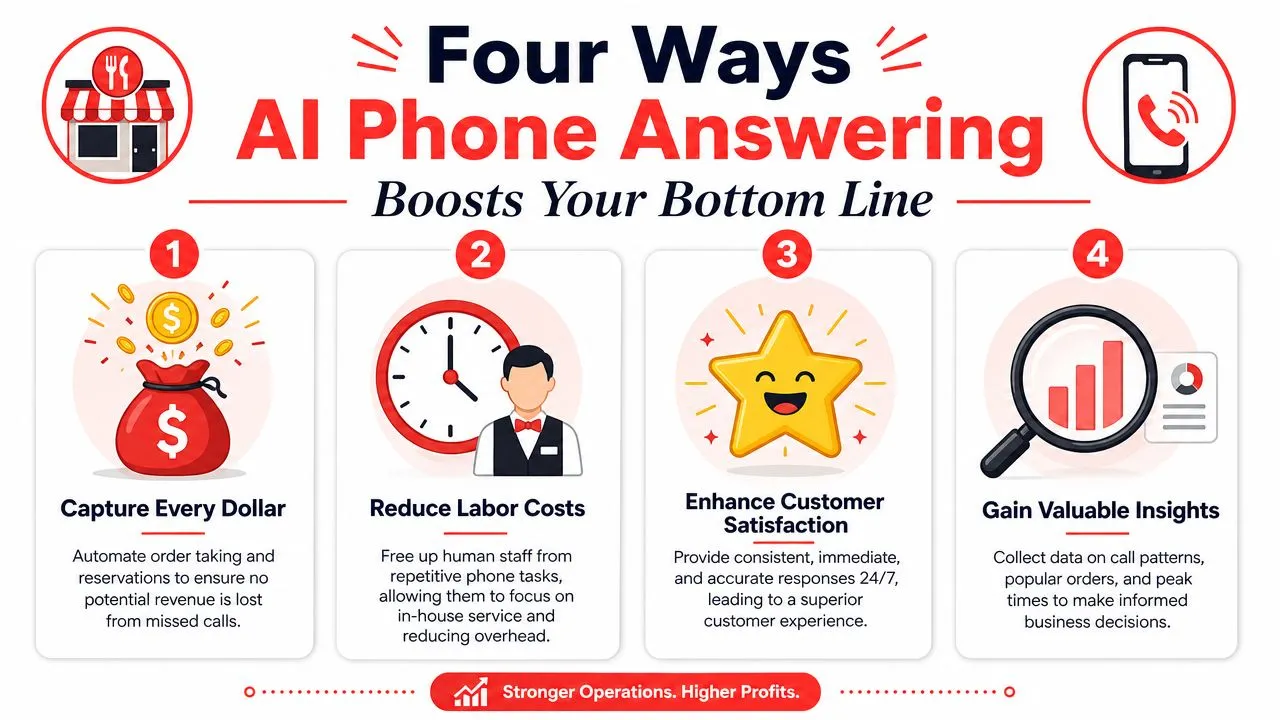
The strongest financial case for phone AI is simple. It keeps revenue from slipping through the cracks, and it only pays off fully when the call turns into a usable order inside the POS your team already runs, such as Clover or Square.
Capture orders you used to miss
Every unanswered call is a customer deciding what to do next. Some call back. Plenty do not.
During lunch and dinner rush, the phone usually loses to the guest at the counter, the ticket on the rail, or the driver waiting for pickup. An AI phone system answers immediately, takes the order, confirms details, and keeps that sale in play instead of sending it to voicemail.
For restaurants with strong pickup volume, this alone can recover meaningful revenue.
Cut re-entry work that eats labor
This is the part generic phone bots miss. Taking the call is only half the job.
If staff still has to listen to a transcript, rewrite modifiers, and key everything into Square or Clover, the restaurant has not removed much labor. It has created a second inbox. The actual gain comes when the AI pushes structured line items, modifiers, customer info, and pickup timing straight into the POS as a live order your team can work immediately.
That is the practical difference between a voice tool and actual restaurant automation workflows.
Reduce mistakes on high-detail orders
Phone orders fall apart on specifics. Half-and-half pizzas, allergy notes, add-ons, substitutions, combo choices, and sauces on the side are easy to garble when a busy employee is answering between other tasks.
A good restaurant AI captures those details in the format the kitchen needs. Clear item selections. Clear modifiers. Clear fulfillment details. That matters because fewer hand-transcribed orders means fewer remake costs, fewer callback complaints, and fewer awkward moments at pickup when the guest says, “That’s not what I ordered.”
Better phone ordering means the guest’s words become a clean POS ticket without extra interpretation from staff.
Protect service on the floor
Operators usually notice this one fast. The dining room feels calmer.
Hosts stop bouncing between greeting guests and answering basic phone questions. Counter staff stay focused on the line in front of them. Managers spend less time untangling order confusion created by rushed phone conversations. The result is better throughput during peak periods, not because people are working harder, but because they are working on one task at a time.
That is how phone AI improves the bottom line in real operations. It captures more orders, reduces duplicate work, lowers error rates, and protects the shift from constant interruption.
Must Have Features for a Restaurant AI
A restaurant AI is only useful if the call ends as a live order in your POS.
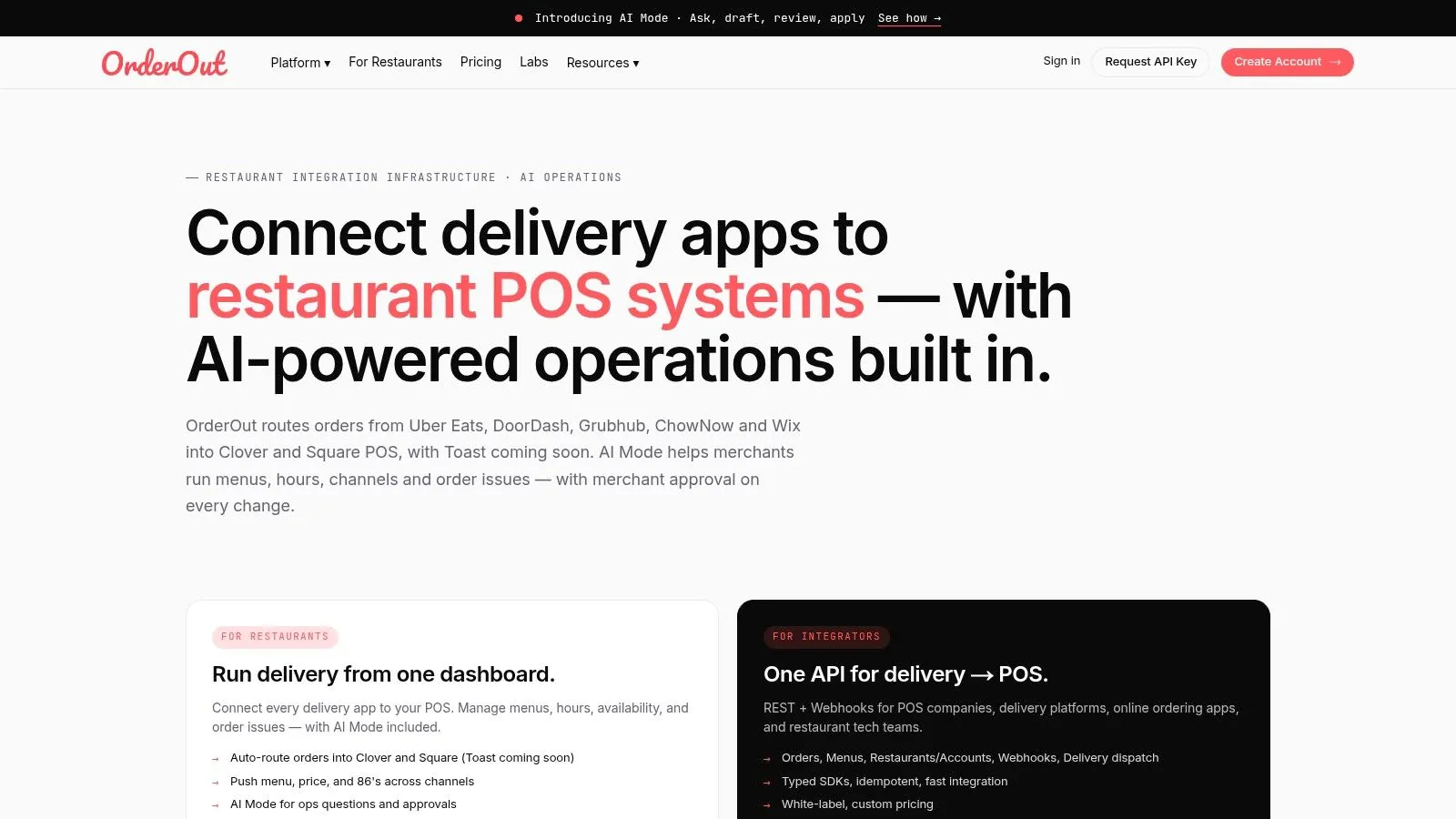
I have seen operators buy a polished voice demo, then realize their staff still has to rebuild every phone order by hand. That usually means the system can answer questions, but it cannot map a real restaurant order into Clover or Square with the right items, modifiers, and timing. The result is more software on the stack, not less work on the shift.
Direct POS integration comes first
Start here. If the AI cannot write the order directly into the POS your team already uses, the rest of the feature list does not matter much.
The practical test is simple. A caller orders two specialty pizzas, one half-and-half, changes a topping, adds a salad, and schedules pickup for 6:15. The AI should create a usable POS ticket without a staff member translating the call afterward. If you want a clearer view of how those connections work, this guide to point-of-sale integrations explains the setup.
What to check:
- Native Clover or Square connection: Orders land in the POS itself, not in a separate dashboard staff has to monitor
- Modifier mapping: Sizes, toppings, add-ons, removals, combo choices, and special instructions match your existing menu structure
- Order type handling: Pickup, delivery, curbside, and scheduled orders route correctly
- Live menu sync: 86’d items, price changes, and daypart menus stay current
Menu and modifier control
In live service, good demos often fall apart.
Customers do not order in POS language. They say, “large pepperoni, light cheese on one half, mushrooms on the other, ranch on the side.” Your system has to convert that into the exact buttons and modifier groups your kitchen expects. If it cannot, staff ends up cleaning up the ticket before the line can make it.
Strong restaurant AI handles spoken variation without breaking menu rules. It recognizes that “diet coke” and “coke zero” may be different items. It knows when fries are a side choice, when dressing is required, and when a combo needs a drink selection before the order can close.
Clear escalation rules
No phone system should try to force every call through automation.
Some calls need a person. Catering. Complaints. Large allergy conversations. A customer who keeps changing the order. The AI should know when to ask one more clarifying question and when to transfer the call before the situation turns into a bad handoff or a comped meal.
I look for tight escalation rules, not a voice that tries to improvise.
Confirmation that matches restaurant reality
Order confirmation matters more than personality.
The AI should repeat back the parts that commonly cause mistakes: quantity, size, key modifiers, fulfillment method, and promised time. It should also confirm the information your staff would verify anyway, such as callback number or delivery address when needed. Short, accurate confirmation protects revenue better than a long conversation that sounds friendly but misses the order details.
Multi-language support and brand fit
These features help, but they come after the order path works.
In many markets, multi-language support reduces abandoned calls and takes pressure off bilingual staff who usually get pulled away to handle phone orders. Brand fit matters too. A neighborhood pizzeria, a busy lunch cafe, and an upscale dinner concept should not all sound the same.
But operators should stay disciplined here. Voice tone is nice. Clean POS tickets are what save labor, protect accuracy, and let the kitchen move.
Your 5 Step Implementation Checklist
Most restaurant owners assume phone AI will be a heavy tech project. It doesn’t have to be. The cleanest rollouts usually follow a short checklist and stay focused on the order path.
Start with your menu structure
Review your POS menu first. Clean up item names, modifier groups, and duplicate options. If your Clover or Square menu is inconsistent, phone AI will expose that immediately because spoken orders have to map somewhere specific.
Pick a restaurant-first system
Choose a system built for actual restaurant ordering, not a generic office receptionist use case. The difference shows up fast when customers start asking for half-and-half pizzas, removed ingredients, extra sauces, and pickup timing.
Document the call workflow
Write down what should happen on common calls:
- Order calls: Pickup or delivery, item capture, modifier confirmation
- FAQ calls: Hours, address, allergen basics, availability
- Escalation calls: Catering, complaints, large orders, unclear requests
This step matters more than most owners think. The AI has to reflect your real operating rules, not an idealized version of them.
Connect the POS and install the app
Once your menu and workflow are ready, connect the system to the POS where the orders need to land. If you run Clover, a practical next step is to install through the OrderOut app on the Clover App Market. If you run Square, the equivalent setup path is the OrderOut app in the Square App Marketplace.
Train the team on exceptions
Your staff doesn’t need a seminar. They need to know what the AI handles, what gets escalated, and where phone orders will appear in the normal flow. That prevents the common rollout problem where employees don’t trust the system because nobody showed them how it fits their shift.
Use Case A Perfect Pizza Order Over the Phone
Sarah calls a neighborhood pizzeria on a busy Friday night. In the old setup, she might get put on hold, hear kitchen noise in the background, or give up after the third ring. Instead, the AI answers right away with the restaurant name and asks whether she wants pickup or delivery.
She says pickup.
The AI takes the order in normal language. Sarah wants a large pizza, half pepperoni and half mushroom, extra sauce, plus an order of garlic knots. Then she changes one detail and asks for light cheese on the mushroom side. The system confirms each part back in a clean sequence so there’s no ambiguity.
What the guest hears
The conversation feels simple:
- Restaurant identification: The caller knows she reached the right place
- Order flow: Pickup first, then items, then modifications
- Confirmation: The system reads back the order in plain language
- Completion: Sarah gets a ready-time estimate and knows the order is set
That last confirmation is where confidence gets built. People don’t mind talking to automation nearly as much as operators think, especially when the interaction is quick and accurate.
What the restaurant sees
The operational win happens after the call ends. The order isn’t trapped in a transcript or a voicemail inbox. It appears as a structured POS order, ready for production, the same way a front-counter cashier would have entered it.
For pizza shops in particular, this matters because custom builds are where manual entry gets risky. A caller can describe one pie in several different ways. Consistent item mapping keeps that from turning into a remake. If you’re refining menu language on the customer side too, this guide to pizza description words and menu wording is a useful companion for tightening how products are named and understood.
The short version is simple. Sarah hangs up, and the kitchen gets a ticket it can trust.
Frequently Asked Questions
Will customers know they’re talking to AI
Some will. Many will not. The result that matters in a restaurant is whether the call gets handled cleanly, the guest gets a clear confirmation, and the order reaches the POS correctly. If the voice sounds natural but the order still needs staff to retype it into Clover or Square, the restaurant has not solved the underlying problem.
I have seen guests accept automation without much resistance when it saves time and gets the details right. They notice delays, awkward loops, and wrong modifiers far more than they notice whether a person or system answered first.
Does an AI phone answering system work with Clover or Square
It can, but operators should treat this as a hard screening question. Some tools answer the phone, collect the order, and send a transcript. That still leaves someone at the restaurant to read it, interpret it, and enter it by hand.
The better setup writes a structured order into Clover or Square with the right items, modifiers, and fulfillment details already mapped. That last-mile POS connection is what turns phone automation into labor savings instead of another inbox to monitor.
Do I still need staff to answer the phone during the rush
Staff still need to handle exceptions. Large catering orders, guest complaints, refund issues, and edge cases need judgment. Routine pickup and delivery calls do not.
That split matters during peak periods. The AI handles the repetitive calls, and the team in the building stays focused on guests at the counter, ticket accuracy, and speed of service.
Is AI phone ordering always cheaper than a person
The monthly fee can look attractive, but the true cost shows up in cleanup work. If staff have to fix transcripts, correct modifiers, or rebuild orders inside the POS, the savings disappear fast.
Judge the system on total operational load. A cheaper tool that creates manual re-entry is often more expensive than a higher-priced system that sends valid orders straight into Clover or Square.
What should I check before turning it on
Start with the menu inside the POS. Item names, sizes, modifiers, half-and-half logic, and fulfillment rules need to be clean before the phone system goes live.
Then test the handoff points. Confirm what the AI should take on its own, what it should read back before submitting, and which calls should go to staff. Restaurants usually get better results from that setup work than from spending time comparing voice styles.
If you want a practical way to stop missed phone orders from turning into manual work, OrderOut is built around the part most generic AI phone tools miss: getting the order into the POS cleanly. Restaurant operators can review AI phone ordering for restaurants, compare setup details on the pricing page, see the broader restaurant solutions overview, and check common rollout questions in the OrderOut FAQ. When you’re ready to get started, create your account and onboard for free in a few clicks through the OrderOut dashboard onboarding flow.