
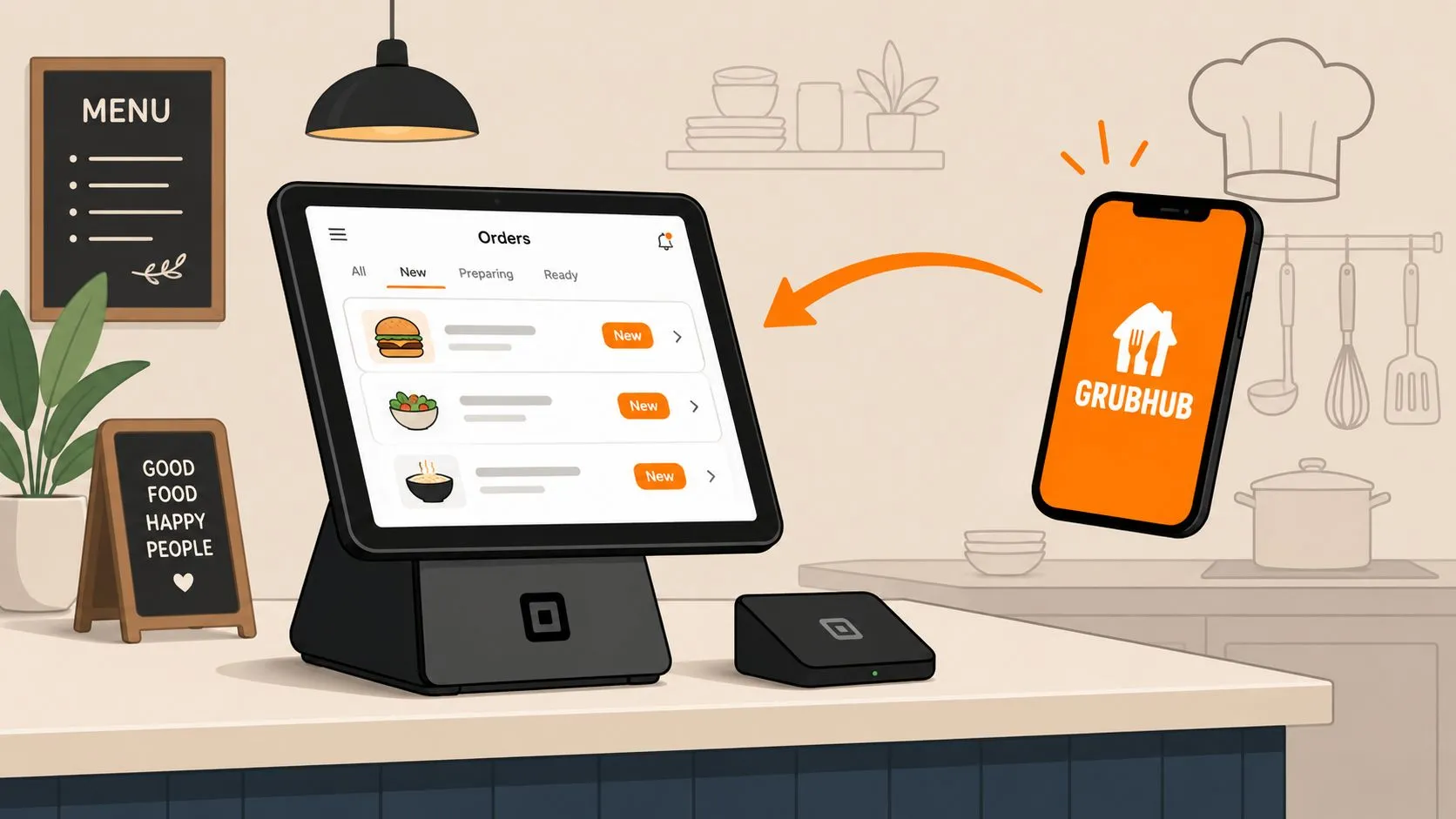
If you’re running Grubhub orders through Square, you’re probably trying to fix a familiar mess. One screen for the POS. Another for delivery. Staff bouncing between guest service and order entry. A rush hits, and someone keys a marketplace order by hand, misses a modifier, and the kitchen makes the wrong ticket.
That’s why Square Grubhub integration matters. The key benefit isn’t just “connecting apps.” It’s reducing the number of places your team has to look, touch, and troubleshoot during service. When the POS becomes the operational center, delivery stops feeling like a side system bolted onto the restaurant.
For operators, that changes the daily rhythm. Orders land where the team already works. Menu management gets tighter. Reporting is easier to trust. And if you’re comparing native setup options with broader delivery workflows, it’s also worth reviewing OrderOut’s perspective on partnering with Grubhub for restaurant order flow.
Why Connect Grubhub and Square POS
The biggest reason to connect Grubhub and Square POS is simple. Manual order handling breaks down under pressure.
When a restaurant runs delivery from a separate tablet, someone has to watch it, acknowledge orders, re-enter items, and hope the details survive the handoff into the kitchen. That creates friction at exactly the wrong moment. Hosts get pulled away from guests. Cashiers stop moving the line. Expo starts asking whether the marketplace ticket matches the POS ticket.
Square and Grubhub framed their partnership around a unified POS platform for dine-in, takeout, and delivery, and Square said the expansion helps restaurants manage millions of customer orders directly through its system in an official Square and Grubhub partnership announcement. That matters because it reflects a broader operational shift. Restaurants don’t want delivery living off to the side anymore.
What operators usually want
Most owners aren’t looking for fancy integration diagrams. They want a workflow that holds up on a busy Friday night.
- Fewer handoffs: If staff doesn’t have to re-key Grubhub orders into Square, there are fewer chances to miss modifiers or special instructions.
- Cleaner kitchen flow: Orders entering the POS directly are easier for the back of house to trust because they’re coming through the same operational path as other tickets.
- One reporting home: Sales, items, and service activity are easier to review when Square stays central.
- Less tablet clutter: Fewer devices on the counter usually means less confusion about which screen matters.
Integrated ordering works best when the team knows the POS is the source of truth, not the tablet.
Where the practical value shows up
The operational impact isn’t abstract. It shows up in small moments all shift long. A cashier doesn’t need to stop and build a delivery ticket by hand. A manager doesn’t have to compare one tablet against another at close. The kitchen sees a more consistent order stream.
That doesn’t mean every integration solves the whole delivery problem. A direct connection can fix one channel well and still leave you juggling others. But if you’re using Grubhub heavily, connecting it to Square is usually a meaningful step toward tighter restaurant order management.
Understanding Square’s Native Grubhub Integration
Square’s native Grubhub integration is a direct connection inside the Square ecosystem. In plain terms, it lets a restaurant bring Grubhub ordering into the same operating environment it already uses for POS activity instead of treating Grubhub as a totally separate workflow.
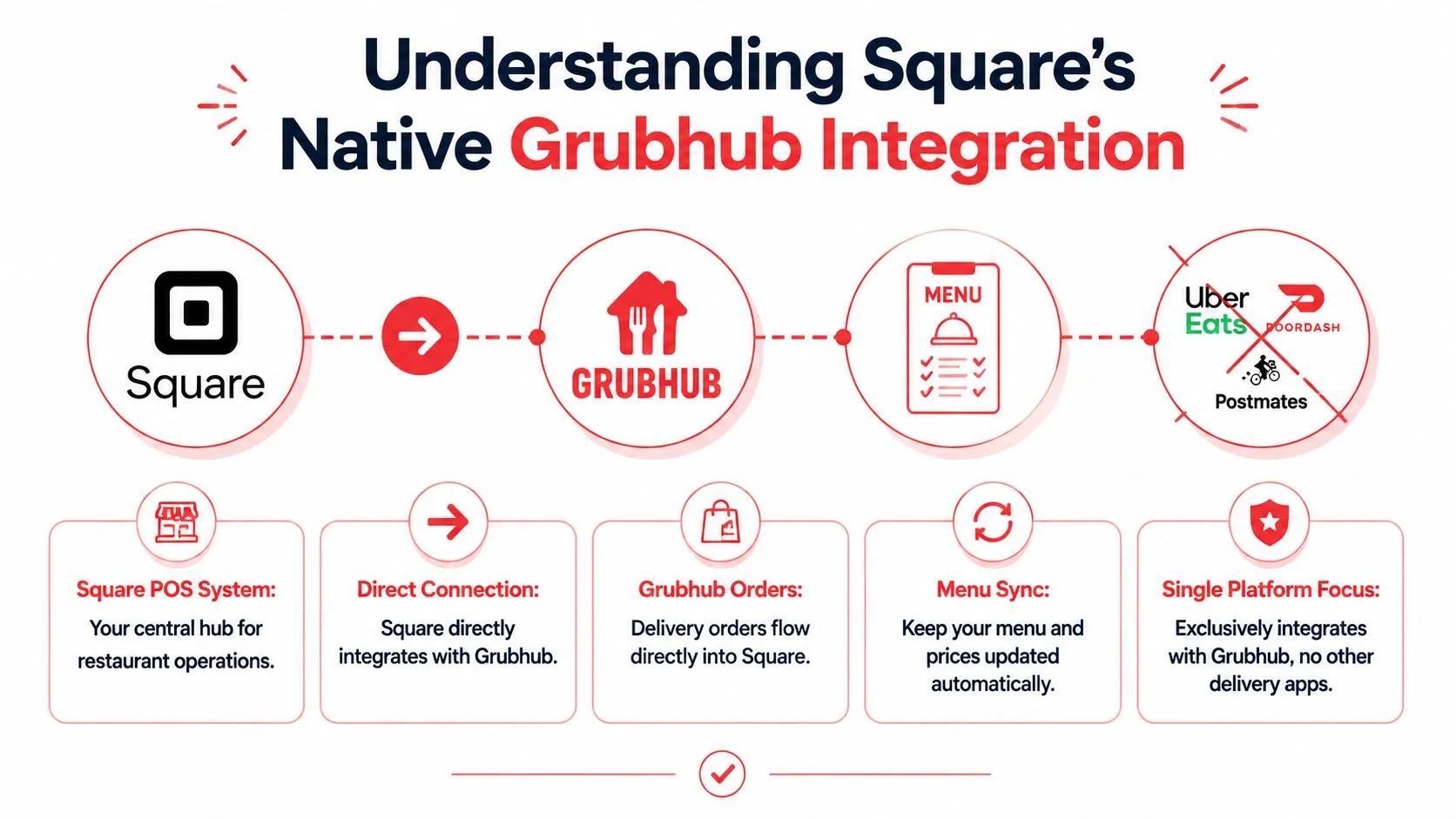
That’s useful because native integrations tend to be easier for store teams to understand. There’s less middleware logic to explain on day one. For a single-channel setup, that simplicity can be a real advantage.
Square’s parent company, Block, also made clear that integrations aren’t a side story for restaurants on Square. In a 2024 update, Block said Square had more than 1,300 integrated and complementary partner solutions, with more than 100 added in the prior 12 months. It also said 47% of Square’s food-and-beverage gross payment volume in 2023 came from sellers using at least one integration, and that the typical food-and-beverage seller using at least one integration grew year-over-year GPV at more than 2x the rate of similar sellers with no integrations, according to Block’s restaurant ecosystem update.
What the native connection does well
The native setup is best understood as a direct restaurant operations tool, not a full delivery command center.
| Native integration strength | Why it matters in service |
|---|---|
| Direct POS connection | Orders flow into the Square environment your staff already uses |
| Menu publishing workflow | You can control which menus are sent to Grubhub |
| Location mapping | Multi-location groups can tie each Square location to the correct Grubhub store |
| Operational settings | Prep time, holiday hours, and courier instructions can be configured inside setup |
If your restaurant mainly cares about Square plus Grubhub, that can be enough.
Where its limits become obvious
The trade-off is scope. Native means focused. Focused can be good, but it also means you solve Grubhub inside Square, not necessarily all third-party delivery inside Square.
That distinction holds practical importance. Many restaurants don’t run one marketplace. They run Grubhub, Uber Eats, and DoorDash at the same time. Once that happens, a single native connection stops being a complete answer. It becomes one clean lane inside a much busier intersection.
For broader context on Square app connectivity and how operators think about these workflows, see this guide to Square POS integration strategy for restaurant systems.
How to Set Up the Grubhub Integration in Square
The setup itself is straightforward, but sequence matters. Most problems come from rushing through menu mapping or activating multiple locations before confirming that one store is configured correctly.
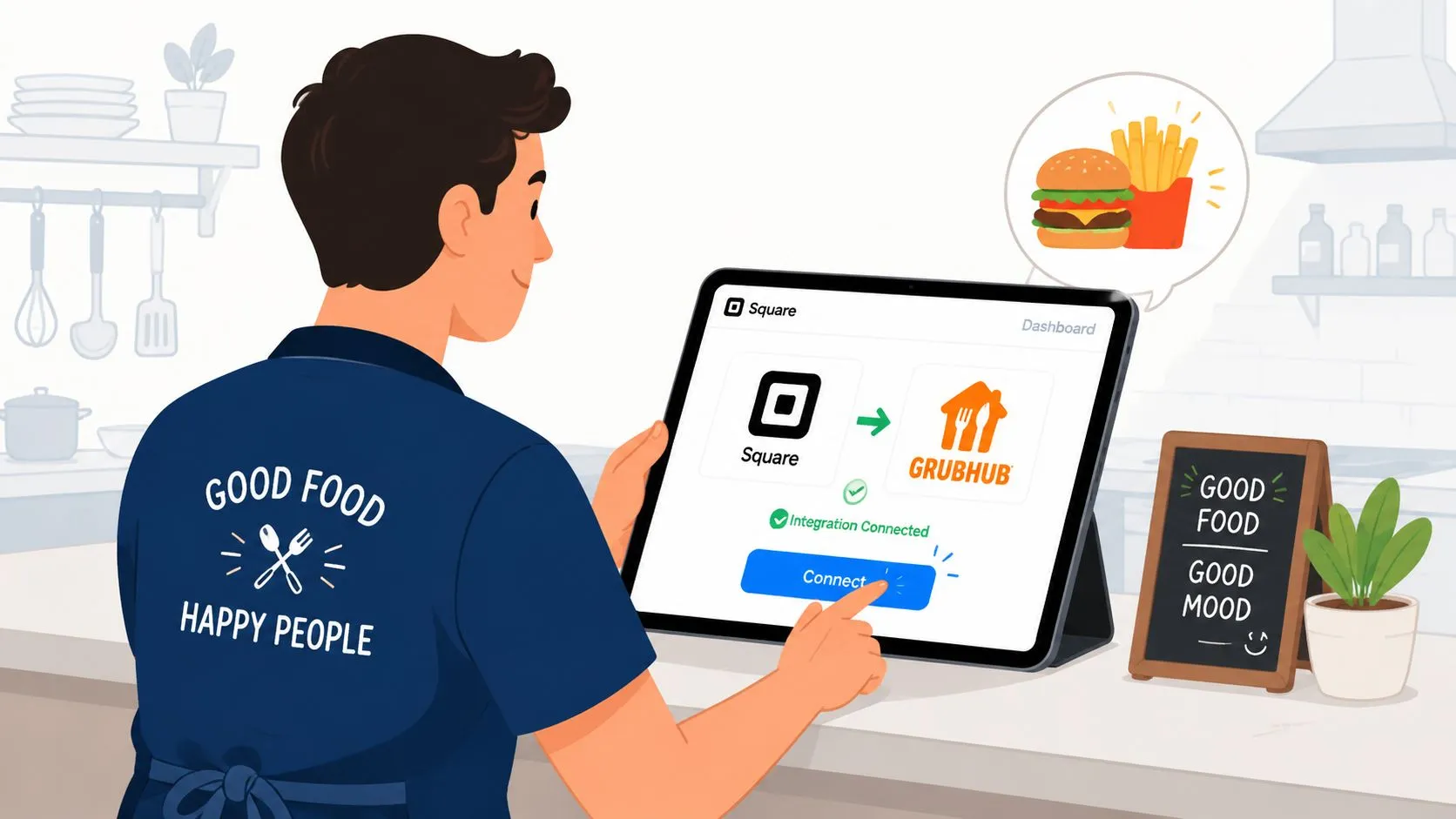
According to Square’s Grubhub integration setup documentation, the order is strict: activate the channel in Square Dashboard, map each Square location to a Grubhub store, select the menus to publish, then finalize settings such as default prep time, holiday hours, and courier instructions before clicking Activate. Square also recommends testing one location first in a multi-location deployment.
Start with one clean store
If I’m advising an operator on square Grubhub integration, I usually tell them to treat the first location like a pilot. Not because the setup is unusually hard, but because menu structure tells you very quickly whether your data is clean enough for direct order flow.
Before you activate anything, confirm:
- Item names are consistent: Staff should recognize the item exactly as it appears in Square.
- Modifier groups are tidy: If your Grubhub menu logic doesn’t match the POS logic, injection gets messy fast.
- Location ownership is clear: Each Square location needs to map to the correct Grubhub store, especially for multi-unit brands.
Practical rule: Test the ugliest menu edge cases first. Combos, heavy modifier items, and special prep instructions expose problems faster than simple entrees.
Finish the settings before you go live
Once locations and menus are mapped, the last settings do more operational work than people expect. Default prep time influences guest expectations. Holiday hours protect you from accidental availability. Courier instructions reduce confusion at pickup.
A walkthrough can help if your team wants a visual reference before touching the live setup:
If you’re preparing for first-time implementation and want a broader rollout checklist, this restaurant integration onboarding tutorial is a useful companion.
The Middleware Advantage for Delivery POS Integration
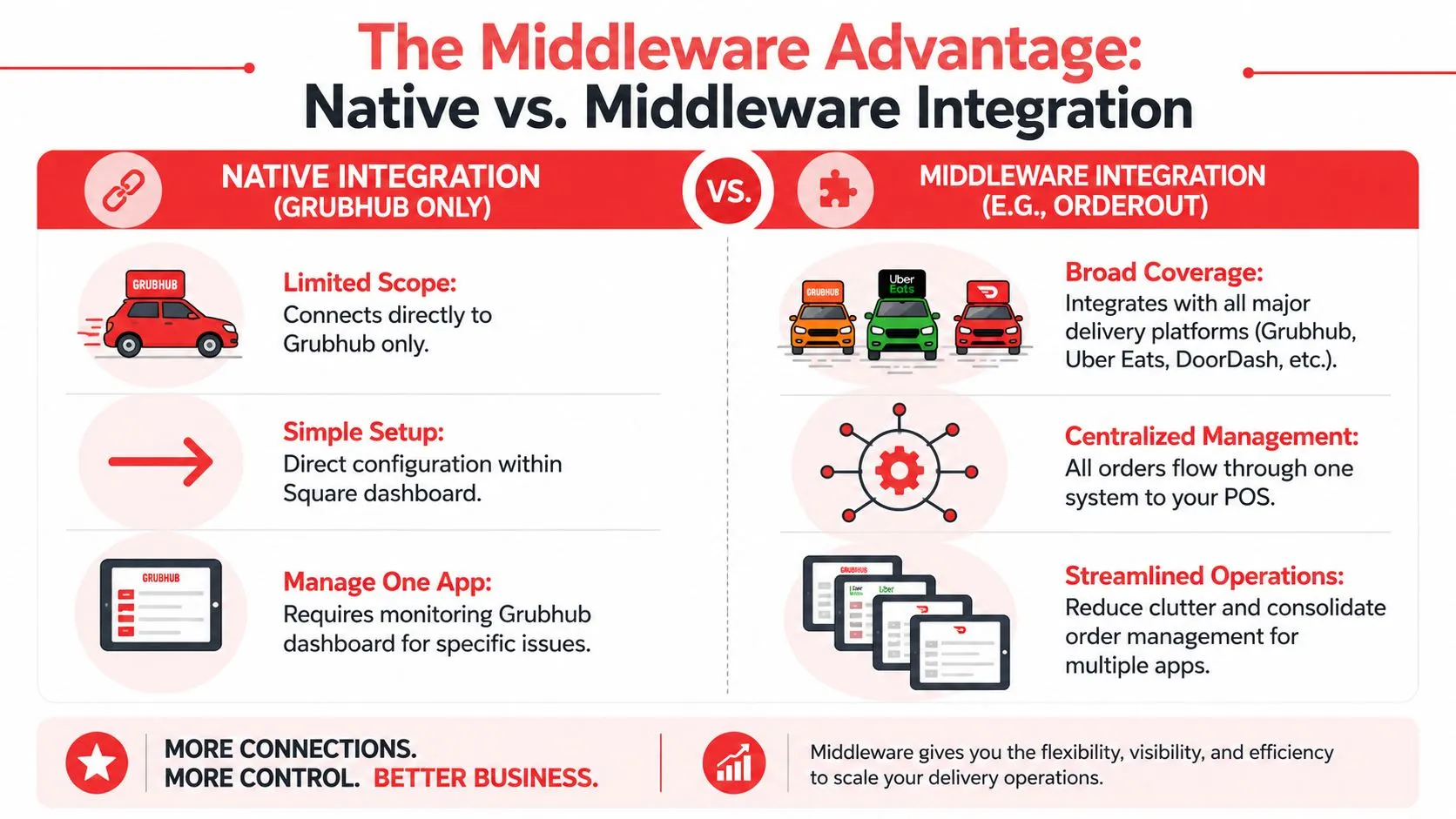
A native Square Grubhub integration handles one channel. Many restaurants need a system for all of them.
Once Uber Eats and DoorDash enter the mix, the operating problem changes. Staff are no longer just receiving orders. They are managing different menu structures, different modifier logic, separate tablets, and separate failure points. Square’s direct Grubhub connection can reduce work, but it does not standardize the rest of your delivery stack.
Native versus full delivery coverage
The difference shows up fast at the store level:
| Approach | Works well for | Main limitation |
|---|---|---|
| Native Grubhub connection | Restaurants that mainly care about Grubhub orders landing in Square | Other marketplaces still need separate handling |
| Delivery POS integration middleware | Restaurants running Grubhub, Uber Eats, and DoorDash together | Setup takes more planning because menu mapping has to be consistent across channels |
That trade-off matters. Native integration is simpler to approve internally because it solves an immediate problem with one vendor connection. Middleware asks for a little more discipline up front, but it gives operators a way to run delivery as one system instead of three partial systems.
Why normalized menu mapping matters
The challenge is not order injection by itself. The main challenge is making sure marketplace orders hit Square in a format the kitchen can trust.
Grubhub, Uber Eats, and DoorDash do not structure menus the same way. Item names drift. Modifier groups get split differently. Add-ons and combo logic vary by channel. Without a normalized layer between those marketplaces and the POS, the team ends up fixing digital orders manually, even though the store technically has an integration.
That is the value of middleware. It standardizes how marketplace menus map into Square so the ticket that prints in the kitchen is predictable. For multi-unit operators, that consistency usually matters more than the fact that one direct connection was faster to turn on.
OrderOut is one example of that approach. Its Square connection routes Grubhub, Uber Eats, and DoorDash orders into the POS using a normalized menu schema, which helps reduce tablet checking and manual re-entry. Operators comparing long-term options should also read this guide to multi-channel restaurant order management software, because the bigger decision is not just “Can Grubhub connect to Square?” It is “What system will still work when every delivery channel has to be managed together?”
The same build-versus-buy logic shows up here too. Internal Systems’ AI tooling guide is relevant because restaurant tech stacks face the same choice. Patch together point solutions, or use a shared layer that reduces operational complexity as more systems get added.
Operational Best Practices for Integrated Orders
Connecting systems is only the first half of the job. The restaurants that get the most from square Grubhub integration are the ones that tighten the operating process around it.
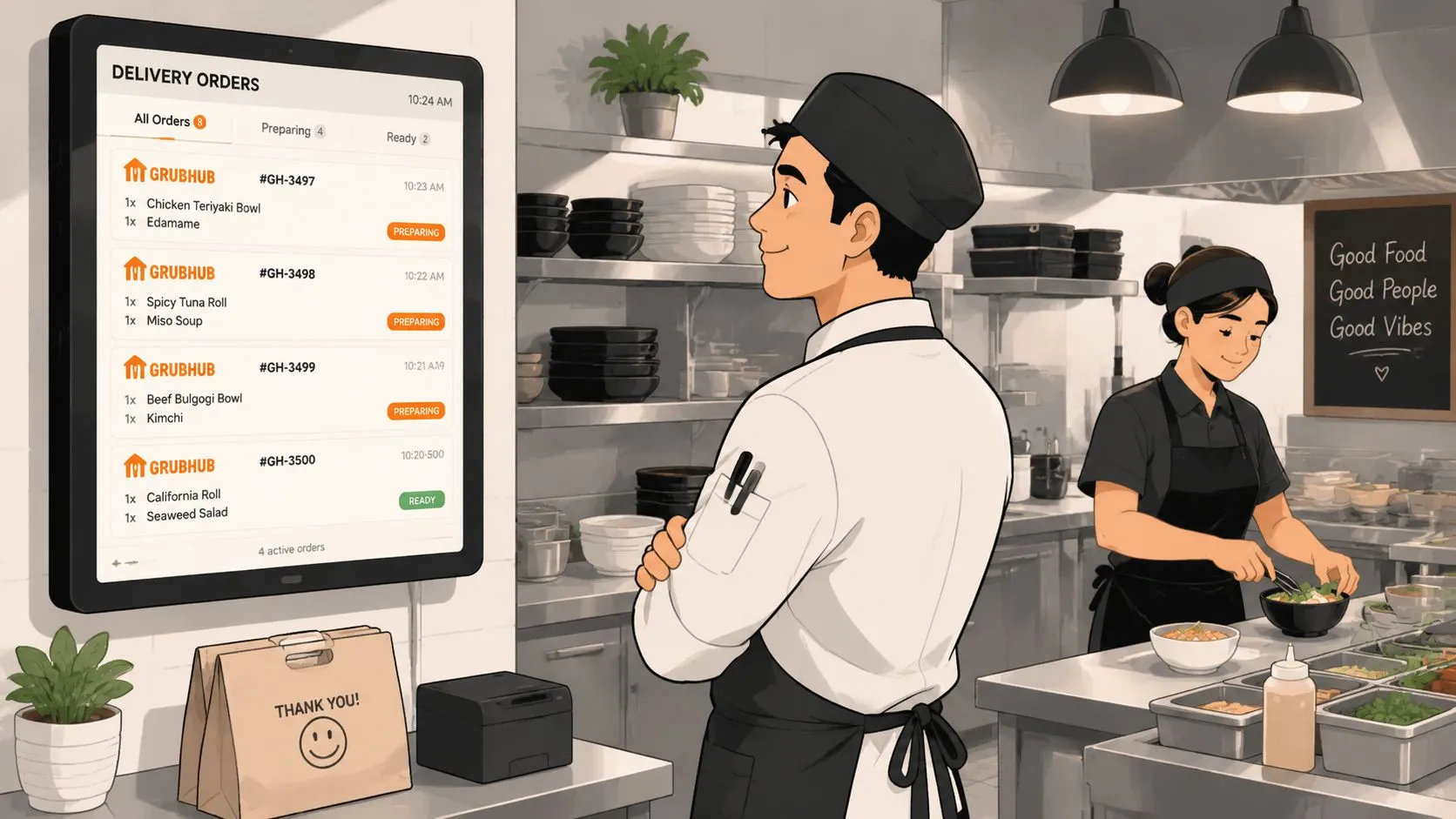
Train the staff on one source of truth
If an order is integrated, the team needs to trust the POS ticket. That means no one should be “double checking the tablet first” unless there is a known exception process. Mixed habits create duplicate work and uncertainty.
Use a short pre-shift rule set:
- Read from the POS: Kitchen and front counter should treat the Square ticket as the live order.
- Escalate by exception: Only managers should investigate mismatches or failed injections.
- Close the loop fast: If a customer calls about a Grubhub order, staff should know whether to check Square, Grubhub, or both.
The integration reduces noise only if the team stops creating a parallel workflow around it.
Clean menus beat clever menus
Most injection issues are menu issues. Long item names, duplicate modifier groups, and marketplace-specific shortcuts often cause more trouble than the actual software connection.
A few habits help:
- Keep item structures simple: Build items and modifiers so they make sense in production, not just on a marketplace screen.
- Audit changes before busy periods: Menu edits right before service are how clean integrations become messy ones.
- Standardize inventory logic: If you also manage stock across locations, tools like Spot Inventory Sync’s inventory control software guide offer useful thinking on consistency and system discipline.
For stores formalizing these processes, a documented set of restaurant operating procedures for order management helps keep the tech and the people aligned.
Frequently Asked Questions
Does Square have a native Grubhub integration?
Yes. Square offers a native Grubhub connection, and for a single-marketplace setup it can be a reasonable place to start. Orders can flow into Square instead of being handled as a separate tablet workflow, which cuts down on manual entry during service.
The limitation shows up when Grubhub is only one part of the delivery stack.
Is the native Square Grubhub integration enough for most restaurants?
For some restaurants, yes. For many multi-channel operators, no.
If Grubhub drives a small share of off-premise sales, or it is the only marketplace in use, the native connection may be enough. If the store also runs Uber Eats and DoorDash, staff still end up managing delivery through multiple systems unless a broader integration layer is added. That is usually the point where operators stop asking, “Can Square connect to Grubhub?” and start asking, “How do we run all third-party orders through one process?”
Do I need extra tablets if I use a delivery POS integration tool?
Usually not. The practical reason to add third-party delivery to POS software is to keep staff working from Square instead of bouncing between marketplace tablets and the POS.
That said, some restaurants still keep tablets on-site as a backup for troubleshooting, menu checks, or temporary outages. The goal is not to pretend the marketplaces disappear. The goal is to keep them from running the line.
Can I install OrderOut on Square?
Yes. Restaurants using Square can install OrderOut through the Square App Marketplace. If you run Clover in some locations, the app is also available as a free install through the Clover App Market listing for OrderOut’s Clover delivery integration.
What does OrderOut connect to Square?
OrderOut is built to send marketplace orders into Square from Grubhub, Uber Eats, and DoorDash, so staff do not have to re-enter them by hand. That matters more than the Grubhub connection alone for operators trying to standardize production, reporting, and staff habits across every delivery channel.
If you want the broader product view, these pages explain third-party delivery order injection for restaurants, Grubhub-to-Square delivery POS integration, and OrderOut pricing for restaurant integrations.
If you’re done juggling separate delivery workflows and want to onboard a cleaner setup, create your account through the OrderOut onboarding dashboard for restaurants. Restaurant owners can get started for free in a few clicks.