
Friday night. The fryer is going, the dining room is full, and three delivery tablets start chiming at once. Someone on expo grabs the DoorDash order, someone else tries to key it into Clover, a modifier gets missed, the kitchen prints a ticket that doesn’t match what the customer bought, and now your team is burning time on a problem that never should have existed.
That’s why restaurants search for a DoorDash Clover integration. It’s not because integration sounds impressive. It’s because manual re-entry turns a busy shift into a mess, and staff morale drops fast when the same preventable problems keep showing up.
The End of Restaurant Tablet Hell
If you’re running DoorDash through a tablet and Clover through a separate workflow, you already know the weak spots. Orders live in two places. Staff become the bridge between them. Every rush depends on whether the right person sees the right screen and types the right thing at the right time.
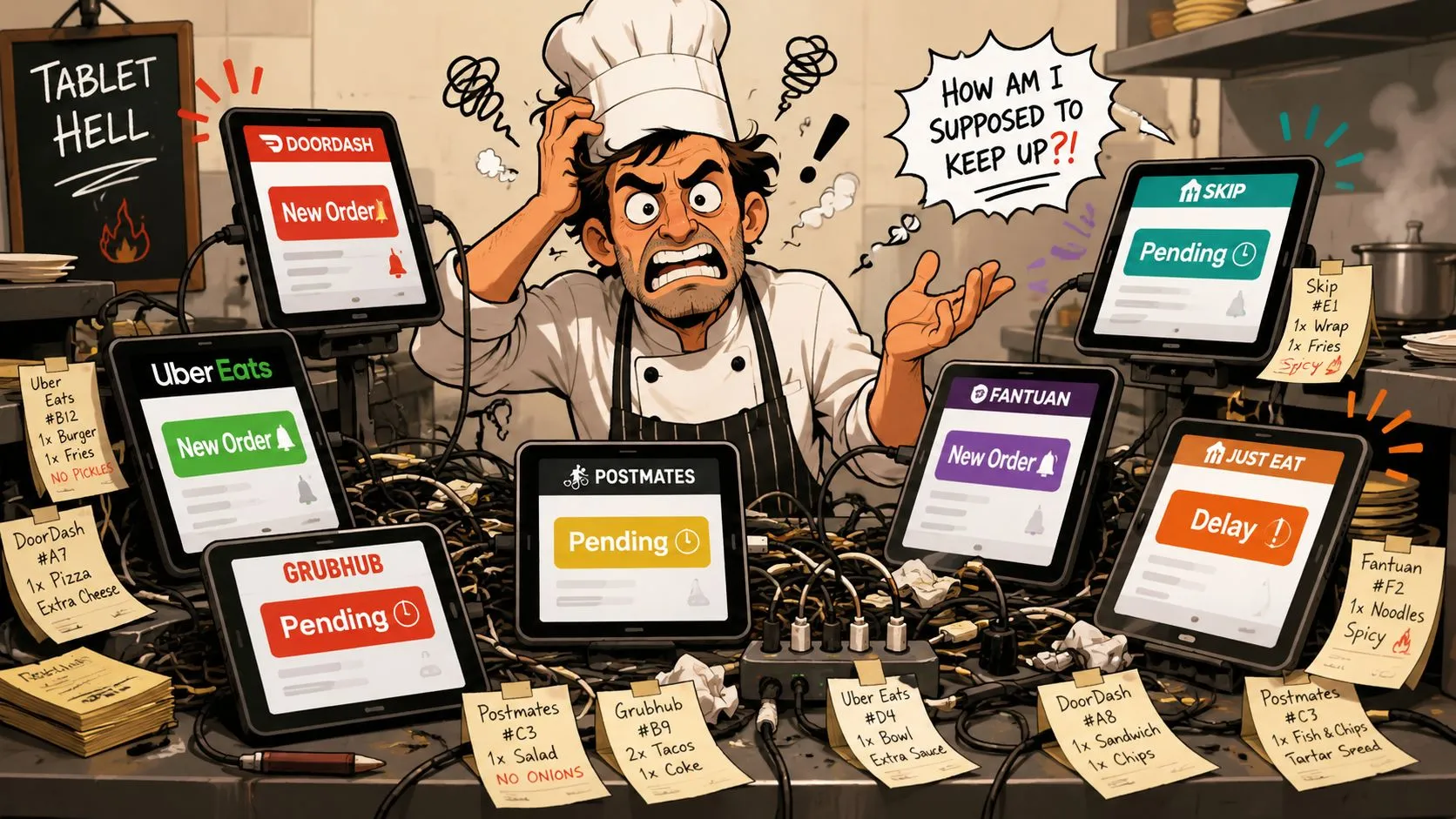
That setup might feel manageable when delivery volume is light. It breaks down when the line is deep, the phone is ringing, and your team has to switch attention between guests, kitchen timing, and a pile of marketplace alerts.
According to Business of Apps’ DoorDash statistics, DoorDash reported $10.72 billion in revenue in 2024, handled $80.1 billion in marketplace gross order value, and completed over 2.5 billion orders. At that scale, manual order entry isn’t a serious long-term operating model for restaurants that depend on delivery.
What tablet hell actually costs
The cost isn’t just mistakes on a ticket. It shows up in daily operations:
- Staff attention gets fragmented: A cashier or shift lead stops serving in-house guests to play data entry clerk.
- Modifier accuracy slips: “No onions,” “extra sauce,” and combo choices are exactly where manual entry falls apart.
- Kitchen confidence drops: If tickets aren’t trustworthy, cooks stop trusting the system and start double-checking everything.
- Managers get pulled into cleanup: Refunds, remakes, and app-side confusion eat up the time you meant to spend running service.
Restaurants don’t need more order sources. They need one reliable source of truth.
A direct delivery-to-POS workflow fixes the root problem. The marketplace order should land in Clover cleanly, route to the kitchen correctly, and keep staff out of the middle. That’s why so many operators move away from juggling tablets and toward a proper restaurant tablet management alternative for delivery orders.
Understanding Your Two Integration Paths
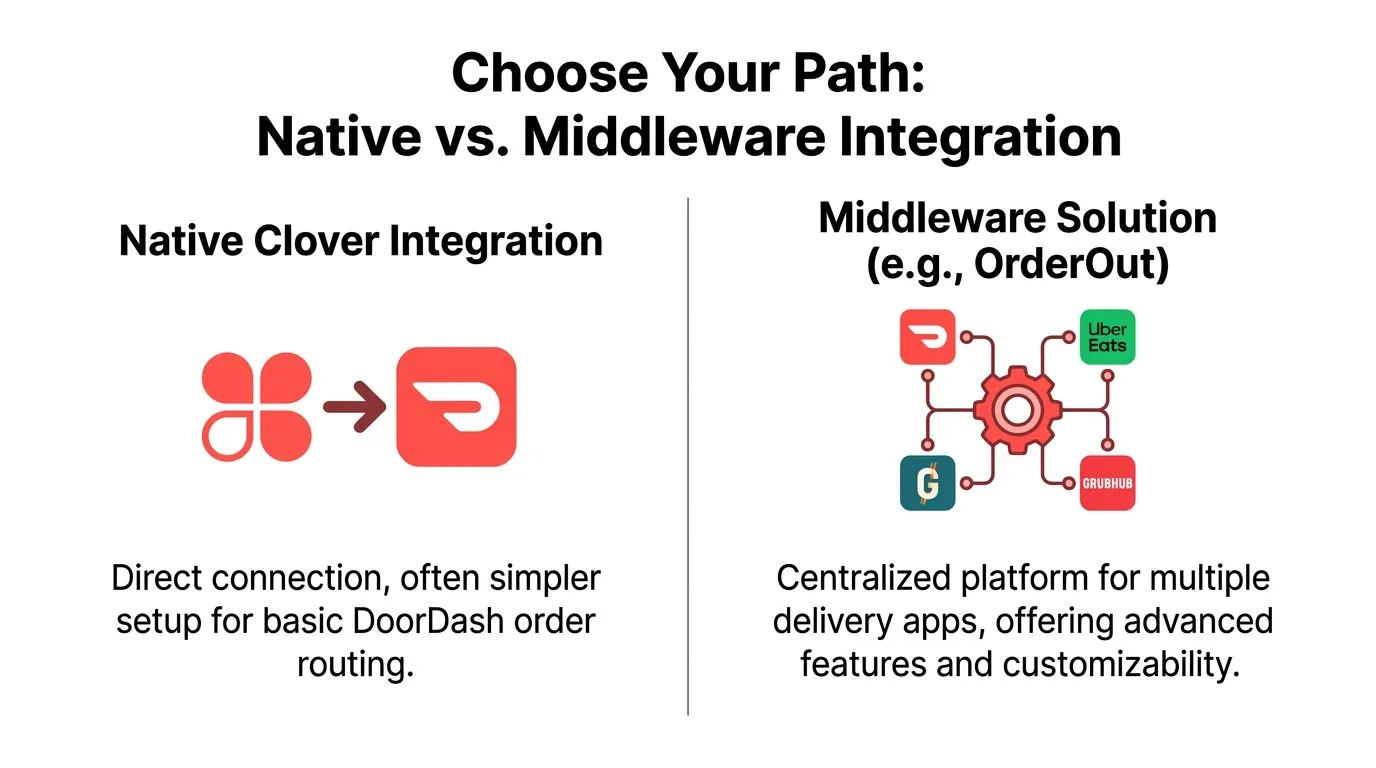
Most restaurants looking at a DoorDash Clover integration are really choosing between two different operating models. One is basic direct routing. The other is a dedicated middleware layer that manages delivery orders more deliberately.
Path one is the native setup
The native option is the built-in Clover and DoorDash connection. In plain language, you authorize the two systems to talk to each other and route DoorDash orders into Clover. For a simple menu and a single marketplace, that can be enough to get started.
The appeal is obvious. It feels direct. It feels official. It looks lightweight on paper.
Path two is middleware
Middleware sits between the delivery apps and your POS. In plain language, it acts like a translator and traffic controller. Instead of each marketplace speaking to Clover in its own way, the middleware normalizes menu data, modifiers, and order structure before the order reaches the POS.
That matters when your operation is more complicated than a small fixed menu. If you run DoorDash and Uber Eats and Grubhub, if you have lots of modifiers, if your kitchen relies on clean ticket formatting, or if your managers are tired of chasing edge-case failures, middleware usually makes more operational sense.
Here’s the clean comparison:
| Integration path | Best fit | Main trade-off |
|---|---|---|
| Native Clover and DoorDash | Basic DoorDash routing with limited complexity | Fewer controls and more pressure on setup accuracy |
| Middleware delivery POS integration | Multi-channel delivery, cleaner mapping, stronger order control | One more layer to configure properly |
What operators usually miss
The mistake is treating this like an account-linking decision. It isn’t. It’s a workflow decision.
A native connection can work if your menu is straightforward and your expectations are modest. A middleware approach is better when you want Clover to remain the operational center while delivery channels behave like extensions of the POS, not separate little businesses your staff has to babysit.
The more your menu depends on modifier logic, combo structure, and ticket clarity, the more the integration method matters.
If you want a broader primer on how this category works, this overview of POS system integration for restaurants is useful background before you choose your setup.
How the Native DoorDash Clover Integration Works
If you want to use the built-in route, the starting point is straightforward. According to DoorDash Merchant Support’s Clover integration guide, operators can begin in Clover by going to Settings > Business Operations > Online Ordering > DoorDash > Get Started. DoorDash’s documentation describes this as a direct order-routing workflow into Clover.
Clover’s own help materials describe a similar lightweight start from the dashboard under Ordering tools and online ordering. That’s why many operators assume setup is basically done once the accounts are connected.
The easy part is authentication
The first clicks are rarely the main problem. Connecting accounts is usually simple enough if you have admin access and the correct location selected.
The harder part starts right after authorization. You still need the right Clover location attached. You still need menu parity. And you still need to confirm that what DoorDash thinks it’s sending is what Clover can receive and print in a useful way.
The documented limitation that matters
DoorDash Merchant Support also states that the Clover integration supports a single DoorDash menu and does not support dayparted menus. For restaurants that split breakfast, lunch, dinner, late night, or separate service modes, that’s a real constraint. It’s not a minor checkbox. It affects how you structure the menu customers see and how much manual work your team takes on to compensate.
Here’s where the native path tends to work and where it tends to struggle:
- Works better for: One location, one menu, low complexity, modest customization
- Gets harder with: Dayparts, combo-heavy menus, lots of modifiers, naming mismatches, and multiple channel workflows
- Needs close attention on: Store identity, item mapping, kitchen ticket readability, and first-shift monitoring
A DoorDash Clover integration isn’t finished when the button says connected. It’s finished when a real order hits the kitchen exactly as intended.
That’s also why Clover API understanding matters more than most operators expect. You don’t need to become technical, but you do want to know how the POS handles items, modifiers, and routing. This explainer on the Clover API and restaurant integration workflows helps frame what’s happening behind the scenes.
Why Direct POS Injection Is a Game Changer
Direct POS injection means a marketplace order enters Clover as part of the actual operating workflow, not as a side task for an employee. In plain language, the order arrives where your team already works. It doesn’t wait on a tablet for someone to notice it and type it again.
That changes the feel of a shift immediately. The front counter doesn’t have to stop and transcribe. Expo doesn’t have to guess whether the tablet note made it into the POS. The kitchen gets a ticket from the same source of truth the rest of the business uses.
What improves in practice
When delivery orders inject directly into Clover, a few things usually get better at once:
- Order handling gets calmer: Staff stop bouncing between screens and can stay in one workflow.
- Ticket quality improves: Item structure and modifier logic are more likely to reach the kitchen in a usable format.
- Training gets simpler: New staff learn one operational flow instead of a patchwork of workarounds.
- Managers regain control: Exceptions still happen, but they stop being the normal mode of operation.
This is also why the broader idea of POS integration for ecommerce matters beyond restaurants. Once orders originate in one channel and fulfill in another, the handoff has to be structured. Otherwise, people become the middleware.
Why native routing still leaves gaps
Native routing solves only part of the problem. It can connect DoorDash to Clover, but it doesn’t automatically solve the deeper operational issues around multi-app order management, normalized menu structures, and keeping Clover as the clean source of truth across channels.
That’s where a tool like OrderOut’s 3rd-party delivery POS integration comes in. It’s built to inject DoorDash, Uber Eats, and Grubhub orders into Clover or Square without extra tablets and without manual re-keying, using menu mapping to keep the order structure aligned with the POS. For the channel-specific setup, see OrderOut’s DoorDash → Clover order routing, which lays out how DoorDash orders inject into Clover step by step.
Practical rule: If your staff is still touching a marketplace tablet during the rush, your integration hasn’t solved the real problem.
For operators comparing labor drag versus a proper workflow, this breakdown of restaurant order entry automation is worth reading.
Ready to stop the madness of manual entry? Install OrderOut for free from the Clover App Market and see how smooth integration can transform your operations.
Seamless DoorDash Integration with OrderOut
Friday at 7:15 p.m. is when weak integrations show themselves. A DoorDash combo comes in with extra modifiers, the kitchen ticket prints oddly, and someone at the counter stops what they are doing to figure out what the customer ordered. That is the true test. The question is not whether Clover and DoorDash can connect. The question is whether the order arrives in a form your team can trust during a rush.
What OrderOut changes in practice
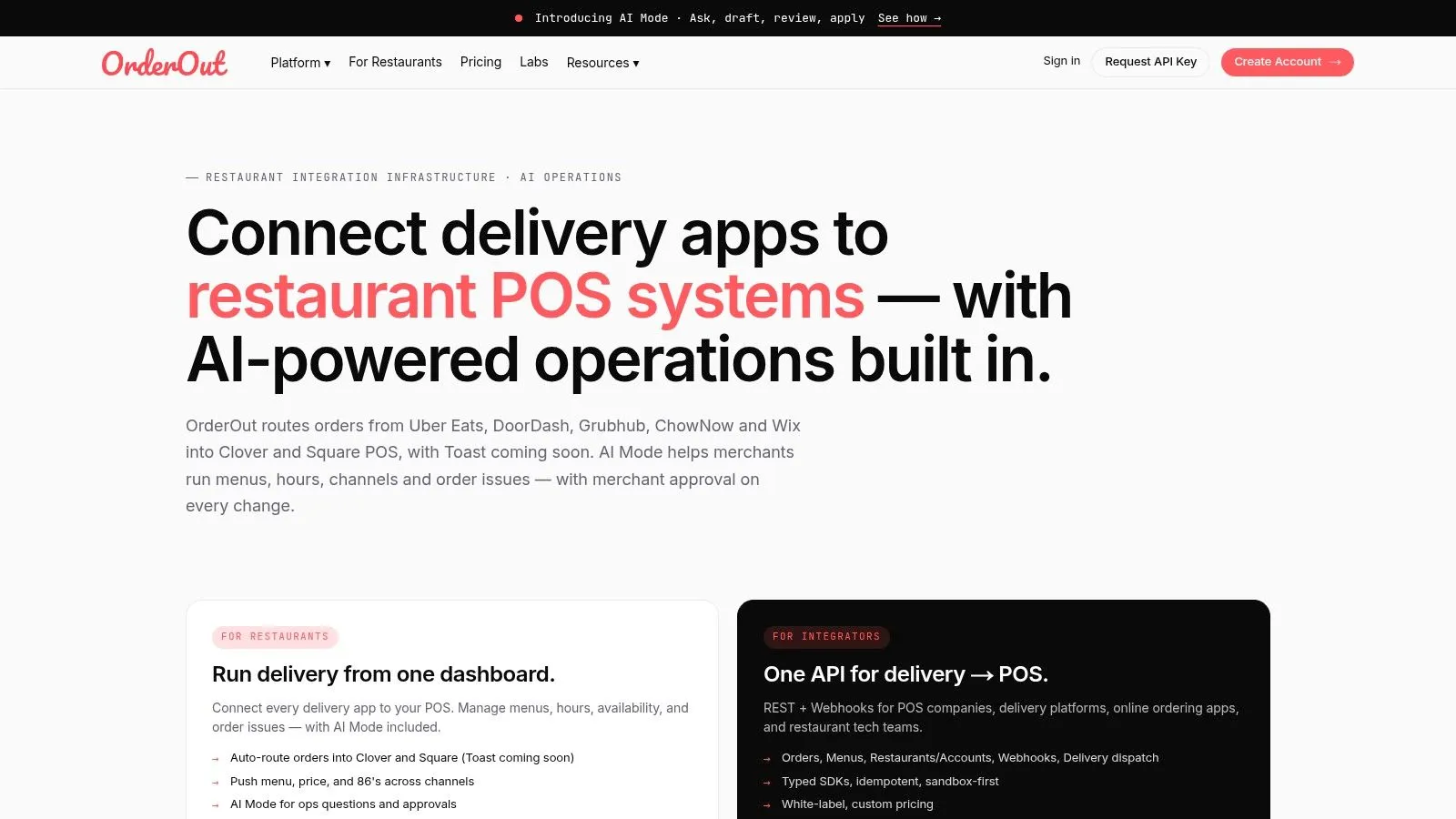
OrderOut sits between DoorDash and Clover and pushes orders into the POS using the structure your operation already runs on. That matters because staff do not work from API diagrams. They work from tickets, modifier lines, kitchen displays, and end-of-night reporting.
The setup has to do more than pass an order through. Base items need to match correctly. Modifier groups need to land where the kitchen expects them. Combos and bundles need to break out cleanly enough for prep, expo, and reporting. If that translation is sloppy, the order may still arrive, but your team pays for it in remakes, questions, and slower pickup times.
The standard setup process is straightforward:
- Connect the right Clover location.
- Connect DoorDash.
- Map items, modifiers, combos, and tax behavior to the Clover menu structure.
- Test orders that reflect how customers order.
Why operators choose this route
The native path can work for simple use cases. OrderOut is the better fit when delivery has become a real part of the business and you need one operating model across channels.
A few practical advantages stand out:
- Orders hit Clover in a cleaner format. Staff spend less time translating marketplace wording into kitchen action.
- Multi-platform delivery is easier to manage. DoorDash, Uber Eats, and Grubhub can follow the same logic instead of creating separate habits for each app.
- Menu control stays tighter. Clover remains the source of truth instead of letting each marketplace drift into its own version of the menu.
- Service is calmer during peak periods. Fewer manual checks means fewer interruptions at the counter and fewer ticket disputes with the kitchen.
The biggest difference usually shows up with meals, bundles, and heavily customized items. Those are the orders that expose weak mapping fast. A dedicated order injection tool handles that complexity better than a basic connection because it is built around how restaurants ring, route, and produce orders.
If you want the product-level overview, OrderOut’s Clover delivery integration for restaurants shows how the delivery-to-POS workflow is set up for Clover specifically.
What to do before go-live
Do not judge the integration by whether it turns on. Judge it by whether your team can forget about it.
Run a short pre-live check:
- Verify the Clover location and menu version are correct.
- Review modifier mapping and combo behavior line by line.
- Place test orders with substitutions, add-ons, and bundled meals.
- Confirm the kitchen printout or KDS display is readable.
- Watch the first live service closely and fix exceptions before they become staff workarounds.
For a visual setup walkthrough, use this OrderOut integration onboarding tutorial for restaurant operators.
Operational Tips for a Flawless Integration
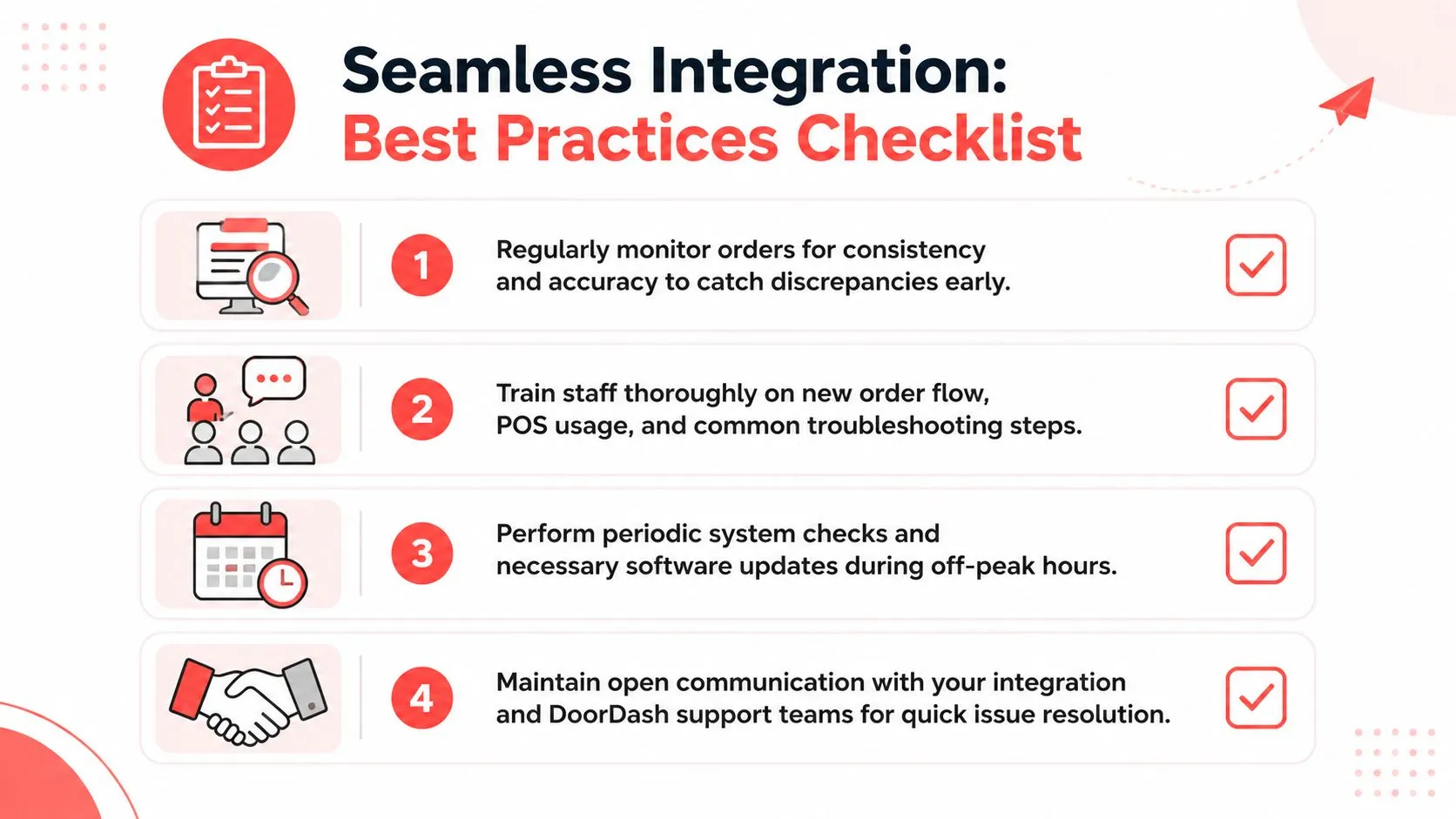
A DoorDash Clover integration usually fails in operations before it fails in software. The pattern is familiar. Orders come in, one modifier is wrong, staff lose confidence, and within two shifts someone is checking a tablet again “just to be safe.” That extra checking turns into re-entry, missed notes, and kitchen confusion.
Keep the menu boring and precise
Clean menu structure prevents a lot of avoidable service pain. Item names should be consistent, modifier groups should be obvious, and combo rules should match how the kitchen builds the food.
Restaurants get into trouble when the marketplace menu is written for marketing while the POS menu is written in shorthand. Staff can usually work around that mismatch on a slow Tuesday. During Friday dinner, it creates remakes and side conversations no one has time for.
If you use a middleware tool like OrderOut, better menu hygiene still matters. The difference is that a dedicated tool gives you more control over how orders map into Clover, so you are not asking the team to absorb every edge case manually.
Test the orders that actually cause problems
A plain entree with no modifiers proves almost nothing. Test the orders that tend to break production. Bundles, substitutions, half-and-half builds, add-on proteins, sauces on the side, and anything with nested modifiers should all be part of pre-live testing.
Check three things on every test order:
- Item mapping: The order lands on the correct Clover item.
- Modifier clarity: Notes and selections are readable for the line.
- Kitchen output: The ticket or KDS view is easy to produce from without interpretation.
A quick training video can help your team understand the workflow before launch:
If you only test simple orders, you haven’t tested the part that usually fails.
Train staff on one operating rule
The team needs one source of truth. For an integrated workflow, that should be Clover. If cashiers, expo, or managers keep checking multiple devices for the same order, the old tablet process is still running in the background.
Keep the rule set short so people will follow it:
- Work from Clover first: If the order injected correctly, that is the order to make.
- Assign one exception owner: A shift lead or manager should handle integration issues during the first live services.
- Report unreadable tickets immediately: Kitchen complaints about formatting should trigger a mapping fix, not a permanent workaround.
- Review failures after service: If the same item keeps creating confusion, change the setup.
This is a key trade-off between the native path and a professional middleware path. The native connection can be enough if your menu is simple and your tolerance for edge-case cleanup is high. A dedicated tool like OrderOut reduces the cleanup burden, which protects speed, accuracy, and staff sanity once volume picks up.
Frequently Asked Questions
Does DoorDash integrate directly with Clover?
Yes. DoorDash supports a native Clover connection that routes orders into the POS. The trade-off is scope. The native setup is workable for a simpler operation, but DoorDash notes limits around menu setup, including support for only one DoorDash menu and no dayparted menus.
Do I need extra tablets for a DoorDash Clover integration?
A properly configured integration should let the team work from Clover for normal order flow. If staff still have to watch a delivery tablet during service, accept orders there, or recheck tickets against another screen, the operation is still carrying manual work that creates mistakes and slows the line.
That matters more during a rush than it does during setup.
Is OrderOut free on Clover?
Yes. OrderOut is free to install. Restaurant owners who want to review product details can also look at OrderOut pricing for restaurant integrations.
Which delivery apps connect to Clover through OrderOut?
OrderOut sends DoorDash, Uber Eats, and Grubhub orders directly into Clover and Square. That matters if DoorDash is only part of your delivery mix, because the operational problem is rarely one app in isolation. It is the combined workload of multiple marketplaces, multiple menus, and multiple failure points landing on the same shift.
If you want the Clover-specific overview, OrderOut for restaurants using Clover delivery integration is the most relevant starting point.
Does OrderOut work with Square too?
Yes. OrderOut also supports Square as a delivery POS integration path. If you run Square instead of Clover, you can review OrderOut’s Square delivery integration or install through the Square App Marketplace listing for OrderOut.
Take Back Control of Your Delivery Operations
A DoorDash Clover integration isn’t just a technical project. It’s an operations decision. The native path can be enough for a simple setup, but restaurants with real delivery volume, modifier-heavy menus, or multiple apps usually need a cleaner order pipeline than the built-in route provides.
If your team is still re-keying orders, watching tablets, and fixing preventable ticket problems during the rush, the system is asking employees to do work software should be doing. The fix is to make Clover the source of truth again and route delivery orders into it cleanly.
Create your account and start onboarding through the OrderOut onboarding dashboard for restaurant delivery POS integration. It’s the fastest next step if you want DoorDash, Uber Eats, and Grubhub orders flowing into your POS without extra tablets or manual re-entry.