
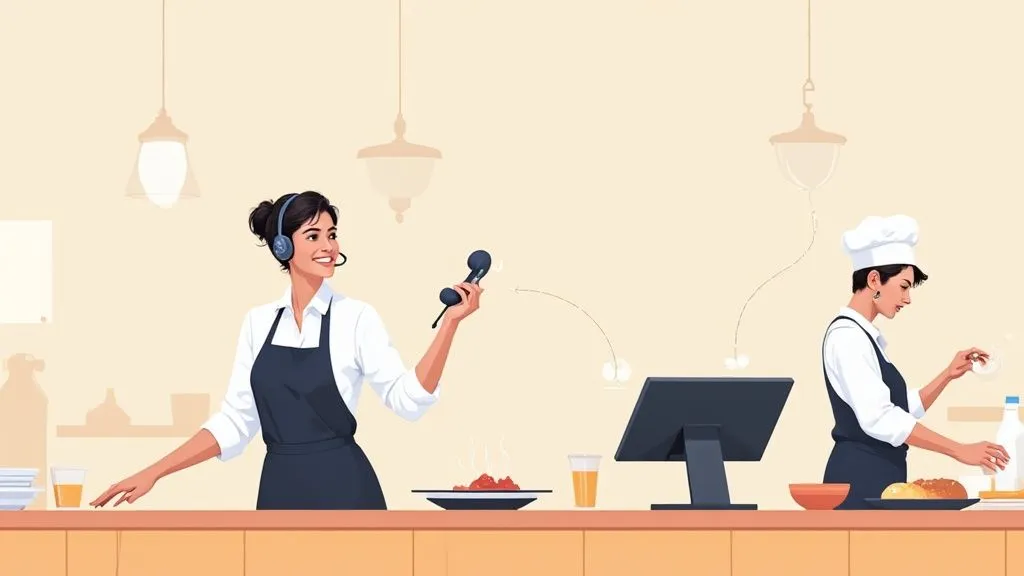
On the surface, phone orders seem straightforward. A simple call comes in, you take the order, and the customer picks it up. But for many restaurants, this manual process is a quiet killer of profits, hurting your bottom line through lost revenue, food waste, and stressed-out staff.
The real damage is hiding in plain sight: customers who get tired of waiting on hold and hang up, costly mistakes from misheard requests, and a team that’s stretched thin trying to juggle a ringing phone and a full house. Pinpointing these small leaks is the first step to plugging them for good. This guide provides actionable steps to turn your phone order system into an efficient, revenue-generating machine.
Why Inefficient Call-In Orders Hurt Your Bottom Line
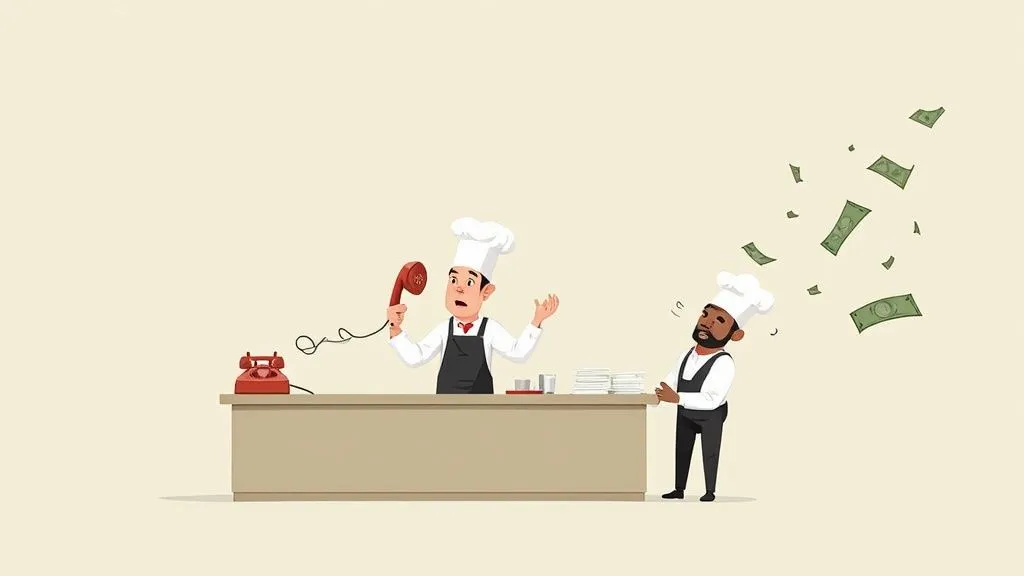
A ringing phone should be the sound of money, not chaos. When your process is disorganized, every call is a roll of the dice. An employee rushes to answer and hears “no onions” as “extra onions”—that’s a wasted dish and an unhappy customer. Meanwhile, another potential customer has been on hold for five minutes and decides to call your competitor down the street. These aren’t just one-off problems; they’re symptoms of a broken system that slowly bleeds your profits.
Why It Matters: This isn’t just an annoyance; it’s a direct hit to your restaurant’s efficiency and finances. Fixing your call-in process means reducing errors, increasing staff productivity, and capturing sales you might otherwise lose.
The Hidden Costs in Restaurant Operations
The financial hit from a flawed call-in order system runs deeper than you might realize. In simple terms, it creates operational bottlenecks that slow down your entire restaurant. When your host is stuck on the phone, the line of diners at the door grows. When a cook gets a scribbled, hard-to-read ticket, prep time grinds to a halt, backing up the entire kitchen and affecting dine-in and delivery app orders alike.
This directly impacts your finances in three key areas:
- Higher Labor Costs: Staff spend precious minutes clarifying orders, fixing mistakes, and punching details into the POS. That’s time and money you’re paying for that could be spent on higher-value tasks, like serving in-house guests.
- Increased Food Waste: Every incorrect order that needs a remake doubles your food cost for that sale, directly cutting into your margins. You can track these costs on your restaurant profit and loss statement example.
- Lost Sales: Every unanswered call or busy signal is a customer—and a sale—you’ll never get back.
The Broader Market Perspective: A Look at Food Tech Trends
This isn’t a problem unique to your restaurant. The global contact center market was valued at $340 billion in 2020 and is projected to hit $496 billion by 2027. This massive growth shows that even with the rise of online ordering, the phone remains a critical and valuable channel for customer interaction. Ignoring its efficiency means leaving money on the table.
When you fix the inefficiencies in your call-in process, you’re doing more than just solving a minor annoyance. You’re fortifying a core piece of your operation, which leads to more productive staff, happier customers, and a much healthier bottom line.
Creating a Standardized Phone Order Workflow
Consistency turns the chaos of handling call in orders into a smooth, predictable system. The goal is to create a repeatable process that anyone on your team can follow perfectly, eliminating mistakes and speeding up service. It all starts with a simple phone script. A script isn’t meant to make your staff sound like robots; it’s a guide to ensure all crucial details are captured on every single call.
Why It Matters: A standardized workflow directly boosts restaurant efficiency. Fewer errors mean less food waste and higher profits. Faster order-taking frees up staff to focus on in-house guests, improving the overall dining experience and table turnover.
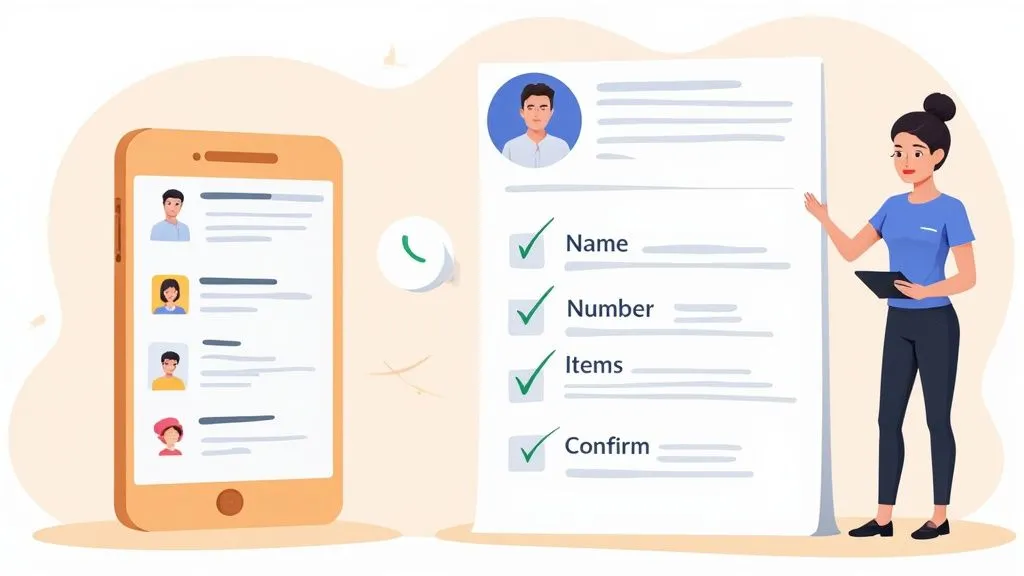
Building Your Phone Order Script: An Actionable Checklist
Think of your script as a conversation guide that standardizes the information you collect, which is a cornerstone of solid restaurant operations.
Your script should walk the employee through these critical steps:
- The Greeting: Start with a warm, branded opening. “Thanks for calling [Your Restaurant Name], this is [Employee Name]. Are you calling to place an order for pickup?”
- Essential Info First: Immediately ask for the customer’s name and phone number. This is a lifesaver if the call drops.
- The Order & Read-Back: Listen carefully, ask clarifying questions, and then—the most important part—read it all back. “Okay, just to confirm, that’s one large pepperoni pizza, no olives. Did I get that right?” This simple action can slash order entry errors significantly.
- The Smart Upsell: Coach your team to suggest a relevant special or add-on. “Would you like to add our house-made dipping sauce with that? It’s a customer favorite.”
- Quote Time & Next Steps: Give a clear, estimated pickup time and explain the pickup process. “Your order will be ready in about 20 minutes. Just come to the host stand when you arrive.”
A standardized script does more than just cut down on mistakes. It gives every employee—from the brand-new host to a seasoned manager—the confidence to handle calls flawlessly. It’s about ensuring every single customer gets the same high level of service.
Why This Process Is a Game-Changer for Efficiency
This structured approach has a direct impact on your bottom line. Fewer mistakes mean less food waste and happier accountants. Faster, more accurate order-taking frees up your staff to focus on the guests right in front of them, which improves table turnover and the overall dining experience. This kind of consistency is a core principle we explore in our guide to creating an effective SOP in your restaurant.
By nailing down a clear workflow, you’re not just managing call in orders—you’re building a more resilient and profitable operation.
Ditch the Notepad: How POS Integration Fixes Phone Order Woes
Taking call in orders on a scrap of paper is a recipe for mistakes, kitchen delays, and lost money. Every manual step—from scribbling an order to walking it to the POS—is a potential point of failure. The modern solution is POS integration, which connects your phone orders directly to your central Point of Sale (POS) system. Instead of writing it down and then punching it in, your staff enters the order straight into the POS while on the phone.
Why It Matters: Direct POS integration transforms your phone order process from a manual, error-prone task into a streamlined, digital workflow. This increases speed, ensures accuracy, and provides a unified view of all sales, which is critical for efficient restaurant delivery and operations.
The Real-Time Advantage of Direct POS Entry
The moment an order is entered into your POS, it appears on the kitchen display system (KDS). No more deciphering messy handwriting or losing paper tickets. Imagine a staff member taking a call using an integrated system from Square or Clover. They can add special instructions and take payment in one smooth conversation. The order then pops up on the kitchen screen, formatted just like one from Uber Eats or DoorDash.
This immediate POS integration pays off instantly:
- Fewer Mistakes: Eliminates handwriting errors, reducing food waste and costly remakes.
- Faster Service: The kitchen gets the order the moment it’s confirmed, shaving minutes off ticket times and boosting restaurant efficiency.
- Happier Staff: No more double entry. This frees up your team to focus on in-person guests, improving service levels.
An integrated system handles a phone order with the same speed and precision as an app order. It gets rid of the manual bottleneck, letting your whole team focus on what they do best: making great food and serving customers.
Creating a Single Source of Truth with POS Integration
The real magic of POS integration is creating one central hub for every order. When call in orders flow through the same system as your dine-in, online, and delivery app sales, you get a crystal-clear view of your business. This is a fundamental concept we break down in our guide to POS integration software. This unified system simplifies everything from daily sales reports to inventory management, providing accurate data to make smarter business decisions.
Manual vs. Integrated Call In Order Workflows
| Operational Step | Manual Workflow (Pen & Paper) | Integrated POS Workflow (e.g., Square, Clover) | Key Benefit of Integration |
|---|---|---|---|
| Taking the Order | Staff writes order on a notepad. High risk of mishearing or illegible writing. | Staff enters order directly into the POS/tablet while on the call. | Error Reduction: Eliminates handwriting mistakes and ensures all details are captured correctly. |
| Kitchen Communication | Staff must physically walk the paper ticket to the kitchen or re-enter it into a KDS. | Order is instantly sent to the KDS or ticket printer as soon as it’s submitted in the POS. | Time Savings: Reduces ticket-to-kitchen time from minutes to seconds, starting the cooking process faster. |
| Payment Processing | Payment handled separately upon arrival, creating a pickup bottleneck. | Pre-payment can be taken over the phone and is recorded directly in the POS transaction. | Efficiency: Secures revenue upfront and makes the pickup process faster for the customer. |
| Order Updates | Requires verbal communication to update an order, causing confusion. | Order modifications can be made in the POS and are instantly reflected on the KDS. | Flexibility: Allows for seamless changes without confusing the kitchen staff. |
| Reporting & Analytics | Phone sales must be manually tallied and reconciled at the end of the day. | All sales data is automatically captured in the POS for a unified sales report. | Data Integrity: Provides a complete and accurate picture of your sales performance across all channels. |
As you can see, the integrated approach wins on every front. Moving away from pen and paper isn’t just about adopting new food tech; it’s about building a more profitable, less chaotic restaurant.
Automating Call-In Orders to Boost Restaurant Efficiency
What if your phone could answer itself and take every call-in order perfectly, even during your busiest dinner rush? This isn’t science fiction; it’s the next practical step for improving restaurant operations. Automation, specifically through conversational AI, allows you to handle 100% of your phone order volume without a staff member ever picking up the phone. An AI agent greets customers, understands their requests, and sends a complete, accurate order straight to your kitchen.
Why It Matters: Automation directly addresses labor costs and missed revenue. By freeing your staff from the phone, you boost their productivity and ensure no call—and no sale—is ever missed. This is a game-changer for managing peak hours and improving overall restaurant profitability.
How AI Transforms Restaurant Delivery and Takeout
At its core, conversational AI lets technology handle repetitive tasks so your team can focus on hospitality. An AI voice assistant manages the entire phone conversation: it greets the caller, answers questions about the menu, takes complex orders with modifiers, and even upsells specials. Once confirmed, the system sends the order directly to your POS, whether you use Square or Clover, and the ticket prints in the kitchen just like any other digital order.
The benefits are immediate and significant:
- Zero Missed Calls: The AI answers every call, 24/7. Every ring becomes a potential sale.
- Perfect Accuracy: Human error from mishearing an order is eliminated, reducing food waste and customer complaints.
- Lower Labor Costs: Your staff is no longer tied to the phone, allowing them to focus on serving in-person guests and turning tables faster.
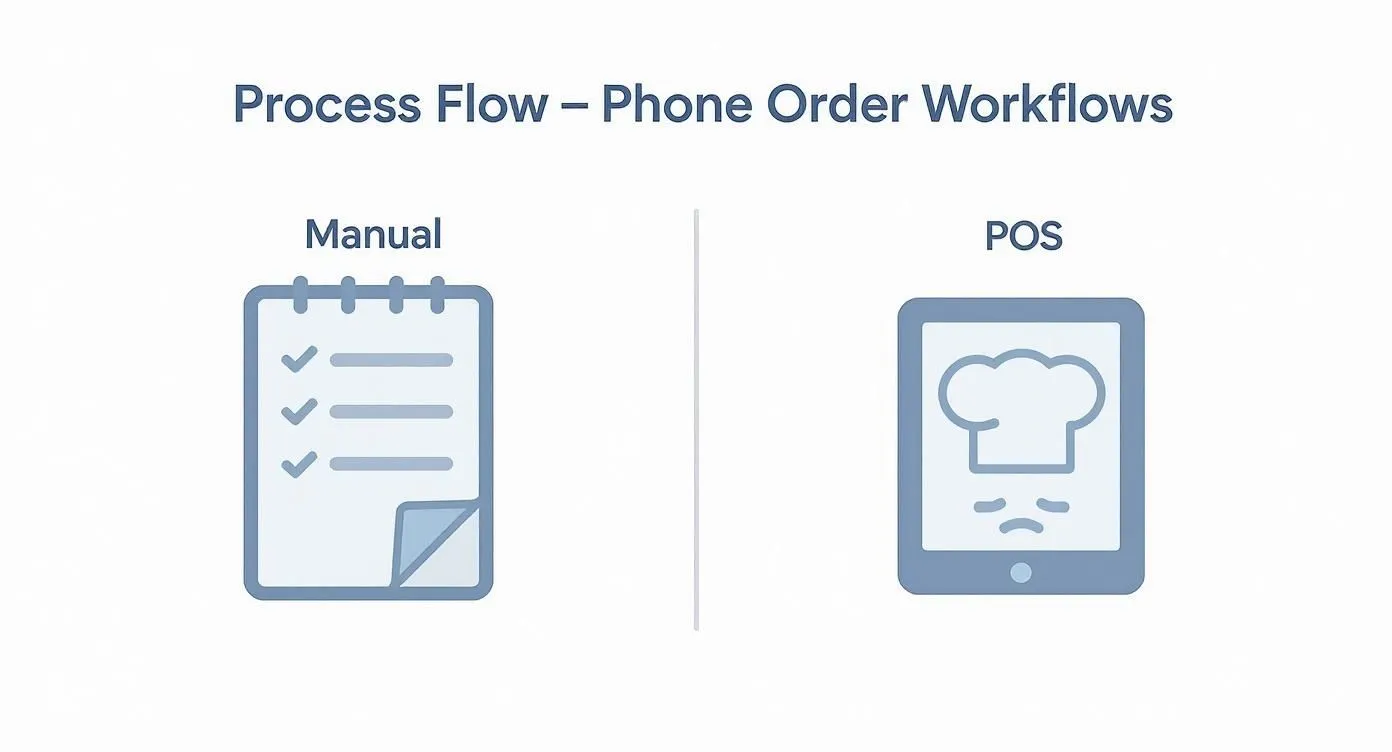
This diagram shows how direct POS integration cuts out the manual steps where mistakes happen, creating a seamless flow from the customer to the kitchen.
The Growing Power of Food Tech and POS Integration
This shift to automation is a key trend in the food tech industry. The global market for call center AI is projected to grow from $1.6 billion in 2022 to $4.1 billion by 2027. This growth is driven by the demand for faster, more accurate service—exactly what restaurants need to thrive. To leverage this, it’s crucial to implement solid real-time data integration strategies so all your systems communicate seamlessly. This is a core feature of any good multi-channel order management software.
By automating your phone orders, you’re not just plugging in a new tool. You’re building a more resilient, efficient, and profitable restaurant that can deliver a consistently great experience for every customer.
Practical Next Step
Take a moment to estimate how much time your staff spends on the phone each day. This simple calculation will reveal the potential savings in labor costs and gains in efficiency you can achieve with an automated system for your call-in orders.
Training Your Team to Handle Phone Orders with Confidence
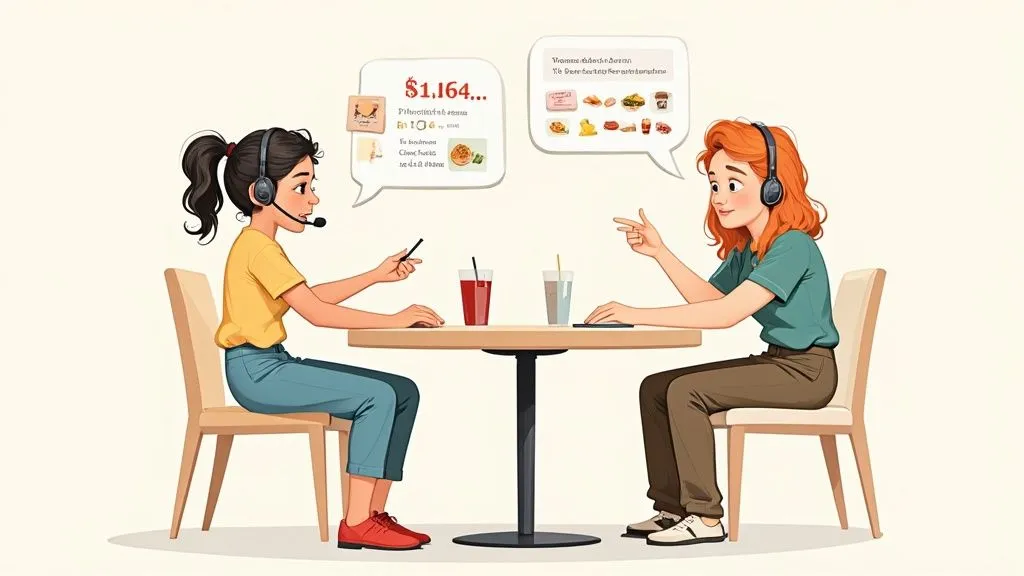
Even the best food tech is only as good as the people using it. A confident, well-trained staff is the final piece in mastering your call in orders. Investing time in training ensures every customer receives excellent service, reinforcing your brand’s reputation with every call. The foundation is simple: teach essential phone etiquette, sharpen active listening skills, and empower your team to upsell naturally.
Why It Matters: Proper training directly impacts your bottom line by reducing order errors and increasing average check size through upselling. A well-prepared team improves restaurant operations by handling calls efficiently, which boosts staff productivity and customer loyalty.
Building Confidence Through Actionable Practice
Hands-on practice through role-playing is the most effective way to prepare your team. It builds muscle memory, so when a real call comes in during a dinner rush, their training kicks in automatically.
Keep practice sessions short and focused on common scenarios to maximize impact and boost staff productivity:
- Handling Complex Orders: Role-play a call with multiple modifications and a food allergy. This teaches staff to slow down, ask clarifying questions, and use the read-back technique to confirm 100% accuracy, reducing costly errors.
- Managing Out-of-Stock Items: Practice gracefully informing a customer an item is unavailable. Coach your team to pivot to an alternative suggestion, like, “Unfortunately, we just sold out of the salmon, but our grilled sea bass tonight is fantastic. Would you like to try that instead?”
- The Confident Upsell: Train staff to listen for natural openings. If someone orders a burger, that’s the perfect moment to ask, “Would you like to add a side of our hand-cut fries to complete your meal?” This feels helpful, not pushy, and increases sales.
A well-trained team turns a constantly ringing phone from a source of stress into a powerful tool for building customer loyalty. Every positive interaction reinforces your restaurant’s reputation for great service.
Why Consistent Training Matters for Restaurant Operations
One-and-done training isn’t enough. Regular, brief refreshers ensure your standards for handling call in orders don’t slip. This consistency leads to fewer errors, less food waste, and happier customers who return more often.
Practical Next Step
Schedule a 15-minute role-playing session at your next team meeting. Pick one of the scenarios above and walk through it. This small investment of time will pay significant dividends in smoother service and improved staff performance.
Bringing It All Together: Your Path to Smarter Call-In Orders
Getting a handle on your call-in orders is a direct route to boosting efficiency and protecting your profit margins. We’ve walked through creating a solid manual process, leveraging POS integration for accuracy, and embracing automation to truly level up. Think of this not as one massive project, but as a series of manageable upgrades that deliver tangible results: fewer mistakes, lower costs, and a happier, more productive team. As you optimize phone orders, it’s also a great time to explore broader digital marketing strategies for restaurants to keep all your sales channels thriving.
A Clearer Path Forward
The journey starts with small, practical changes. A simple phone script creates consistency overnight. Integrating with your POS—whether you use Clover or Square—slashes the costly errors associated with manual entry. Each step builds on the last, making your business stronger.
For those ready to embrace modern food tech, automation is the final piece of the puzzle. It guarantees you capture every sale without pulling staff away from in-house guests. To see how this works, our OrderOut integration onboarding tutorial is a great starting point.
Taking control of your call-in process does more than just solve a daily headache. It transforms a potential point of chaos into a streamlined, revenue-generating channel that strengthens your entire operation.
Your Practical Next Step
The first step toward a smoother, more profitable system is within reach. Ready to finally fix your phone order problem and improve your restaurant’s efficiency?
Take the first step toward flawless phone order management with OrderOut. See how you can automate your call-in orders, eliminate costly errors, and give your staff their time back. Start onboarding for Free in a few clicks.